The Future of Web Dev
The Future of Web Dev
Customizable & SEO-friendly Portfolio Template for Next.js
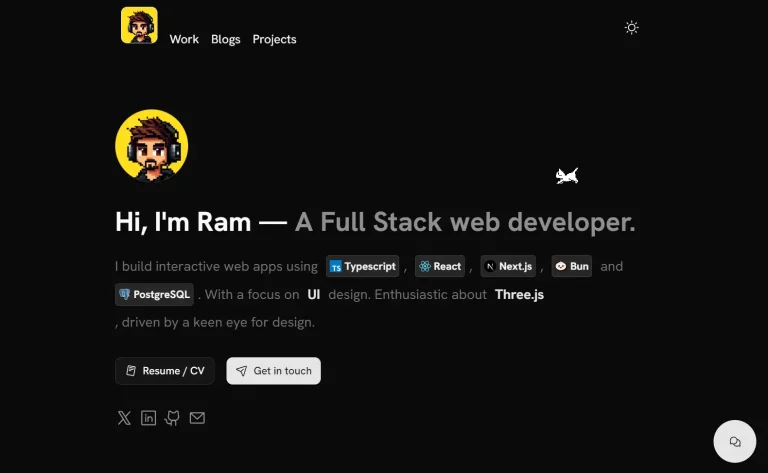
An SEO-optimized Next.js portfolio template with TypeScript. Includes modern UI, animations, and configuration-based content management.
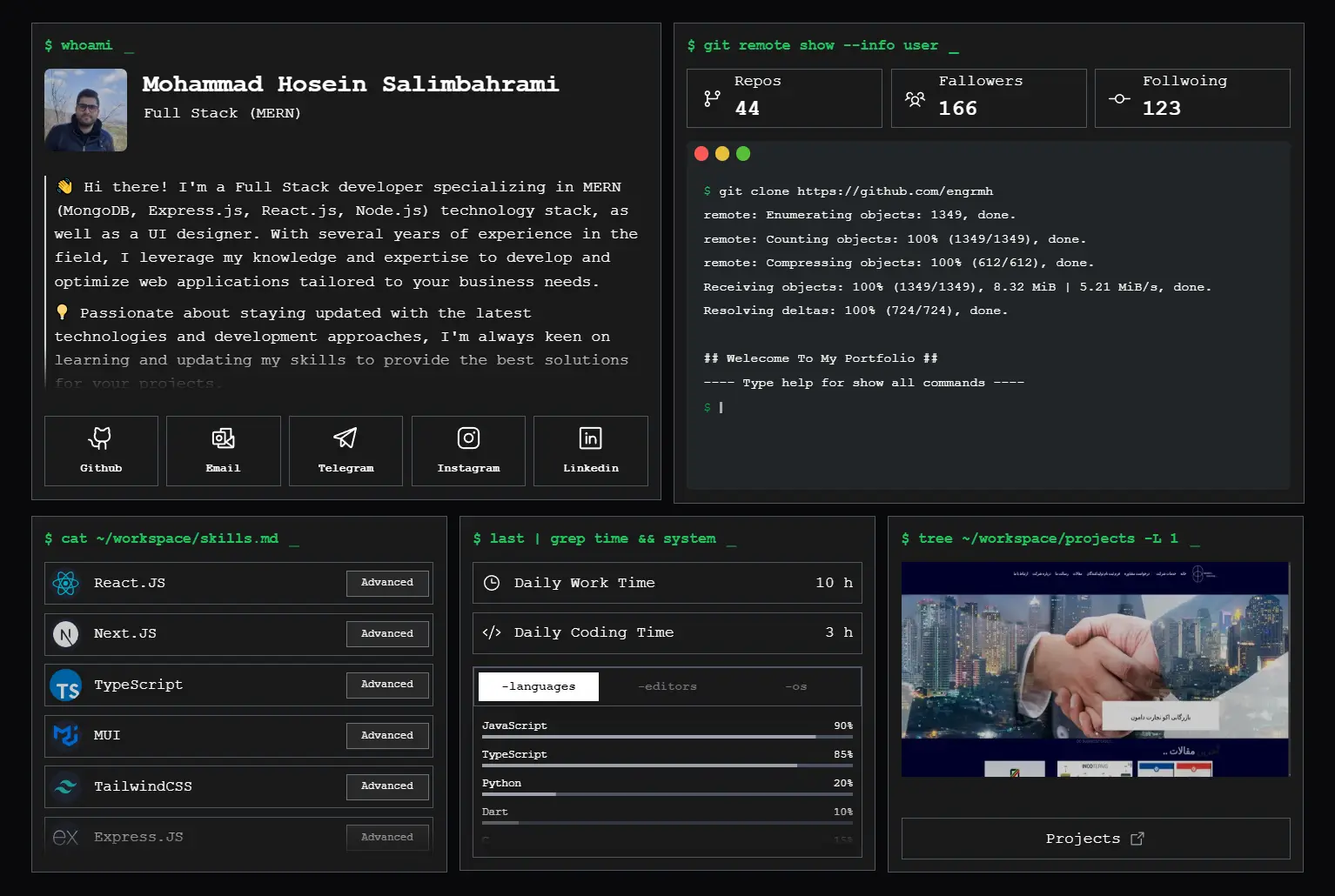
Next.js Portfolio Template is a modern, production-ready portfolio template built with Next.js and TypeScript.
The template focuses on search engine optimization. This helps your portfolio rank higher in search results.
It is also fully customizable. You can easily edit content and settings to match your personal brand.
Features
🔍 SEO Optimized: Built-in meta tags, structured data, and search engine optimization
📱 Responsive Design: Mobile-first approach that works on all screen sizes
⚡ Next.js 15+: Latest version with improved performance and features
🎯 TypeScript Support: Full type safety and better development experience
🎨 Modern UI Components: HeroUI and TailwindCSS for beautiful interfaces
✨ Smooth Animations: AOS (Animate On Scroll) and Swiper integration
🚀 Easy Deployment: Optimized for Vercel and other hosting platforms
⚙️ Fully Customizable: Configuration-based content management
📊 Code Time Tracking: Built-in section for displaying coding statistics
🔗 Social Media Integration: Connect all your professional profiles
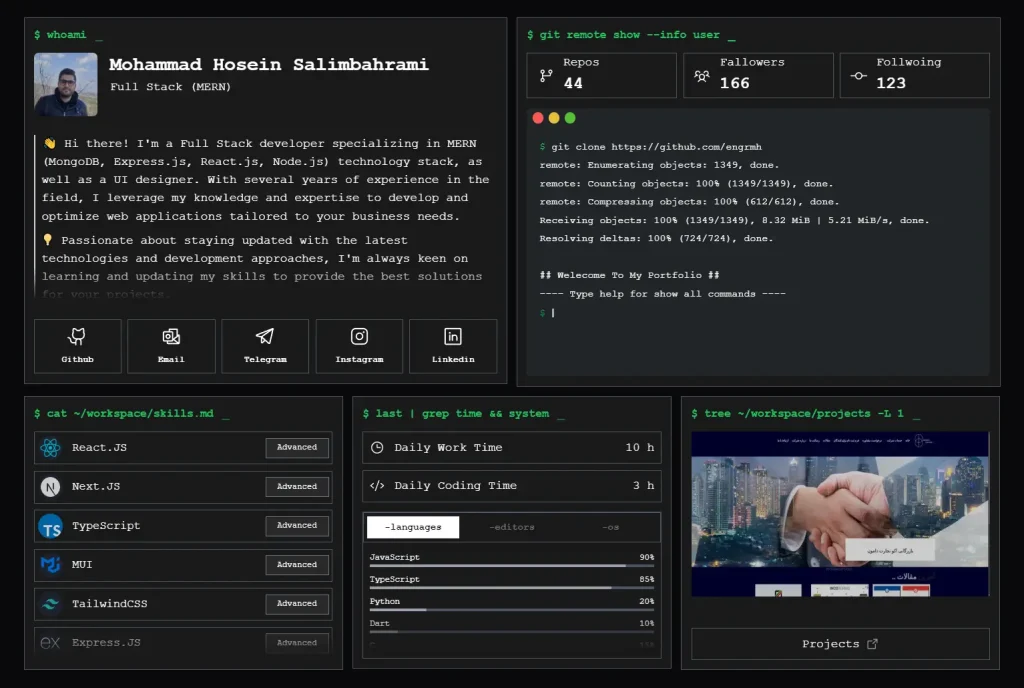
Preview
Use Cases
- Personal Developer Portfolio: Showcase your coding projects, technical skills, and professional experience to potential employers or clients
- Freelancer Website: Create a professional online presence to attract clients and demonstrate your expertise in web development
- Designer Portfolio: Display your UI/UX work, design projects, and creative process with beautiful animations and responsive layouts
- Student Showcase: Present academic projects, internship work, and technical achievements for job applications and networking
- Agency Team Pages: Use as a template for individual team member profiles within larger development agencies
Installation
1. Clone the project repository from GitHub:
git clone https://github.com/engrmh/next-portfolio-template2. Navigate to the project directory:
cd next-portfolio-template3. Install the necessary dependencies:
npm install4. Start the development server:
npm run devUsage
Customize the template by editing the files in the src/config folder.
- Base Configuration (
config.ts): Modify your name, description, GitHub username, URL, icon, social image, navigation bar title, and about sections. - Tech Stacks (
src/config/base/myStacks.ts): Update your list of technical skills. - Code Time (
src/config/base/myCodeTimeSection.tsx): Customize the code time section. - Projects (
src/config/base/myProjects.ts): Add or modify your project details. - Posts (
src/config/base/myForeignPosts.ts): Manage your blog posts. - Features (
src/config/base/myFeatures.ts): Edit the features you want to highlight. - Socials (
src/config/base/mySocials.tsx): Update your social media links. - Terminal Commands (
src/config/base/myTerminalCommands.tsx): Customize terminal commands. - Terminal Bar (Optional) (
src/config/base/terminalBar.ts): Change the text on the terminal bar.
After customization, you can deploy the project to Vercel or any platform that supports Next.js. Refer to the Next.js deployment documentation for more details.
Related Resources
- Next.js Official Documentation: Provides in-depth explanations and tutorials on the Next.js framework. Next.js Docs.
- Vercel: A platform for deploying and managing web applications like this portfolio template. Vercel Website.
- Tailwind CSS: A utility-first CSS framework for rapidly building custom user interfaces. Tailwind CSS Docs
- TypeScript Handbook: The official documentation for TypeScript. TypeScript Handbook
FAQs
Q: Is this template suitable for beginners?
A: This template is developer-friendly. Basic knowledge of Next.js, TypeScript, and Git is helpful for customization.
Q: Can I use this template for commercial projects?
A: Yes, the project is open source, and you can use it for personal and commercial purposes.
Q: Is it possible to change the color scheme and fonts?
A: Yes, you can customize the styling by editing the TailwindCSS configuration and related component files.
Q: What hosting platforms are supported?
A: The template works with any platform that supports Next.js, including Vercel, Netlify, AWS Amplify, and traditional hosting providers with Node.js support.