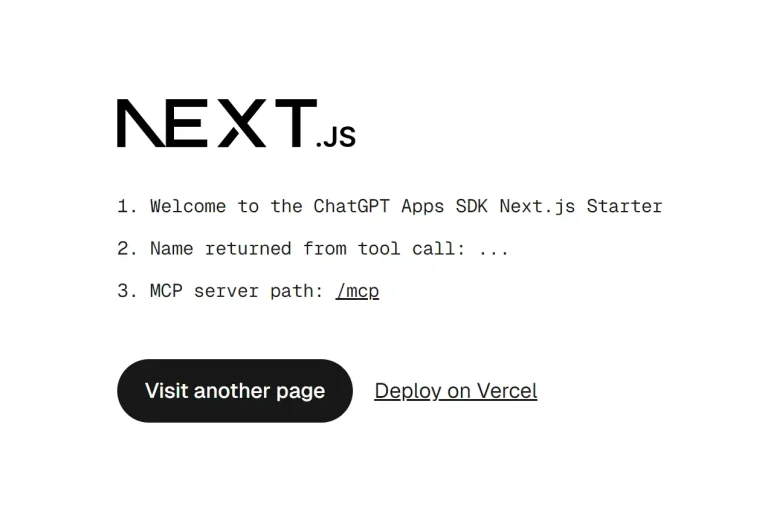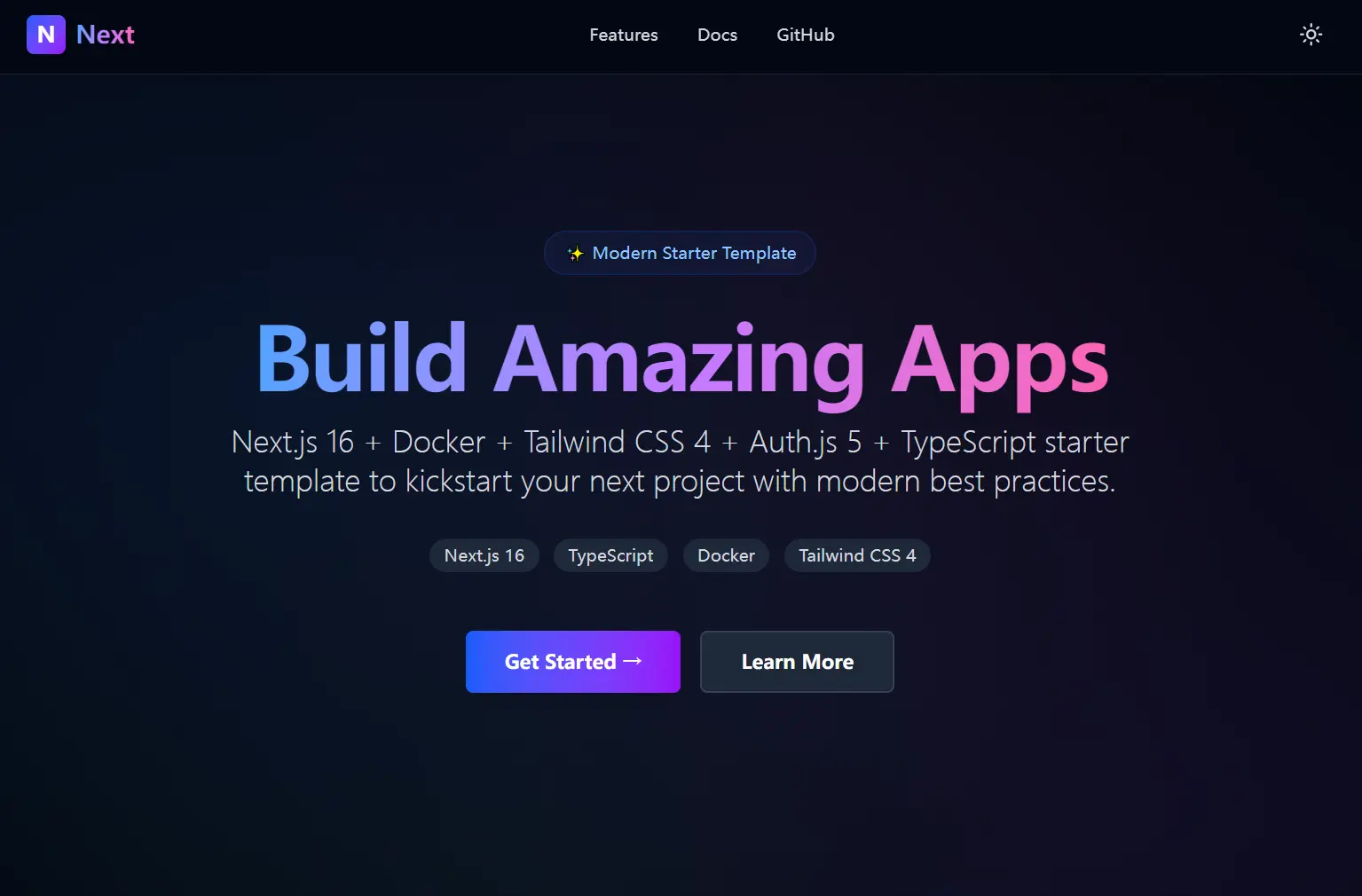
This is a brand new, production-ready Next.js starter template that accelerates Next.js application development.
The starter ships with app router, PNPM workspace configuration, Tailwind CSS, TypeScript, Next-Auth, and a multi-stage Docker setup.
You can skip hours of configuration and start building modern SaaS websites or AI-powered web apps immediately.
Features
🚀 Next.js with App Router: Build web apps using the latest Next.js features and routing conventions.
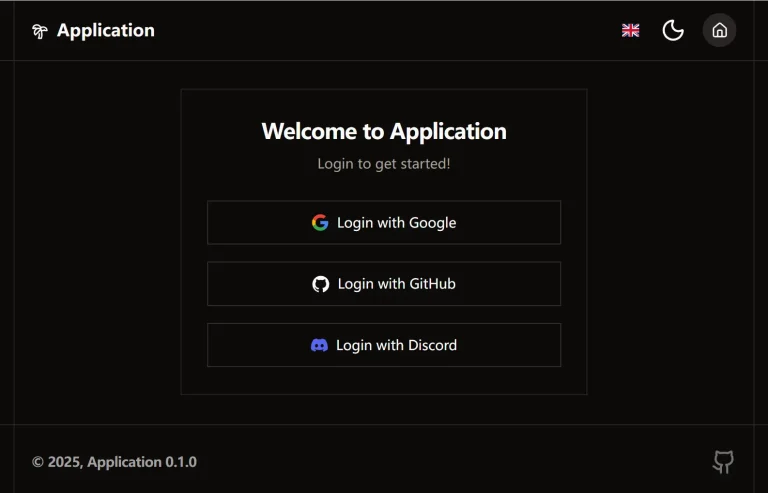
🔐 Next-Auth: Implement authentication flows with a complete open source solution.
📘 TypeScript Configuration: Write type-safe code with preconfigured TypeScript settings.
🎨 Tailwind CSS: Style components using modern Tailwind defaults and utilities.
🤖 LLM-Safe API Example: Handle API requests with sanitized inputs and secure response patterns.
🐳 Multi-Stage Production Dockerfile: Deploy optimized container images with minimal size and attack surface.
⚙️ GitHub Actions CI Workflow: Automate builds with intelligent PNPM caching.
🌐 Deployment Options: Deploy to Vercel or any containerized environment.
Use Cases
- Launching New Applications: Teams can use this starter to bypass initial configuration and start feature development.
- Prototyping and Experiments: You can quickly scaffold a full-stack application with auth and styling.
- Microservices Architecture: Deploy containerized Next.js services alongside other Docker-based applications in your infrastructure.
- AI Application Wrappers: Build interfaces for Large Language Models using the secure API patterns included in the template.
How to Use It
1. Clone the repository from GitHub.
git clone https://github.com/ehsanghaffar/next16-docker-tw4-starter.git
2. Navigate to the project directory and install all dependencies
pnpm i3. Start the development server to begin building your application. The application runs at http://localhost:3000. The development server includes hot module replacement.
pnpm dev4. Create a .env.local file in the root directory. Add your environment variables to this file. The Next.js loads these variables automatically during development and build processes.
NEXT_PUBLIC_APP_URL="http://localhost:3000"
AUTH_SECRET="dad"

CI=""
TEST_DOCKER=""
BUILDKIT_PROGRESS=""
HEALTHCHECK_URL=""
WAIT_SECONDS=""
HEALTHCHECK_TIMEOUT=""
5. Build the production version locally to test optimization and performance.
pnpm build
pnpm start
6. Build a Docker image for production deployment. The multi-stage Dockerfile creates a minimal container image.
docker build -t next-starter .The build process uses multiple stages. The first stage installs dependencies. The second stage builds the Next.js application. The final stage copies only the necessary artifacts into a slim runtime image.
7. Run the container locally to verify the Docker setup.
docker run -p 3000:3000 next-starter8. The container exposes port 3000. Map this port to any available port on your host machine. Pass environment variables using the -e flag or an environment file.
docker run -p 3000:3000 -e NEXT_PUBLIC_SITE_NAME="Production App" next-starter9. Deploy your application to Vercel using the Vercel CLI. Install the CLI globally if you have not already.
npm i -g vercel10. Run the deployment command from your project directory.
vercel deploy11. You can also push your Docker image to any container registry like ly.io, Render, Railway, AWS ECS, Google Cloud Run, or your own Kubernetes cluster. Tag the image with your registry information.
docker tag next-starter registry.example.com/namespace/next-starter:latest
docker push registry.example.com/namespace/next-starter:latest
12. Deploy the image to your preferred container orchestration platform. Kubernetes, Docker Swarm, and cloud container services all support standard Docker images.
Related Resources
- Next.js Documentation: Official Next.js guides cover App Router, Server Components, and deployment strategies.
- Next-Auth Documentation: Configure authentication providers and session management for your application.
- Tailwind CSS Documentation: Learn about the latest Tailwind features and utility classes.
- PNPM Documentation: Understand workspace configuration and dependency management with PNPM.
FAQs
Q: How do I add new authentication providers to Next-Auth?
A: Configure providers in your Next-Auth configuration file. Add provider credentials to your environment variables. Next-Auth supports OAuth providers, credentials-based authentication, and passwordless email flows.
Q: Does the Docker image work with ARM architecture?
A: The Dockerfile uses Node.js Alpine images that support both x86 and ARM architectures. Build the image on your target platform or use Docker BuildKit with multi-platform builds. Specify the platform explicitly if needed using the --platform flag.
Q: Where should I add my own application code?
A: Add pages and routes within the app/ directory following the App Router convention. Place shared components in the components/ folder and utility functions in lib/ or utils/.