The Future of Web Dev
The Future of Web Dev
Free AI-powered shadcn/ui Theme Builder & Customizer
Generate custom shadcn/ui themes instantly with AI or manual controls. Preview 800+ themes, customize colors & components.
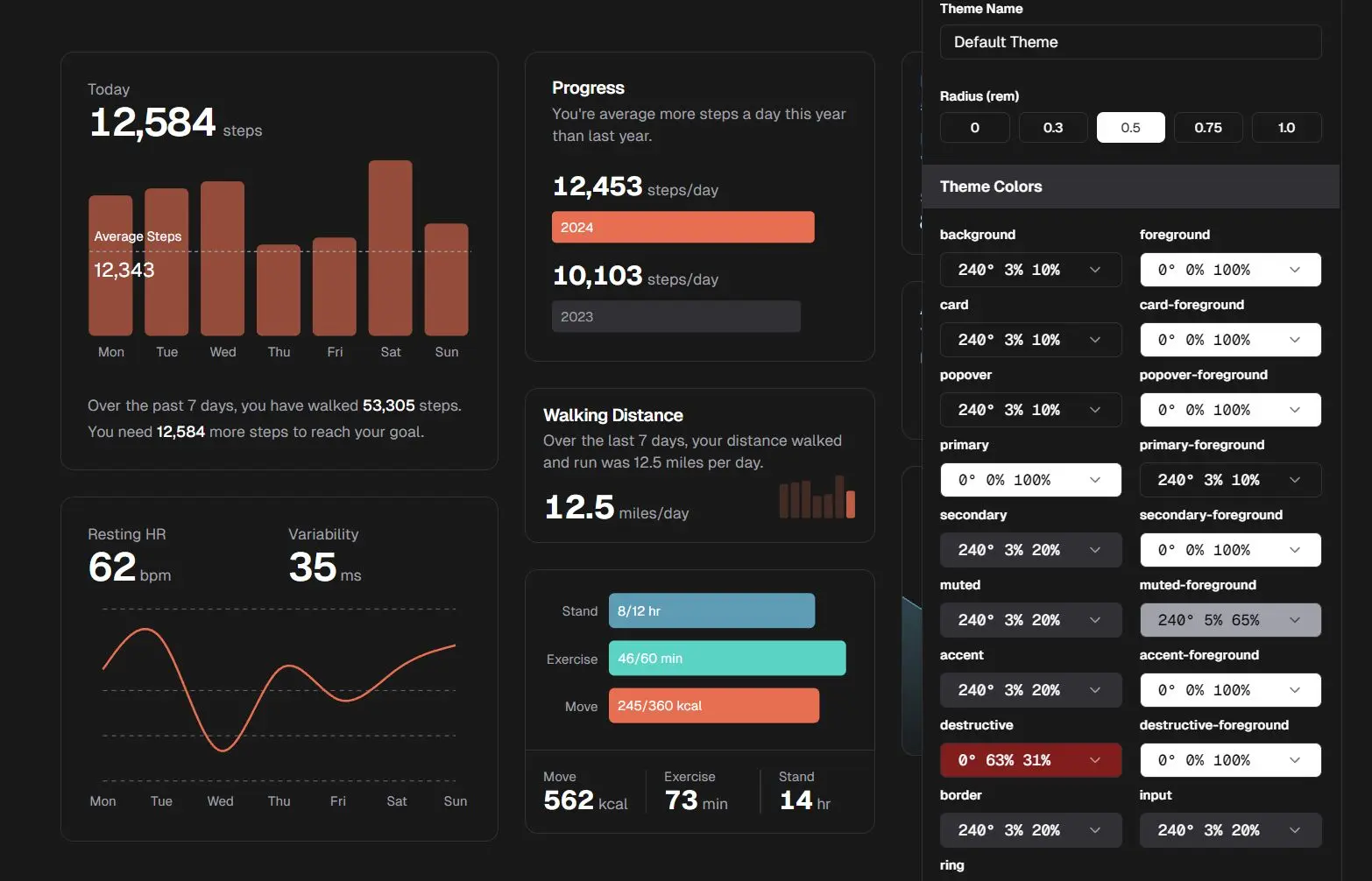
shadcn/ui Customizer is an open-source web-based tool that helps you create and fine-tune themes for projects built with the shadcn/ui component library.
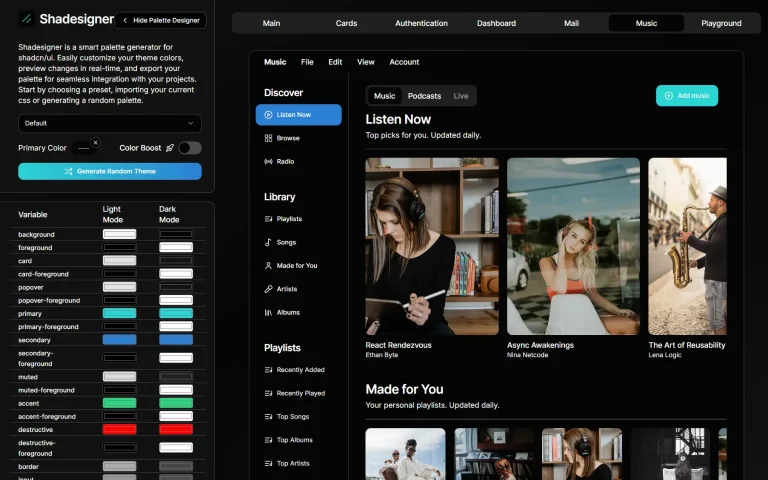
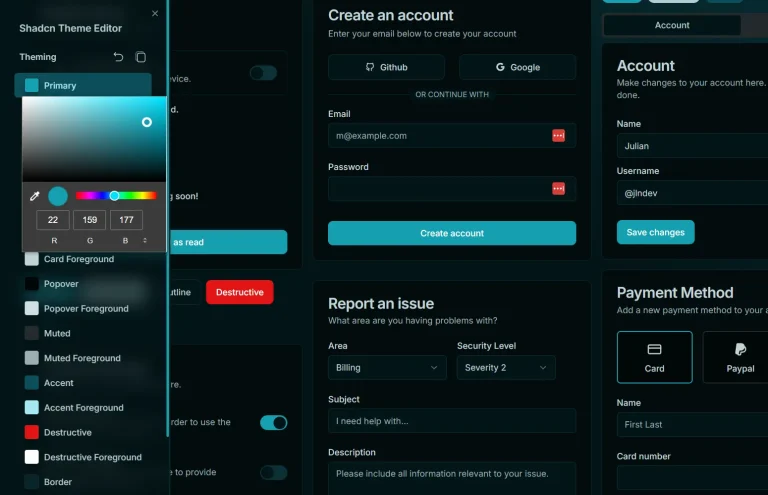
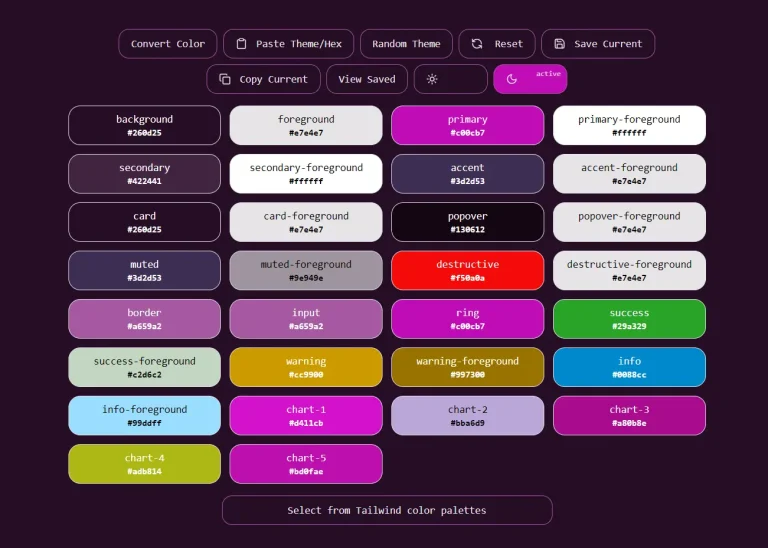
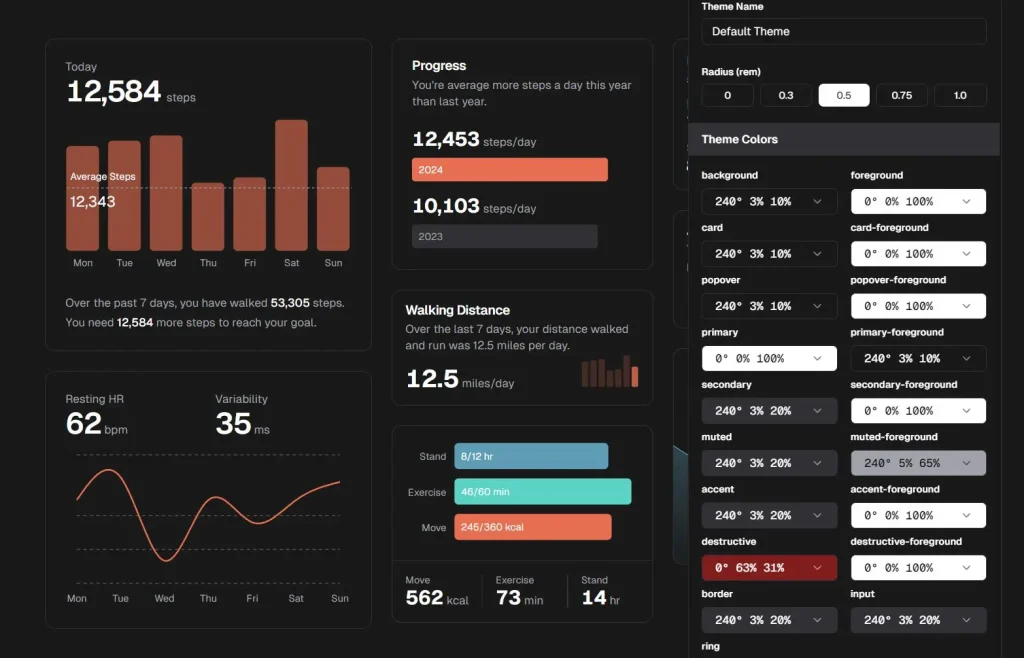
The customizer allows modifications to foundational CSS variables such as background, foreground, card, popover, primary, secondary, muted, accent, and destructive colors, along with their corresponding foregrounds.
Features
🎨 AI or Manual Theme Generation: Generate themes using an AI chatbot with natural language or manually adjust every detail.
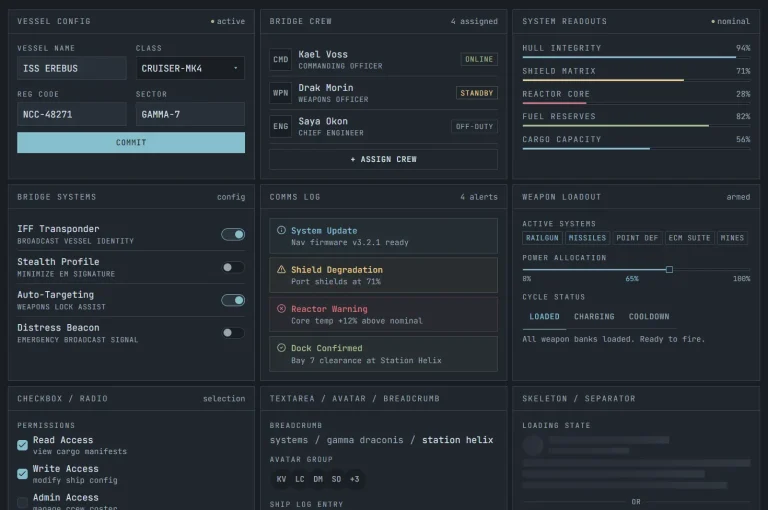
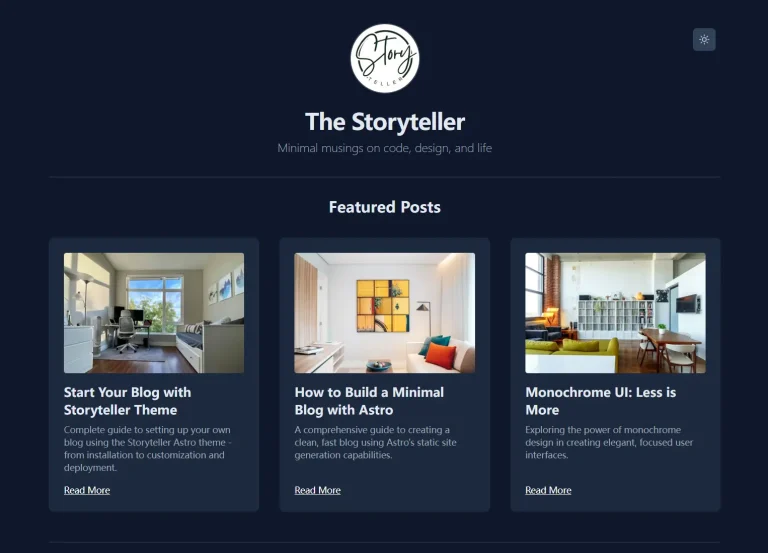
📺 Real-time Preview: Instantly see how your theme changes affect all shadcn/ui components.
🖱️ One-Click Installation: Easily install your custom theme using the Shadcn CLI.
📚 Extensive Presets: Choose from over 800 preset themes to get started quickly.
Preview
Use Cases
- Brand Alignment: Quickly tailor the look of your shadcn/ui components to perfectly match your company’s branding guidelines.
- Rapid Prototyping: Generate multiple theme variations using AI or presets to explore different visual styles for a new project.
- Multi-Theme Applications: Develop and manage different themes, such as light and dark modes, or themes for different user roles.
- Personalized User Interfaces: A SaaS application could provide users with theme choices to personalize their dashboard.
How To Use It
The shadcn/ui customizer runs entirely in your browser, so no local installation is required. However, you’ll need the shadcn CLI to install generated themes.
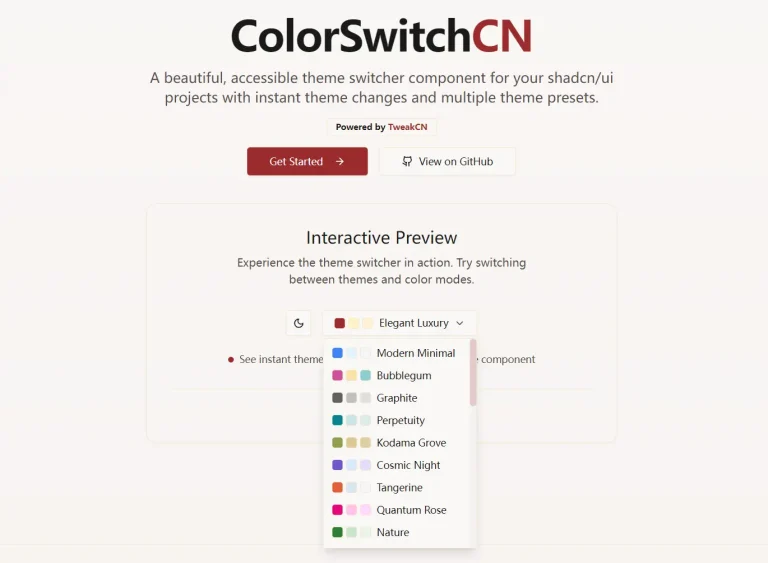
1. Select from over 800 pre-configured themes. You can preview how each preset looks with all shadcn/ui components.
2. OR use the integrated AI chatbot to generate themes using natural languages.
3. OR start from scratch or modify an existing theme using the customizer panel.
4. Install the theme into your project:
# NPM
npx shadcn add [theme_url_from_tinte.dev]

# PNPM
pnpm dlx shadcn add [theme_url_from_tinte.dev]

# Bun
bunx --bun shadcn add [theme_url_from_tinte.dev]
FAQs
Q: Do I need to know CSS to use the customizer?
A: Basic CSS knowledge is helpful for understanding the variables being changed (like --background or --primary). However, the tool’s interface with color pickers and real-time previews makes it usable even without deep CSS expertise.
Q: How does the AI theme generation work?
A: You can describe your desired theme in natural language to the AI chatbot (e.g., “a modern dark theme with orange call-to-action buttons”), and it will generate the corresponding CSS variable values.
Q: Can I share themes I create?
A: Yes, the customizer generates a unique URL for your theme, which you can then use with the shadcn add command. This URL can be shared with others.