The Future of Web Dev
The Future of Web Dev
data-table-filters: shadcn/ui Data Table Components & Blocks
Create infinite data tables with checkbox, text, range, and time filters, plus virtualized infinite scroll and URL-synced state.
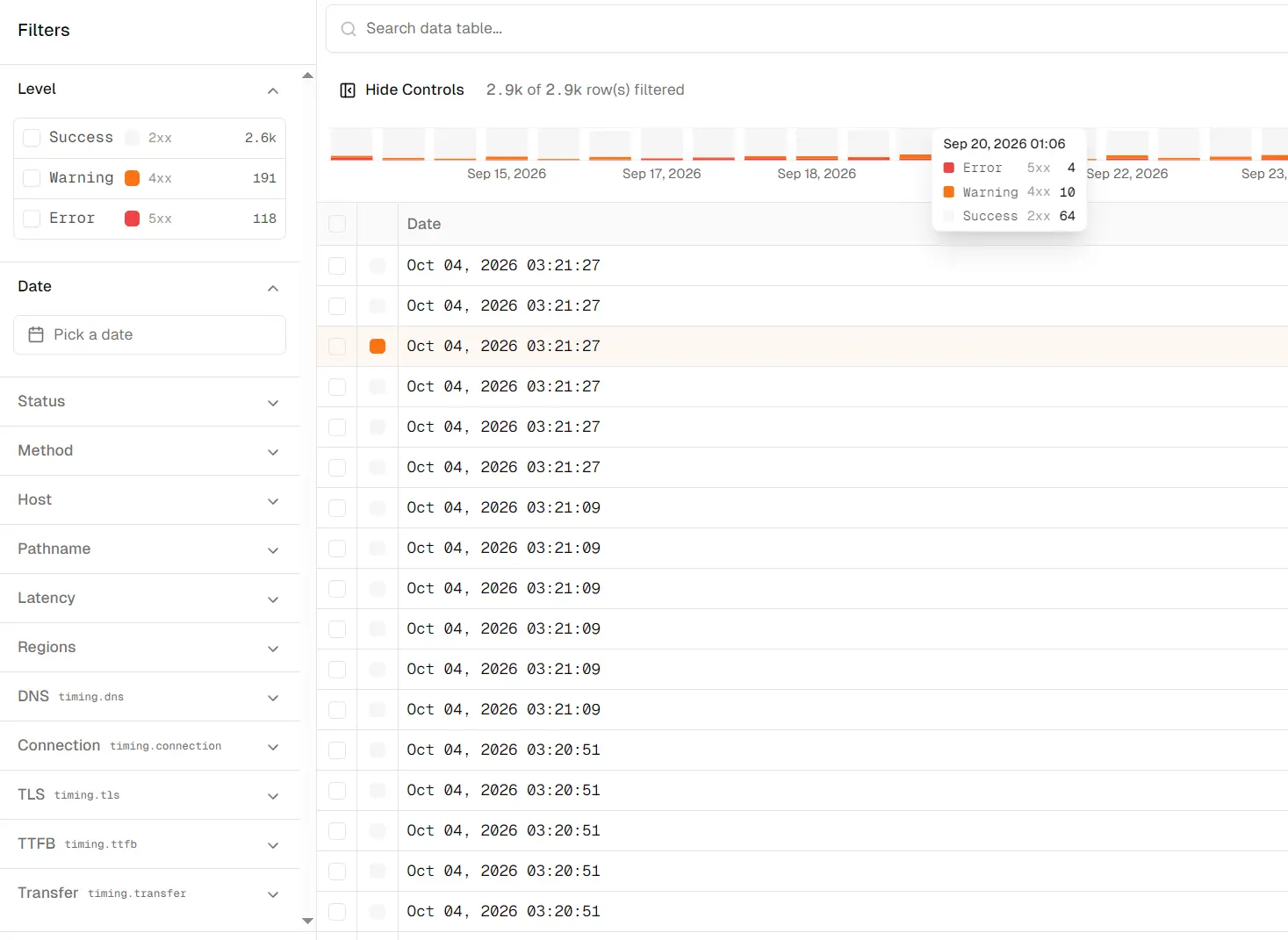
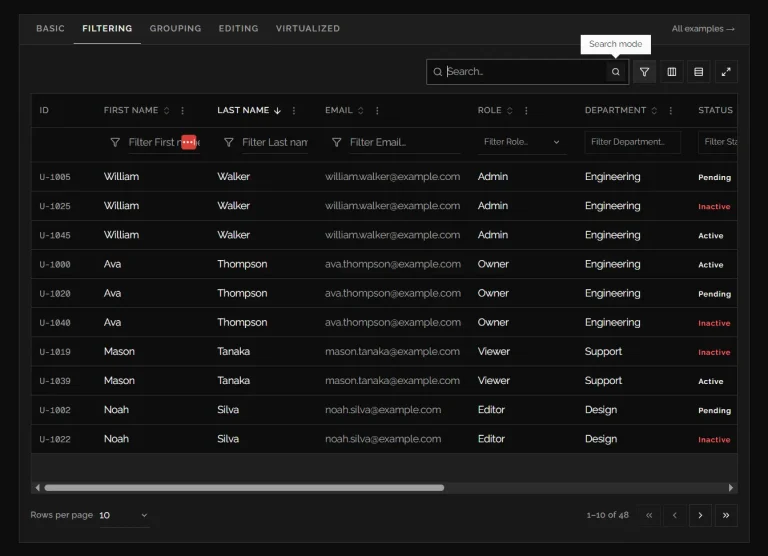
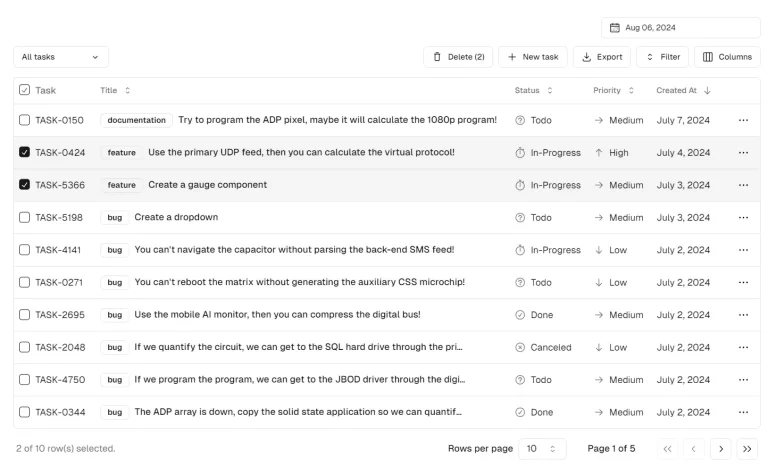
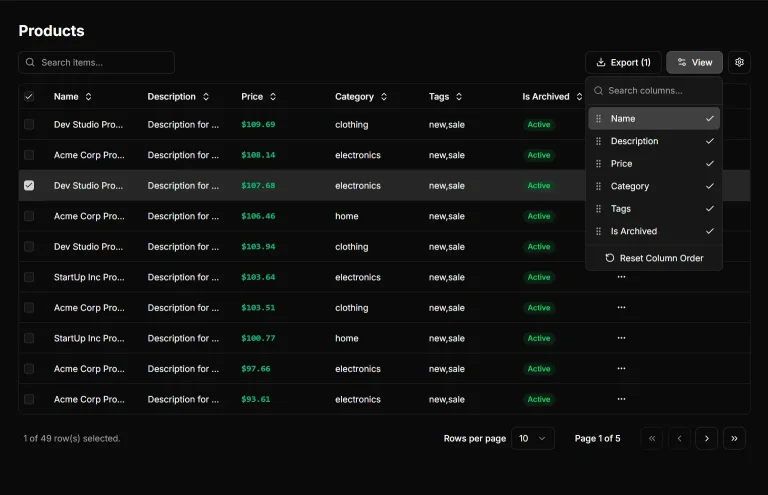
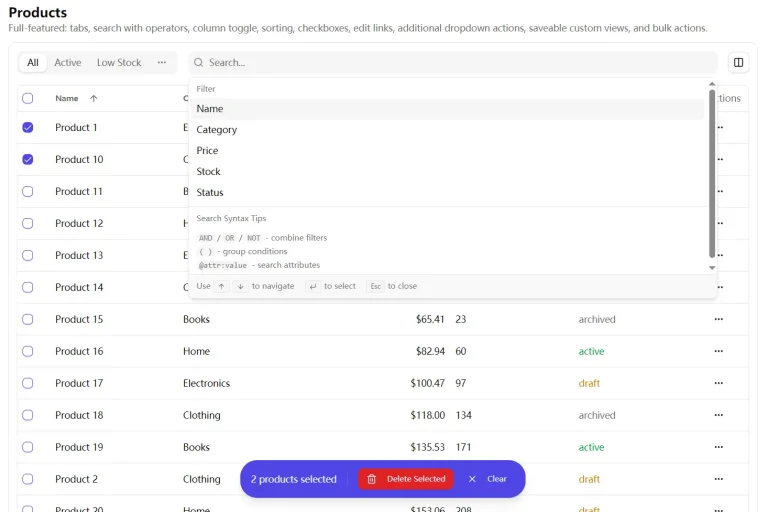
data-table-filters is a React and shadcn/ui data table component library that creates filterable tables with faceted controls, sorting, infinite scroll, and server-side query helpers.
The components are installed as editable source through the shadcn CLI. Your projects can save table state in the URL, Zustand, or memory, and PostgreSQL-backed tables can run filtering, facet counts, sorting, and cursor pagination in SQL.
data-table-filters is a React and shadcn/ui data table component library that creates filterable tables with faceted controls, sorting, infinite scroll, and server-side query helpers.
The components install as editable source through the shadcn CLI. Projects can keep table state in the URL, Zustand, or memory, and PostgreSQL-backed tables can run filtering, facet counts, sorting, and cursor pagination in SQL.
Features
- Editable React and TypeScript source installed through the shadcn CLI.
- Checkbox, text input, numeric slider, and time range filters.
- Virtualized infinite scrolling for paged datasets.
- Declarative columns through
createTableSchemaandcol.*factories. - URL state through nuqs, client state through Zustand, or ephemeral memory state.
- Drizzle helpers for PostgreSQL filtering, facet counts, sorting, and cursor pagination.
- Optional command palette, row detail sheet, timeline chart, row actions, AI filters, remote manifests, and MCP endpoints.
Use Cases
- Log and observability tables with severity facets, time ranges, latency filters, and continuously loaded records.
- Admin dashboards backed by PostgreSQL where row filtering, sorting, and pagination belong in the database query.
- Searchable record screens that store filters in the URL for shareable filtered views.
- Internal data apps that need structured command filters, natural-language queries, or MCP access for agents.
How To Use It
Install the Core Components
Run shadcn initialization first when the project does not have components.json:
npx shadcn@latest init -dInstall the core table and schema components:
npx shadcn@latest add \
  https://data-table.openstatus.dev/r/data-table.json \
  https://data-table.openstatus.dev/r/data-table-schema.json
Basic Usage
Import DataTableAuto into an App Router page and pass it an array of objects:
import { DataTableAuto } from "@/components/data-table/data-table-auto";
const members = [
  {
    name: "Alice Chen",
    role: "admin",
    rating: 5,
    created_at: "2026-01-15T10:00:00Z",
  },
  {
    name: "Marcus Reed",
    role: "editor",
    rating: 4,
    created_at: "2026-02-20T14:30:00Z",
  },
];
export default function TeamPage() {
  return <DataTableAuto data={members} />;
}
Available Components
| Block | Purpose |
|---|---|
data-table | Core table, four filter types, infinite scroll, virtualization, and memory state |
data-table-schema | createTableSchema, col.*, generators, and DataTableAuto |
data-table-filter-command | Command palette with history and keyboard shortcuts |
data-table-cell | Text, code, number, bar, heatmap, gauge, badge, boolean, star, status, level, and timestamp cells |
data-table-sheet | Row detail side panel |
data-table-nuqs | URL state through nuqs |
data-table-zustand | Zustand state adapter |
data-table-drizzle | Drizzle ORM server query helpers |
data-table-query | TanStack Query infinite-query integration |
data-table-filter-command-ai | Natural-language filter inference |
data-table-mcp | MCP endpoint for table data |
data-table-actions | Server-defined row and bulk actions |
data-table-remote | Table generated from an API manifest |
data-table-chart | Timeline chart linked to time filtering |
data-table-example-infinite | Working /example route with an infinite table and URL state |
Define Columns and Filters with a Table Schema
Use createTableSchema when inferred columns are not enough:
import {
  col,
  createTableSchema,
  type InferTableType,
} from "@/lib/table-schema";
const LEVELS = ["error", "warn", "info", "debug"] as const;
export const tableSchema = createTableSchema({
  level: col.presets.logLevel(LEVELS),
  date: col.presets.timestamp().label("Date").size(200).sheet(),
  latency: col.presets
    .duration("ms")
    .label("Latency")
    .sortable()
    .size(110)
    .sheet(),
  status: col.presets.httpStatus().label("Status").size(60),
  host: col.string().label("Host").size(125).sheet(),
});
export type LogRow = InferTableType<typeof tableSchema.definition>;
Column Factories
| Factory | Filter Types |
|---|---|
col.string() | Input |
col.number() | Input, slider, checkbox |
col.boolean() | Checkbox |
col.timestamp() | Time range |
col.enum(values) | Checkbox |
col.array(col.enum(values)) | Checkbox |
col.record() | No filter |
col.select() | No filter. Creates the row-selection column |
Filter Controls
- Checkbox filters for enums, booleans, and discrete values.
- Slider filters for numeric ranges.
- Input filters for text search.
- Time range filters for timestamp columns.
DataTableFilterCommandfor structured commands such ashost:api,regions:ams,gru, andlatency:100-500.
State Management
| Adapter | State Location | Use |
|---|---|---|
| nuqs | URL search params | Shareable filters, browser history, server parsing |
| Zustand | Client store | Existing application state |
| Memory | Component memory | Embedded tables, previews, builders |
Custom StoreAdapter | Project-defined | Existing state architecture |
For Next.js App Router, wrap the root layout with NuqsAdapter before using the nuqs table adapter:
import { NuqsAdapter } from "nuqs/adapters/next/app";
import type { ReactNode } from "react";
export default function RootLayout({ children }: { children: ReactNode }) {
  return (
    <html>
      <body>
        <NuqsAdapter>{children}</NuqsAdapter>
      </body>
    </html>
  );
}
Wrap the page-level table in Suspense:
import { Suspense } from "react";
import { LogsTable } from "./logs-table";
export default function Page() {
  return (
    <Suspense fallback={null}>
      <LogsTable />
    </Suspense>
  );
}
Put useNuqsAdapter in the client component that owns the table state:
"use client";
import { DataTableStoreProvider } from "@/lib/store";
import { useNuqsAdapter } from "@/lib/store/adapters/nuqs";
import { filterSchema } from "./schema";
export function LogsTable() {
  const adapter = useNuqsAdapter(filterSchema.definition, {
    id: "logs",
    history: "push",
    shallow: true,
  });
  return (
    <DataTableStoreProvider adapter={adapter}>
      <LogsTableContent />
    </DataTableStoreProvider>
  );
}
Server-Side Filtering with Drizzle
Install the SQL and data-fetching blocks for a PostgreSQL-backed infinite table:
npx shadcn@latest add \
  https://data-table.openstatus.dev/r/data-table.json \
  https://data-table.openstatus.dev/r/data-table-schema.json \
  https://data-table.openstatus.dev/r/data-table-cell.json \
  https://data-table.openstatus.dev/r/data-table-sheet.json \
  https://data-table.openstatus.dev/r/data-table-drizzle.json \
  https://data-table.openstatus.dev/r/data-table-query.json \
  https://data-table.openstatus.dev/r/data-table-nuqs.json
Map schema keys to Drizzle columns before creating the handler. For cursor pagination, use a stable cursor column. Set tiebreakColumn when the database table does not have a usable single-column primary key.
import { db } from "@/db/drizzle";
import { logs } from "@/db/drizzle/schema";
import { createDrizzleHandler } from "@/lib/drizzle";
import { defineFilters } from "@/lib/filters";
import { columnMapping } from "../column-mapping";
import { tableSchema } from "../table-schema";
const handler = createDrizzleHandler({
  db,
  table: logs,
  filters: defineFilters(tableSchema.definition),
  columnMapping,
  cursorColumn: "date",
  defaultSize: 40,
});
Natural-Language Filters
Install the AI command block when the table needs queries such as 5xx errors in production last 24h:
npx shadcn@latest add \
  https://data-table.openstatus.dev/r/data-table-filter-command-ai.json
Install a Vercel AI SDK provider package and create a POST route from the table schema:
pnpm add @ai-sdk/anthropicimport { anthropic } from "@ai-sdk/anthropic";
import { createAIFilterHandler } from "@/lib/ai";
import { tableSchema } from "../table-schema";
export const POST = createAIFilterHandler({
model: anthropic("claude-sonnet-4-20250514"),
schema: tableSchema.definition,
});Remote Tables from an API Manifest
Install data-table-remote when the table definition comes from an API endpoint:
npx shadcn@latest add \
  https://data-table.openstatus.dev/r/data-table.json \
  https://data-table.openstatus.dev/r/data-table-schema.json \
  https://data-table.openstatus.dev/r/data-table-query.json \
  https://data-table.openstatus.dev/r/data-table-nuqs.json \
  https://data-table.openstatus.dev/r/data-table-remote.json
"use client";
import { DataTableRemote } from "@/components/data-table/data-table-remote";
import { searchParamsSerializer } from "./search-params";
export function LogsTable() {
return (
<DataTableRemote
manifestEndpoint="/logs/api/schema"
searchParamsSerializer={searchParamsSerializer}
/>
);
}Alternatives and Related Resources
- Full-Featured shadcn/ui Data Table with TanStack Table & TailwindCSS
- React Data Table on Drizzle with Search, Filters, and Types – TableCraft
- Server-Side Data Table Component for shadcn/ui & Next.js – Tablecn
- Next.js Data Tables with Sorting, Filtering & Pagination – Shadcn View Table
- Advanced Shadcn Table: Server-Side Sort, Filter, Paginate