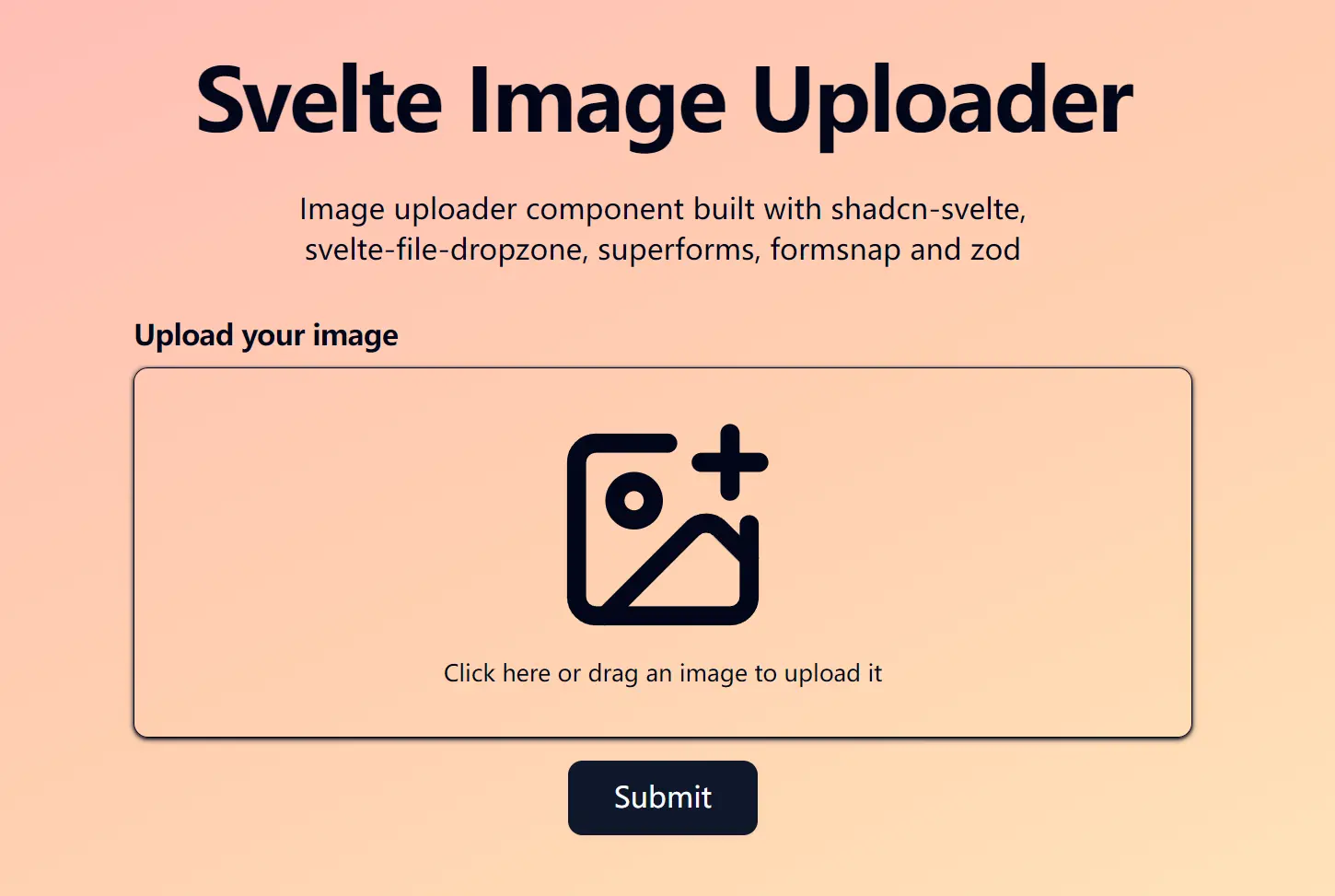
Svelte Image Uploader is a production-ready image upload component designed for Svelte-powered web applications.
It uses Zod for schema validation, Superforms for form handling, and svelte-file-dropzone for drag-and-drop functionality.
Features
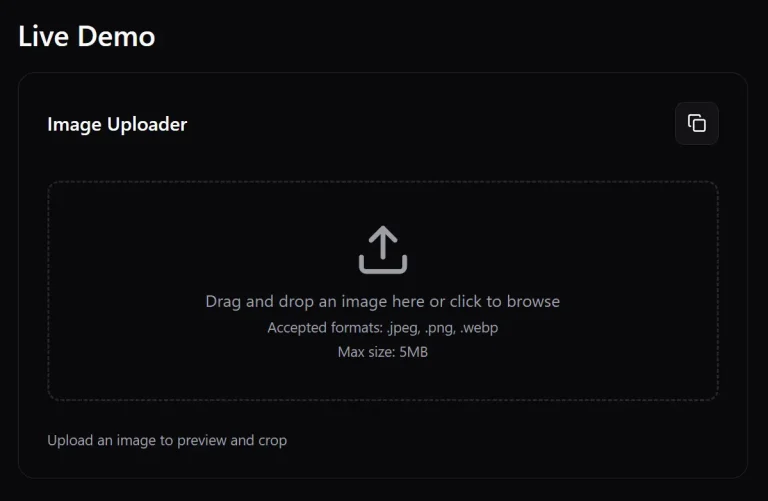
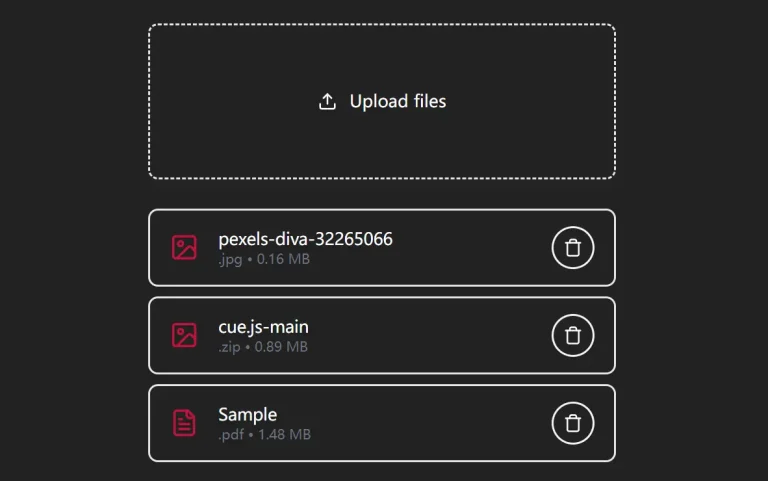
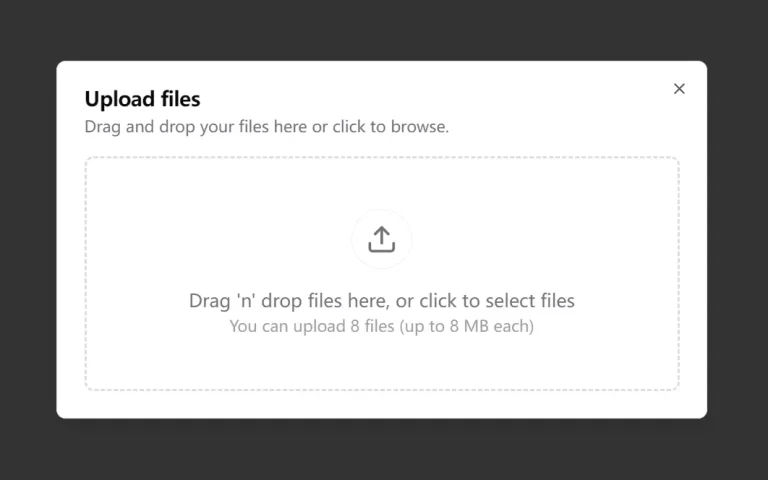
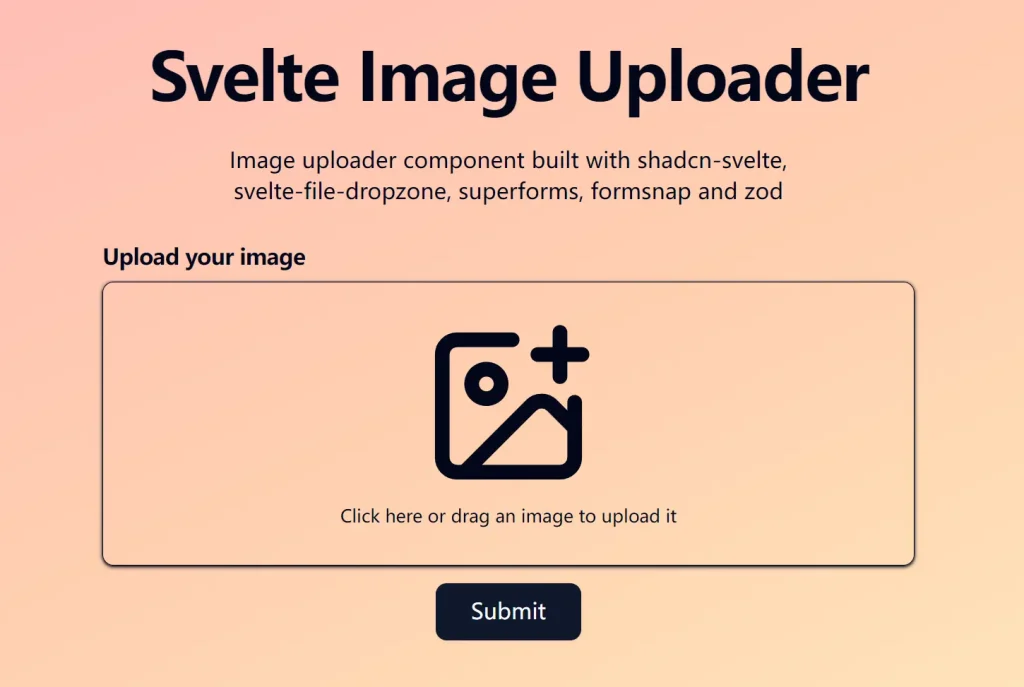
🖼️ Drag and Drop Support – Users can drag images directly onto the upload area or click to browse files.
✅ Built-in Validation – Automatic file size limits (5MB) and format validation (JPEG, PNG only).
🎨 Tailwind CSS Styling – Fully customizable appearance using Tailwind utility classes.
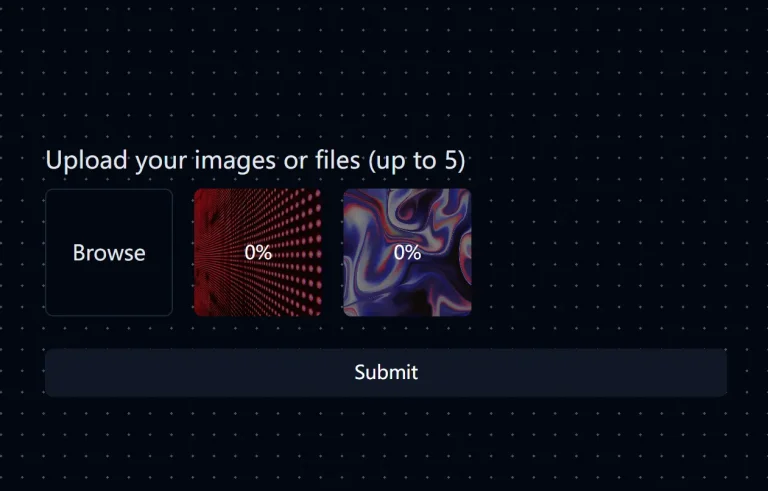
🔄 Real-time Preview – Shows image preview immediately after selection.
🚨 Error Handling – Clear error messages for invalid files or upload failures.
📋 Form Integration – Built with Superforms and Formsnap for complete form validation.
Preview
Use Cases
- Content Management Systems – Upload featured images, blog post thumbnails, or user avatars.
- E-commerce Applications – Product image uploads for inventory management or user-generated content.
- Social Media Platforms – Profile pictures, post images, or story uploads.
- Documentation Platforms – Screenshot uploads for tutorials or help articles.
- Portfolio Websites – Project image uploads for galleries or case studies.
Usage
Import the component and add it to your page or layout where image upload functionality is needed.
<script lang="ts">
  import ImageUploader from "$lib/components/image-uploader.svelte";
</script>
<ImageUploader />
Related Resources
- shadcn-svelte – The UI component library that inspired this uploader’s design system and provides the form components used in the implementation.
- Superforms – Advanced form handling library for SvelteKit that powers the validation and submission logic.
- svelte-file-dropzone – The drag-and-drop functionality provider that enables intuitive file selection.
- Zod – TypeScript-first schema validation library used for file validation and type safety.
FAQs
Q: How can I customize the validation rules, like file size or type?
A: You can modify the formSchema object defined with Zod inside the image-uploader.svelte component. Adjust the refine methods to change the size limit or accepted file types.
Q: Does this component work with SvelteKit server actions?
A: Yes, the component works with SvelteKit’s form handling system. You can process the uploaded files on the server by creating appropriate form actions in your page server files.
Q: Can I customize the upload area styling?
A: Yes. The component uses Tailwind CSS classes. You can modify the classes and other elements to match your design requirements.