The Future of Web Dev
The Future of Web Dev
Create Hand-Drawn Canvas & SVG Graphics in Svelte Apps – svelte-rough
Build hand-drawn Svelte graphics with Rough.js shapes, Canvas or SVG rendering, reactive props, style inheritance, and custom drawables.
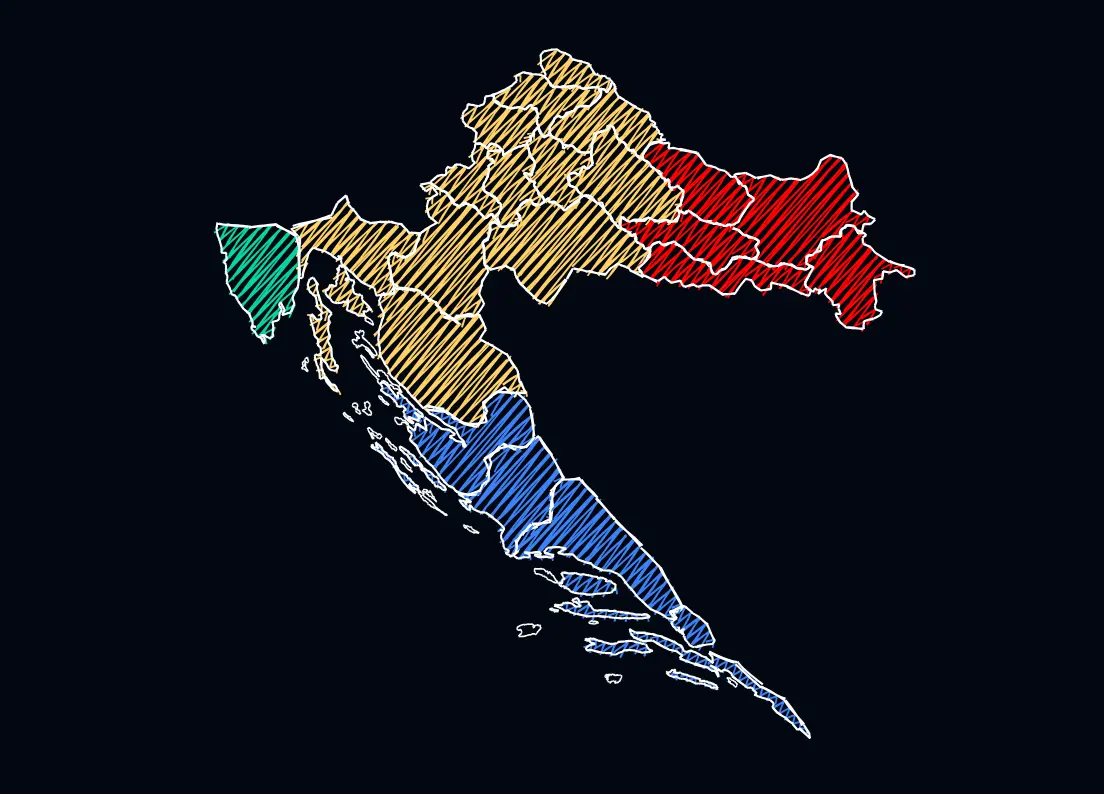
svelte-rough is a Svelte component library that generates hand-drawn shapes through a declarative Rough.js API.
The geometry components work inside Canvas and SVG containers, react to Svelte state, inherit drawing options from their parent container, and expose the Rough generator for custom drawings.
Features
- Canvas and SVG drawing containers.
- Nine geometry components plus
Drawablefor pre-built Rough drawables. - Reactive redraws from changing geometry and style props.
- Container-level drawing options inherited by child shapes.
- Rough.js options as flat props or an
optionsobject. - Svelte lists, conditionals, snippets,
Tween, andSpringvalues. - Fixed drawing seeds for stable animated strokes.
- Custom generator access for freeform and bulk drawing.
Use Cases
- Interactive diagrams whose nodes, connectors, and shapes respond to Svelte state.
- Animated sketch graphics for walkthroughs, presentations, and explanatory UI.
- Data-driven illustrations built from arrays, conditionals, and reusable snippets.
- Generative drawings that need direct Rough generator access alongside declarative components.
How To Use It
Install it with npm:
npm i @sveltecraft/roughImport the components as a namespace:
<script lang="ts">
  import * as Rough from '@sveltecraft/rough';
</script>
Basic Usage
Every geometry component must be nested inside <Rough.Canvas> or <Rough.SVG>. A shape rendered outside these containers throws a Rough shape must be used inside <Rough.Canvas> or <Rough.SVG> error.
<script lang="ts">
  import * as Rough from '@sveltecraft/rough';
</script>
<Rough.Canvas width={640} height={320} roughness={1.2}>
  <Rough.Rectangle
    x={40}
    y={40}
    width={180}
    height={100}
    fill="#fde68a"
  />
  <Rough.Circle
    x={360}
    y={90}
    diameter={90}
    fill="#bfdbfe"
  />
  <Rough.Line
    x1={220}
    y1={90}
    x2={315}
    y2={90}
    stroke="#334155"
    strokeWidth={2}
  />
</Rough.Canvas>
Canvas and SVG Rendering
Rough.Canvas renders a <canvas> drawing surface. Rough.SVG renders an <svg> element with a managed group for Rough drawables. Both containers accept geometry components and drawing options.
<script lang="ts">
  import * as Rough from '@sveltecraft/rough';
</script>
<Rough.SVG width={600} height={300} roughness={1}>
  <Rough.Rectangle
    x={30}
    y={30}
    width={180}
    height={90}
    fill="#fca5a5"
  />
  <Rough.Ellipse
    x={300}
    y={100}
    width={150}
    height={80}
    fill="#c4b5fd"
  />
  <Rough.Path
    d="M420 60 L510 110 L430 180 Z"
    fill="#86efac"
  />
</Rough.SVG>
Reactive Drawing
Changing geometry or drawing props triggers a redraw. The model works with $state, {#each}, {#if}, Svelte snippets, and reactive values passed from other components.
<script lang="ts">
  import * as Rough from '@sveltecraft/rough';
  let roughness = $state(1);
  let diameter = $state(80);
</script>
<label>
  Roughness: {roughness.toFixed(1)}
  <input
    type="range"
    min="0"
    max="4"
    step="0.1"
    bind:value={roughness}
  />
</label>
<label>
  Size: {diameter}px
  <input
    type="range"
    min="40"
    max="160"
    step="10"
    bind:value={diameter}
  />
</label>
<Rough.Canvas width={500} height={240} {roughness}>
  <Rough.Circle
    x={250}
    y={120}
    {diameter}
    fill="#fdba74"
  />
</Rough.Canvas>
Available Shapes
Geometry props follow the Rough.js coordinate model. Point collections use [x, y] pairs. x and y identify the center of circles and ellipses.
| Component | Geometry Props | Purpose |
|---|---|---|
Line | x1, y1, x2, y2 | Straight line between two points |
Rectangle | x, y, width, height | Rectangle |
Ellipse | x, y, width, height | Ellipse centered at x, y |
Circle | x, y, diameter | Circle centered at x, y |
LinearPath | points | Connected point sequence |
Polygon | points | Closed polygon |
Arc | x, y, width, height, start, stop, closed? | Elliptical arc with angles in radians |
Curve | points | One point array or an array of point arrays |
Path | d | Rough rendering from SVG path data |
Drawable | drawable | Pre-built Rough drawable |
Style Inheritance and Rough.js Options
Set shared drawing options on the container. Override them on individual shapes with flat props or options.
<Rough.Canvas
  width={620}
  height={260}
  roughness={1.3}
  stroke="#1e3a8a"
  strokeWidth={2}
>
  <Rough.Rectangle
    x={30}
    y={40}
    width={160}
    height={100}
    fill="#bfdbfe"
  />
  <Rough.Rectangle
    x={230}
    y={40}
    width={160}
    height={100}
    fill="#ddd6fe"
    roughness={2}
  />
  <Rough.Circle
    x={510}
    y={90}
    diameter={100}
    options={{
      fill: '#fed7aa',
      hachureAngle: 60,
      hachureGap: 8
    }}
  />
</Rough.Canvas>
Style Precedence
flat shape props
↓
shape options
↓
container defaults
↓
Rough.js defaults
Drawing Options
fillStyle accepts hachure, solid, zigzag, cross-hatch, dots, dashed, and zigzag-line.
| Group | Props |
|---|---|
| Stroke and fill | roughness, bowing, seed, stroke, strokeWidth, fill, fillStyle |
| Hachure and curves | fillWeight, hachureAngle, hachureGap, curveStepCount, curveFitting |
| Dash control | strokeLineDash, strokeLineDashOffset, fillLineDash, fillLineDashOffset, dashOffset, dashGap, zigzagOffset |
| Rendering | disableMultiStroke, disableMultiStrokeFill, simplification, preserveVertices |
Animate Shapes with Svelte Motion
Use a fixed seed when an animated shape should retain the same sketch pattern as its coordinates change. Omit the seed when a randomized stroke pattern on every redraw is part of the effect.
<script lang="ts">
  import * as Rough from '@sveltecraft/rough';
  import { Tween } from 'svelte/motion';
  const x = new Tween(60, {
    duration: 900
  });
</script>
<button
  onclick={() => {
    x.target = x.target > 100 ? 60 : 420;
  }}
>
  Move circle
</button>
<Rough.Canvas width={560} height={220}>
  <Rough.Line
    x1={60}
    y1={110}
    x2={420}
    y2={110}
    stroke="#94a3b8"
  />
  <Rough.Circle
    x={x.current}
    y={110}
    diameter={48}
    fill="#bef264"
    seed={42}
  />
</Rough.Canvas>
Custom Drawing
Pass a custom callback to Canvas or SVG for geometry that does not map cleanly to the component set. The callback receives the shared RoughGenerator. Returned drawables render after the normal child shapes, in order, and reactive values read inside the callback participate in redraws.
<script lang="ts">
  import * as Rough from '@sveltecraft/rough';
  let rayCount = $state(8);
</script>
<Rough.Canvas
  width={560}
  height={260}
  custom={(generator) => {
    const rays = [];
    for (let i = 0; i < rayCount; i++) {
      rays.push(
        generator.line(
          280,
          130,
          280 + Math.cos(i * 0.7) * 100,
          130 + Math.sin(i * 0.7) * 100,
          { seed: i + 1 }
        )
      );
    }
    return rays;
  }}
>
  <Rough.Circle
    x={280}
    y={130}
    diameter={70}
    fill="#fde047"
    seed={30}
  />
</Rough.Canvas>
Canvas and SVG Props
| Prop | Default | Purpose |
|---|---|---|
width | 300 | Drawing width in pixels |
height | 150 | Drawing height in pixels |
| Style props | Rough.js defaults | Defaults inherited by child shapes |
options | Optional | Rough.js options object |
custom | Optional | (g: RoughGenerator) => Drawable | Drawable[] | null | void |
class | Optional | CSS class on the underlying element |
style | Optional | Inline CSS on the underlying element |
id, data-*, aria-*, other element attributes | Optional | Passed to the underlying Canvas or SVG element |
Alternatives and Related Resources
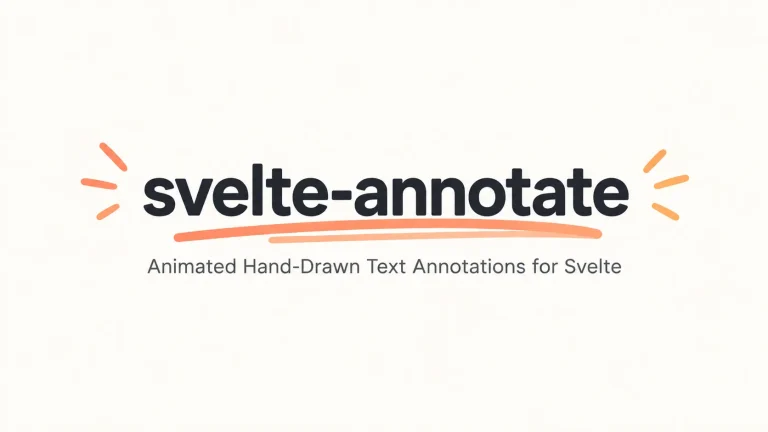
- Hand-Drawn Text Annotations for Svelte – svelte-annotate
- Evil Charts for Svelte: Animated Chart Components for Svelte 5
FAQs
Q: Do I need to install Rough.js separately?
A: No. Install @sveltecraft/rough directly. The package contains its Rough.js-based drawing engine.
Q: Why does an animated shape change its sketch pattern on every redraw?
A: Rough drawing uses randomized strokes. Pass a fixed seed to keep the same stroke pattern as the geometry changes.
Q: Why do I get a “Rough shape must be used inside” error?
A: Place every Line, Rectangle, Circle, Path, or other Rough shape inside <Rough.Canvas> or <Rough.SVG>. Shape components require the context created by one of these containers.