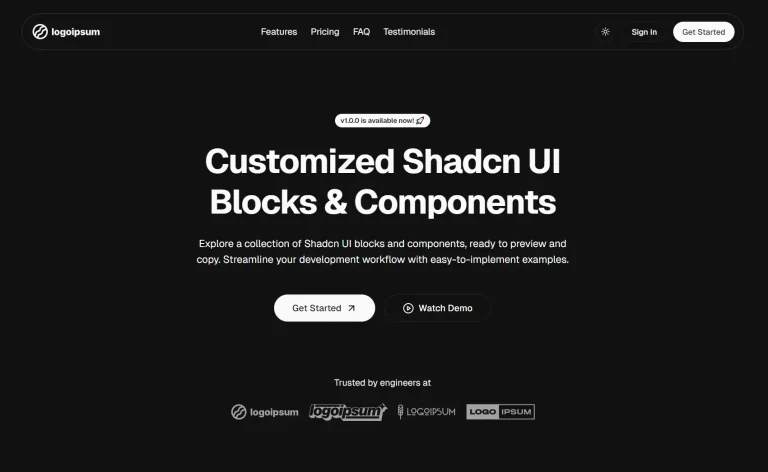
The Future of Web Dev
The Future of Web Dev
Free SaaS Landing Page Template for React, Vue & HTML
Free Tailwind CSS v4 SaaS landing page template with React, Vue, and HTML versions, dark mode, pricing, docs, blog, and legal layouts.
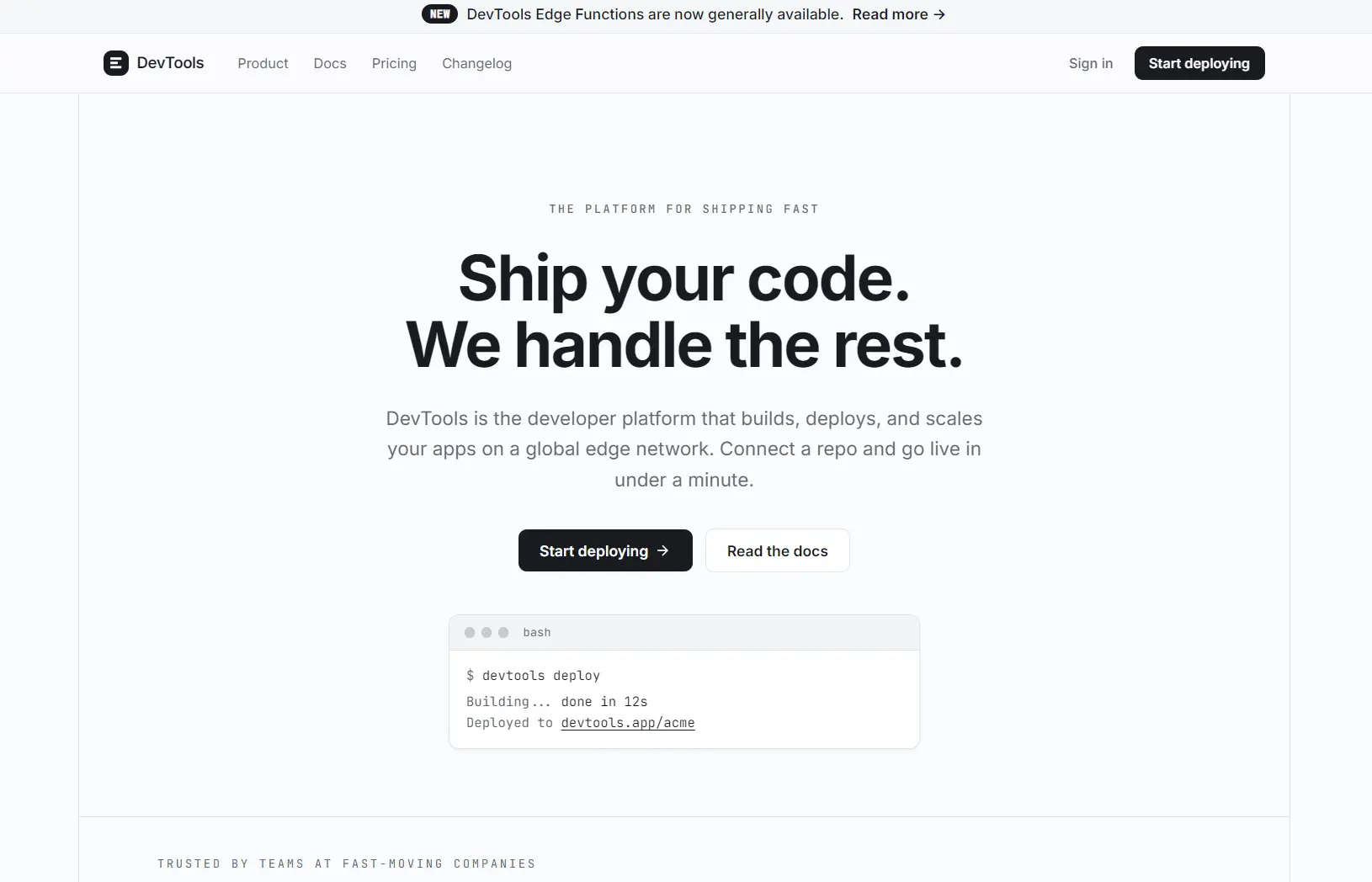
This is a modern, Tailwind CSS SaaS landing page template for React, Vue, and plain HTML.
It contains a full developer-tool style marketing site with 11 pages: home, features, docs, pricing, changelog, blog, post, about, careers, contact, and legal.
Copy the standalone HTML file for a static site, or drop the React or Vue component into an existing app.
Key Features
- React, Vue, and standalone HTML implementations.
- Tailwind CSS design tokens.
- Light and dark modes.
- SVG icons.
- Optional sign-in and sign-up callbacks.
- Disables animations when
prefers-reduced-motion: reduceis active.
How To Use It
Standalone HTML
The HTML edition is the fastest preview path. html/index.html already loads the required Tailwind setup.
saas-landing-page-template/
└── html/
    └── index.html
React
The React edition requires Tailwind CSS. Import react/globals.css once in the application, then render DevTools.tsx.
import "./globals.css";
import { DevTools } from "./DevTools";
export default function MarketingSite() {
  return <DevTools />;
}
Vue
The Vue edition lives in vue/DevTools.vue. Import the matching globals.css file once before rendering the component.
<script setup>
import "./globals.css";
import DevTools from "./DevTools.vue";
</script>
<template>
  <DevTools />
</template>
Alternatives and Related Resources
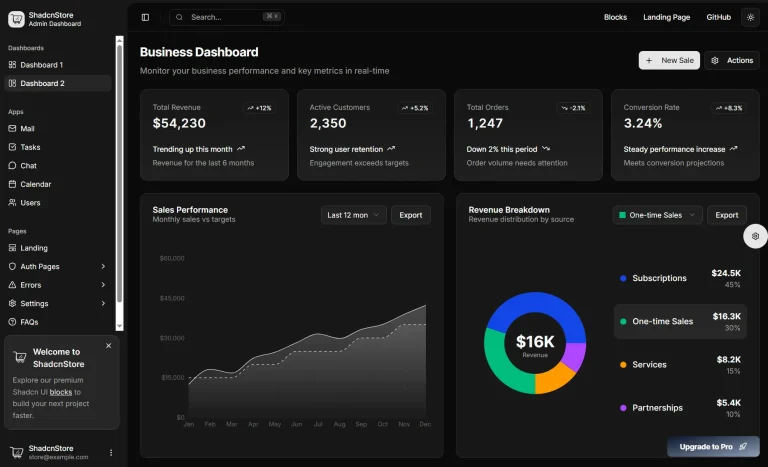
- Shadcn/UI Landing Page Template for React
- Responsive Vue Landing Page Template with shadcn/ui
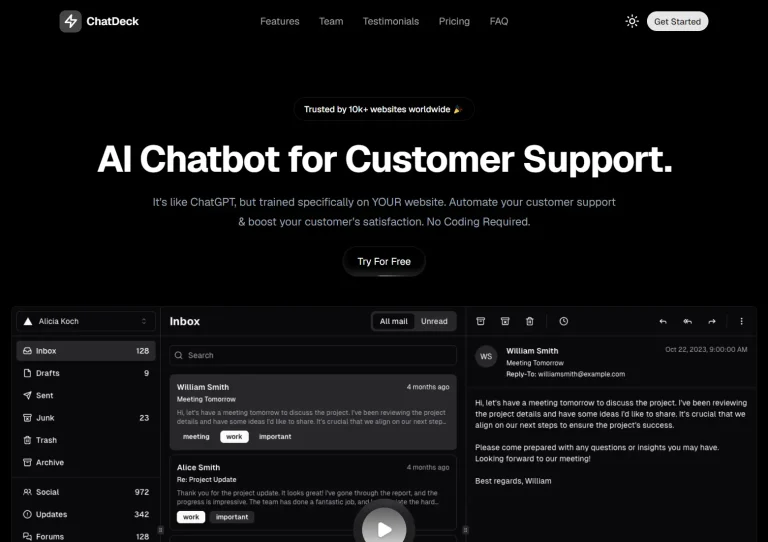
- Free SaaS Landing Page Template for Next.js: ChatDeck
- 10+ Free Modern Landing Page Templates for Next.js: Kairo UI
- Best Free Landing Page Templates
FAQs
Q: Is this a real multi-page React or Vue application?
A: The React and Vue editions switch views inside one component through local state. They do not create framework router entries or separate URLs.
Q: Does the React component require any props?
A: No props are required. onSignIn and onSignUp are optional callbacks for connecting the built-in CTA buttons to application logic.
Q: How do I use the React template with Next.js App Router?
A: Add "use client" when DevTools.tsx acts as the client entry point. The component uses React state, event handlers, and browser behavior. Replace its internal page switching with App Router routes when those views need independent URLs.
Q: Where do I change the colors and dark theme?
A: Edit the semantic variables and brand ramp in globals.css. The .dark selector holds the dark theme values.