The Future of Web Dev
The Future of Web Dev
Minimal Astro & Tailwind Blog Theme – Storyteller
A minimal, content-first Astro blog theme with dark/light modes and multi-author support. Build a beautiful, fast blog today.
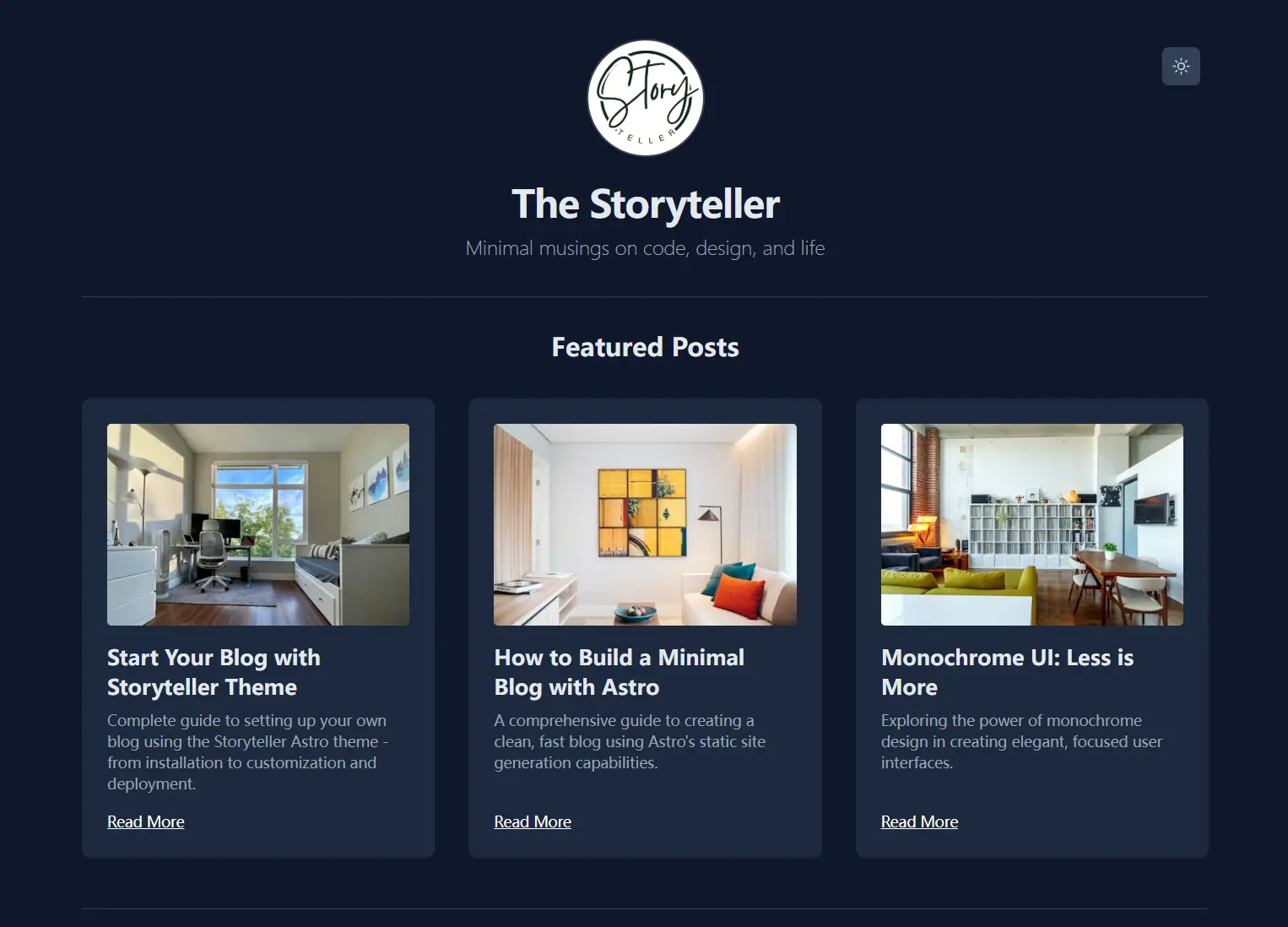
Storyteller is a minimal, content-focused blog theme built with Astro and styled with Tailwind CSS.
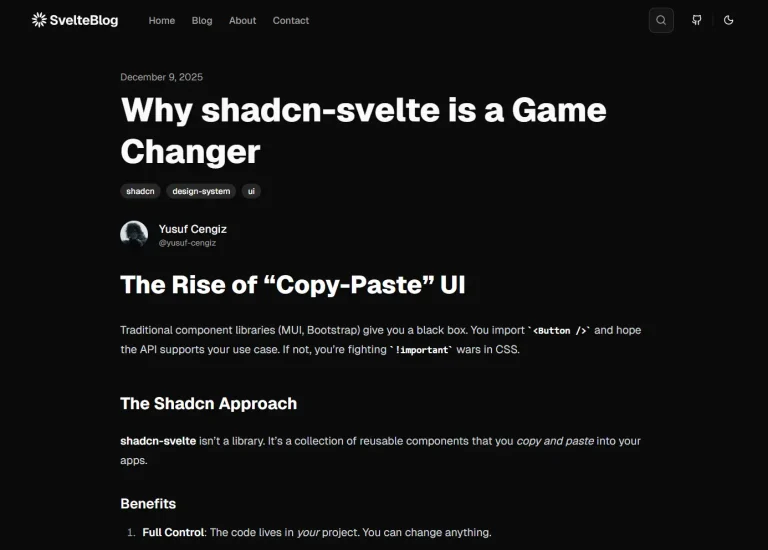
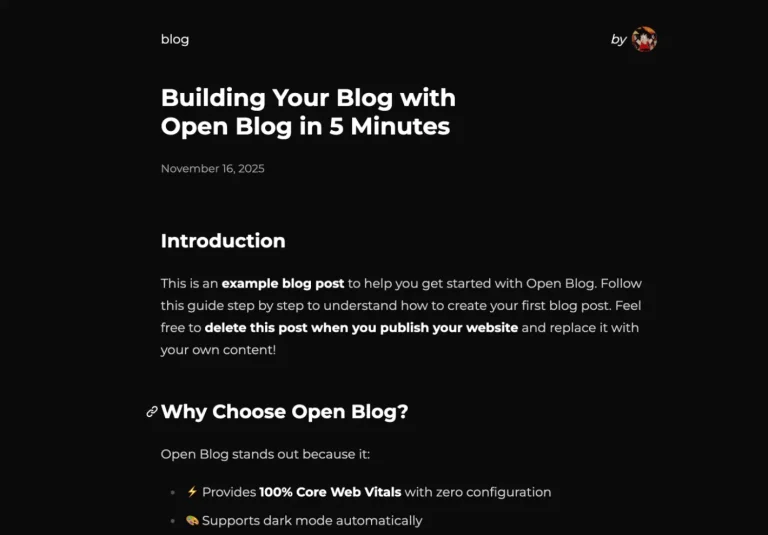
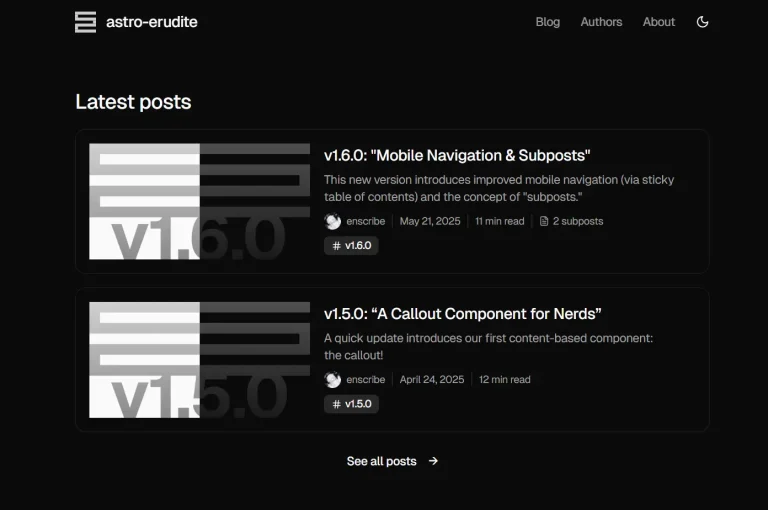
It comes with a clean, monochrome design that prioritizes readability and places your content at the center of attention.
Features
🎨 Monochrome Design System – Clean black and white aesthetic that puts content first
📈 Google Analytics Integration – Privacy-focused analytics setup
📱 Mobile-First Responsive Design – Optimized layouts for all screen sizes
📝 Astro Content Collections – Type-safe content management with schema validation
🗂️ Advanced Organization – Categories, tags, and featured posts system
👥 Multi-Author Support – Dedicated author pages with post filtering
📄 Smart Pagination – SEO-friendly numbered pagination with clean URLs
🖼️ Image Optimization – Lazy loading and responsive image support
🚀 Performance Optimized – Static generation with minimal dependencies
📊 SEO Ready – Built-in meta tags, OpenGraph, and sitemap generation
🔧 Highly Configurable – Extensive customization options via config file
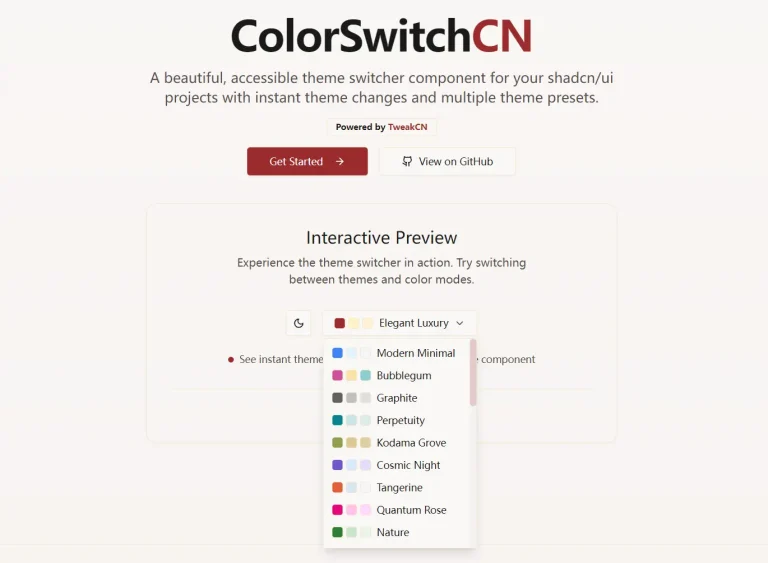
🌓 Dark/Light Mode Toggle – Automatic theme switching with system preference detection

Use Cases
- Personal Developer Blogs – Share coding experiences, tutorials, and technical insights with clean, distraction-free layouts
- Team Documentation Sites – Create internal knowledge bases or public documentation with multi-author support and organized content structure
- Minimalist Portfolio Blogs – Showcase work and thoughts without overwhelming visual elements that compete with your content
- Technical Writing Platforms – Build focused writing environments for technical content with excellent typography and code syntax highlighting
- Content-First Publications – Launch online magazines or publications where readability and content organization take priority over visual design
Installation
1. To get started, you need Node.js (version 18 or newer) or Bun, and Git installed on your system.
2. Clone the repository from GitHub.
git clone https://github.com/hasinhayder/storyteller-astro.git3. Navigate into the project directory and install the necessary dependencies using your preferred package manager:
cd storyteller-astro# Using Bun
bun install
# Using npm
npm install
# Using pnpm
pnpm install4. Start the local development server and your blog will be running at http://localhost:4321.
# Using Bun
bun dev
# Using npm
npm run dev
# Using pnpm
pnpm dev
Usage
1. To create a new blog post, add a new Markdown (.md) file inside the src/content/article/ directory.
2. Edit src/site.config.mjs to customize your blog:
export default {
  siteTitle: "The Storyteller", // Main site title displayed in header
  siteSubTitle: "Minimal musings on code, design, and life", // Subtitle shown under main title
  copyright: "© 2025 The Storyteller. All Rights Reserved.", // Footer copyright text
  showAuthorsOnHomePage: false, // Display author info on homepage
  showFeaturrdPostsOnHomePage: true, // Show featured posts section on homepage
  showCategoryOnPosts: true, // Display categories on posts in homepage
  labels: {
    featuredPosts: "Featured Posts", // Title for featured posts section
    latestPosts: "Latest Posts", // Title for latest posts section
    viewAllPosts: "View All Posts", // Text for link to paginated blog
    backToHome: "Back to Home", // Back navigation text
    youMightAlsoLike: "You Might Also Like", // Similar posts section title
    postedIn: "Posted in", // Category prefix text in articles
    noArticlesFound: "No articles found.", // Empty state message
    allCategories: "All Categories", // Categories page title
    allTags: "All Tags", // Tags page title
    allAuthors: "All Authors", // Authors page title
    exploreArticlesByTags: "Explore articles organized by topics", // Tags page description
    exploreArticlesByCategories: "Explore articles organized by topics", // Categories page description
    exploreArticlesByAuthors: "Explore articles organized by authors", // Authors page description
    readMore: "Read More", // Text for "Read More" links on featured posts
    shareThisArticle: "Share this article", // Share button text
  },
  defaultAuthorName: "Hasin Hayder",
  showCategoriesLinkOnFooter: true, // Show Categories link in footer
  showTagsLinkOnFooter: true, // Show Tags link in footer
  showAuthorsLinkOnFooter: true, // Show Authors link in footer
  showSimilarPosts: true, // Display similar posts on article pages
  showReadMoreLinkOnFeaturedPosts: true, // Show "Read More" on featured cards
  showThumbnailOnFeaturedPosts: true, // Display thumbnails on featured posts
  numberOfLatestPostsOnHomePage: 6, // Number of latest posts on homepage
  numberOfBlogPostsPerPage: 8, // Number of posts per paginated blog
  gTag: "G-V5QHDKBFP" // Google Analytics tracking ID
}
Related Resources
- Astro Documentation – Complete guide to the Astro static site generator framework
- Tailwind CSS – Utility-first CSS framework used for styling throughout the theme
- Astro Content Collections – Type-safe content management system documentation
- Astro Themes Gallery – Collection of other Astro themes for different use cases
FAQs
Q: Can I customize the monochrome color scheme?
A: Yes, you can modify colors in the Tailwind CSS classes throughout the components. The theme uses CSS variables for easy color switching between light and dark modes.
Q: How do I add Google Analytics tracking?
A: Add your Google Analytics tracking ID to the gTag field in src/site.config.mjs. The theme includes privacy-focused analytics that respects Do Not Track settings.
Q: Can I use this theme for commercial projects?
A: Yes, Storyteller is released under the MIT License, which allows commercial use, modification, and distribution.
Q: How do I add new pages beyond blog posts?
A: Create new .astro files in the src/pages/ directory. Astro uses file-based routing, so src/pages/about.astro becomes /about/.