nextjs-better-auth is a starter kit for building modern web applications. It combines Next.js, Better Auth, Prisma, and shadcn/ui into a pre-configured project structure.
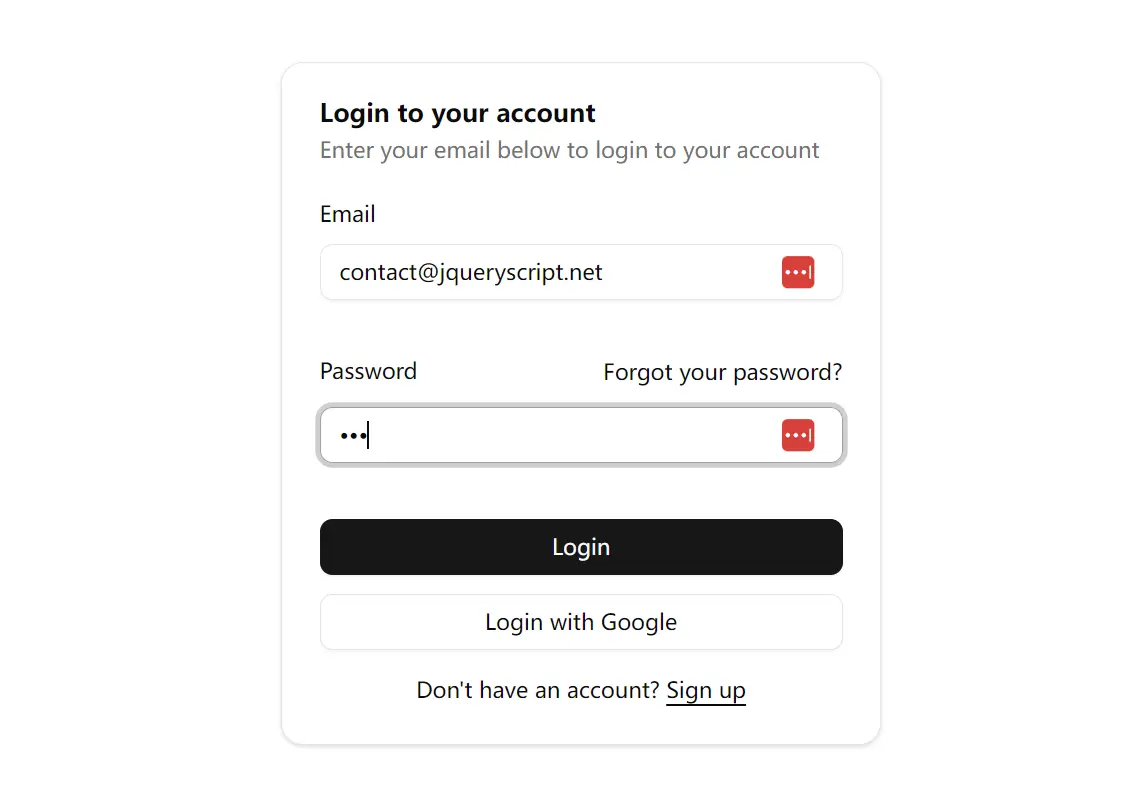
This kit furnishes a ready-to-use setup that includes user authentication flows out of the box. It utilizes Better Auth for handling sign-up, login, and session management, connected to a database managed by Prisma.
Features
✨ Next.js 15 App Router – Latest Next.js framework with improved routing
💾 Prisma ORM – Type-safe database access and management
📊 User Dashboard – Ready-to-use dashboard for authenticated users
🔒 Better Auth Integration – Complete authentication solution
🎨 shadcn/ui Components – Modern UI components for rapid development
📝 TypeScript Support – Full type safety across the application
Use Cases
- SaaS Applications: Quickly start a Software-as-a-Service product needing user registration, login, and protected feature areas.
- Internal Tools: Build internal company dashboards or tools requiring employee authentication and access control.
- Personal Projects: Accelerate the creation of side projects or portfolio pieces that involve user accounts.
- Membership Sites: Create platforms with restricted content accessible only to logged-in members.
- Prototyping: Rapidly prototype application ideas that depend on user authentication features.
Installation
- Clone the repository to your local machine:
sh git clone https://github.com/Achour/nextjs-better-auth.git cd nextjs-better-auth - Install the required project dependencies:
sh npm install - Set up your environment variables. Copy the example file:
sh cp .env.example .env
Open the.envfile and add your specific configuration values (database connection string, secrets, etc.). - Prepare your database schema using Prisma Migrate:
sh npx prisma migrate dev
This command applies pending migrations and generates Prisma Client. - Start the local development server:
sh npm run dev
Your application should now be running, typically athttp://localhost:3000.
Related Resources
- Next.js Documentation: https://nextjs.org/docs – Official documentation for the Next.js framework.
- Prisma Documentation: https://www.prisma.io/docs/ – Comprehensive guides and API reference for Prisma ORM.
- shadcn/ui Documentation: https://ui.shadcn.com/docs – Documentation for the shadcn/ui components library.
FAQs
Q: Do I need experience with Prisma to use this starter kit?
A: Basic familiarity with Prisma is helpful but not required. The starter kit comes with pre-configured Prisma setup, and you can learn as you go by referring to the Prisma documentation.
Q: Can I customize the authentication flows?
A: Yes, Better Auth is designed to be customizable. You can modify login processes, registration requirements, and user management according to your project needs.
Q: Is this starter kit suitable for production applications?
A: Yes, the kit uses production-ready technologies like Next.js 15, Prisma, and TypeScript, making it suitable for both development and production environments.
Q: Can I add additional UI components beyond what’s included?
A: Absolutely. The starter kit uses shadcn/ui, which is extensible, and you can add custom components or integrate other UI libraries as needed.
Q: How do I deploy applications built with this starter kit?
A: Applications can be deployed to any hosting platform that supports Next.js, such as Vercel, Netlify, or traditional hosting with proper Node.js configuration.
Preview