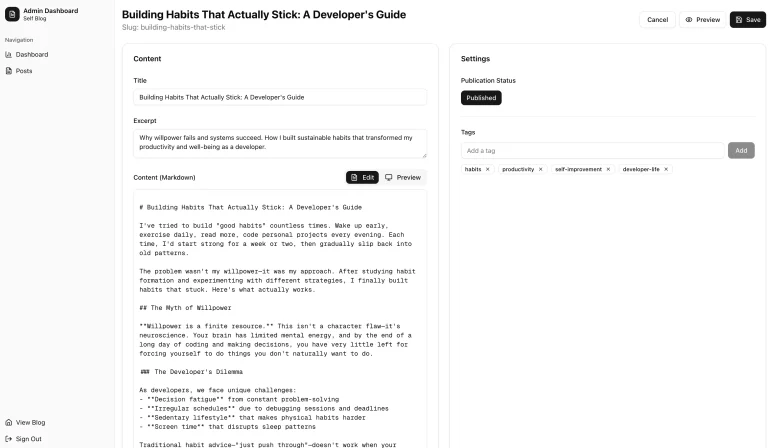
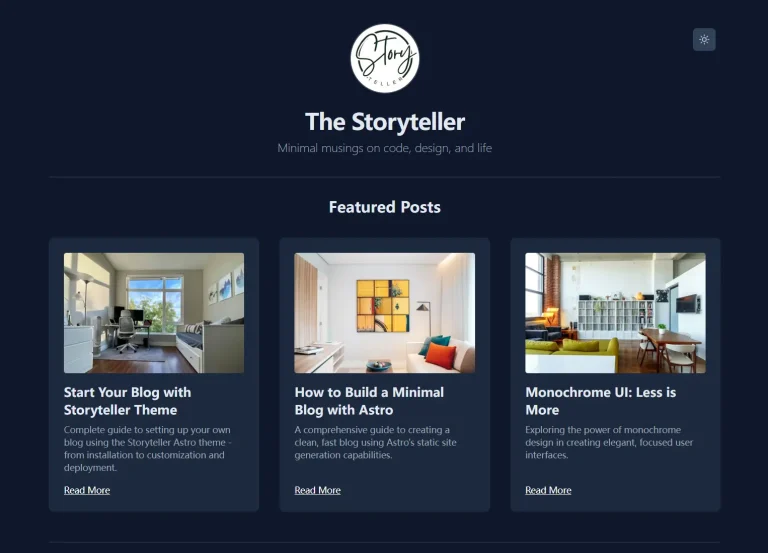
The Future of Web Dev
The Future of Web Dev
Minimal MDX & Next.js Blog System with Social Features – Catter
An open-source Next.js blog platform featuring MDX support, comments, guestbook, and LaTeX rendering for modern content creators.

Catter is an open-source, minimal, clean, fully responsive blog platform built with Next.js MDX, TailwindCSS, and shadcn/ui components.
It supports both Markdown and MDX, which allows you to write posts using a simple syntax while also embedding interactive React components directly into your posts.
Features
🎨 Beautiful design using Catppuccin color palette for consistent visual appeal.
📝 Full Markdown and MDX support for rich content creation.
💬 Custom comment system with OAuth authentication integration.
👀 Built-in view counter tracking for post analytics.
✍️ Interactive guestbook feature for visitor engagement.
🧮 LaTeX support for mathematical expressions and formulas.
📁 Dedicated project showcase pages for portfolio display.
🏷️ Tag system for content organization and navigation.
🎯 CodeHike integration for enhanced code block presentation.
🔐 Multi-platform OAuth support including GitHub, Discord, and Spotify.
📱 Responsive design optimized for all device sizes.
⚡ Next.js performance optimizations and static generation support.
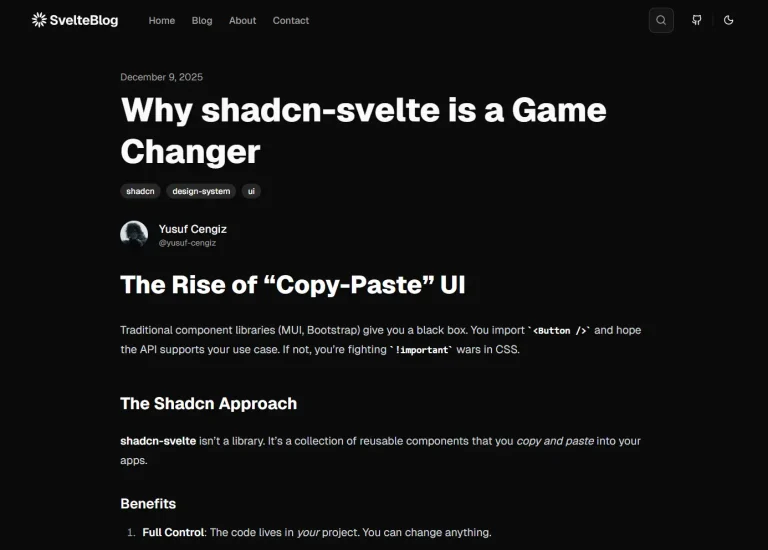
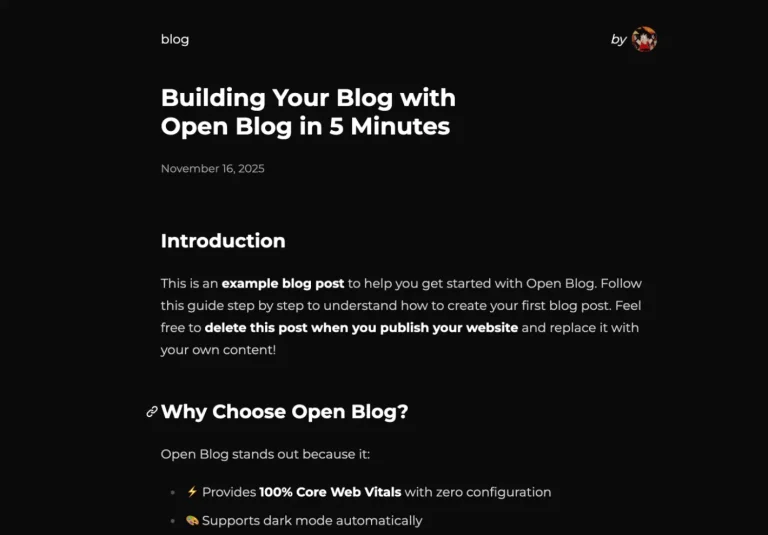
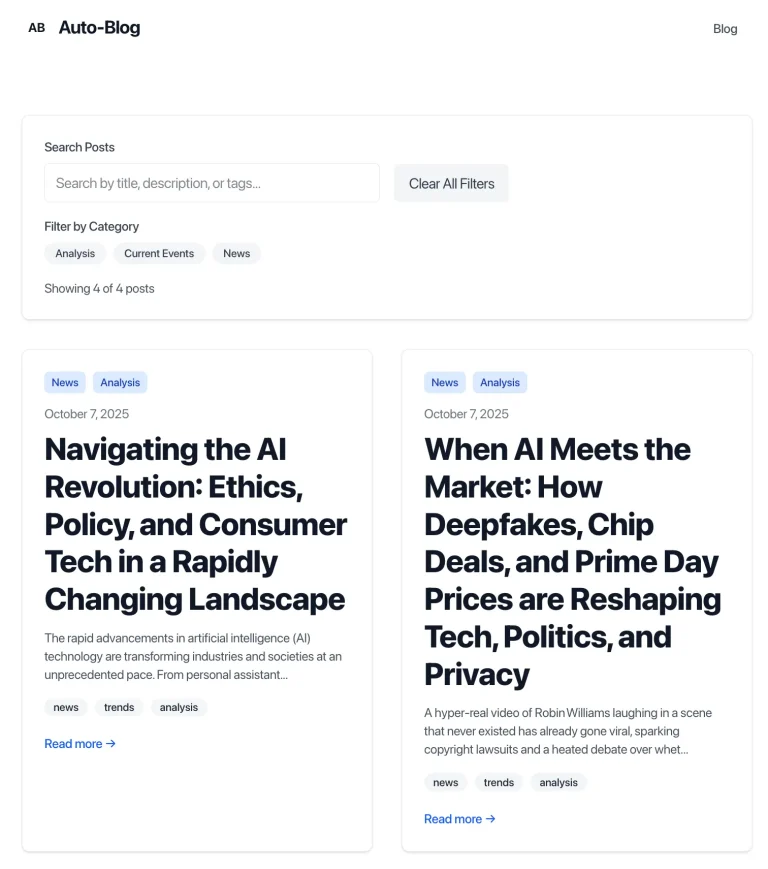
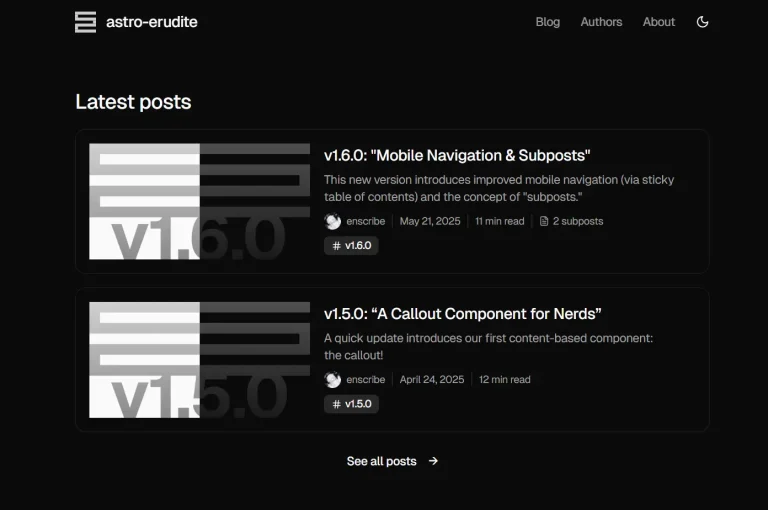
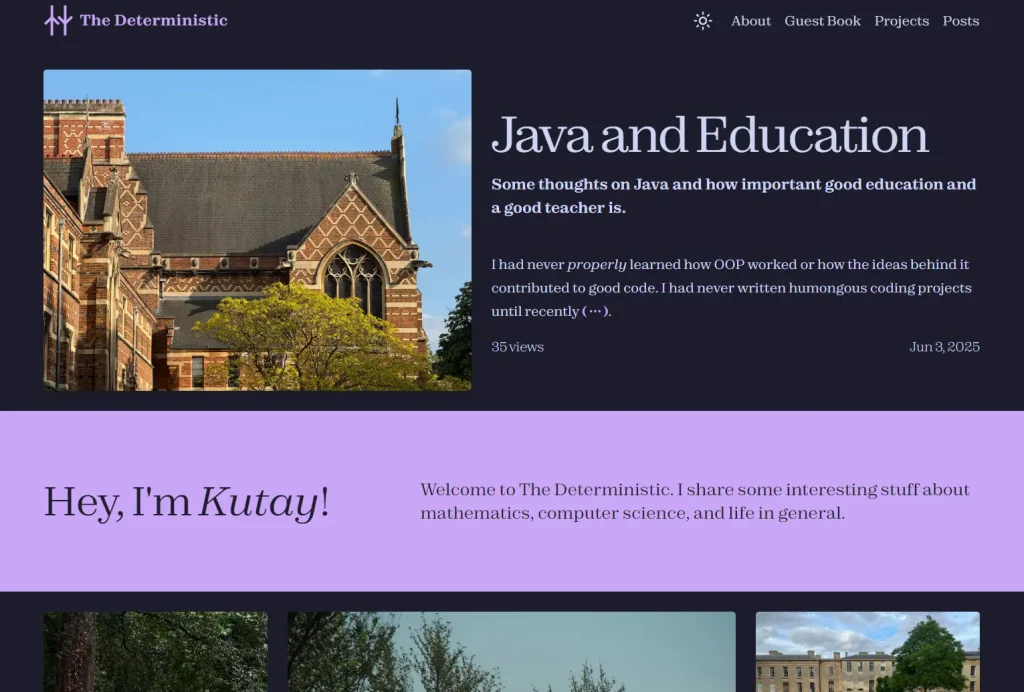
Preview

Use Cases
- Personal developer blogs with technical content and code examples
- Academic websites requiring LaTeX support for mathematical publications
- Portfolio sites showcasing projects with integrated commenting systems
- Community-driven blogs where visitor interaction through guestbooks matters
- Documentation sites that need both technical content and user feedback capabilities
How to Use It
1. Clone Catter from GitHub and navigate to the project directory.
2. Run the development server.
# NPM
npm run dev
# Yarn
yarn dev
# PNPM
pnpm dev
# Bun
bun dev
3. You can now view your new blog by opening http://localhost:3000.
4. Creaea .env.local file in the root of your project by copying the contents of .env.example.
This file contains several important keys. For the guestbook and comment sections to work, you need to provide OAuth credentials from services like GitHub, Discord, or Spotify.
You also need to set the AUTH_SECRET for NextAuth and the POSTGRES_URL for your Postgres database connection.
Catter automatically handles the database schema, so you do not need to run any manual setup commands.
# .env.local example
SPOTIFY_OAUTH_CLIENT_SECRET=your_spotify_secret
SPOTIFY_OAUTH_CLIENT_ID=your_spotify_id
DISCORD_OAUTH_CLIENT_SECRET=your_discord_secret
DISCORD_OAUTH_CLIENT_ID=your_discord_id
GITHUB_OAUTH_CLIENT_ID=your_github_id
GITHUB_OAUTH_CLIENT_SECRET=your_github_secret
AUTH_SECRET=a_secure_random_string
AUTH_REDIRECT_PROXY_URL=http://localhost:3000/api/auth
POSTGRES_URL=your_postgres_database_url
NODE_ENV=development
# Optional MinIO/S3 configuration
MINIO_ENDPOINT=
MINIO_ACCESS_KEY=
MINIO_SECRET_KEY=
S3_BUCKET_NAME=
SITE_URL="http://localhost:3000"
5. Personalize your blog’s settings by modifying the config/site.ts file. This file allows you to change the site name, author details, navigation links, and footer content.
const followNext = [
  {
    shortened: 'comeau',
    title: 'Josh Comeau\'s Blog',
    link: 'https://www.joshwcomeau.com/',
    imagePath: '/follow-next-images/comeau.png',
    description: 'Josh Comeau is a front-end developer who writes about various things, including CSS and React.',
  },
  {
    shortened: 'bendersky',
    title: 'Eli Bendersky\'s Website',
    link: 'https://eli.thegreenplace.net/',
    imagePath: '/follow-next-images/bendersky.png',
    description: 'Eli\'s blog is a place where he talks about programming, C++, Python, maths, and more.',
  },
  {
    shortened: 'sophie',
    title: 'Sophie\'s Localghost',
    link: 'https://localghost.dev/',
    imagePath: '/follow-next-images/localghost.png',
    description: 'Sophie\'s website is a cool place with an awesome design where she shares things about tech, web development, and mental health.',
  },
  {
    shortened: 'melikechan',
    title: 'melikechan\'s blog',
    link: 'https://melikechan.vercel.app/',
    imagePath: '/follow-next-images/melikechan.png',
    description: 'Melike\'s blog is a place where she shares various things, including AI and being a researchering student.',
  },
];

export const siteConfig = {
  url: 'https://www.mkutay.dev',
  name: 'The Deterministic',
  author: 'Mehmet Kutay Bozkurt',
  authorEmail: '[email protected]',
  description: 'A blog that talks about various things from mathematics to computer science and from philosophy to life updates.',
  navItems: [
    { label: 'About', href: '/about' },
    { label: 'Guest Book', href: '/guestbook' },
    { label: 'Projects', href: '/projects' },
    { label: 'Posts', href: '/posts/page/1' },
  ],
  footerItems: {
    connections: [
      { title: 'BlueSky', link: 'https://bsky.app/profile/mkutay.substack.com' },
      { title: 'Instagram', link: 'https://www.instagram.com/mkutaybozkurt' },
      { title: 'GitHub', link: 'https://github.com/mkutay' },
      { title: 'Resume (Old)', link: '/pdfs/mehmet-kutay-bozkurt.pdf' },
    ],
    blog: [
      { title: 'Sponsor Me', link: 'https://github.com/sponsors/mkutay?o=esb' },
      { title: 'Substack', link: 'https://mkutay.substack.com' },
      { title: 'RSS Feed', link: '/feed.xml' },
      { title: 'Admin', link: '/admin' },
    ],
  },
  tagsThatShouldBeCapital: [
    'ib',
    'ai',
  ],
  postNumPerPage: 5,
  newsletterSubscribe: 'https://mkutay.substack.com/subscribe',
  admins: ['[email protected]', '[email protected]'],
  date: new Date().toISOString().split('T')[0],
  homePage: {
    leftSideSlugs: [
      'creating-a-clone-of-yourself',
      'skip-list',
    ],
    rightSideSlugs: [
      'why-mathematics-is-lonely',
      'why-do-people-just-hate-mathematics',
    ],
    middleSlug: 'some-reflection-on-writing',
    firstSlug: 'java-and-education',
  },
  followNext,
  invisible: 'invisible',
  noParentheses: 'no-parentheses',
};
Related Resources
- Next.js Documentation – Complete guide for the underlying framework powering Catter
- MDX Documentation – Learn how to create interactive content with markdown and JSX
- Shadcn UI Components – Explore the component library used throughout the platform
- Catppuccin Color Themes – Discover the color palette system behind Catter’s design
FAQs
Q: Can I customize the color scheme beyond Catppuccin?
A: Yes, you can modify the TailwindCSS configuration to use different colors, though the platform is optimized for the Catppuccin palette.
Q: What databases does Catter support?
A: Catter currently requires PostgreSQL for storing comments, guestbook entries, and view counts. The schema is automatically created when you first run the application.
Q: How do I add custom MDX components?
A: Create custom components in your components directory and import them in your MDX files. The platform supports all standard MDX functionality.
Q: Can I disable specific features like comments or guestbook?
A: You can remove OAuth providers from your environment configuration to disable authentication-dependent features, though the platform works best with all features enabled.