The Future of Web Dev
The Future of Web Dev
Next.js Landing Page Template with ShadcN UI Components – Postly
Create a modern landing page with the Postly Template. Built with Next.js, shadcn/ui, & Framer Motion for fast, responsive web development.

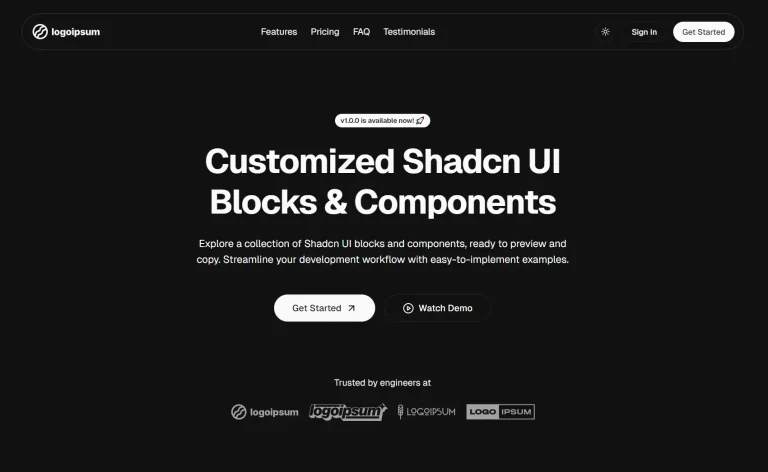
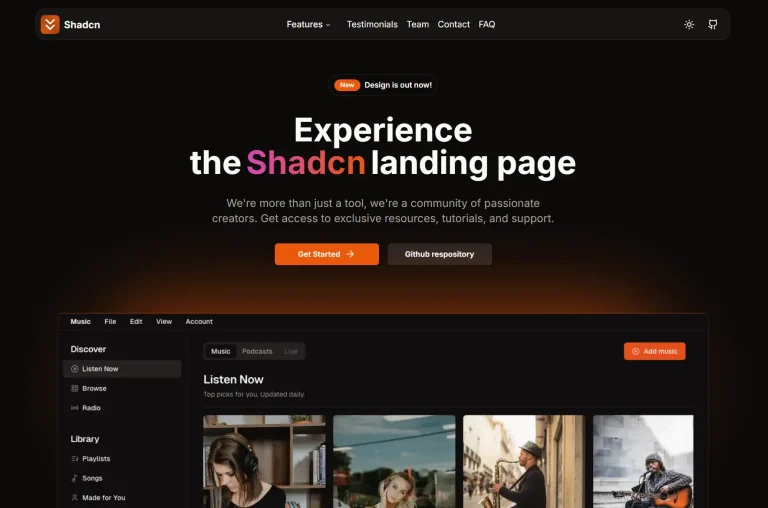
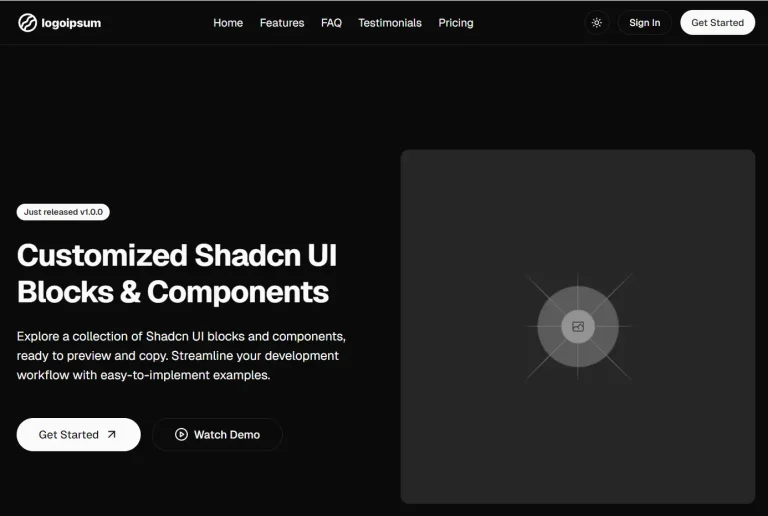
Postly Template is a modern, responsive landing page template built using Next.js, shadcn/ui, and Framer Motion.
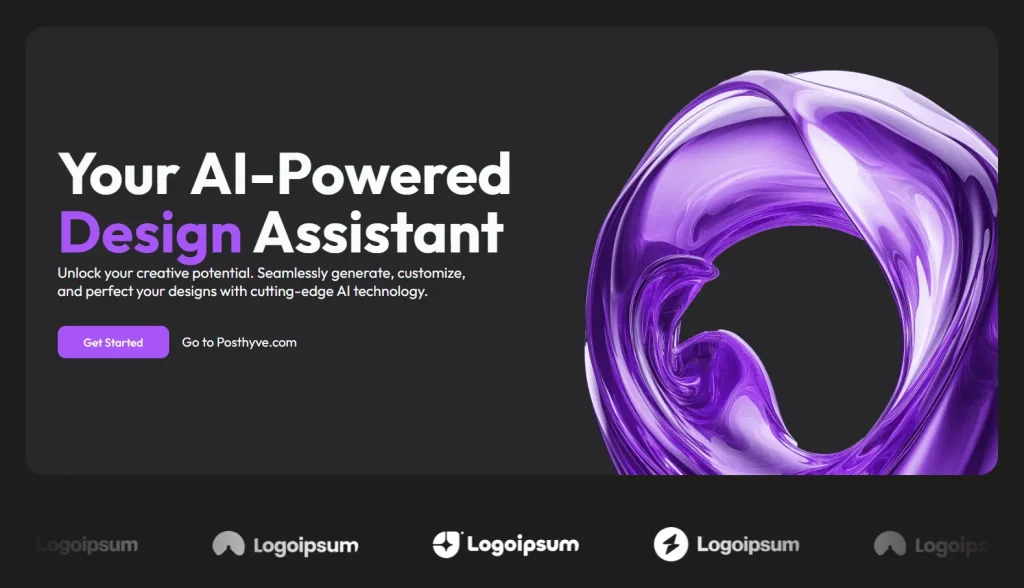
You can transform this template into unique landing pages by modifying its components, styles, and content structure. The template draws inspiration from posthyve.com while maintaining its own identity and flexibility.
Features
📱 Responsive Layout: The template automatically adjusts to fit different screen sizes, providing an optimal viewing experience on any device.
💫 Fluid Animations: Framer Motion brings subtle animations to the user interface.
🎨 Customizable Components: shadcn/ui provides a set of pre-built UI components that are easily modified.
🖥️ Clean Design: The template offers a contemporary layout for a professional look.
Use Cases
- Product Launch: Announce a new software application or physical product. The template provides sections for features, benefits, and calls to action.
- Service Showcase: Highlight a service you offer, like consulting, design, or development. Detail the service offerings and include testimonials.
- Portfolio Website: Display your creative work. The template’s clean design can showcase images and project descriptions.
- Event Promotion: Create a landing page for a conference, webinar, or workshop. You can integrate registration forms and event schedules.
- Startup Landing Page: Present your business and collect user emails.
Installation
To begin using the Postly Template, you need to have Node.js and npm (or yarn) installed on your machine. After setting up, run these steps:
- Clone the Repository:
bash git clone https://github.com/indieceo/postly-template.git - Go to the Project Folder:
bash cd postly-template - Install Dependencies:
bash npm install - Start the Development Server:
bash npm run dev - View in Browser: Open a web browser and go to
http://localhost:3000.
Usage
The Postly Template uses standard Next.js project structures. Modify existing components in the components directory or add new ones. Change the styling through the provided CSS or by using ShadCN UI’s customization options.
FAQs
Q: Can I use this template for commercial projects?
A: Yes, the template is free to use and can be adapted for both personal and commercial projects.
Q: Do I need to know all three technologies (Next.js, ShadCN UI, Framer Motion) to use this?
A: Basic familiarity with React and Next.js is helpful. You can start using the template and learn about ShadCN UI and Framer Motion as you customize it.
Q: Is the template SEO-friendly?
A: Next.js offers server-side rendering, which can improve SEO. Ensure to optimize your content and metadata for the best results.
Q: How can I customize the animations?
A: You can modify animations by adjusting Framer Motion parameters in the component files.
Preview