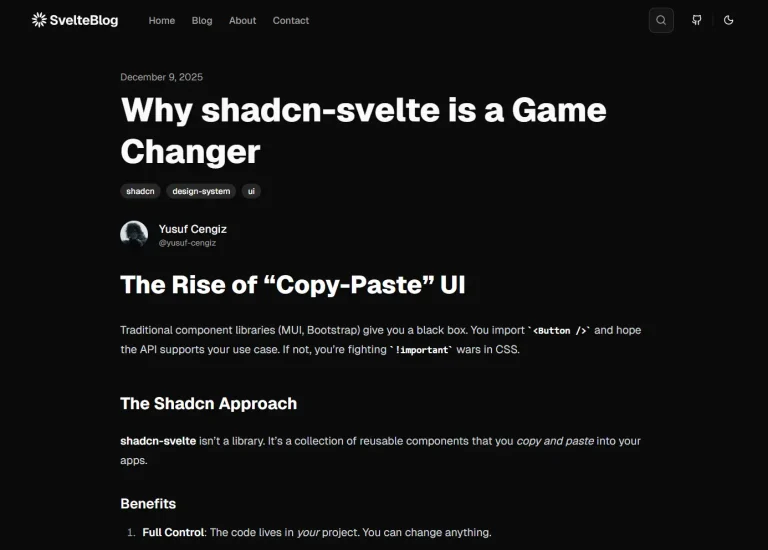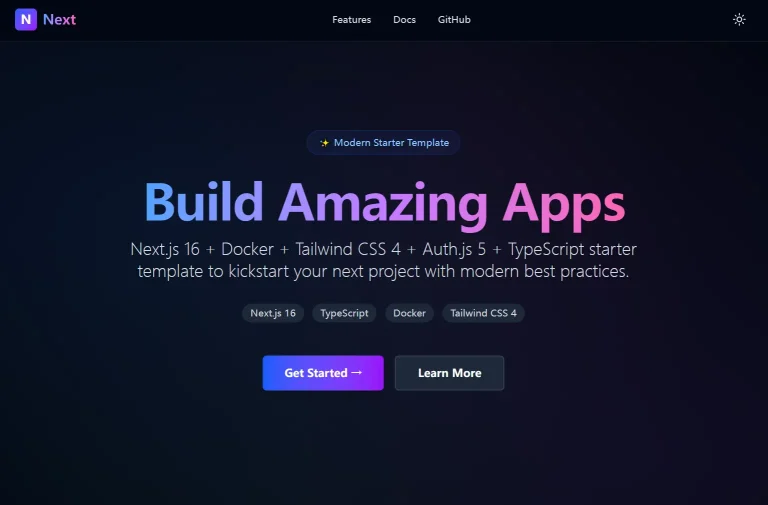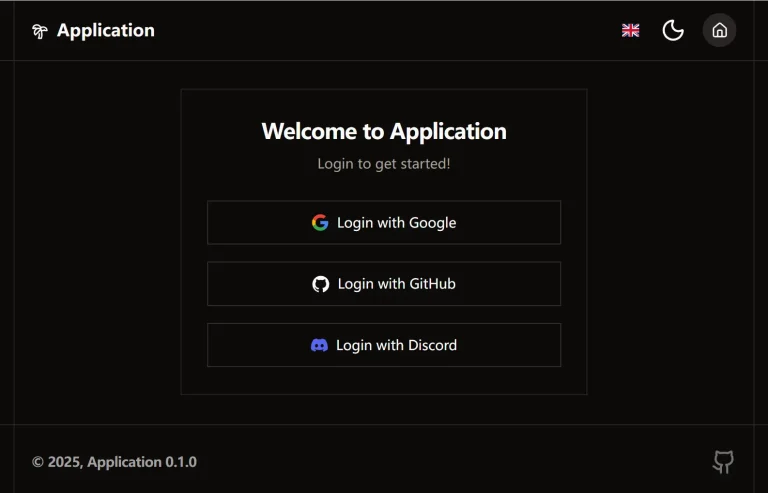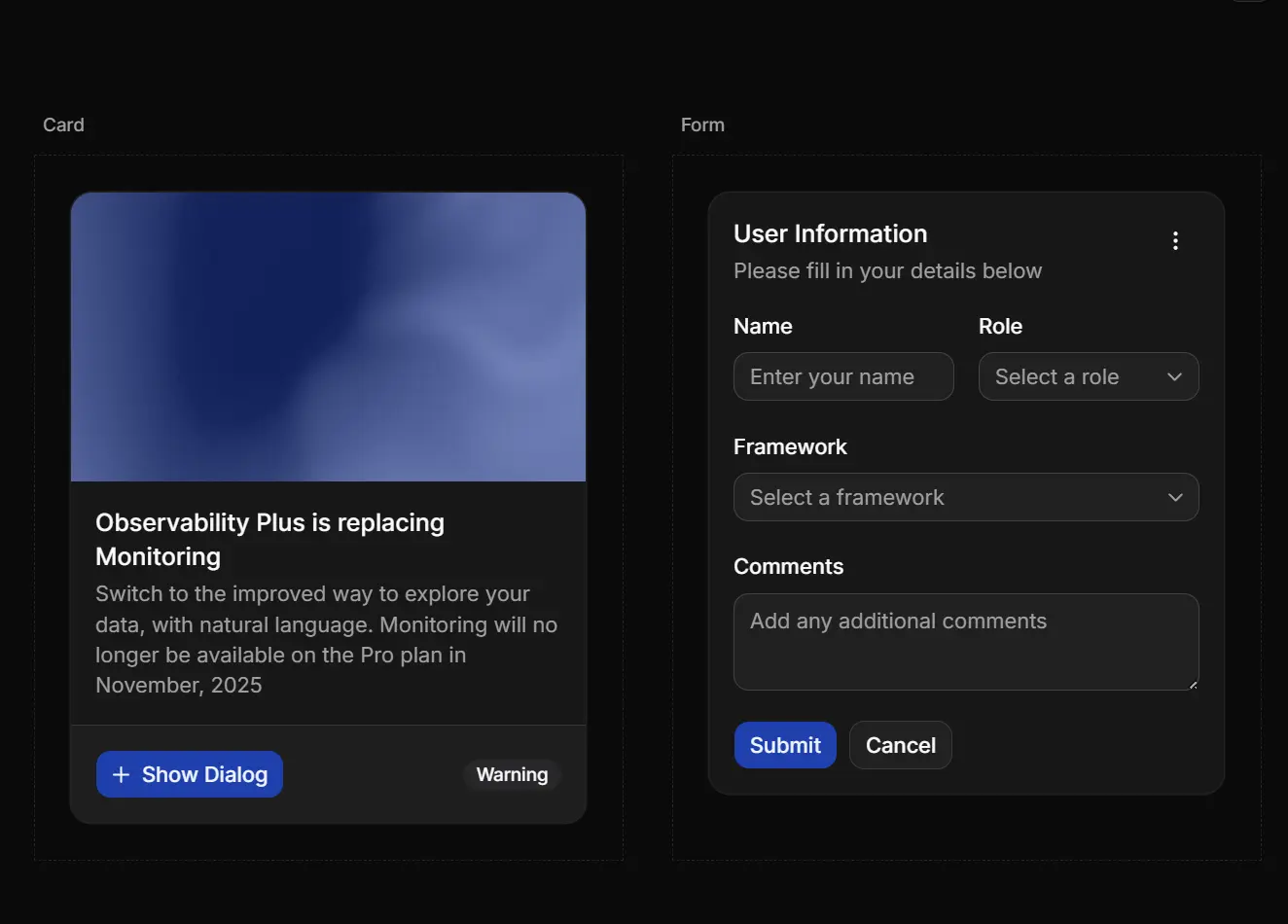
This is a lightweight, customizable, production-ready Next.js starter template built with Next.js App Router, shadcn/ui components, and Tailwind CSS.
The template includes TypeScript configuration and pre-built layout structures that handle theming, routing, and component organization.
You can clone it and begin building application features immediately without spending time on boilerplate setup.
Features
🏗️ App Router: Uses the src/app directory structure with nested routing and layouts for clean separation between root configuration and application logic.
⚛️ React Compiler: Runs the latest React version with compiler optimizations built in.
🎨 shadcn/ui Components: Includes pre-installed UI primitives like buttons, dialogs, forms, tables, and inputs ready for customization.
🌓 Animated Theme Toggle: Switches between light and dark modes with smooth animations and persistent user preferences.
🔄 TanStack Query: Handles server state management with built-in caching and background refetching.
📦 Component Organization: Separates custom components from shadcn/ui components for maintainability.
🎭 CSS Variable Theming: Manages colors and styles through CSS custom properties that update based on theme selection.
📝 Config-Driven Metadata: Centralizes site configuration in a single file for easy updates to titles, descriptions, and external links.
Use Cases
- SaaS MVP Development: Rapidly prototype and launch a software product with a professional UI foundation.
- Admin Dashboards: Build internal tools that require data tables, forms, and consistent theming.
- Personal Portfolios: Create fast, SEO-friendly showcase sites using the Next.js App Router.
- Client Projects: Deliver standardized codebases to clients with a clean and maintainable folder structure.
How to Use It
1. Clone the repository and install dependencies with your preferred package manager:
git clone <repository-url>
cd nextjs-shadcn-starter
npm install
2. Start the development server:
npm run dev3. Open http://localhost:3000 to see the application running. The starter displays a default home page with the theme toggle and GitHub link in the header.
4. The template organizes code into logical directories under src:
src/
├── app/
│   ├── layout.tsx              # Root layout with fonts and providers
│   ├── globals.css             # Tailwind directives and CSS variables
│   └── (app)/
│       ├── layout.tsx          # Application shell with header
│       └── page.tsx            # Main page content
├── components/
│   ├── custom/                 # Custom components
│   │   ├── animated-theme-toggler.tsx
│   │   ├── github-link.tsx
│   │   ├── icons.tsx
│   │   └── shad-tooltip.tsx
│   └── ui/                     # shadcn/ui components
├── context/
│   └── providers.tsx           # React context providers
└── lib/
    ├── config.ts               # Site configuration
    └── utils.ts                # Helper functions
5. Edit src/lib/config.ts to update your site information:
export const siteConfig = {
  title: "Create Next App",
  description: "Generated by create next app",
  links: {
    github: "https://github.com/vishkx/nextjs16_shadcn_template",
    github_api: "https://api.github.com/repos/vishkx/nextjs16_shadcn_template"
  },
}
export const META_THEME_COLORS = {
  light: "#ffffff",
  dark: "#09090b",
}
6. Create new routes by adding folders and page.tsx files under src/app/(app):
// src/app/(app)/dashboard/page.tsx
export default function DashboardPage() {
  return (
    <div className="container py-8">
      <h1 className="text-3xl font-bold">Dashboard</h1>
      {/* Your dashboard content */}
    </div>
  );
}
7. Import components from @/components/ui in your pages:
import { Button } from "@/components/ui/button";
import { Card, CardContent, CardHeader, CardTitle } from "@/components/ui/card";
export default function Page() {
  return (
    <Card>
      <CardHeader>
        <CardTitle>Welcome</CardTitle>
      </CardHeader>
      <CardContent>
        <Button>Click Me</Button>
      </CardContent>
    </Card>
  );
}
8. Adding Custom Components. Place custom components in src/components/custom:
// src/components/custom/my-component.tsx
export function MyComponent() {
  return <div>Custom component content</div>;
}
9. Wrap additional providers in src/context/providers.tsx:
"use client";
import { ThemeProvider } from "next-themes";
import { QueryClient, QueryClientProvider } from "@tanstack/react-query";
const queryClient = new QueryClient();
export function Providers({ children }: { children: React.ReactNode }) {
  return (
    <ThemeProvider attribute="class" defaultTheme="system" enableSystem>
      <QueryClientProvider client={queryClient}>
        {children}
      </QueryClientProvider>
    </ThemeProvider>
  );
}
10. Create an optimized production build:
npm run build
npm start
11. The build command generates static and server-rendered pages in the .next directory. Deploy the output to Vercel, Netlify, or any platform that supports Next.js applications.
Related Resources
- Next.js App Router: Official documentation for Next.js App Router architecture and server components.
- shadcn/ui: Component library built on Radix UI primitives with Tailwind CSS styling.
- TanStack Query: Data synchronization library for React applications with caching and background updates.
- next-themes: Theme management for Next.js applications with system preference detection.
FAQs
Q: Can I add more shadcn/ui components after cloning?
A: Yes. Run npx shadcn-ui@latest add <component-name> to install additional components. They automatically integrate with your existing theme and Tailwind configuration.
Q: How do I change the default fonts?
A: Edit the font imports in src/app/layout.tsx. Replace Geist and Inter with your chosen fonts from next/font/google or local font files, then update the className in the root HTML element.
Q: Does this template support server actions?
A: Yes. The App Router supports server actions out of the box. Create server actions in any server component or separate files, then call them from client components using form actions or transitions.
Q: Can I remove TanStack Query if I don’t need it?
A: Yes. Remove the QueryClientProvider from src/context/providers.tsx and uninstall the package. The template works fine with fetch calls or other data fetching strategies.