The Future of Web Dev
The Future of Web Dev
Video Component for Next.js with Auto Optimization – next-video
A React video component for Next.js that handles video optimization, transcoding, and CDN delivery. Works with Mux, Vercel Blob, S3, and Cloudflare R2.
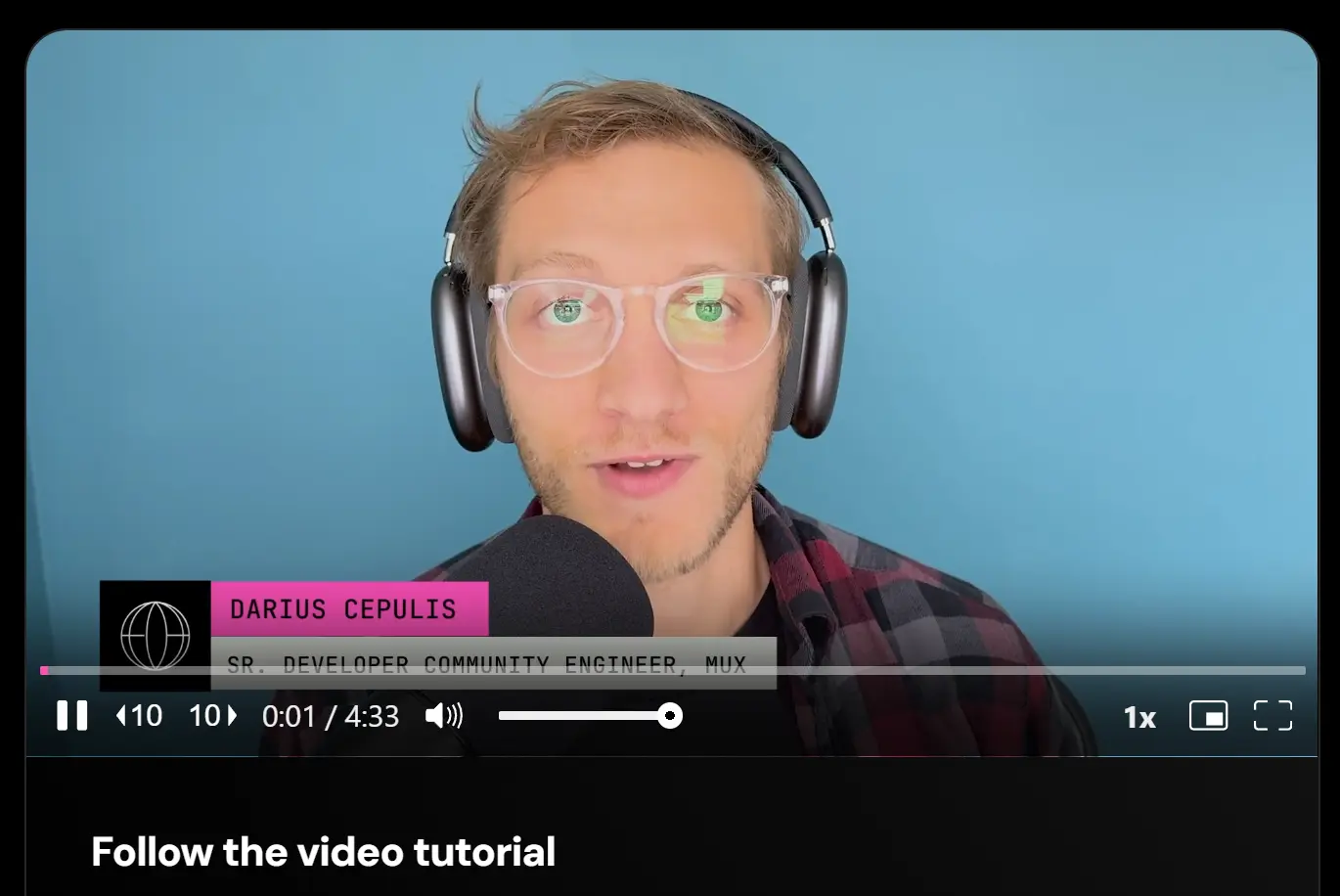
next-video is a React component that adds video playback to Next.js applications. It extends the standard <video> element with automatic optimization, remote storage, and CDN delivery.
The component uses Media Chrome as its default player. You can swap themes from player.style or build custom controls. It also supports automatic poster generation, timeline thumbnails, and optional analytics tracking.
Features
⚡ Automatic Video Processing: Converts source files to web-compatible formats with HLS adaptive streaming.
🎨 Themeable Player: Switches between pre-built themes or accepts custom player components.
🖼️ Generated Posters: Creates placeholder images and timeline hover thumbnails without manual configuration.
📊 Optional Analytics: Tracks view counts and playback metrics through Mux Data integration.
🤖 AI Transcription: Generates captions and subtitle files using Whisper-powered speech recognition.
🎯 Multiple Providers: Works with Mux, Vercel Blob, Backblaze, Amazon S3, or Cloudflare R2.
Use Cases
- Content-rich Marketing Sites: Embed promotional or product videos with adaptive streaming and performance tracking.
- SaaS Application Demos: Include tutorial or feature walkthrough videos that load efficiently.
- Media Portfolios: Showcase video work with a customizable player that maintains quality.
- E-learning Platforms: Deliver course content with generated captions for accessibility.
How to Use It
Installation and Initialization
Run the initialization command in the root of your Next.js project. This script configures the environment and creates necessary directories.
npx -y next-video initThis command performs the following actions:
- Installs
next-videoas a dependency. - Updates
next.config.jsto handle video processing. - Creates a
/videosdirectory for source files. - Updates
.gitignoreto exclude large video files from version control. - Generates TypeScript definitions if applicable.
Basic Usage with Local Files
Place your video files (e.g., demo.mp4) into the /videos directory. Run the sync command to process them.
npx next-video syncImport the video directly into your page component. The import acts as an asset object that the <Video> component understands.
import Video from 'next-video';
import demoVideo from '/videos/demo.mp4';
export default function Page() {
  return (
    <main>
      <h1>Product Demo</h1>
      <Video src={demoVideo} />
    </main>
  );
}
Using Remote URLs
You can render videos hosted on external servers (like S3) without local imports. Pass the URL string directly to the src prop.
import Video from 'next-video';
export default function RemotePage() {
  return (
    <Video src="https://www.mydomain.com/remote-video.mp4" />
  );
}
Configuring Storage Providers
By default, next-video uses Mux. To use a different provider like Amazon S3 or Backblaze, update your next.config.js.
const { withNextVideo } = require('next-video/process');
/** @type {import('next').NextConfig} */
const nextConfig = {};
module.exports = withNextVideo(nextConfig, {
  provider: 'amazon-s3',
  providerConfig: {
    'amazon-s3': {
      endpoint: 'https://s3.us-east-1.amazonaws.com',
      bucket: 'my-video-bucket'
    },
  },
});
You must also add the required environment variables (e.g., AWS_ACCESS_KEY_ID, AWS_SECRET_ACCESS_KEY) to your .env.local file.
Lazy Loading for Performance
To reduce the initial bundle size, load the video player only when the user interacts with the page. This example uses next/dynamic to defer loading.
'use client';
import { useState } from 'react';
import dynamic from 'next/dynamic';
// Dynamically import the Video component
const Video = dynamic(() => import('next-video'), { ssr: false });
export default function LazyVideo() {
  const [play, setPlay] = useState(false);
  if (!play) {
    return (
      <button onClick={() => setPlay(true)}>
        Play Video
      </button>
    );
  }
  return <Video src="https://example.com/video.mp4" />;
}
Background Video
Use the <BackgroundVideo> component for decorative loops. This component removes player controls and optimizes the asset for background usage.
import BackgroundVideo from 'next-video/background-video';
import bgClip from '/videos/background-loop.mp4';
export default function HeroSection() {
  return (
    <div className="relative h-screen">
      <BackgroundVideo src={bgClip}>
        <div className="content-overlay">
          <h1>Welcome to the Site</h1>
        </div>
      </BackgroundVideo>
    </div>
  );
}
API Reference
<Video> Component Props
| Prop | Type | Description |
|---|---|---|
src | Asset | string | The imported video asset object or a remote URL string. |
poster | string | URL for the placeholder image. Auto-generated for Mux videos. |
blurDataURL | string | Base64 image string used for a blur-up placeholder effect. |
theme | Component | A React component that defines the player theme (e.g., from player.style). |
as | Component | A custom player component to render instead of the default. |
autoPlay | boolean | Starts playback automatically when the video loads. |
muted | boolean | Defaults the audio to muted. Required for autoPlay in most browsers. |
controls | boolean | Displays the default player controls. Defaults to true. |
loop | boolean | Repeats the video automatically upon completion. |
Mux-Specific Props
These props apply when using Mux as the provider.
| Prop | Type | Description |
|---|---|---|
streamType | 'on-demand' | 'live' | Specifies if the content is pre-recorded or a live stream. |
startTime | number | The timestamp (in seconds) to start playback. |
maxResolution | string | Limits the maximum resolution delivered (e.g., '1080p'). |
disableTracking | boolean | Turns off Mux Data analytics tracking. |
metadataVideoTitle | string | Assigns a title to the video for analytics reporting. |
metadataViewerUserId | string | Maps the view to a specific user ID in analytics. |
Related Resources
- Media Chrome: Build custom video player interfaces with web components
- Mux Elements: React components for Mux video streaming
- Vidstack Player: Framework-agnostic video player with React bindings
- player.style: Collection of ready-made video player themes
FAQs
Q: Can I use next-video without a paid provider?
A: Yes. Vercel Blob, Backblaze, Amazon S3, and Cloudflare R2 all work with next-video. You only pay for storage and bandwidth. Mux charges per minute of video but handles transcoding automatically.
Q: How do I prevent videos from being committed to git?
A: The init script adds /videos/*.mp4 and similar patterns to .gitignore. Only the generated JSON files get committed.
Q: Does next-video work with the app router?
A: Yes. The component works in both pages and app router. For API routes in the app router, create app/api/video/route.js and export the handler functions.
Q: Can I use my existing video player?
A: Pass your player component to the as prop. Your component receives asset, src, poster, and blurDataURL props. You handle rendering and playback controls.
Q: How do I style the default player?
A: Override CSS custom properties like --media-primary-color on the Video component. For complete layout changes, switch to a different theme from player.style or build a custom theme.
