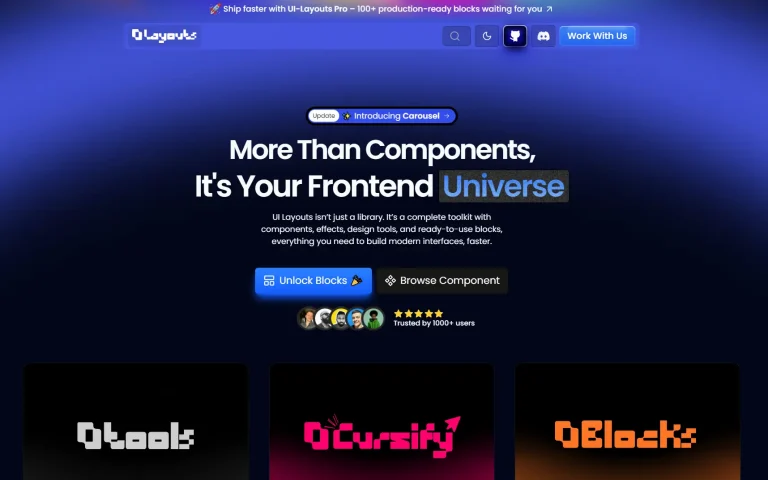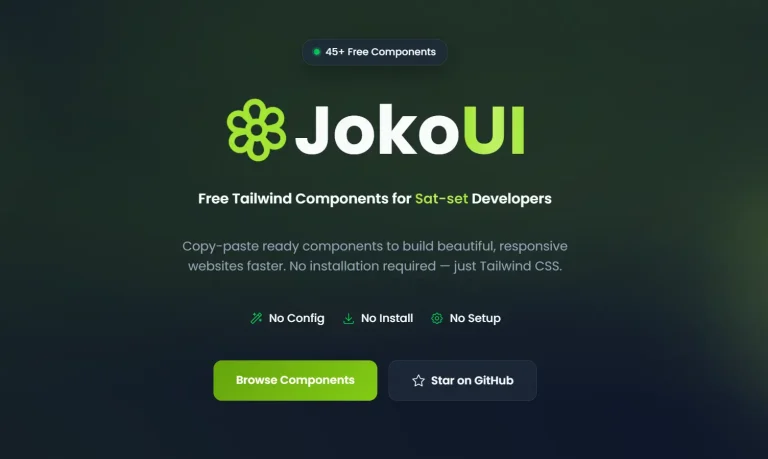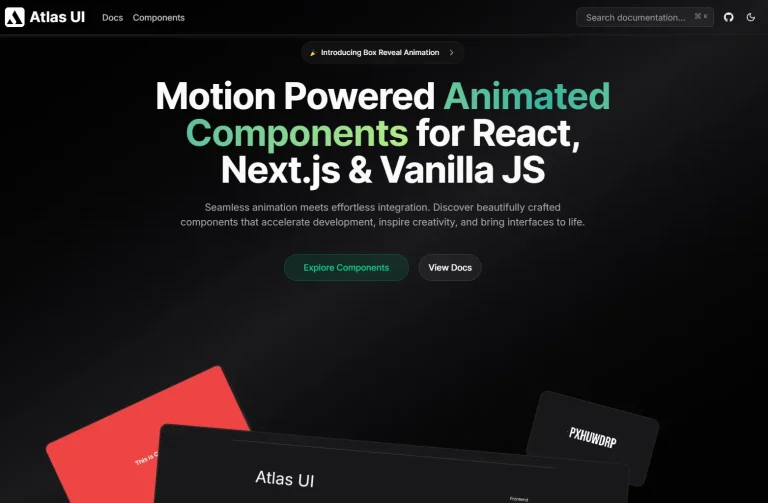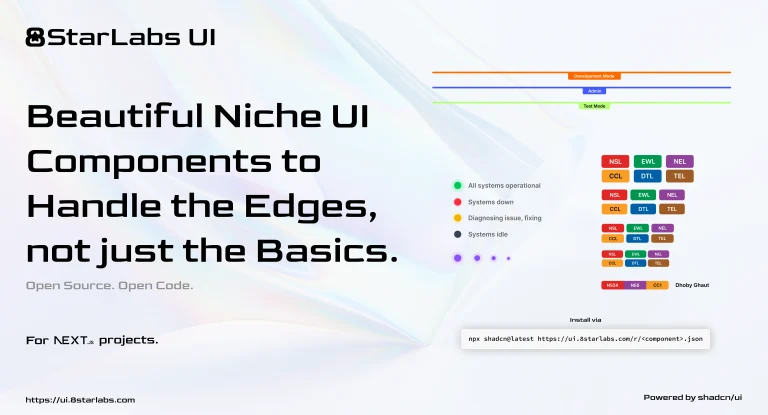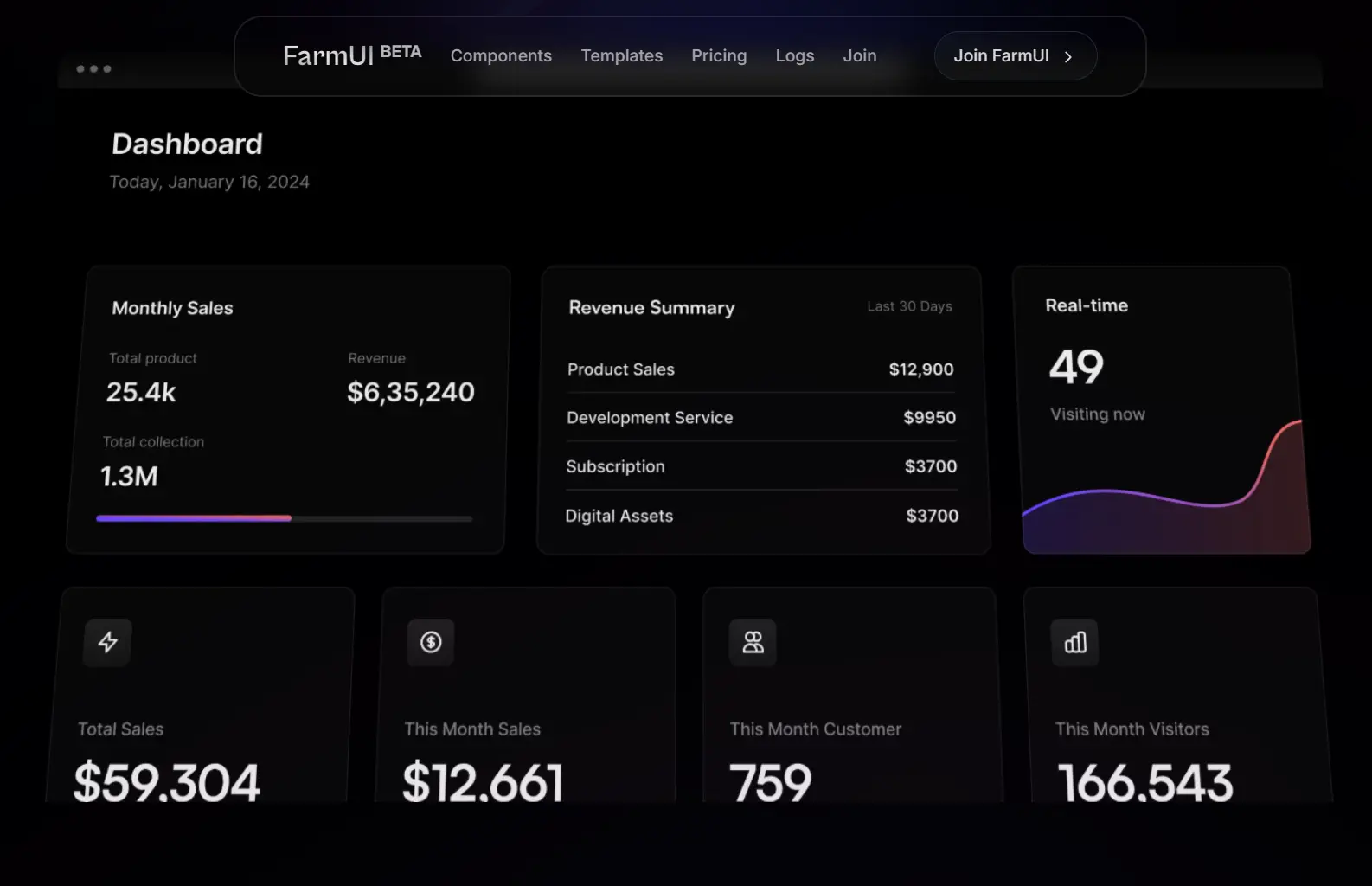
FarmUI is a modern UI component library that UI component library that provides pre-built, customizable components built on shadcn/ui primitives and Framer Motion.
What we found interesting is its “client-first” philosophy. This translates to a focus on delivering a polished user experience with responsive design and fluid animations right out of the box.
Instead of being a traditional npm package you import from, FarmUI uses a CLI to inject the component’s actual source code into your project. This gives you total ownership and control over the final result.
Features
Framework Framework-agnostic: Supports various popular frameworks like React, Vue.js, Svelte, HTML, and Alpine.js.
Production Templates: Free and paid website templates covering common use cases like portfolios, SaaS platforms, and documentation sites.
Component Ownership: Full access to source code with no abstraction layers.
Animation Integration: Built-in Framer Motion animations for interactive components without additional configuration.
Selective Installation: CLI-based component installation system that adds only what you need to your project.
Tailwind Styling: Uses Tailwind CSS utility classes for styling.
Use Cases
- Marketing Websites: The pre-built FAQ, hero, and testimonial components with subtle animations reduce development time for content-focused sites.
- SaaS Application: Dashboard elements, authentication flows, and data display components work well for web applications.
- Agency Projects: When you need to deliver high-quality prototypes quickly while maintaining customization flexibility.
- Portfolio Sites: The animation-rich templates help you create standout personal websites without design expertise.
How To Use It
1. Add the FarmUI package to your project. The documentation recommends pnpm, which is what we used.
pnpm add @kinfe123/farm-ui2. Browse the official document and find the component or UI block you want.
3. Use the CLI to add the component to your project.
pnpm farm-ui add {id}For instance, to add the FAQ component, you would run:
pnpm farm-ui add farmui-faq-004. The CLI will ask where you want to place the component files. By default, it uses a components directory.
5. The CLI creates a farmui subdirectory within your chosen location (e.g., components/farmui) and places the new component’s source code inside.
6. Once added, you can import it like any other local component. Here’s the code for the FAQ component we added:
import React from "react";

export default function FUIFaqsWithSearchBox() {
  const faqsList = [
    {
      q: "What are some random questions to ask?",
      a: "That's exactly the reason we created this random question generator. There are hundreds of random questions to choose from so you're able to find the perfect random question.",
      href: "javascript:void(0)",
    },
    {
      q: "Do you include common questions?",
      a: "This generator doesn't include most common questions. The thought is that you can come up with common questions on your own so most of the questions in this generator.",
      href: "javascript:void(0)",
    },
    {
      q: "Can I use this for 21 questions?",
      a: "Yes! there are two ways that you can use this question generator depending on what you're after. You can indicate that you want 21 questions generated.",
      href: "javascript:void(0)",
    },
    {
      q: "Are these questions for girls or for boys?",
      a: "The questions in this generator are gender neutral and can be used to ask either male of females (or any other gender the person identifies with).",
      href: "javascript:void(0)",
    },
    {
      q: "What do you wish you had more talent doing?",
      a: "If you've been searching for a way to get random questions, you've landed on the correct webpage. We created the Random Question Generator to ask you as many random questions as your heart desires.",
      href: "javascript:void(0)",
    },
  ];

  return (
    <section className="relative">
      <img
        className="absolute inset-x-0 -top-20 opacity-25 "
        src={
          "https://pipe.com/_next/image?url=%2Fassets%2Fimg%2Fhero-left.png&w=384&q=75"
        }
        width={1000}
        height={1000}
        alt="back bg"
      />

      <div className="absolute -z-1 inset-0  h-[600px] w-full bg-transparent opacity-5 bg-[linear-gradient(to_right,#f0f0f0_1px,transparent_1px),linear-gradient(to_bottom,#f0f0f0_1px,transparent_1px)] bg-[size:6rem_4rem] [mask-image:radial-gradient(ellipse_80%_50%_at_50%_0%,#000_70%,transparent_110%)]"></div>

      <div className="pt-10 max-w-screen-xl mx-auto px-4 md:px-8">
        <div className="space-y-5 sm:text-left sm:max-w-md sm:mr-auto">
          <h3 className="text-gray-300 font-geist text-3xl font-extrabold sm:text-4xl">
            How can we help?
          </h3>
          <p className="text-gray-100">
            Everything you need to know about the product. Can’t find the answer
            you’re looking for? feel free to{" "}
            <a
              className="text-cyan-700 font-semibold whitespace-nowrap"
              href="javascript:void(0)"
            >
              contact us
            </a>
            .
          </p>
          <form
            onSubmit={(e) => e.preventDefault()}
            className="mx-auto sm:mx-auto "
          >
            <div className="relative">
              <Mail className="w-6 h-6 text-gray-500 absolute left-3 inset-y-0 my-auto" />
              <input
                type="text"
                placeholder="Enter your email"
                className="w-full pl-12 pr-3 py-2 text-gray-200 bg-transparent outline-none border focus:border-cyan-600 shadow-sm rounded-lg"
              />
            </div>
          </form>
        </div>
        <Separator className="h-[1px] bg-white/10 mt-4" />
        <div className="mt-12">
          <ul className="space-y-8 gap-12 grid-cols-2 sm:grid sm:space-y-0 lg:grid-cols-3">
            {faqsList.map((item, idx) => (
              <li key={idx} className="space-y-3">
                <summary className="flex items-center justify-between font-semibold text-gray-500">
                  {item.q}
                </summary>
                <p
                  dangerouslySetInnerHTML={{ __html: item.a }}
                  className="text-gray-200 leading-relaxed"
                ></p>
                <a
                  href={item.href}
                  className="flex items-center gap-x-1 text-sm text-cyan-600 hover:text-cyan-400 duration-150 font-medium"
                >
                  Read more
                  <svg
                    xmlns="http://www.w3.org/2000/svg"
                    viewBox="0 0 20 20"
                    fill="currentColor"
                    className="w-5 h-5"
                  >
                    <path
                      fillRule="evenodd"
                      d="M5 10a.75.75 0 01.75-.75h6.638L10.23 7.29a.75.75 0 111.04-1.08l3.5 3.25a.75.75 0 010 1.08l-3.5 3.25a.75.75 0 11-1.04-1.08l2.158-1.96H5.75A.75.75 0 015 10z"
                      clipRule="evenodd"
                    />
                  </svg>
                </a>
              </li>
            ))}
          </ul>
        </div>
      </div>
    </section>
  );
}
7. Available UI components.
Marketing UI Components:
- FAQs
- Form Fields
- Hero Sections
- Pricing Tables
- Feature Sections
- Newsletter Forms
- Testimonials
- Headings
- Bento Grids
Application UI Components:
- Call-to-Action Blocks
- Authentication Forms
- Dashboard Layouts
- Charts
FAQs
Q: Is FarmUI just another version of Shadcn/UI?
A: It builds on the same principles (CLI-based, full source code) but is more opinionated towards being “animation-rich” by integrating Framer Motion from the start. It also focuses more on providing larger, multi-component blocks.
Q: How customizable are the components?
A: Completely. Since the CLI places the source code directly into your project, you have 100% control. You can change the JSX, modify the Tailwind classes, adjust the Framer Motion props, or refactor the logic.
Q: What happens if I need to update a component after FarmUI releases a new version?
A: Since you own the code after installation, updates are manual. You would need to reinstall the component and merge any customizations you made. This is a tradeoff of the copy-paste approach. You gain full control but lose automatic updates. Consider versioning your component customizations carefully.
Q: Can I use FarmUI components without Framer Motion?
A: The interactive components rely on Framer Motion for animations. You could strip out the animation code, but at that point you’re essentially left with styled Radix components, which you could get directly from shadcn/ui. The animation integration is a core part of FarmUI’s value proposition.