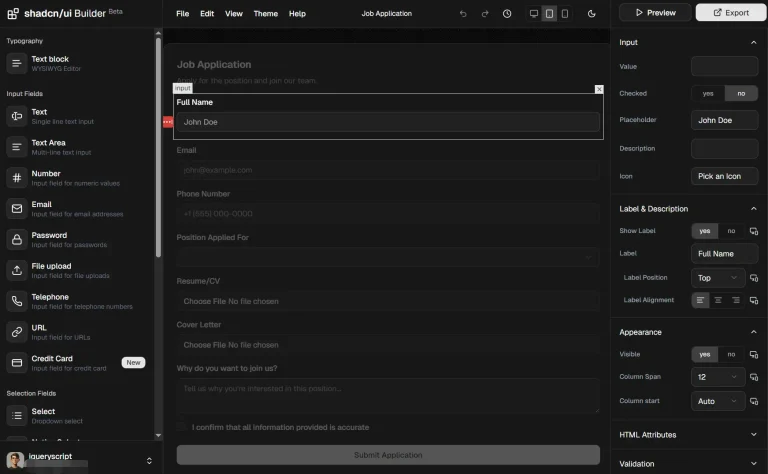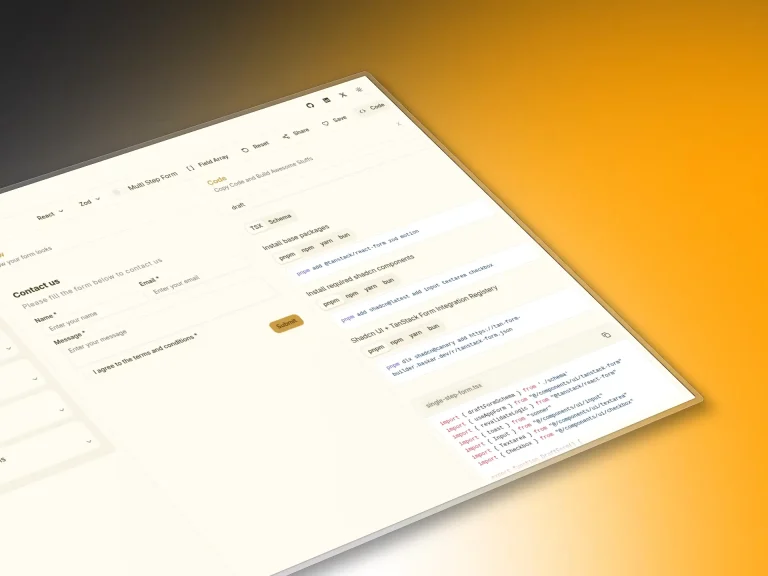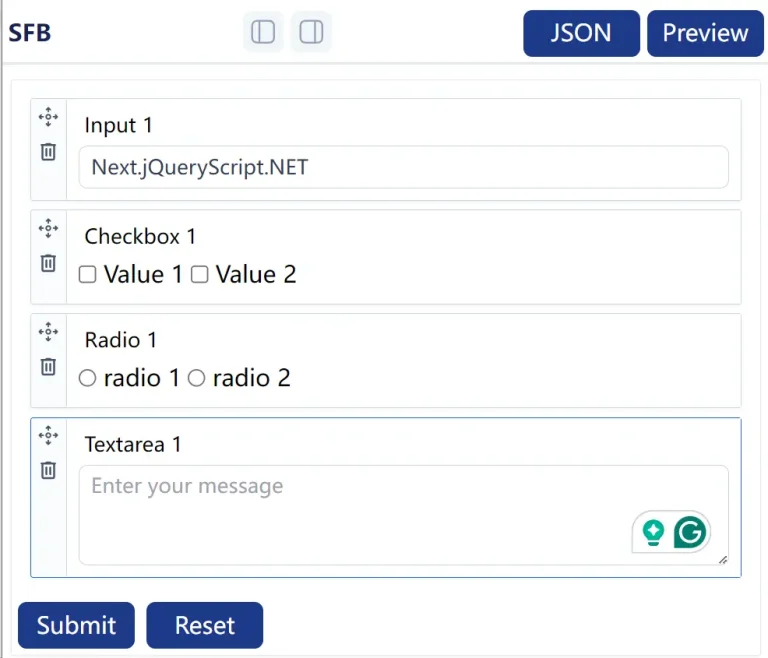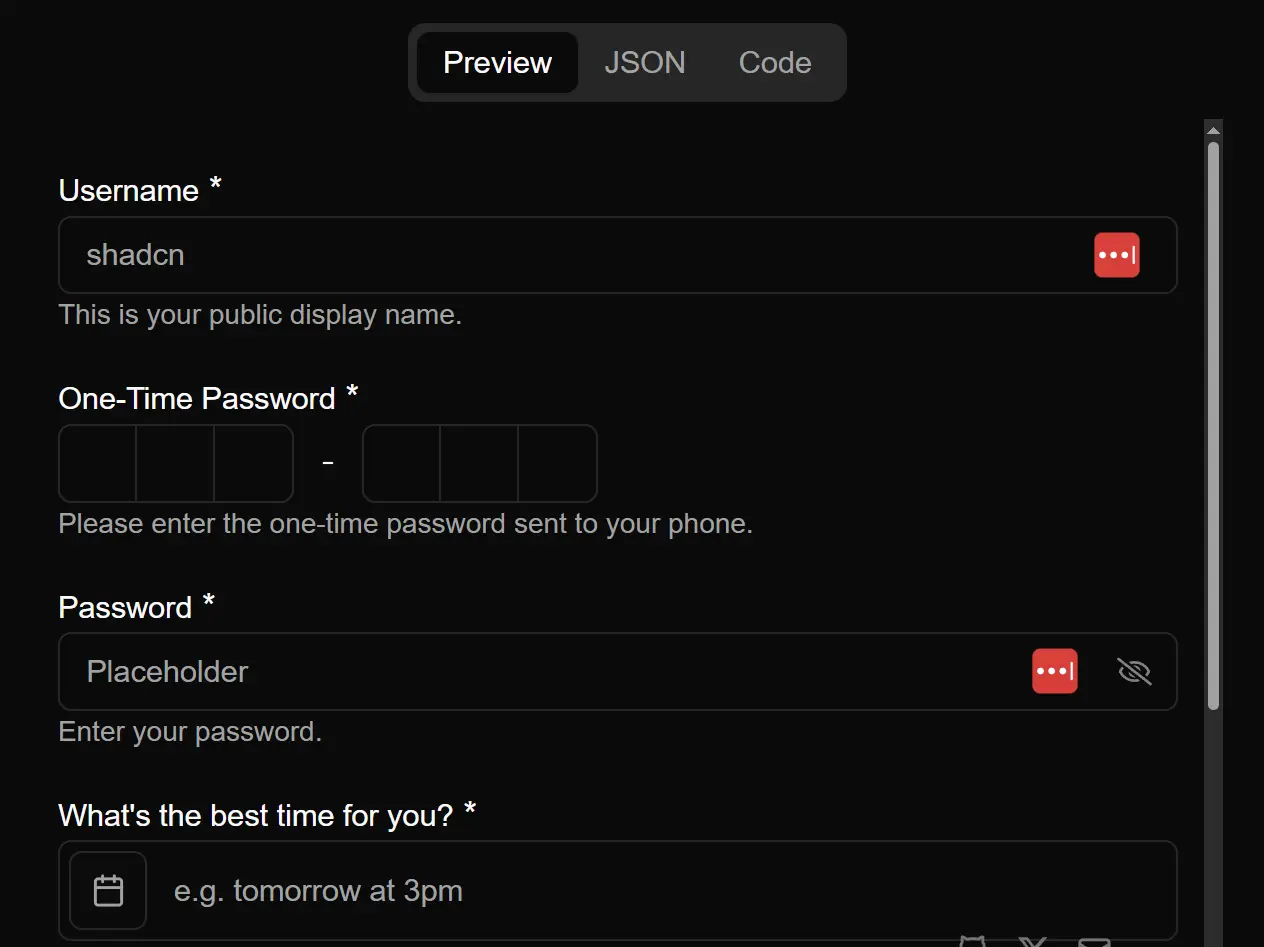
The Shadcn form builder enables users to create, customize, and validate forms within web applications.
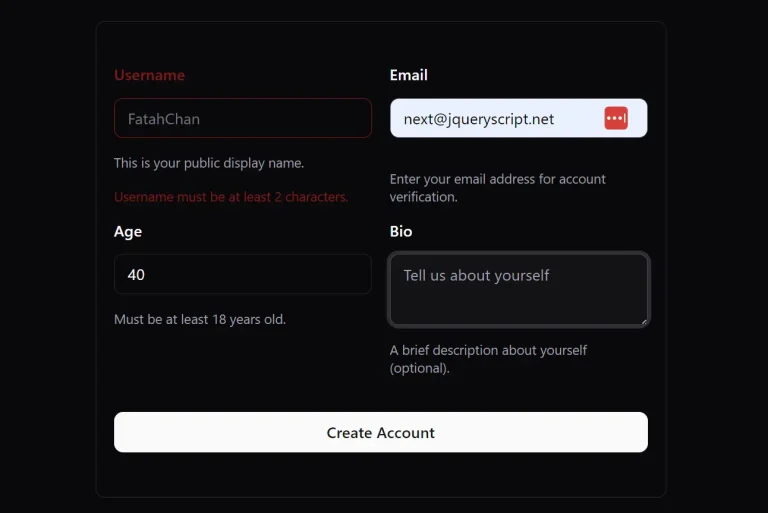
It offers various input types and real-time validation, which helps maintain data integrity and provides user-friendly feedback.
Features
🎨 Visual Form Builder – Drag-and-drop interface for creating forms without coding
⚡ Real-Time Validation – Instant feedback using Zod schemas with TypeScript support
🧩 Shadcn/UI Components – Pre-built, accessible components with consistent styling
📱 Responsive Design – Forms automatically adapt to different screen sizes
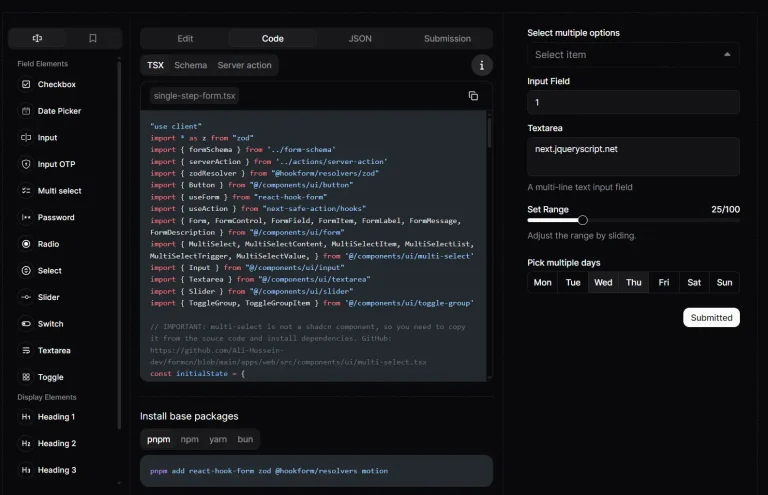
🔧 Code Generation – Exports clean React code with proper TypeScript types
🎯 Multiple Input Types – Text fields, checkboxes, radio buttons, selects, and more
🚀 Next.js Integration – Built-in server-side rendering and performance optimization
💾 Form State Management – Handles complex form state with react-hook-form
🎪 Live Preview – See your form in action as you build it
📋 Export Options – Generate forms as React components or JSON configurations
Installation
1. Clone the repository:
git clone https://github.com/hasanharman/form-builder.git2. Navigate into the project directory:
cd form-builder3. Install the necessary dependencies:
bash npm install4. Start the development server:
npm run devOpen your browser and go to http://localhost:3000 to view the application.
UI Components Included
- FormContainer: The primary container for all form elements.
- InputField: A customizable component for text inputs.
- SelectField: A component for dropdown selection menus.
- CheckboxField: A component for checkbox inputs.
- Button: A styled button component for form submissions.
Form Validation
The tool uses Zod for input validation. You can define validation schemas for your forms. For example:
import { z } from 'zod';
const formSchema = z.object({
  name: z.string().min(1, "Name is required"),
  email: z.string().email("Invalid email address"),
  age: z.number().min(18, "You must be at least 18 years old"),
});
This schema can be applied to your form to enforce the defined validation rules.
API Form Submission
To handle form submissions, you can make an API call. Here is an example of how to submit form data:
const handleSubmit = async (data) => {
  try {
    const response = await fetch('/api/form-submit', {
      method: 'POST',
      body: JSON.stringify(data),
      headers: {
        'Content-Type': 'application/json',
      },
    });
    const result = await response.json();
    console.log('Form submitted successfully:', result);
  } catch (error) {
    console.error('Error submitting form:', error);
  }
};
Related Resources
- Shadcn/UI – The component library that powers the form builder’s interface components
- React Hook Form – Performant forms library used for state management and validation handling
- Zod – TypeScript-first schema validation library for form validation and type safety
- Tailwind CSS – Utility-first CSS framework used for styling and responsive design
FAQs
Q: Can I customize the generated form components after export?
A: Yes, the exported code is standard React with TypeScript, so you can modify styling, add custom logic, or integrate with your existing component library.
Q: How does validation work with complex form logic?
A: The tool uses Zod schemas for validation, which support complex rules, conditional validation, and custom validation functions. You can define interdependent field validation and async validation as needed.
Q: Can I save and reuse form templates?
A: The current version exports forms as code or JSON configurations. You can save these files and import them back into the builder or use them directly in your projects.
Q: Is the generated code production-ready?
A: Yes, the output follows React best practices with proper TypeScript types, accessibility features, and performance optimizations suitable for production applications.
Preview