The Future of Web Dev
The Future of Web Dev
Notion-style Event Calendar with Next.js & shadcn/ui – CalendarCN
A Notion-style event calendar to manage & display events in your Next.js/shadcn/TailwindCSS projects.
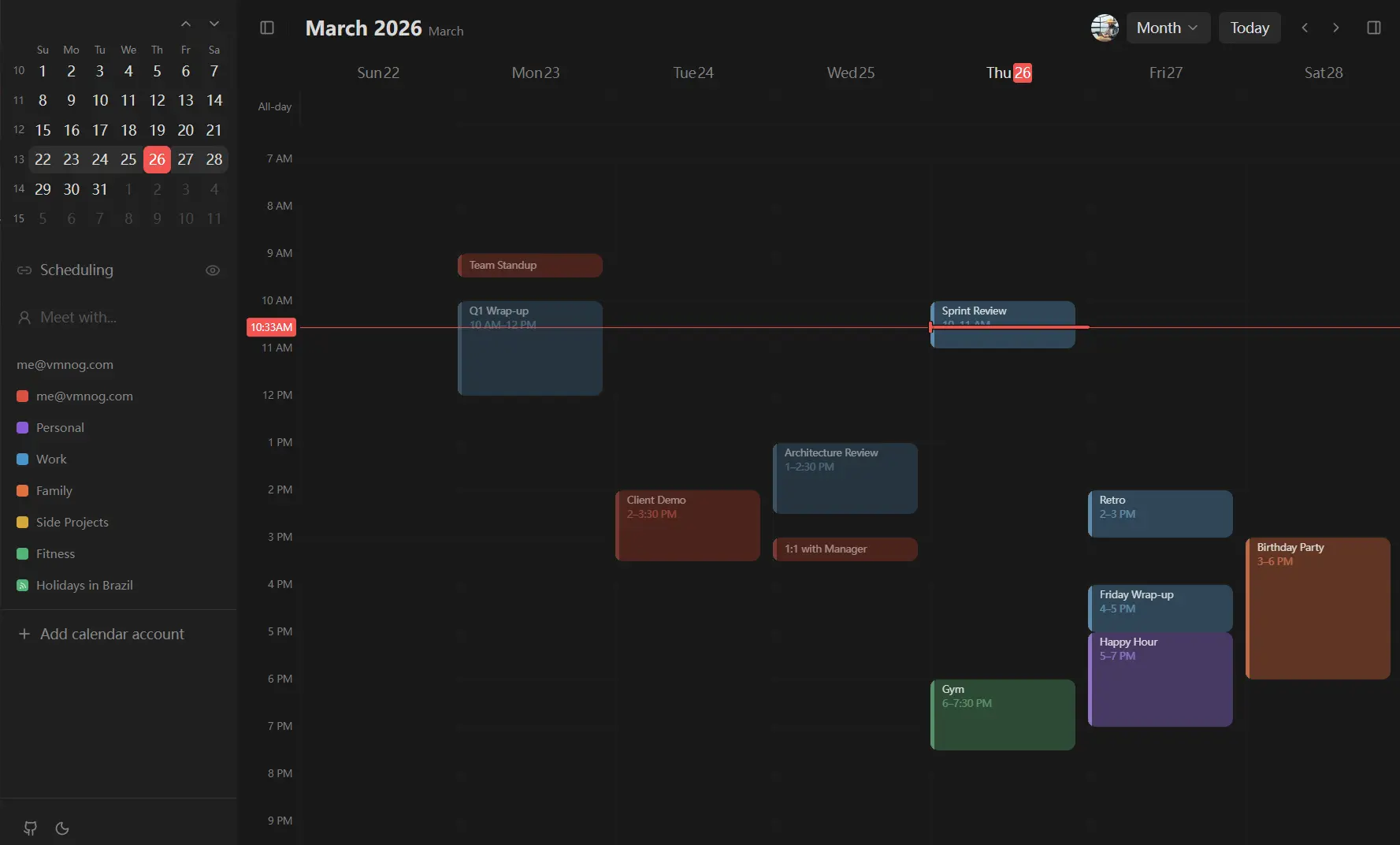
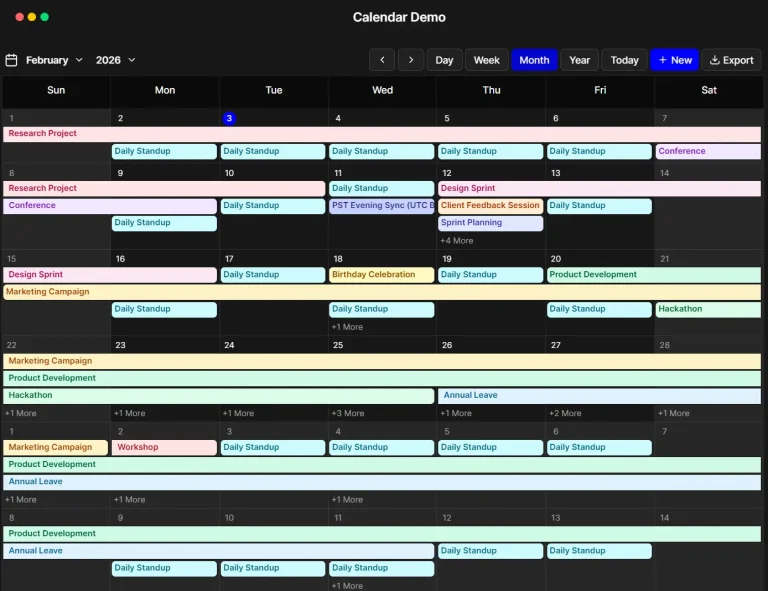
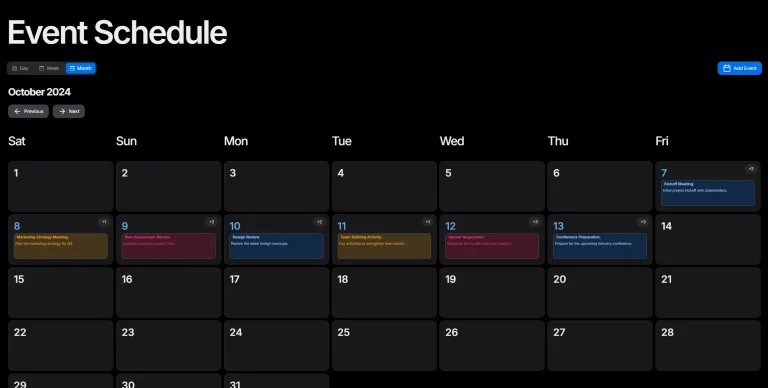
CalendarCN is an event calendar component that supports day/week/month views, time-slotted event display, multi-calendar management, and light/dark theme switching.
It’s inspired by Notion Calendar, and built on top of Next.js, Tailwind CSS 4, and shadcn/ui primitives.
Features
📅 Week View: Renders the full week in a time-slotted grid with all events positioned by time.
🌙 Dark Mode: Switches between light and dark themes through Tailwind CSS class-based theming.
🎨 Event Colors: Assigns one of seven colors per event: red, orange, yellow, green, blue, purple, or gray.
📆 All-Day Events: Displays single-day and multi-day all-day events in a dedicated row above the time grid.
🕐 Current Time Indicator: Places a visible marker at the current time position within the active week column.
📂 Collapsible Sidebar: Expands and collapses a panel containing a mini calendar and the calendar list.
📋 Calendar Management: Displays multiple calendars simultaneously and toggles their visibility independently.
⌨️ Keyboard Shortcuts: Navigate between weeks and toggle sidebar panels from the keyboard.
Installation
1. Clone the repository from GitHub and move into the project directory:
git clone https://github.com/vmnog/calendarcn.git
cd calendarcn
2. Install dependencies with pnpm:
pnpm install3. Start the Next.js development server and open http://localhost:3000 in your browser.
pnpm devProject Structure
src/
├── app/                          # Next.js app router pages and root layout
├── components/
│   ├── ui/                       # shadcn/ui base components
│   ├── week-view.tsx             # Main week view component
│   ├── week-view-*.tsx           # Week view sub-components (header, grid, time column)
│   ├── calendar-event-item.tsx   # Individual event card rendering
│   ├── calendars.tsx             # Calendar list displayed in the sidebar
│   ├── date-picker.tsx           # Mini calendar picker for date navigation
│   └── sidebar-*.tsx             # Sidebar layout and toggle components
├── hooks/                        # Custom React hooks for state and keyboard bindings
└── lib/                          # Utility functions and date helpers
Keyboard Shortcuts
| Shortcut | Action |
|---|---|
T | Jump to today’s date |
J / ArrowLeft | Navigate to the previous week |
K / ArrowRight | Navigate to the next week |
/ | Toggle the context panel |
⌘ + / | Toggle the calendar sidebar |
Related Resources
- shadcn/ui: Copy-paste React component collection built on Radix UI and Tailwind CSS.
- date-fns: Modular JavaScript date utility library for parsing, formatting, and manipulating dates.
- FullCalendar: Full-featured JavaScript calendar library with event drag-and-drop.
- React Big Calendar: React calendar component with month, week, and agenda views.
FAQs
Q: Can I use CalendarCN outside of a Next.js project?
A: The project ships as a Next.js app router application. To use the calendar in a different React setup, extract the components from src/components/ and replace the Next.js-specific routing and layout files with whatever your framework uses.
Q: Can I connect this calendar to a real database?
A: Yes. You replace the static mock data in the Next.js app router with fetch calls to your backend API or database.
Q: How do I add custom event colors?
A: You update the Tailwind CSS configuration file to include your new color variables and map them inside the event component.
Q: How do I change the default start day of the week?
A: You modify the date-fns configuration inside the src/lib/ utilities folder to set Monday or Sunday as the first day.