The Future of Web Dev
The Future of Web Dev
Svelte Mermaid Component with SSR and Theming
A Mermaid.js component for Svelte with SSR support, custom themes, and responsive design. Create flowcharts, sequences, and Gantt charts.
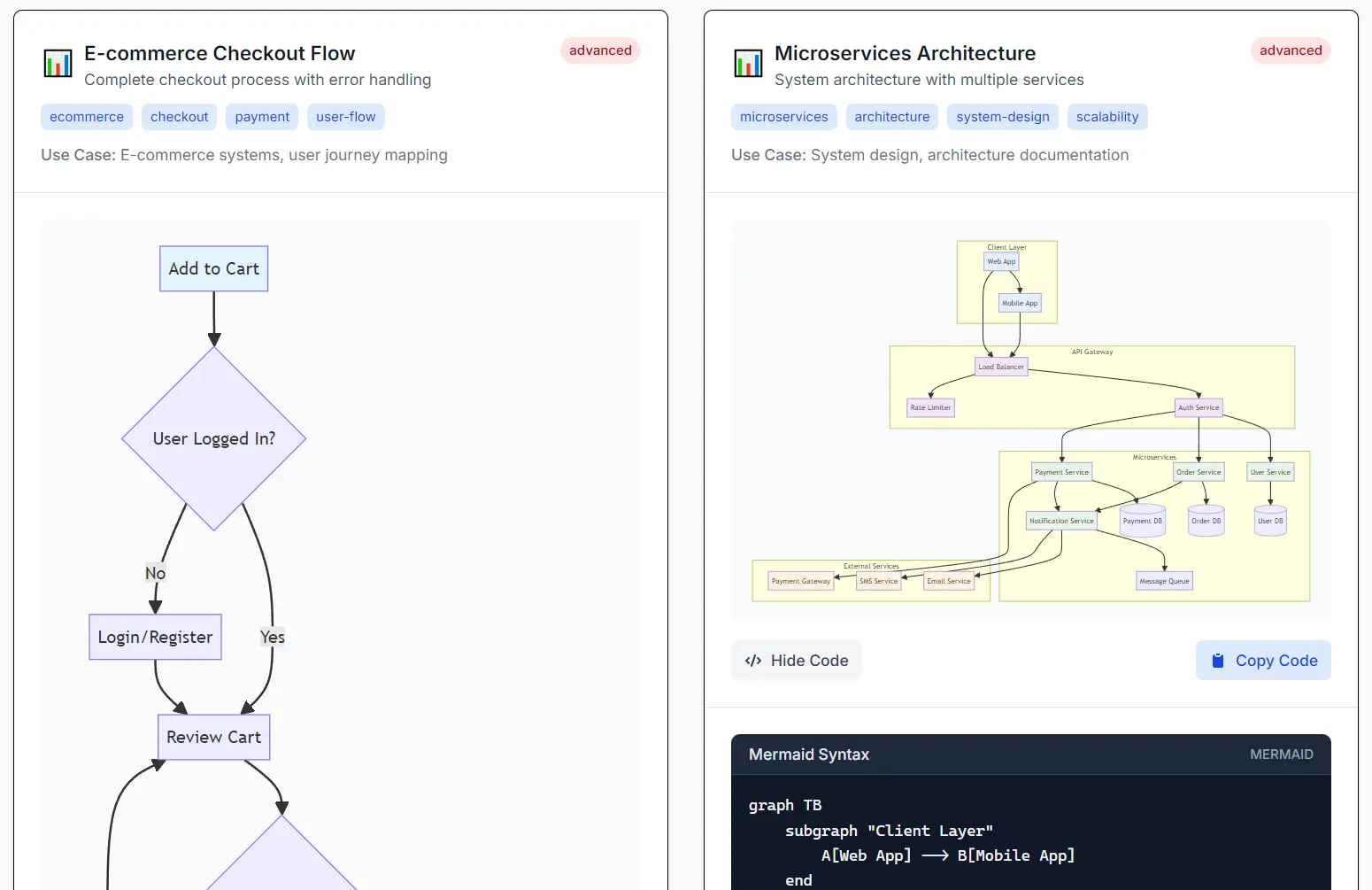
@friendofsvelte/mermaid is a type-safe component that integrates Mermaid.js diagrams into your Svelte-powered applications.
The component transforms plain text definitions into interactive diagrams through Mermaid.js.
You can create flowcharts, sequence diagrams, Gantt charts, and numerous other diagram types without leaving your Svelte environment.
The library handles all the complexity of Mermaid initialization and rendering while exposing a clean, reactive API.
Features
⚡ Dynamic imports with optimized rendering performance.
🎨 Complete theme customization and configuration control.
🧪 E2E testing compatibility with Playwright framework.
🚀 SSR support for SvelteKit applications and static site generation.
🎯 Error handling with customizable error display snippets.
🔧 Mermaid configuration options exposure.
Use Cases
- Create interactive technical documentation with embedded flowcharts and sequence diagrams to explain code logic or API workflows.
- Build project management dashboards that include Gantt charts for visualizing project timelines and schedules.
- Develop internal tools that show database schemas using Entity Relationship Diagrams.
- Illustrate user flows and customer experiences in product design documents with User Journey Maps.
- Display version control history and branching strategies with Git Graphs inside development portals.
How to Use It
1. Install the package with NPM.
npm install @friendofsvelte/mermaid2. Import the Mermaid component into your Svelte file. Pass your diagram definition as a string to the string prop.
<script>
  import { Mermaid } from '@friendofsvelte/mermaid';
  const sequenceDiagram = `sequenceDiagram
    participant User
    participant Server
    User->>Server: Request Data
    Server-->>User: Return Data`;
</script>
<Mermaid string={sequenceDiagram} />
3. You can customize the appearance and behavior of your diagrams using the config prop. This prop accepts a MermaidConfig object where you can specify a theme and settings for different chart types.
<script>
  import { Mermaid } from '@friendofsvelte/mermaid';
  import type { MermaidConfig } from '@friendofsvelte/mermaid';
  const ganttChart = `gantt
    title Project Timeline
    dateFormat  YYYY-MM-DD
    section Section A
    Task 1      :2024-01-01, 30d
    Task 2      :2024-02-01, 20d`;
  const diagramConfig: MermaidConfig = {
    theme: 'dark',
    flowchart: {
      useMaxWidth: false,
      htmlLabels: true
    }
  };
</script>
<Mermaid string={ganttChart} config={diagramConfig} />
4. The component provides a way to handle rendering errors. If the diagram string contains invalid syntax, you can capture the error and display a custom message using an error snippet.
<script>
  import { Mermaid } from '@friendofsvelte/mermaid';
  const brokenDiagram = `graph TD
    A[Start] --> B[Process
    B --> C[End]`; // Missing closing bracket
</script>
<Mermaid string={brokenDiagram}>
  {#snippet error(errorDetails)}
    <div style="color: red; border: 1px solid red; padding: 10px;">
      <p>Diagram failed to render.</p>
      <p>Message: {errorDetails.message}</p>
    </div>
  {/snippet}
</Mermaid>
Related Resources
- Mermaid.js Official Documentation – Complete reference for all diagram types and syntax options.
- Svelte Documentation – Learn about the latest Svelte features and component patterns.
- SvelteKit SSR Guide – Implementation details for server-side rendering with SvelteKit.
- TypeScript with Svelte – Best practices for TypeScript integration in Svelte projects.
FAQs
Q: Does this component work with SvelteKit’s server-side rendering?
A: Yes, @friendofsvelte/mermaid includes full SSR support and works with both SvelteKit’s server-side rendering and static site generation features.
Q: Can I customize the appearance of diagrams beyond the built-in themes?
A: You can use the five built-in themes (default, dark, forest, neutral, base) and customize various configuration options through the config prop. For deeper customization, you can modify CSS classes that Mermaid generates.
Q: What diagram types are supported?
A: The component supports all diagram types available in Mermaid.js, including flowcharts, sequence diagrams, Gantt charts, class diagrams, entity relationship diagrams, user journey maps, Git graphs, and pie charts.
