The Future of Web Dev
The Future of Web Dev
Modern Gradient Backgrounds for Tailwind CSS: 20+ Ready-to-Use Snippets
Upgrade your Tailwind CSS projects with 22 modern gradient backgrounds. Copy-paste ready snippets for professional-looking websites.
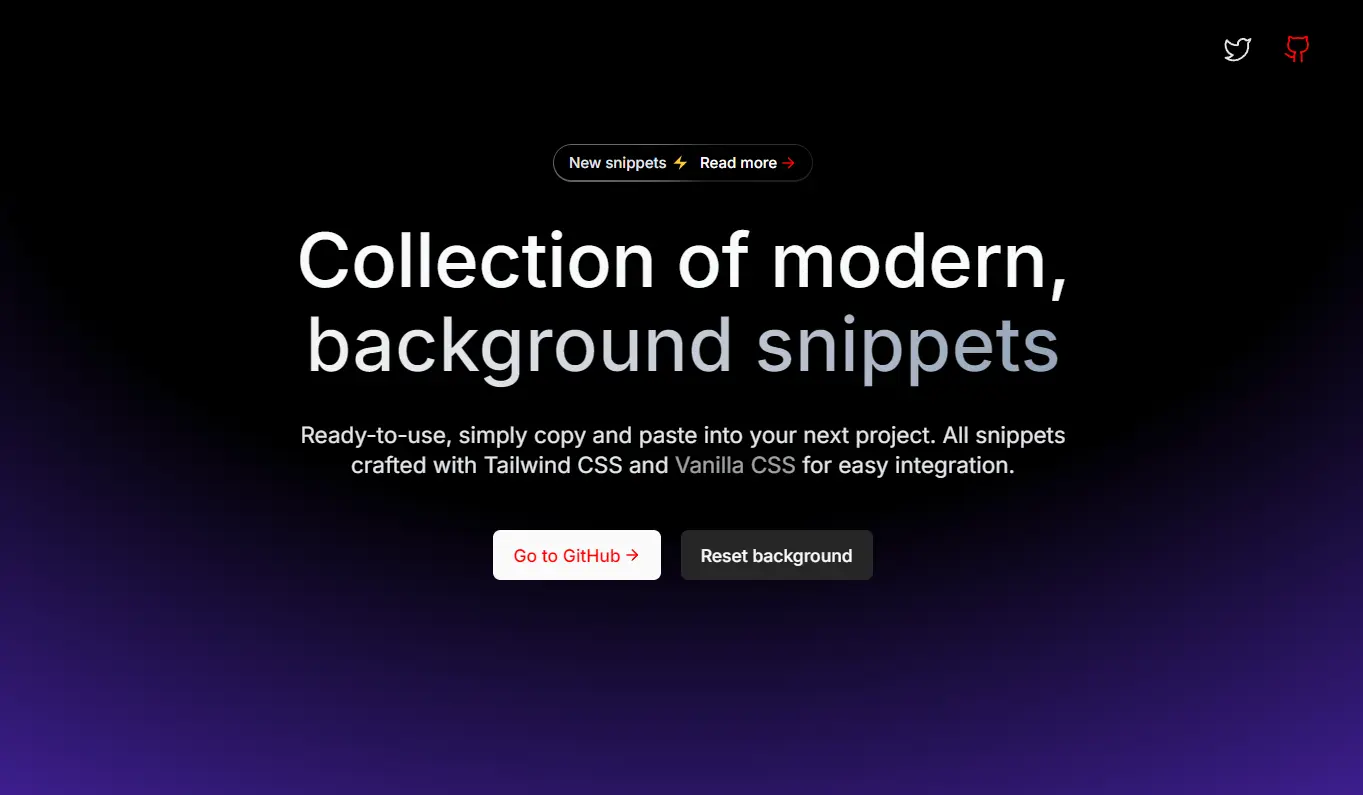
This is a curated collection of 22+ modern gradient backgrounds designed for Tailwind CSS projects.
This collection provides ready-to-use HTML code snippets that you can quickly implement grid-based patterns, radial gradients, and layered transparency effects on your webpages without writing complex CSS from scratch.
Features
🔄 Copy-and-Paste Implementation – Implement any background with a simple copy-paste action.
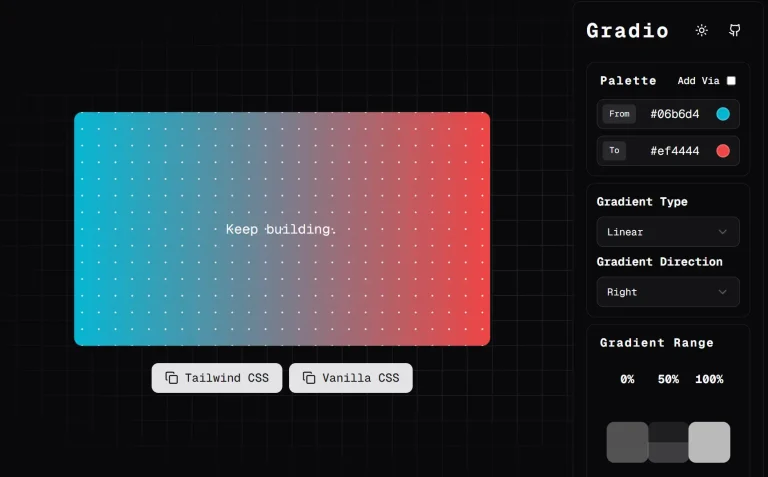
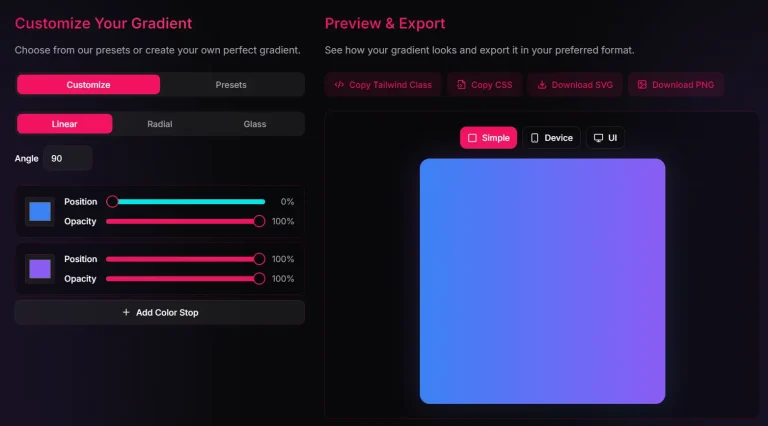
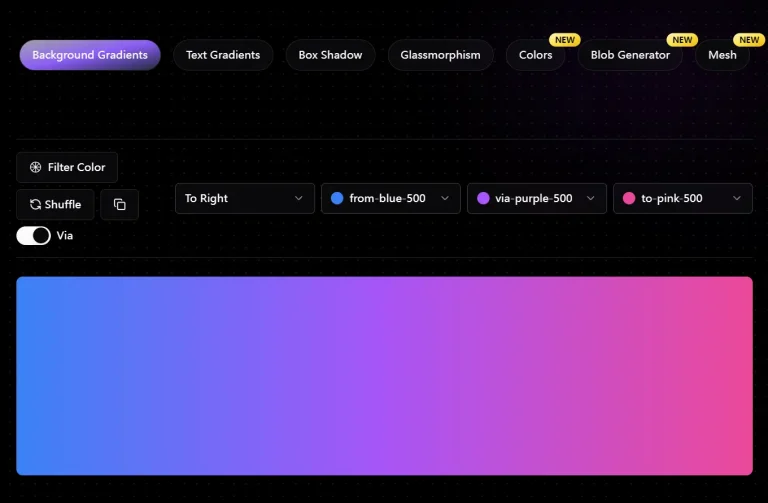
🔍 Live Preview Option – View how each background looks before implementing it into your project.
📱 Responsive Design – All backgrounds adapt to different screen sizes and orientations.
📝 Clean, Optimized Code – Efficiently written code that follows best practices for web performance.
Use Cases
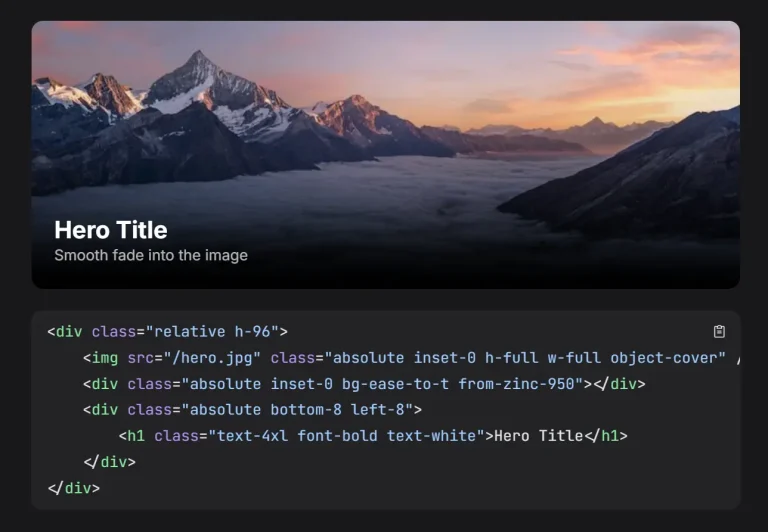
- Landing Page Hero Sections: Use these backgrounds to create visually striking hero sections for landing pages that capture user attention immediately upon arrival.
- Blog and Article Backgrounds: Enhance the reading experience on blogs or articles by using subtle and modern gradient backgrounds. These backgrounds provide a sophisticated feel without distracting from the content itself.
- Portfolio Website Backgrounds: Showcase your work with a contemporary edge by applying these backgrounds to your portfolio site. The modern aesthetic can complement creative projects and highlight visual content effectively.
- Dashboard Interfaces: Improve the visual appeal of web application dashboards. Using these backgrounds can make interfaces feel more modern and user-friendly.
- Event or Promotion Pages: Create engaging backgrounds for event or promotional pages to draw attention and communicate a sense of modernity and excitement. The vibrant gradients can help highlight key information and calls to action.
Usage
To implement a background in your project, simply copy the code and paste it into your HTML where you want the background to appear. Here’s an example of how to use one of the snippets:
<div class="absolute inset-0 -z-10 h-full w-full bg-white bg-[linear-gradient(to_right,#f0f0f0_1px,transparent_1px),linear-gradient(to_bottom,#f0f0f0_1px,transparent_1px)] bg-[size:6rem_4rem]">
  <div class="absolute bottom-0 left-0 right-0 top-0 bg-[radial-gradient(circle_800px_at_100%_200px,#d5c5ff,transparent)]"></div>
</div>
This code creates a grid pattern background with a subtle purple radial gradient accent. The outer div establishes the grid pattern using Tailwind’s background utilities, while the inner div adds the radial gradient effect.
For full-page backgrounds, place this code at the top level of your content container and ensure the z-index (-z-10) positions it behind your content.
FAQs
Q: Can I customize these backgrounds?
A: Yes, the provided code snippets are fully customizable. If you are familiar with Tailwind CSS or CSS, you can modify the classes and styles to adjust the gradients to your specific preferences.
Q: Will these backgrounds affect my website’s performance?
A: These backgrounds use CSS gradients which are generally performance-friendly. They don’t require additional HTTP requests like image backgrounds would.
Q: Can I combine multiple background snippets together?
A: Yes, you can layer multiple backgrounds by nesting the div elements, but be mindful of performance and visual clarity.