The Future of Web Dev
The Future of Web Dev
Feature-Rich Calendar UI with Next.js/TailwindCSS – Big Calendar
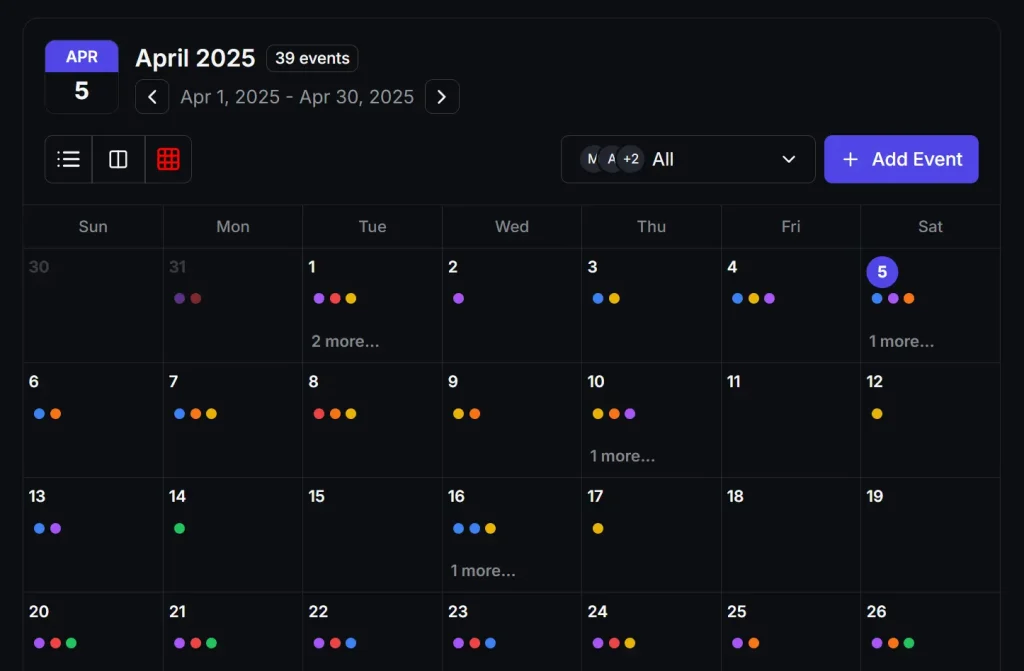
A modern calendar application codebase built with Next.js, TypeScript, and Tailwind. Features multiple views, user filtering, and event customization.
Calendar components are deceptively complex. Between timezone handling, responsive layouts, and real-time updates, most developers reach for a library rather than building from scratch.
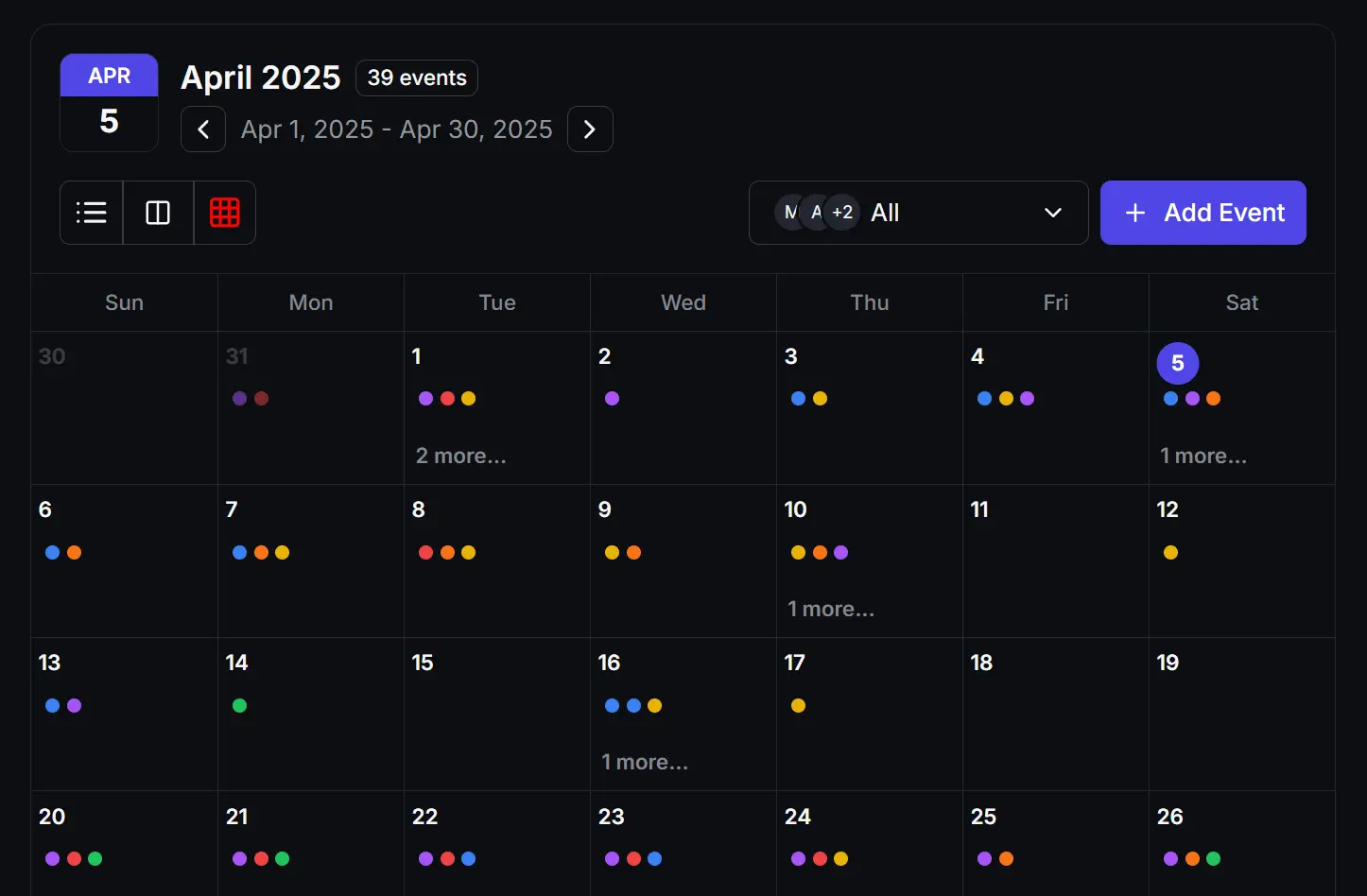
The Modern Calendar Application provides a production-ready solution with month/week/day views, event management, and real-time features—all built with Next.js and TypeScript.
Features
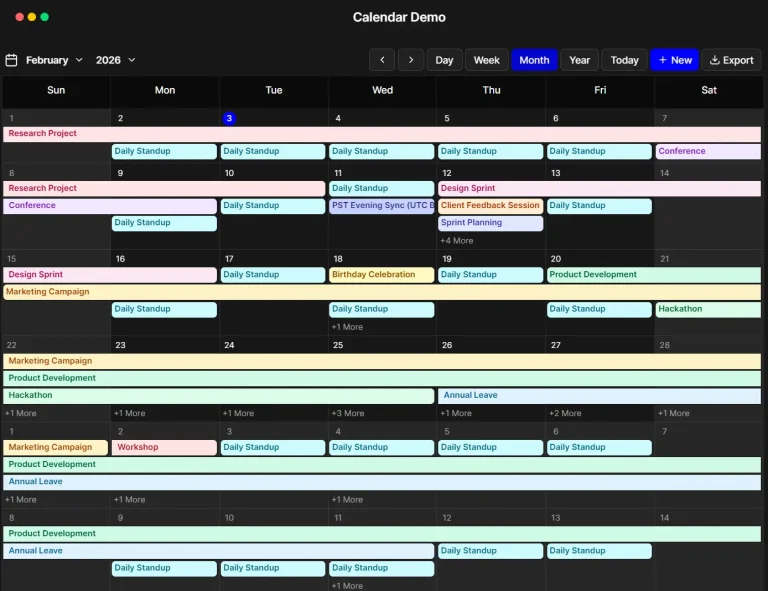
📅 Multiple Views: Month, Week (with time slots), and Day (hourly).
🎯 Modern UI/UX: Responsive design, intuitive date navigation, dark mode support.
⚡ Real-time Feel: Includes a live time indicator line and highlights current events.
🎨 Event Customization: Set event colors, choose dot or colored badge styles, handles single and multi-day events.
👥 User Filtering: Display events per user, show all users’ events, integrates user avatars.
Use Cases
- Project planning tools: The ability to customize events with different colors and badge styles makes this great for visualizing project timelines and deadlines.
- Team scheduling dashboards: Perfect for organizations that need to track multiple team members’ schedules in a single interface. The user filtering makes it easy to focus on specific team members when needed.
- Personal productivity apps: The different calendar views (month/week/day) provide the right level of detail depending on your planning needs. The month view gives you the big picture while day view helps you manage your time hour by hour.
- Event management systems: The support for multi-day events and color coding makes this ideal for complex event scheduling where visual differentiation is important.
FAQs
Q: Can I just npm install this into my existing project?
A: No. It’s a full Next.js application codebase. You need to clone it and either use it as a starter template or carefully integrate parts of the src/calendar directory into your existing Next.js project, adapting styles and state management as needed.
Q: How do I connect this to my backend API for events?
A: You’ll need to modify the data fetching logic. Look inside the src/calendar/contexts directory or wherever data fetching occurs (potentially using useEffect or a Next.js data fetching method in parent pages). Replace the placeholder/static data loading with calls to your API endpoint. Make sure your API response matches the TypeScript interfaces defined in src/calendar/interfaces or src/calendar/types.
Q: I use standard shadcn/ui. Will this integrate easily?
A: Be cautious. The author explicitly states the shadcn components are heavily edited with a custom palette. Expect differences in class names, structure, and styling. You might need to restyle the calendar components to match your project’s theme or adapt your theme to accommodate the calendar’s styles.
Preview