The Future of Web Dev
The Future of Web Dev
Modern Developer Portfolio Template with Next.js and Shadcn/ui
Build modern portfolios with this Next.js template including dark mode, responsive design, animations, and spam-protected contact forms.
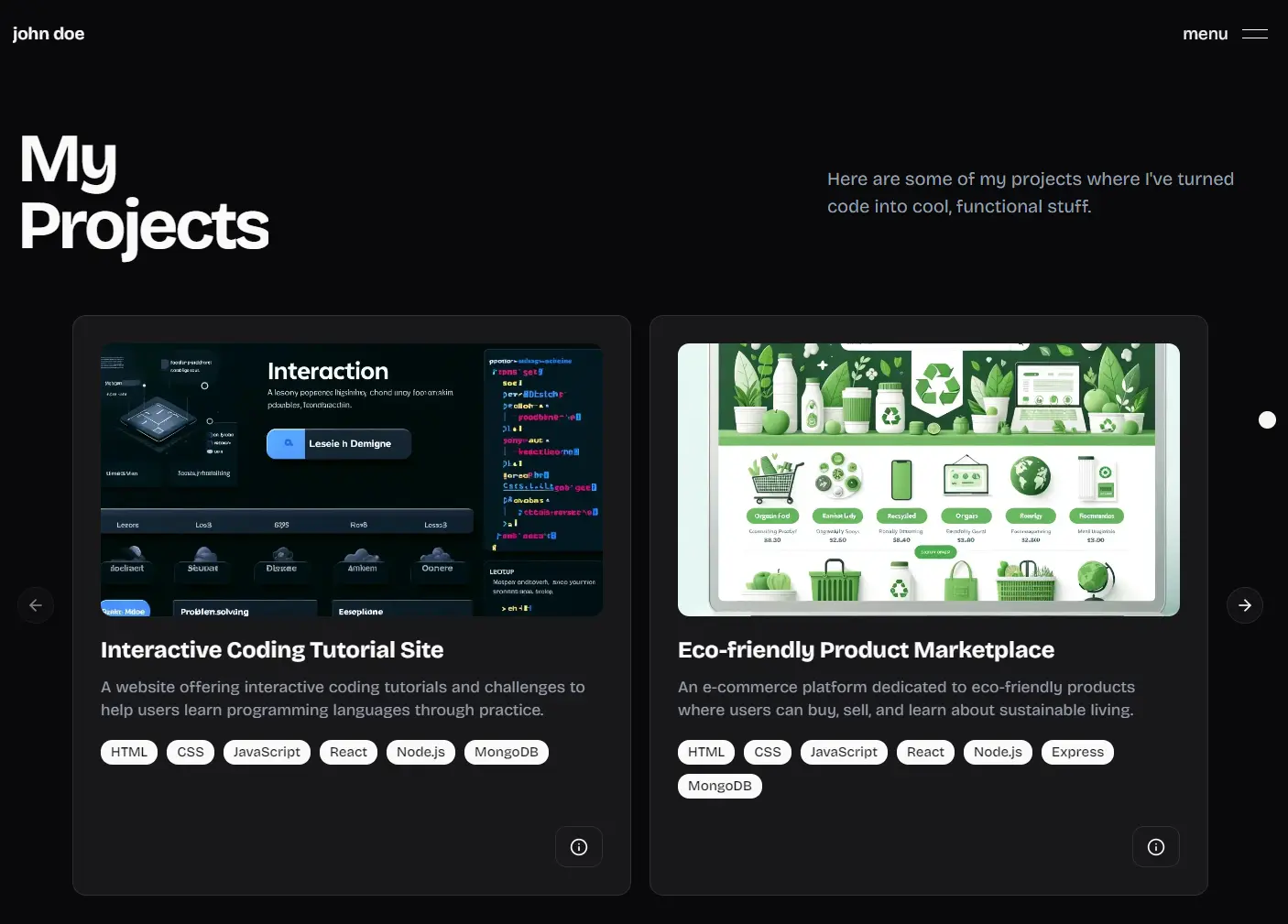
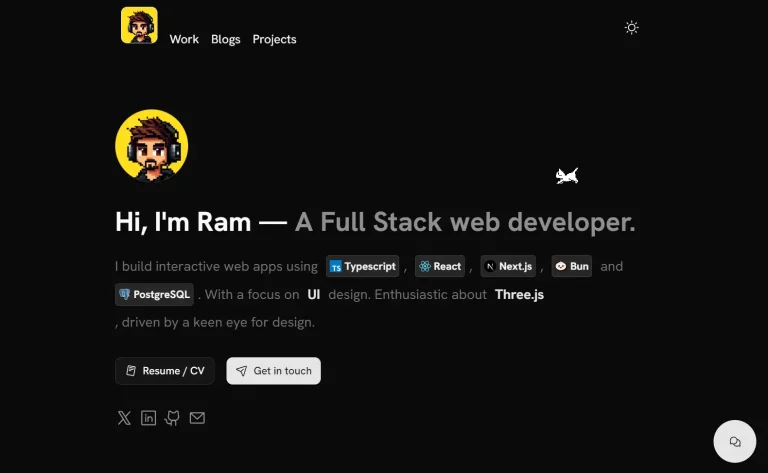
shadcn-portfolio is a minimal, modern, animated portfolio template built with Next.js, Framer Motion, TailwindCSS, and shadcn/ui. It supports blog functionality with MDX for content management.
The template includes sections for hero, experience, projects, skills, testimonials, and contact. You customize each part through configuration files.
Features
⚡️ Next.js with App Router for optimal performance and modern routing.
🎨 shadcn/ui components providing accessible and customizable UI elements.
📱 Fully responsive design that works across all device sizes.
🌗 Built-in light and dark mode toggle with smooth transitions.
🎨 Framer Motion animations for engaging user interactions.
📝 Integrated blog functionality with MDX support.
📈 SEO optimized with proper meta tags and structured data.
📊 Sentry integration ready for error monitoring.
🛡️ Cloudflare Turnstile integration for spam protection.
🔨 Pre-configured development tools including Husky and Lint Staged.
💄 Prettier code formatting for consistent code style.
🏗️ TurboRepo structure for better project organization.
Use Cases
- Personal portfolio websites for showcasing development projects and technical skills.
- Designer portfolios displaying creative work with smooth animations and modern layouts.
- Freelancer websites that need professional presentation with contact forms and service descriptions.
- Developer blogs combining portfolio features with content publishing capabilities.
- Agency team member profiles that require consistent branding and responsive design.
Installation and Setup
1. Create a new project using the shadcn-portfolio template. You can clone the repository directly or use the create-next-app command for automated setup.
npx create-next-app -e https://github.com/techwithanirudh/shadcn-portfolio --use-pnpm
cd shadcn-portfolio
2. Install all dependencies using pnpm.
pnpm install3. If you plan to use the contact form functionality, you need to configure environment variables. Copy the example environment file and update it with your specific values.
cp .env.example .envOpen the .env file and configure the following variables for contact form functionality:
RESEND_API_KEY=your_resend_api_key
FROM_EMAIL=your_verified_sender_email
TO_EMAIL=your_recipient_email
For Cloudflare Turnstile spam protection, add these variables:
NEXT_PUBLIC_TURNSTILE_SITE_KEY=your_turnstile_site_key
TURNSTILE_SECRET_KEY=your_turnstile_secret_key
Content Customization
The template uses configuration files to manage content for different sections. You need to update these files with your personal information and preferences.
Start with the main application configuration located at @/app/config. This file contains global settings, including site metadata, social links, and general information.
Update the header configuration at @/components/sections/header/config to customize navigation items and branding elements.
Modify the hero section configuration at @/components/sections/hero/config to include your name, title, description, and call-to-action buttons.
Configure your work experience by editing @/components/sections/experience/config. Add your job history, responsibilities, and achievements in a structured format.
Update project showcases through @/components/sections/projects/config. Include project titles, descriptions, technologies used, and links to live demos or repositories.
Customize your skills display using @/components/sections/skills/config. Add technical skills, tools, and proficiency levels.
Configure testimonials at @/components/sections/testimonials/config by adding client feedback, recommendations, and endorsements.
Update contact information and form settings through @/components/sections/contact/config.
Finally, customize the footer content using @/components/sections/footer/config to include copyright information and additional links.
Running the Development Server
Start the development server to preview your portfolio locally:
pnpm devThe application will be available at http://localhost:3000. The development server includes hot reloading, so changes to configuration files and components will automatically update in your browser.
Related Resources
- shadcn/ui Documentation – Official guide to the UI component library used in this template, including installation instructions and component examples.
- Next.js Documentation – Official documentation for the React framework powering the template, covering App Router, routing, and deployment options.
- Framer Motion Documentation – Learn about the animation library used for creating smooth transitions and interactive elements throughout the template.
- Tailwind CSS Documentation – Official guide to the utility-first CSS framework used for styling all components in the template.
FAQs
Q: Can I use this template for commercial projects?
A: Yes, you can use shadcn-portfolio for both personal and commercial projects. The template uses open-source libraries and components that allow commercial usage.
Q: Do I need to know TypeScript to customize this template?
A: While the template is built with TypeScript, you can customize most content through configuration files without deep TypeScript knowledge.
Q: How do I add new sections to the portfolio?
A: You can create new sections by following the existing pattern. Create a new component in the sections directory, add its configuration file, and import it into the main layout component.
Q: Can I deploy this template to platforms other than Vercel?
A: Absolutely. The template works with any hosting platform that supports Next.js applications, including Netlify, AWS, Google Cloud, and traditional web hosting services.
Q: What is the purpose of TurboRepo in this project?
A: TurboRepo is a high-performance build system for JavaScript and TypeScript monorepos. It is used here to manage the project’s structure and optimize build processes.