The Future of Web Dev
The Future of Web Dev
Build Your Blog with Notion, Next.js, and shadcn/ui in 60 Seconds
Launch a beautiful, high-performance blog in one minute with Notion-ShadCN-Blog. Uses Next.js and Notion as a CMS.
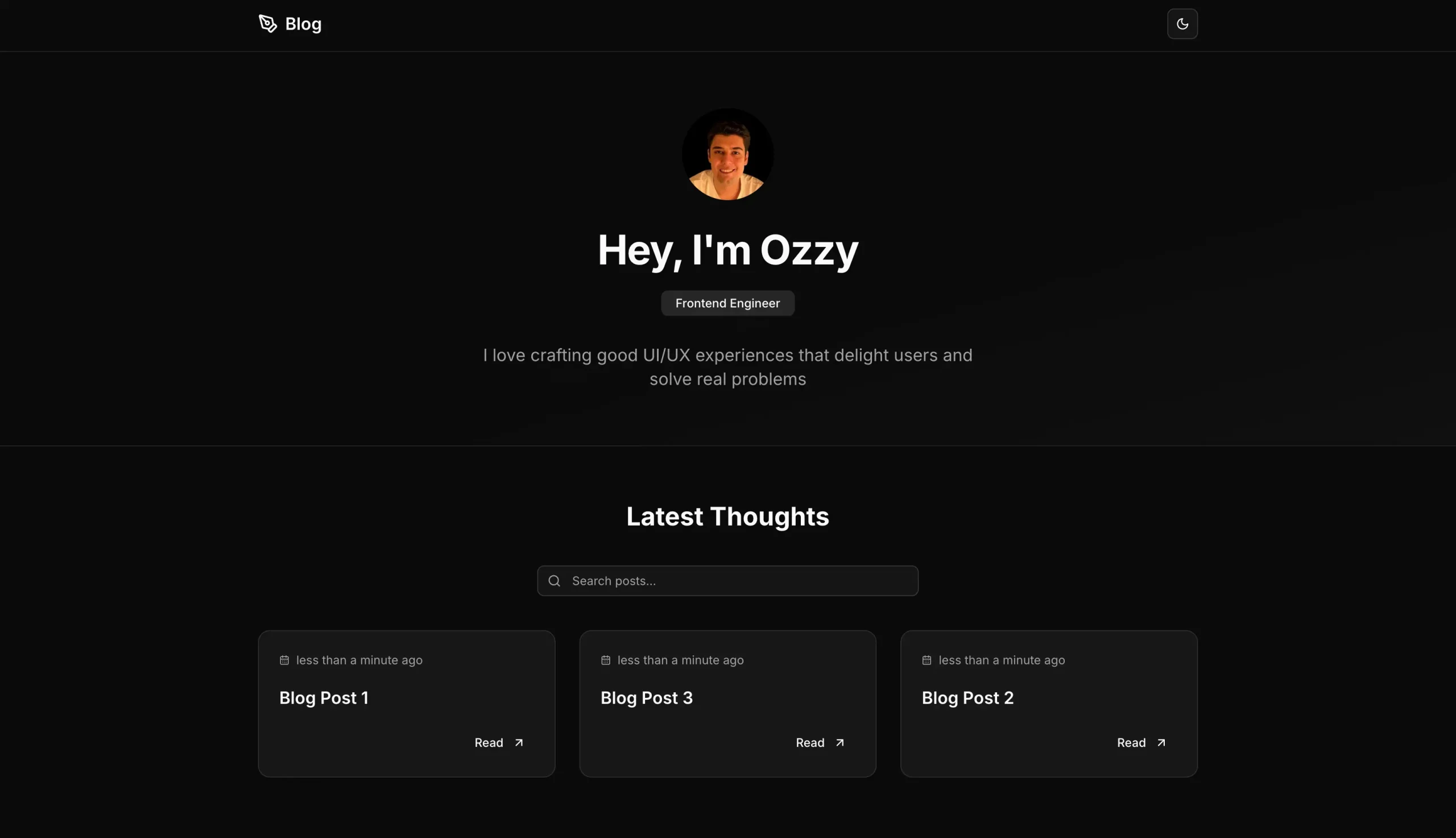
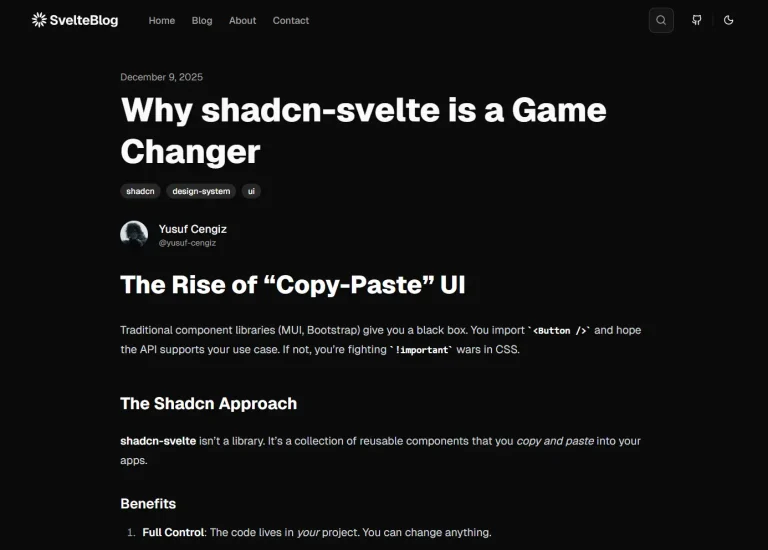
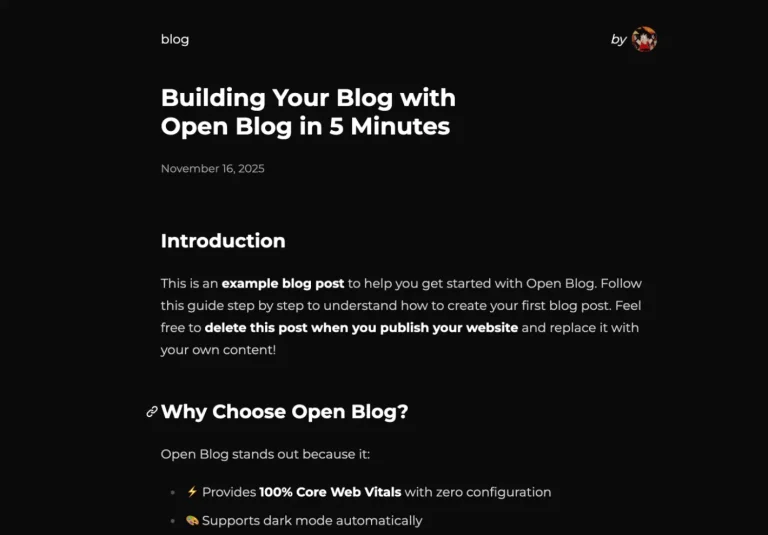
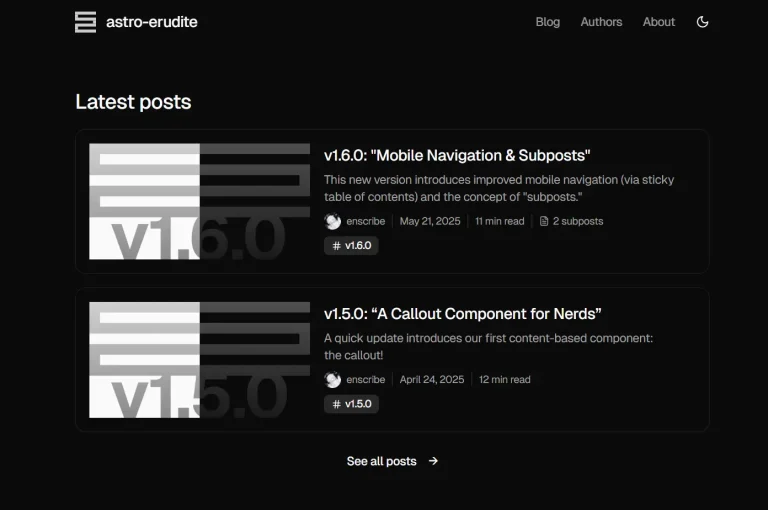
Notion-ShadCN-Blog is a modern blog boilerplate that uses Notion as a content management system (CMS). It is built with Next.js and styled with ShadCN/UI.
You write content directly in Notion, and the system automatically renders it as a professional blog with proper SEO optimization, responsive design, and theme switching capabilities.
Features
🎨 Modern UI Design – Clean interface built with ShadCN/UI components
📝 Notion CMS Integration – Direct content management through Notion workspace
🌙 Theme Switching – Automatic dark and light mode support
📱 Mobile Responsive – Optimized display across all device sizes
⚡ Performance Optimized – Built on Next.js 15 with speed enhancements
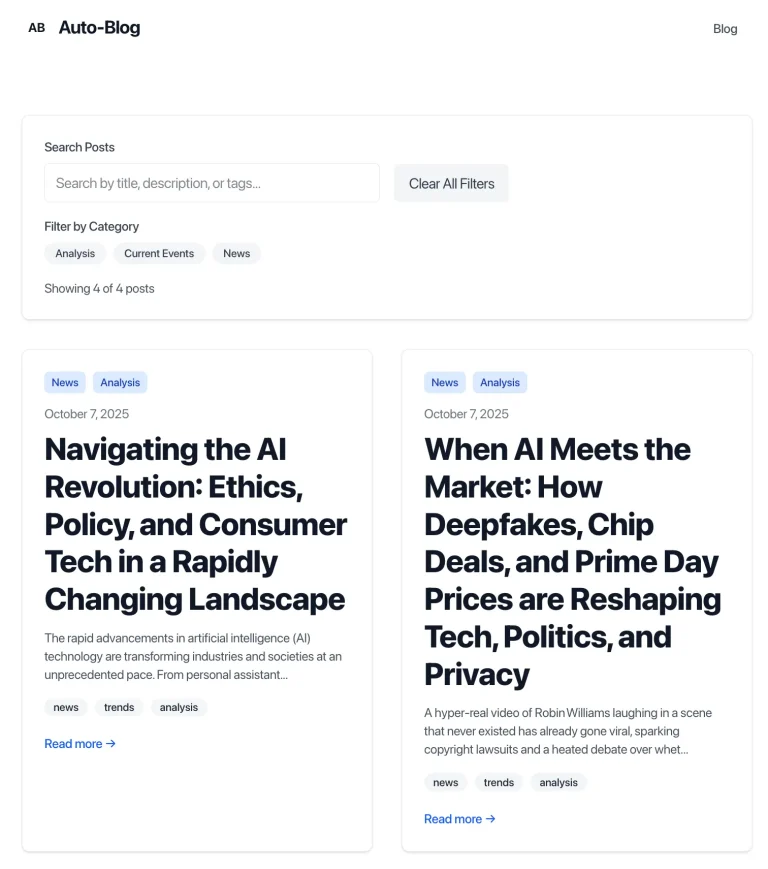
🔍 Content Search – Built-in search functionality for posts
🏷️ Automatic Tagging – Tag detection and organization from Notion
📊 Mermaid Support – Flowcharts and diagram rendering
🎯 SEO Optimization – Automatic meta tag generation
🚀 One-Click Deploy – Vercel integration for instant deployment
📋 Code Highlighting – Syntax highlighting for code blocks
💬 Rich Content – Support for callouts, quotes, and media embeds
Use Cases
- Personal Developer Blog: Quickly set up a blog to share technical articles, tutorials, and project updates. The built-in support for code blocks and Mermaid diagrams makes it ideal for technical content.
- Project Documentation Site: Use the boilerplate to create a documentation website for your software projects. You can manage all documentation pages within a Notion database.
- Portfolio with a Blog: A designer or developer can add a dynamic blog to their portfolio site. This allows for sharing case studies, design thoughts, or development experiences directly from Notion.
- Content Creator’s Hub: A writer or content creator can launch a personal blog in minutes. The simple content workflow means you only need to focus on writing in Notion, and the post appears on the live site.
Installation
1. Fork & Clone the Repository
git clone https://github.com/ddoemonn/Notion-ShadCN-Blog
cd Notion-ShadCN-Blog
npm install
2. Create a local environment file by copying the example.
cp .env.example .env.local3. Edit the .env.local file with your Notion API key and personal information.
# Notion API Configuration
NOTION_SECRET=your_notion_integration_secret_here

# Personal Information (displayed on the blog)
USER_NAME="Your Name"
USER_ROLE="Your Role/Title"
USER_DESCRIPTION="A brief description about yourself"
USER_EMAIL="[email protected]"
USER_AVATAR="/avatar.jpg"

# Site Configuration
NEXT_PUBLIC_SITE_URL="https://yourdomain.com"
4. Create a Notion Integration
- Navigate to Notion’s integration page at
notion.so/my-integrations. - Create a new integration and give it a name.
- Copy the “Internal Integration Token” and use it as your
NOTION_SECRETin the.env.localfile.
5. Start the development server locally.
npm run devUsage
To create your first post, open Notion and create a new page within your designated database. Add a title, content, and any relevant tags. Once you set the post’s status to “Published,” it will automatically appear on your live blog.
The blog supports various content types directly from Notion, including rich text, images, tables, code blocks with syntax highlighting, and Mermaid diagrams. You can customize the styling by modifying app/globals.css for global styles or adjusting colors in tailwind.config.js.
Related Resources
- Next.js Documentation – Complete guide to Next.js 15 features and App Router implementation
- ShadCN/UI Components – Design system and component library used throughout the project
- Notion API Reference – Official documentation for Notion’s API integration capabilities
- Tailwind CSS Guide – Utility-first CSS framework documentation for styling customization
FAQs
Q: Do I need a database to use this blog?
A: No, a traditional database is not required. This project uses Notion as the CMS and database for your posts.
Q: How do I customize the appearance of the blog?
A: You can customize styles by editing app/globals.css for global changes or tailwind.config.js for theme-level adjustments like colors. ShadCN/UI components are located in components/ui/.
Q: Can I use this with an existing Notion database?
A: Yes, you can connect it to an existing Notion database. You will need to provide the Database ID in your environment configuration.
Q: What content blocks from Notion are supported?
A: The blog supports rich text, images, media, tables, links, to-do lists, code blocks, Mermaid diagrams, quotes, and callouts.
Q: What is the best way to deploy the blog?
A: The recommended deployment platform is Vercel due to its native support and optimizations for Next.js applications.
Q: Can multiple authors contribute to the same blog?
A: Yes, you can share your Notion workspace with other users, and their content will appear on the blog when published.