The Future of Web Dev
The Future of Web Dev
Production-Ready, Monorepo-first Next.js Boilerplate – Next-forge
A production-grade, monorepo-first, full-stack Next.js template. Build and launch your next application faster with this open-source boilerplate.
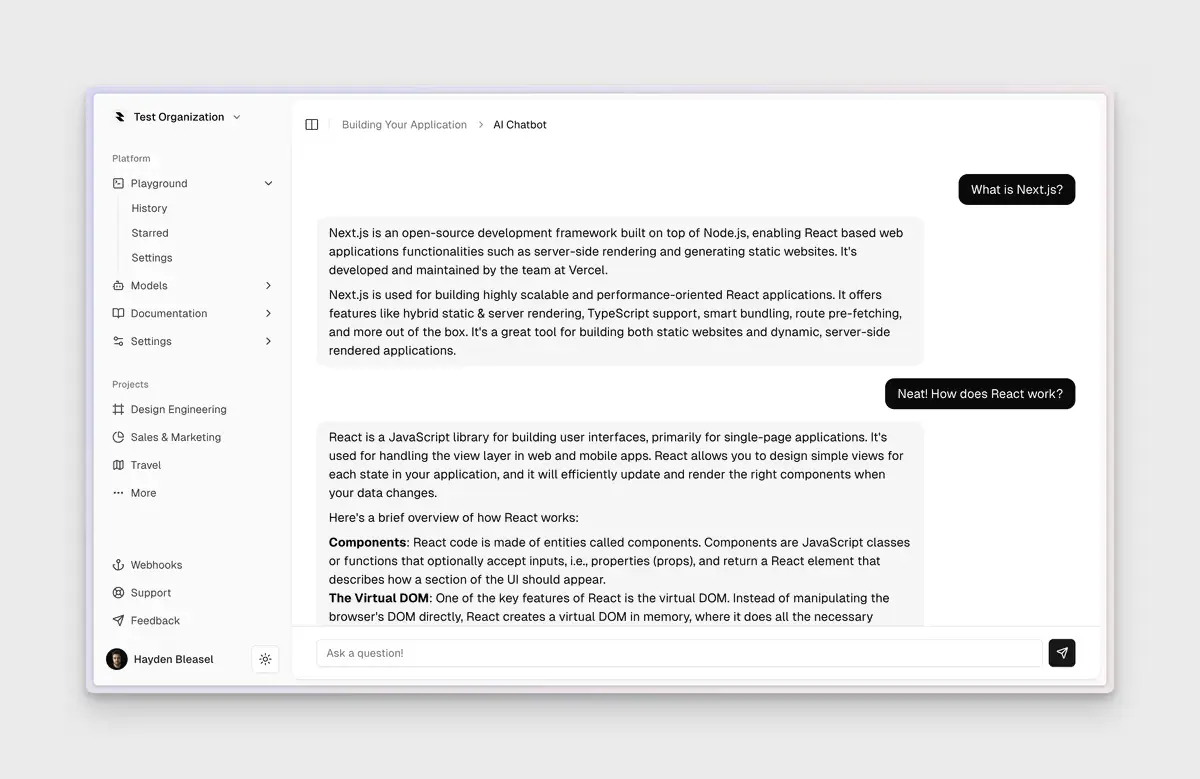
Next-forge is an open-source, production-grade, monorepo-first, full-stack Next.js template developed by Vercel.
This boilerplate is engineered and documented to cover a wide range of functionalities, including authentication, database and ORM, payments, documentation, a blog, observability, analytics, emails, and even feature flags and dark mode.
Features
🏗️ Monorepo Architecture – Turborepo-powered workspace with multiple interconnected applications
🔐 Authentication Ready – Pre-integrated Clerk authentication with user management
💳 Payment Processing – Stripe integration with webhook handling for subscription and one-time payments
📊 Database & ORM – Prisma ORM with Neon PostgreSQL database configuration
📧 Email Templates – React-based email system powered by Resend for transactional emails
📱 Responsive UI – shadcn/ui components with Tailwind CSS styling
📖 Documentation Site – Mintlify-powered docs that auto-generate from markdown files
🌙 Dark Mode – Theme switching with next-themes integration
📈 Analytics & Monitoring – Google Analytics, PostHog, Sentry, and BetterStack integrations
🛡️ Security – Arcjet protection for application security
🌐 SEO Optimized – Type-safe blog and marketing pages with BaseHub CMS
🔧 Developer Tools – Prisma Studio for database visualization and management
🚀 Feature Flags – Built-in feature flag system for controlled rollouts
⚡ Type Safety – End-to-end TypeScript with environment variable validation
🎨 Component Library – Built-in Storybook for isolated component development and testing
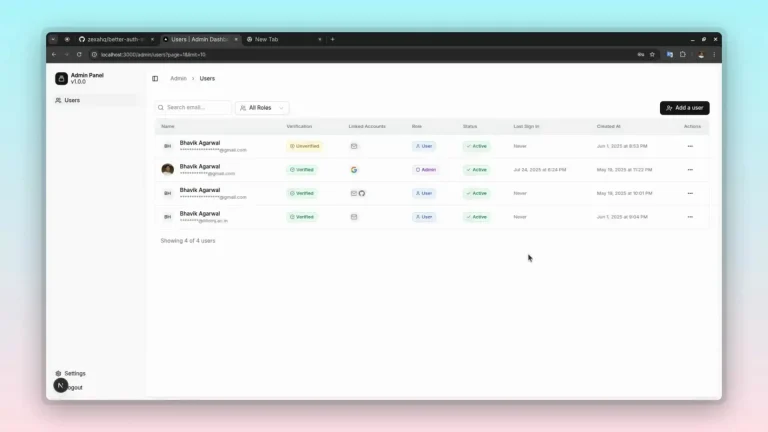
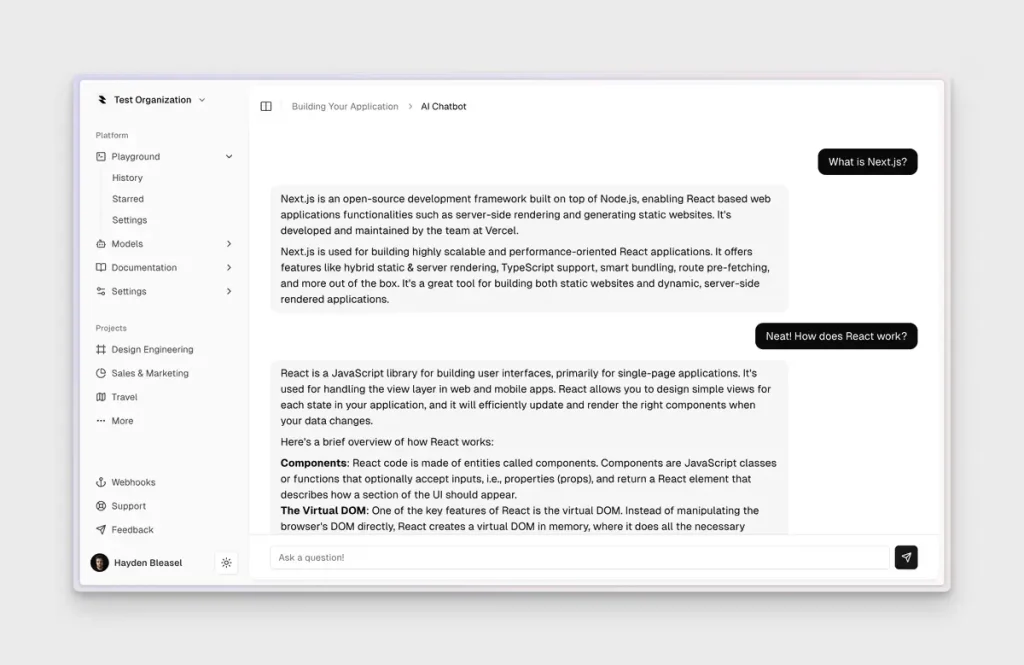
Example App
Use Cases
- SaaS Applications – Build subscription-based software with user authentication, payment processing, and feature management out of the box
- E-commerce Platforms – Create online stores with product catalogs, payment processing, and customer management systems
- Corporate Websites – Develop marketing sites with integrated blogs, documentation, and lead capture forms
- API-First Applications – Build applications that require separate frontend and backend services with shared components
- Content Management Systems – Create platforms for managing and publishing content with type-safe CMS integration
Installation
Prerequisites
- Operating System: macOS, Linux (Ubuntu recommended), or Windows.
- Package Manager: pnpm is the default, but npm, yarn, or bun are also supported.
- Stripe CLI: Required for forwarding payment webhooks.
- Mintlify CLI: Used for previewing documentation locally.
- SaaS Accounts: You will need to create accounts for services like Arjet, BetterStack, Clerk, Google Analytics, Posthog, Resend, Sentry, and Stripe.
Initialization
This will create a new project directory, clone the repository, and run a setup script to install dependencies and copy environment variable files.
npx next-forge@latest initDatabase Setup
npm run migrateCMS Configuration
Configure the BaseHub CMS by:
- Forking the basehub/next-forge template
- Getting your Read Token from the “Connect to Your App” page
- Adding the
BASEHUB_TOKENto your environment variables
Usage
1. Start the development environment with all applications running simultaneously:
npm run devThis launches multiple services on different ports:
http://localhost:3000/– Main applicationhttp://localhost:3001/– Marketing websitehttp://localhost:3002/– API servicehttp://localhost:3003/– Email preview serverhttp://localhost:3004/– Documentation site
2. next-forge uses a type-safe environment variable system. Each package defines its variables in a keys.ts file, which gets composed into the main application’s env.ts file.
app/.env.local - Main app variables
web/.env.local - Website variables
api/.env.local - API variables
packages/database/.env - Database configuration
Related Resources
- Turborepo – Monorepo build system that powers next-forge’s architecture
- shadcn/ui – Component library used throughout the template for consistent UI
- T3 Stack – Alternative full-stack TypeScript template with different tooling choices
- Vercel Templates – Collection of production-ready templates for various frameworks
FAQs
Q: Why doesn’t next-forge use tRPC for API communication?
A: next-forge uses Next.js Server Actions instead of tRPC because they provide similar type safety benefits with tighter framework integration. Server Actions are part of Next.js itself, which means better optimization and continued feature improvements directly from the framework team.
Q: Why are there suppressHydrationWarning attributes on HTML tags?
A: This follows the next-themes recommendation to suppress warnings that occur when determining the theme on the client side during hydration.
Q: Do I need all the included SaaS integrations to use next-forge?
A: No, you can use next-forge without all the integrations. However, you’ll need to remove or replace the relevant code for services you don’t plan to use, such as Stripe for payments or Clerk for authentication.
Q: Is next-forge suitable for small projects?
A: next-forge is designed for production applications and includes many features that might be overkill for simple projects. Consider whether you need all the included functionality before choosing this template for smaller applications.