The Future of Web Dev
The Future of Web Dev
Smooth Drawing Component – Nuxt Signature Pad
Capture and save digital signatures with Nuxt Signature Pad, a customizable Vue 3 and Nuxt.js component. Ideal for forms, contracts, and more.
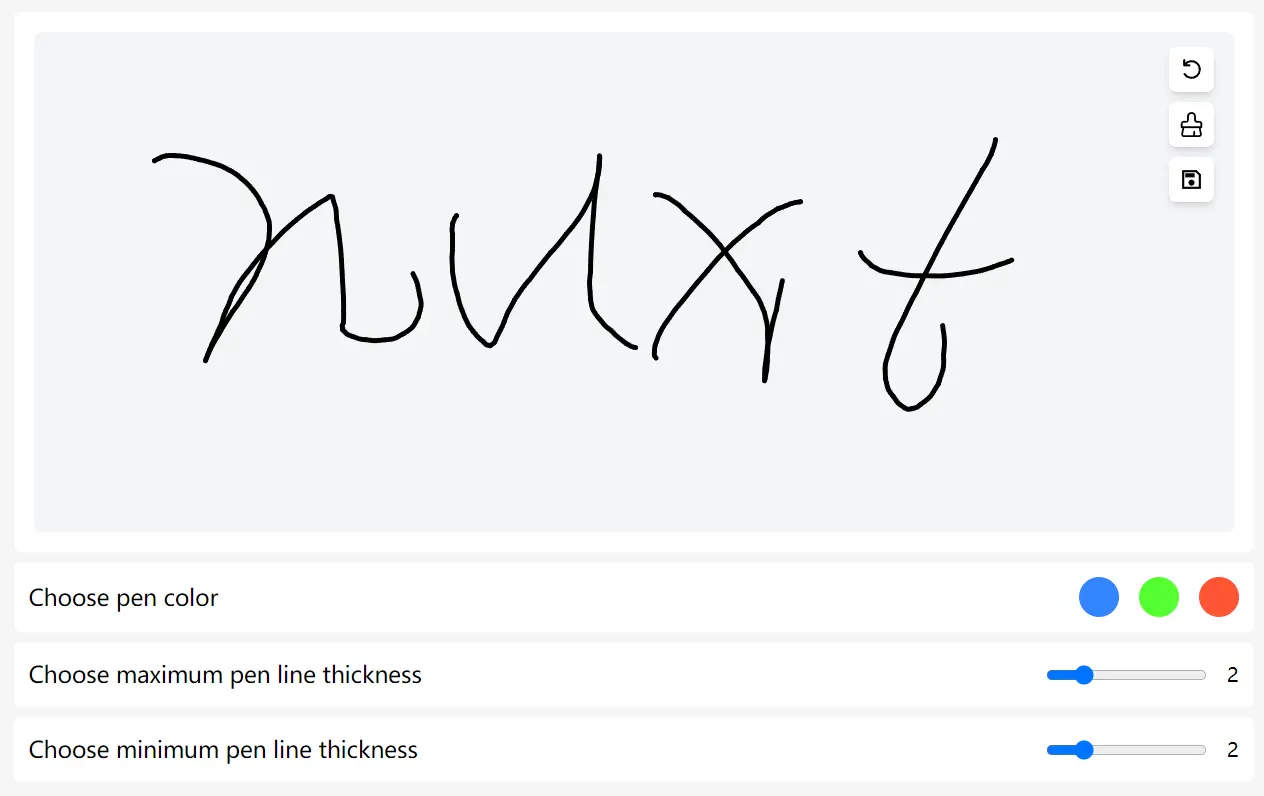
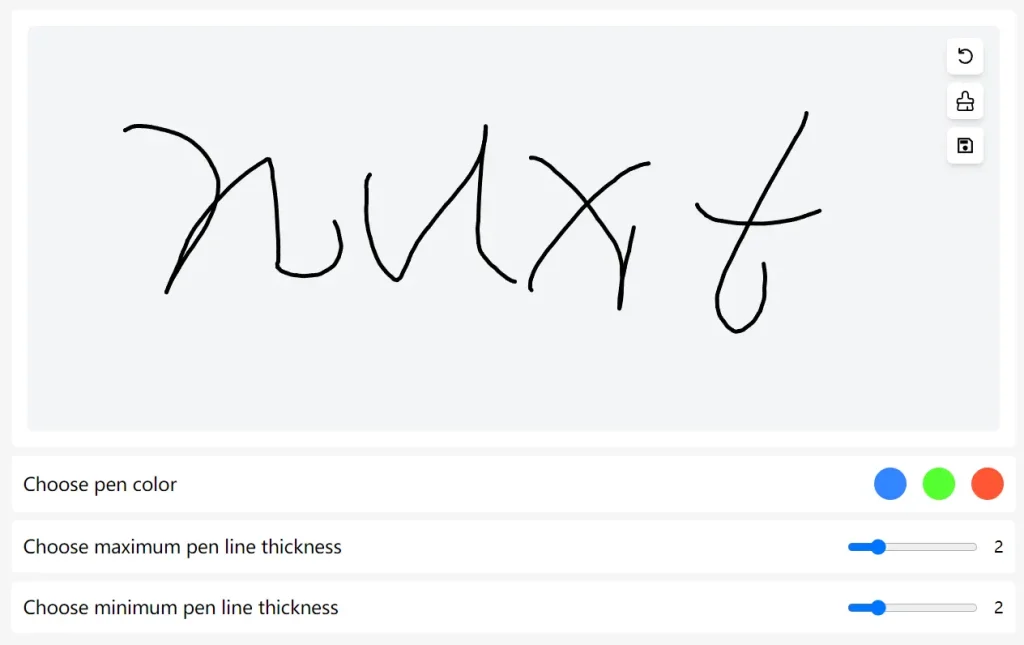
Nuxt Signature Pad is a Vue 3 and Nuxt.js component that allows you to draw signatures on a canvas and includes features for saving and manipulating these signatures.
It is ideal for applications requiring user signatures, such as forms, contracts, and acknowledgments.
Key Features
📁 Signature Saving: Enables saving signatures in various formats, including PNG and JPEG.
🎨 Customizable Canvas: Allows adjustments to the canvas size and background color to fit your design needs.
⚙️ Undo and Clear Options: Provides users with options to undo the last action or clear the entire canvas.
💻 Responsive Design: Ensures optimal performance and usability across different devices and screen sizes.
Installation
npx nuxi@latest module add nuxt-signature-pad
Basic Usage
<template>
  <NuxtSignaturePad
  ref="signature"
  height="400px"
  width="950px"
  :max-width="options.maxWidth"
  :min-width="options.minWidth"
  :options="{
    penColor: options.penColor,
    backgroundColor: options.backgroundColor,
  }"
/>
</template>
<script setup>
const options = ref({
  penColor: 'rgb(0,0,0)',
  backgroundColor: 'rgb(255, 255, 255)',
  maxWidth: 2,
  minWidth: 2,
})
const signature = ref()
</script>
Available Props:
{
  throttle: 16,
  minWidth: 5,
  maxWidth: 5,
  height: '100%',
  width: '100%',
  option: {
    backgroundColor: 'rgb(255,255,255)',
    penColor: 'rgb(0, 0, 0)',
  },
  disabled: false,
  clearOnResize: false,
  defaultUrl: '',
}
Events:
- @saveSignature
- @clearCanvas
- @isCanvasEmpty
- @undo
- @addWaterMark{}
- @fromDataURL(url)
- @handleBeginStroke
- @handleEndStroke
- @handleBeforeUpdateStroke
- @handleAfterUpdateStroke Emits Signature after update after the drawing gets updated on the canvas.
Preview: