The Future of Web Dev
The Future of Web Dev
GDPR-Ready Cookie Consent Component for shadcn/ui
Add GDPR-compliant cookie consent banners using shadcn/ui's modular component. Three variants with customizable callbacks.
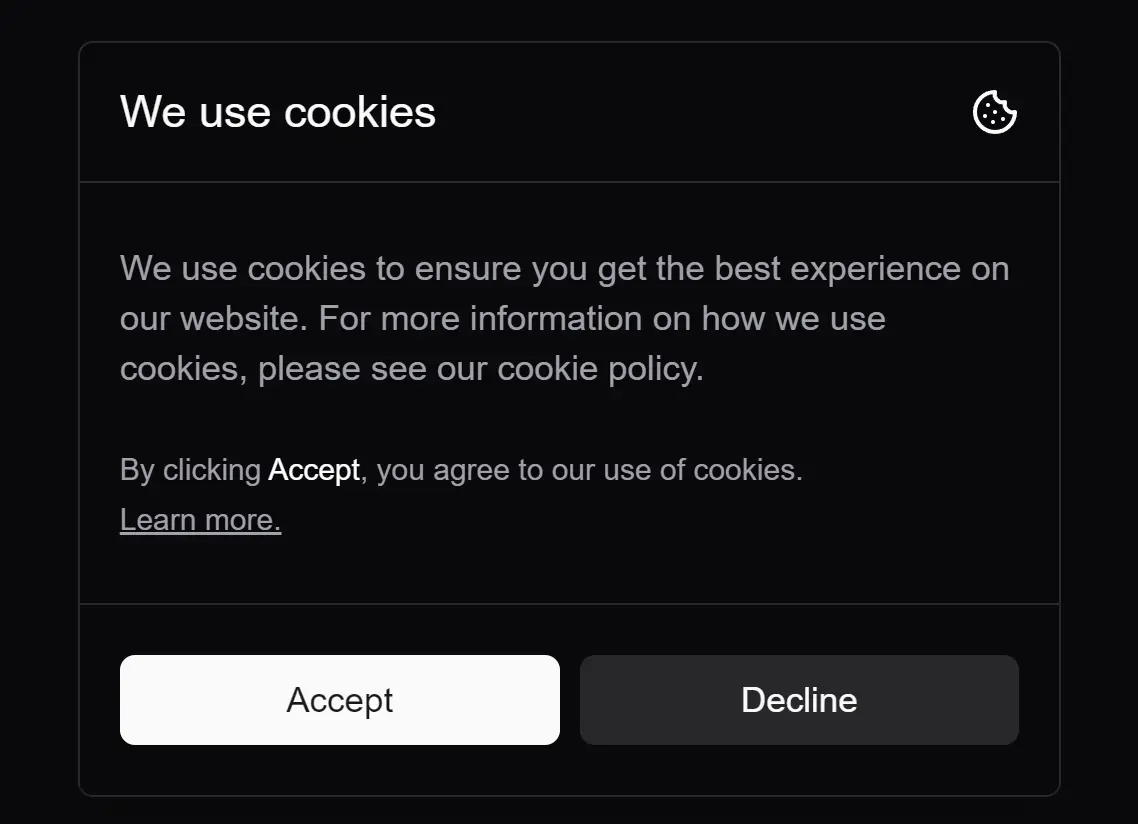
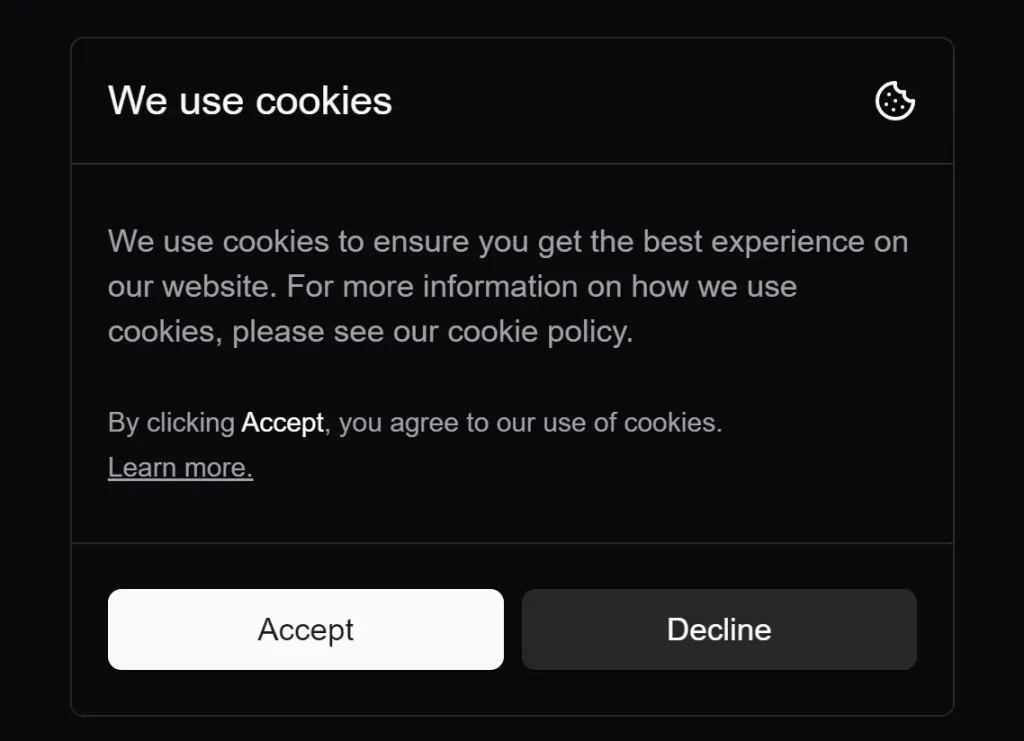
shadcn/ui cookies is a lightweight cookie consent component built for projects using React and shadcn/ui libraries. This component helps you implement GDPR compliance features on your websites.
You can use this component to add clear, user-friendly cookie consent notices to your React web applications. You can get different display styles and integrate custom actions based on user choices.
Features
⚙️ Customizable Callbacks: You have full control over what happens when a user accepts or declines cookies. The component lets you define your functions for these events.
🧩 shadcn/ui Integration: Built for shadcn/ui. The component uses the same design principles for a consistent look.
🎨 Multiple Variants: The component comes with three built-in styles: default, small, and minimal. You can pick the variant that best fits your website’s design.
🚀 Easy Installation: Add the component to your project with a simple command. The process is quick, saving setup time.
Use Cases
- E-commerce Sites: Online stores often use cookies to track shopping carts and user preferences. With this component, stores can clearly inform customers about cookie use and collect consent in a way that complies with privacy regulations.
- Blogs and News Websites: These sites might use cookies for analytics and personalized content. A simple, clear cookie consent notice helps maintain transparency with readers.
- Web Applications: Many web apps use cookies for session management and user settings. The
CookieConsentcomponent can integrate into the app’s interface. This helps manage user consent without disrupting the user experience. - Portfolio Sites: Even simple websites like portfolios might use cookies for analytics or third-party integrations. A compact, minimal consent notice can keep the site compliant without distracting from the content.
Installation
Add the cookie consent component to your shadcn/ui project by running:
npx shadcn@latest add http://shadcn-cookies.vercel.app/r/cookie-consent.jsonUsage
Import and implement the component based on your needs:
import { CookieConsent } from "@/components/ui/cookie-consent"
export default function Page() {
  return (
    <CookieConsent
      variant="default" // 'small', 'minimal'
      onAcceptCallback={() => {
        // Process acceptance
      }}
      onDeclineCallback={() => {
        // Handle rejection
      }}
    />
  )
}
FAQs
Q: Do I need to install additional dependencies to use this component?
A: No, the component works with existing shadcn/ui installations without extra dependencies.
Q: Can I customize the consent message text?
A: Yes, the component accepts custom text content through props.
Q: Does this component handle cookie storage automatically?
A: No, you need to implement cookie storage logic in the callback functions.
Q: What happens if a user doesn’t interact with the cookie consent notice?
A: The behavior depends on how you have set up the component and your website. Typically, the notice will remain visible until the user makes a choice.
Q: Where are cookies stored after a user accepts?
A: Cookies are stored in the user’s browser. The exact behavior depends on the cookie settings you define in your callback functions.
Preview