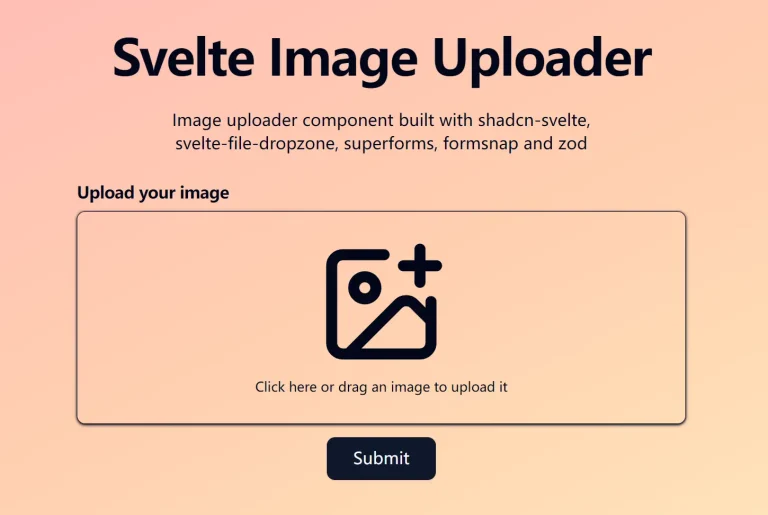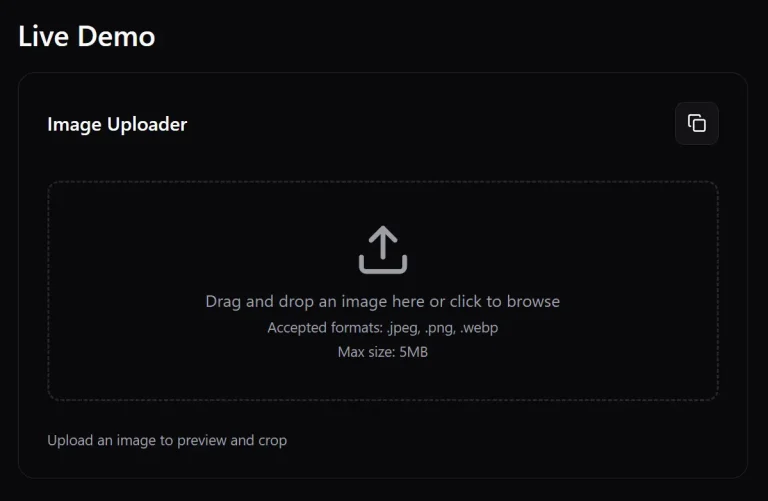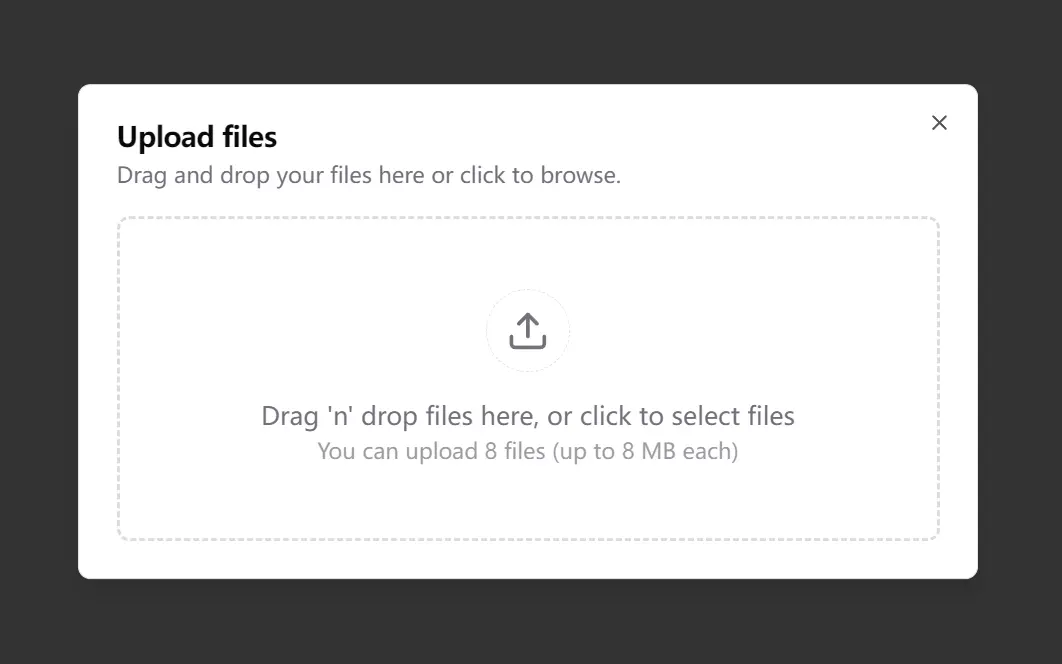
The File Uploader combines shadcn/ui and react-dropzone to create a modern and convenient file upload experience for Next.js applications. This open-source component provides a customizable drag-and-drop interface with progress tracking and file management capabilities.
Built on the T3 stack, File Uploader integrates Tailwind CSS for styling and Uploadthing for secure file storage. The component includes form validation through Zod and supports both single and multiple file uploads.
Features
📁 Reusable Hook: Utilize the useFileUpload hook for streamlined file uploads with uploadthing.
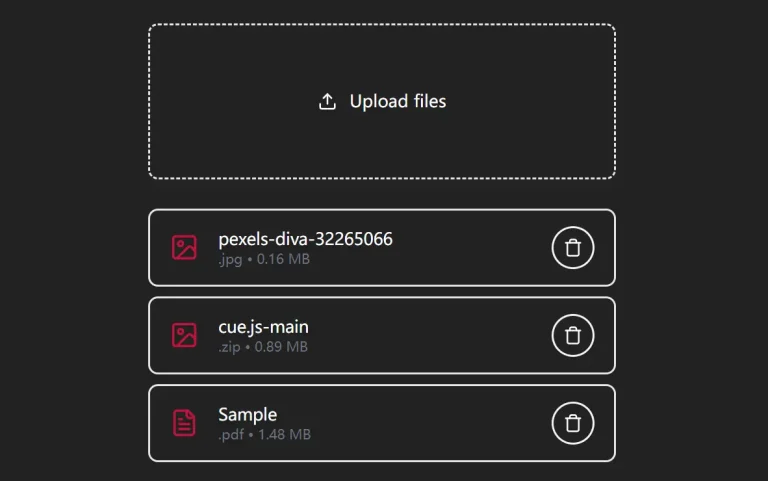
🗂️ File Dialog Demo: Explore a file dialog demonstration that allows adding and removing files from a scrollable list.
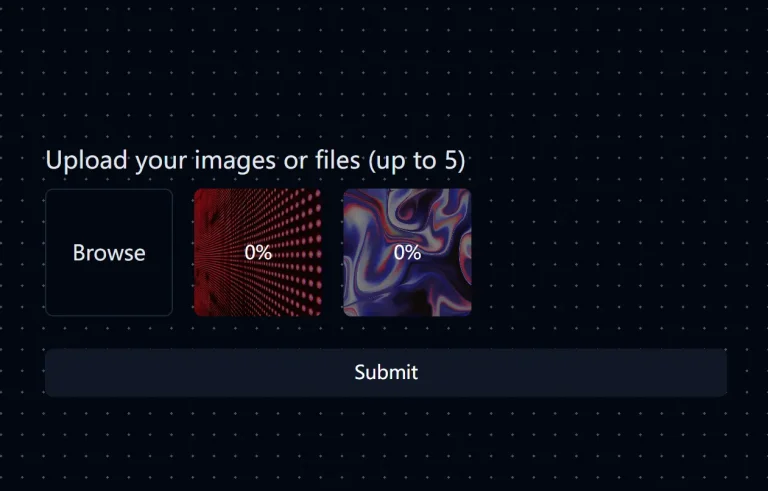
🚀 Drag and Drop: Implement an intuitive drag-and-drop file upload area, complete with progress indicators.
📝 Form Integration: Integrate with React Hook Form using shadcn/ui form components.
Use Cases
- Profile Picture Upload: Allow users to upload a profile picture on their account settings page. The drag-and-drop feature makes it easy for users to select and upload their desired image.
- Document Submission Forms: Integrate into online forms where users need to submit documents, such as applications or reports. The progress bar provides feedback on the upload status.
- File Sharing Applications: Build platforms where users can upload and share files. The component handles the upload process efficiently, and the integration with
uploadthingsimplifies storage management. - Content Management Systems (CMS): Enable content creators to upload images, videos, and other media files directly through the CMS interface. The reusable hook can be implemented across different upload areas within the CMS.
Running Locally
1. Clone the repository from GitHub:
git clone https://github.com/sadmann7/file-uploader2. Install dependencies using pnpm:
pnpm install3. Copy the .env.example to .env and update the variables:
cp .env.example .env# App
# Use the production URL when deploying to production
NEXT_PUBLIC_APP_URL="http://localhost:3000"
# uploadthing
UPLOADTHING_TOKEN=""
# Optional
# upstash
UPSTASH_REDIS_REST_URL="https://"
UPSTASH_REDIS_REST_TOKEN=""
4. Start the development server:
pnpm run devRelated Resources
- shadcn/ui: A collection of accessible and reusable UI primitives for building web applications. https://ui.shadcn.com
- react-dropzone: A React library that provides a simple way to create a drag-and-drop zone for file uploads. https://react-dropzone.js.org/
- uploadthing: A platform for handling file uploads. https://uploadthing.com
FAQs
Q: Can I customize the appearance of the file uploader?
A: Yes, since it uses Tailwind CSS and shadcn/ui, you can customize the styling to match your application’s design.
Q: What file types can the uploader handle?
A: The uploader supports any file type configured through Uploadthing, with built-in validation through Zod for type and size restrictions.
Q: Can I customize the upload progress indicator?
A: Yes, the progress indicator uses Tailwind CSS classes and can be fully styled to match your application’s design.
Q: Is server-side processing supported?
A: Yes, through Next.js API routes and Uploadthing’s backend integration for secure file processing.
Preview