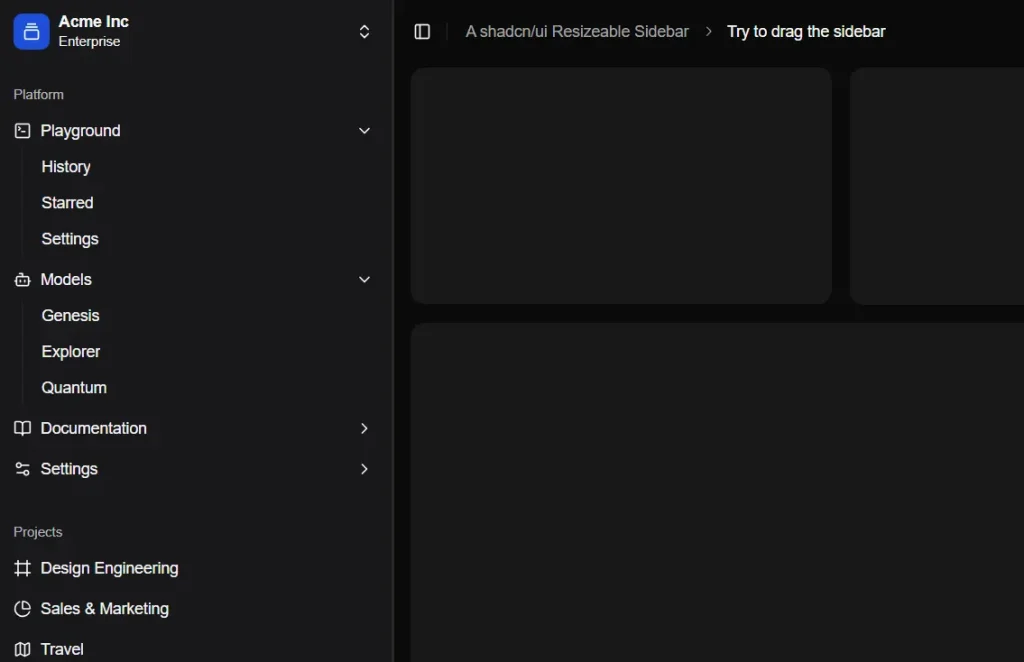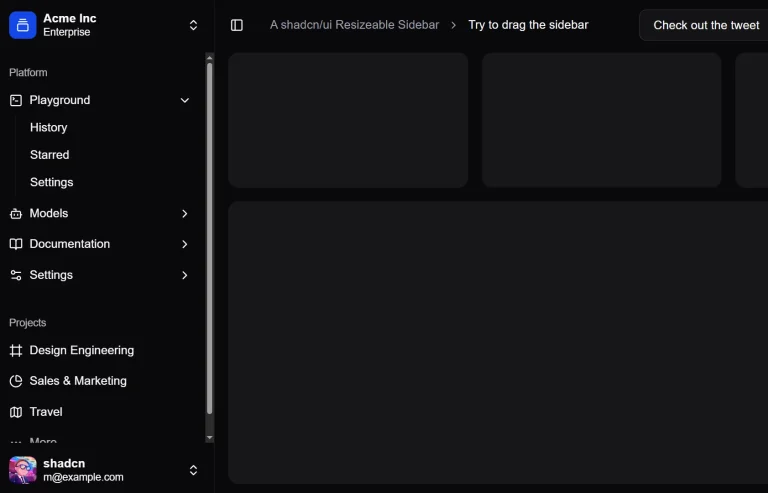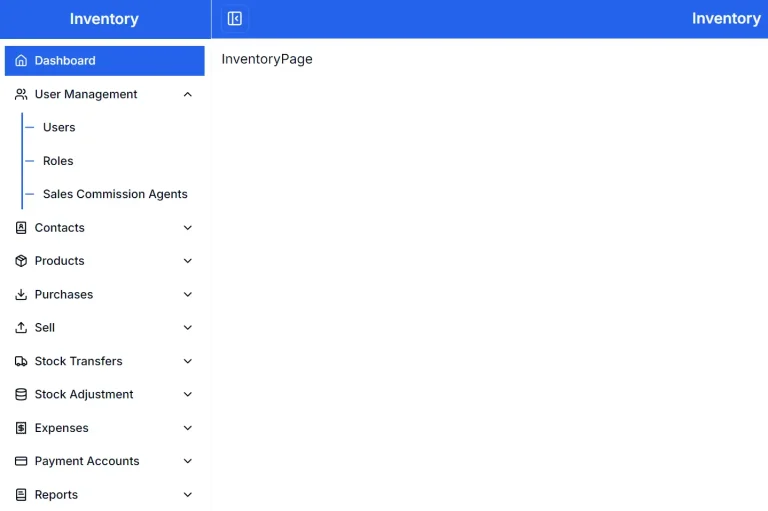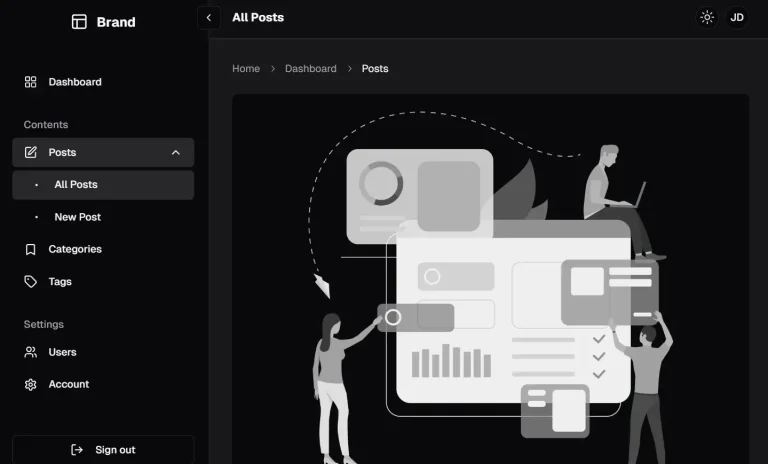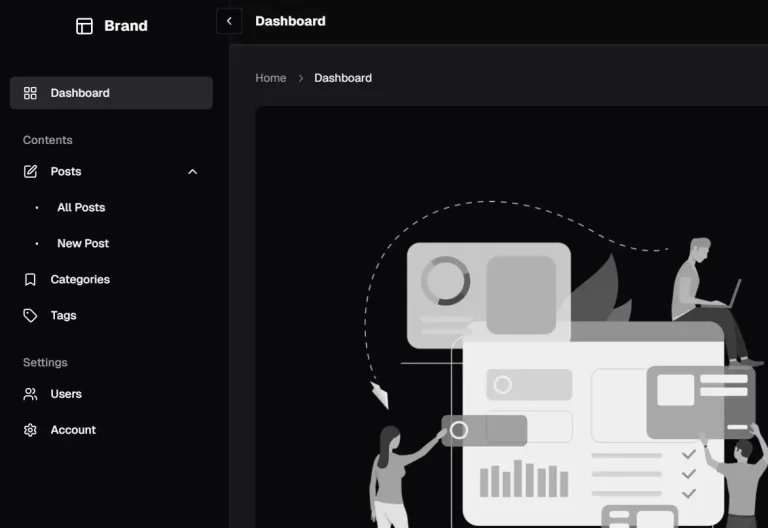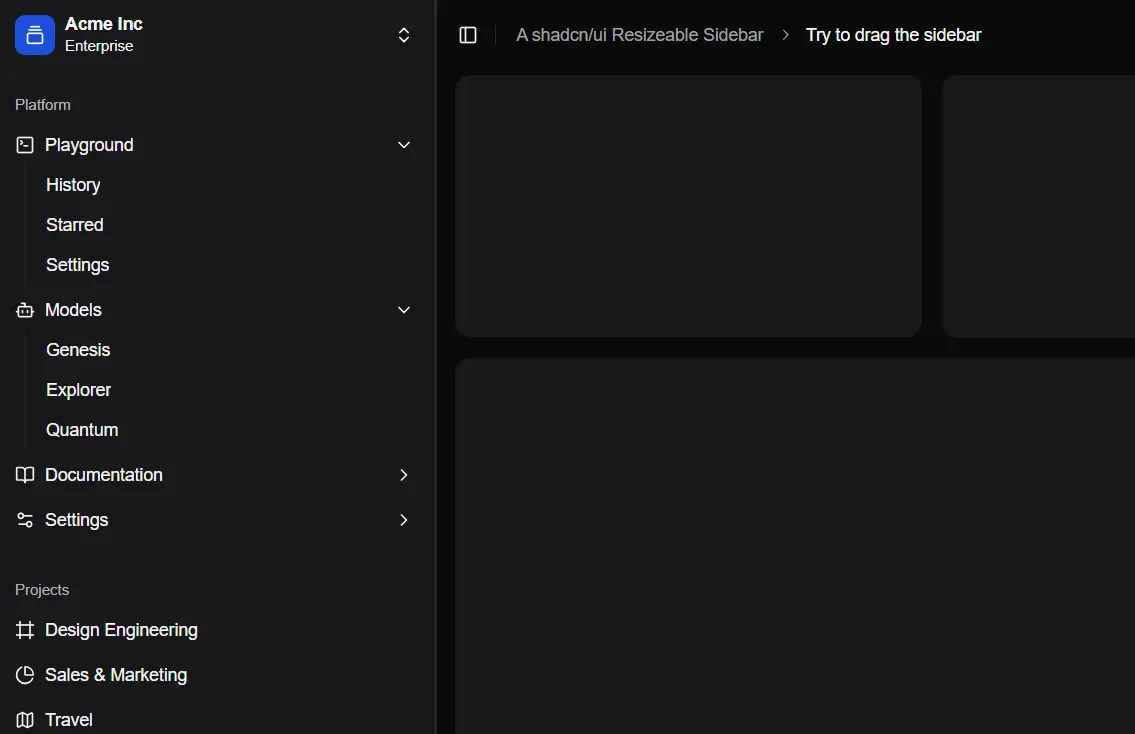
The shadcn/ui Resizable Sidebar is an extension component built upon the standard shadcn/ui <Sidebar>.
This component introduces drag-to-resize capabilities, which allow your users to adjust the sidebar’s width according to their preference.
It also features smooth collapsing transitions and crucially, persists the user’s chosen width and collapsed state using cookies.
Features
🖱️ Drag-to-Resize: Users can interactively adjust the sidebar width by dragging its edge.
🎨 Theme Support: Compatible with light and dark mode themes configured in shadcn/ui.
⌨️ Keyboard Shortcuts: Offers keyboard accessibility for interaction.
🔄 Collapsible: Includes smooth animations for expanding and collapsing the sidebar.
🍪 Persistent State: Remembers the user’s sidebar width and collapsed state via browser cookies.
Use Cases
- Admin Dashboards: Allow administrators to customize their workspace by resizing navigation panels to show more or less content area.
- Documentation Platforms: Enable readers to adjust the table of contents or navigation sidebar width for comfortable reading.
- Complex Web Applications: Provide users with control over tool panels or navigation elements in feature-rich applications.
- Content Management Systems (CMS): Offer editors the ability to resize sidebars containing publishing tools or metadata fields.
- Data Visualization Tools: Let users adjust sidebars holding filter options or data controls to optimize chart or map visibility.
Installation
- Clone the repository:
git clone https://github.com/lumpinif/drag-to-resize-sidebar.git
cd drag-to-resize-sidebar- Install dependencies:
bun install- Run the development server:
bun dev- Open http://localhost:3000 in your browser to view the demo.
FAQs
Q: Can I customize the appearance of the sidebar?
A: Yes, customization is handled through standard shadcn/ui theming and Tailwind CSS utility classes. You can modify colors, spacing, and other visual aspects.
Q: Can I customize the minimum and maximum width of the sidebar?
A: Yes, the component accepts minWidth and maxWidth props that allow you to define the constraints for resizing functionality.
Q: Does the resizable sidebar work on mobile devices?
A: The component is designed with responsiveness in mind, but on smaller screens, it may automatically switch to a collapsible-only mode rather than resizable due to space constraints.
Q: How can I modify the keyboard shortcuts?
A: The keyboard shortcuts can be customized by modifying the component’s configuration. Check the source code for the keyboard event handlers to adjust them according to your needs.
Preview