The Future of Web Dev
The Future of Web Dev
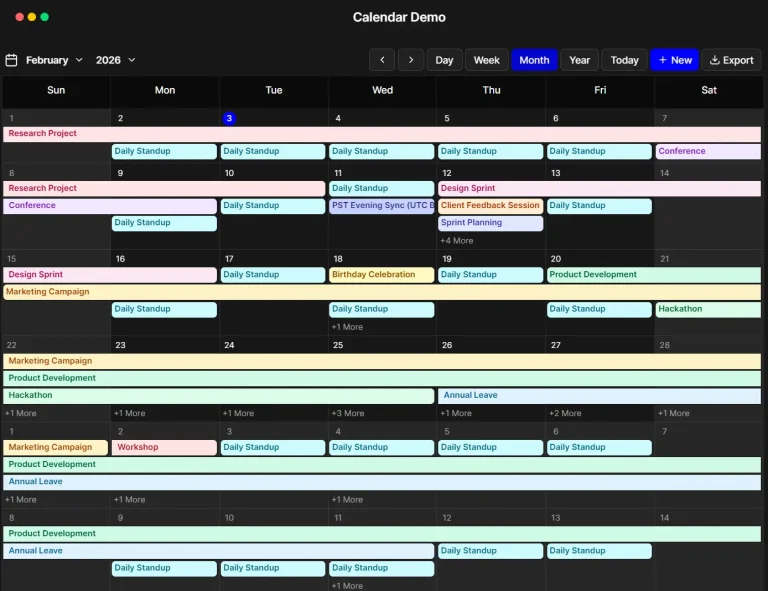
Modern Calendar App with Multiple Views & Event Management – Full-Calendar
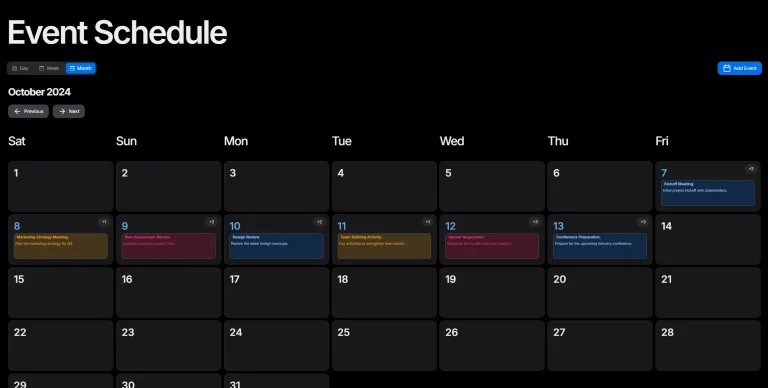
A React/TypeScript calendar app with shadcn/ui, DnD, multiple views, and event management.

Full-Calendar is a modern, full-featured calendar web app built with React, TypeScript, shadcn/ui, date-fns, zod, framer-motion, and react-hook-form.
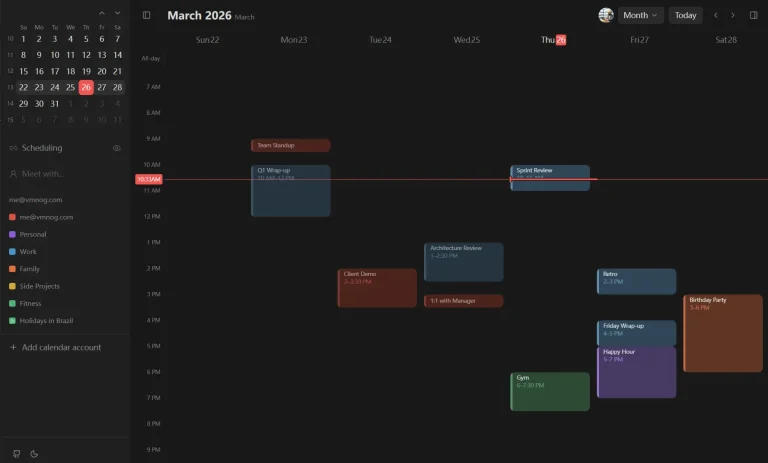
This calendar application provides multiple calendar views, event management capabilities (create, update, delete), and modern UI elements.
You can integrate it into web projects requiring scheduling, event tracking, or date visualization functionalities.
Features
🗓️ Year View: Displays a full year layout with mini-calendars for each month. Event indicators appear on relevant days.
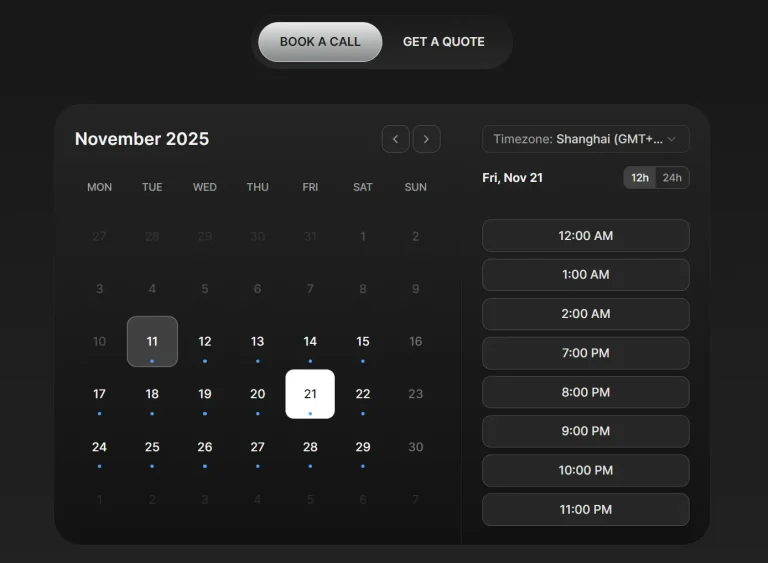
⏰ 24/12 Hour Format: Allows users to switch between 24-hour and 12-hour (AM/PM) time displays across the application.
🌓 Dark Mode: Includes a theme toggle for switching between light and dark modes, ensuring consistency with shadcn/ui and Tailwind CSS.
🎨 Filter by Colors: Filter displayed events based on their assigned colors using a dropdown menu in the header.
✏️ CRUD Operations: Supports creating, updating, and deleting events through the AddEditEventDialog component, with form validation using zod.
✨ Animations: Incorporates subtle animations using framer-motion for smoother transitions and interactions.
📋 Agenda List: Offers an alternative list format for viewing scheduled events, toggled easily from the header.
🖐️ Drag and Drop (DnD): Reschedule events by dragging them to different time slots within the week and day views. Dropping on a time slot can initiate event creation.
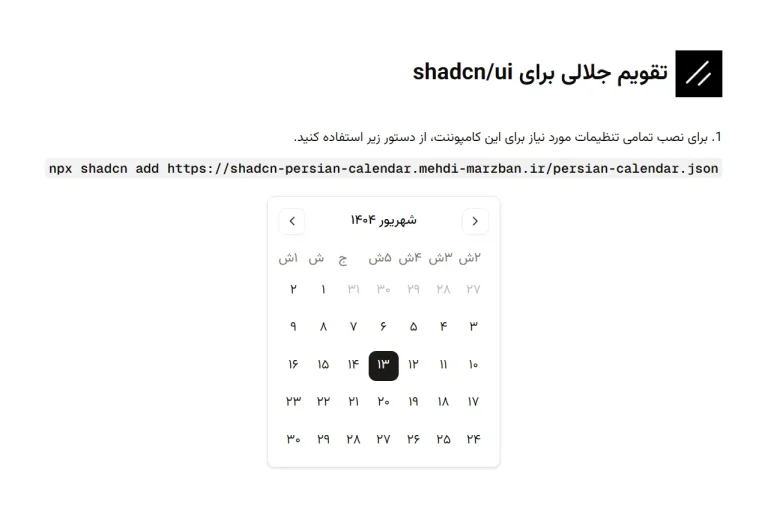
🧩 ShadCN Component-Based: The user interface relies entirely on shadcn/ui components for a consistent look, feel, and styling experience.
ℹ️ Show Details: View detailed information about events (title, time, color) in a dialog, accessible from the year view.
📱 Responsive Design: The layout adapts to different screen sizes using Tailwind CSS utility classes for usability across devices.
Use Cases
- Corporate Team Calendar – Organizations can deploy Full-Calendar to track team meetings, project deadlines, and company events with the color-coding feature to distinguish between departments or priorities.
- Personal Schedule Management – Individuals can use the application to organize personal appointments, reminders, and tasks with the ability to switch between different views based on planning needs.
- Event Planning – Event coordinators can map out event schedules using the drag-and-drop feature to adjust timings as planning progresses.
- Educational Timetables – Schools and universities can implement the calendar for class schedules, with different colors representing different courses or instructors.
- Remote Team Coordination – Distributed teams can maintain synchronized schedules across time zones, using the 12/24-hour time format toggle for international convenience.
Installation
1. Clone the repository from GitHub.
git clone https://github.com/yassir-jeraidi/full-calendar
cd calendar-app
2. Install dependencies:
npm install3. Run the application:
npm run devUsage
- Switch Views: Select “Day”, “Week”, “Month”, or “Year” buttons in the header to change the calendar display.
- Toggle Time Format: Click the “12/24” button (clock icon) in the header to switch time formats.
- Filter Events: Open the filter dropdown (filter icon) and select colors to show or hide corresponding events.
- Add Event: Click the “Add Event” button in the header or click directly on a time slot in the week/day views to open the event creation dialog.
- Edit Event: Click an existing event within the calendar views to open the dialog for modifications.
- View Event Details: In the year view, click a day marked with event indicators to see a list of events for that day.
- Toggle Dark Mode: Use the theme toggle button (sun/moon icon) in the header to switch between light and dark modes.
Related Resources
- ShadCN/UI: https://ui.shadcn.com/ – A collection of re-usable components built using Radix UI and Tailwind CSS. full-calendar uses these for its UI.
- date-fns: https://date-fns.org/ – A modern JavaScript date utility library used for date calculations and formatting within the calendar.
- Framer Motion: https://www.framer.com/motion/ – A production-ready motion library for React used for the animations in full-calendar.
FAQs
Q: Can I customize the appearance of the calendar?
A: Yes, the application uses shadcn/ui and Tailwind CSS. You can customize the theme, components, and styles by modifying the Tailwind configuration and component implementations according to shadcn/ui documentation.
Q: How is event data managed?
A: Event data state and management functions (add, edit, delete, filter) are handled through React Context (useCalendar). You would typically adapt this to fetch and persist data using your preferred backend or state management solution.
Q: Is it possible to integrate this calendar with backend APIs?
A: Yes. The current event management functions (addEvent, editEvent, etc.) within the useCalendar context are placeholders for integration. You would replace the local state updates with API calls to your backend service.
Preview