The Future of Web Dev
The Future of Web Dev
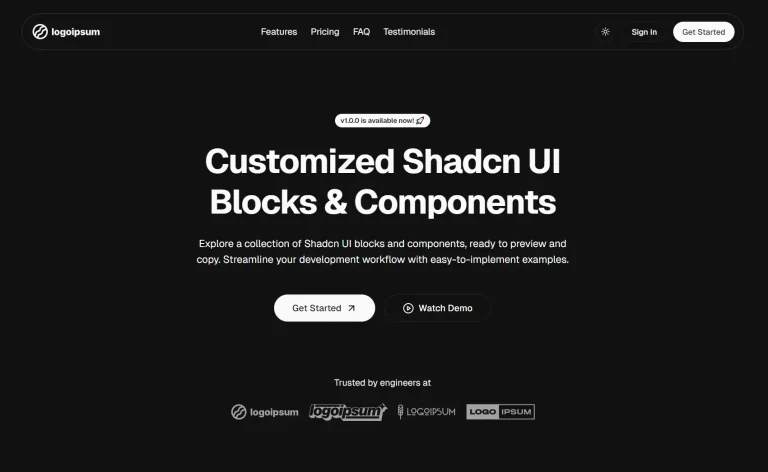
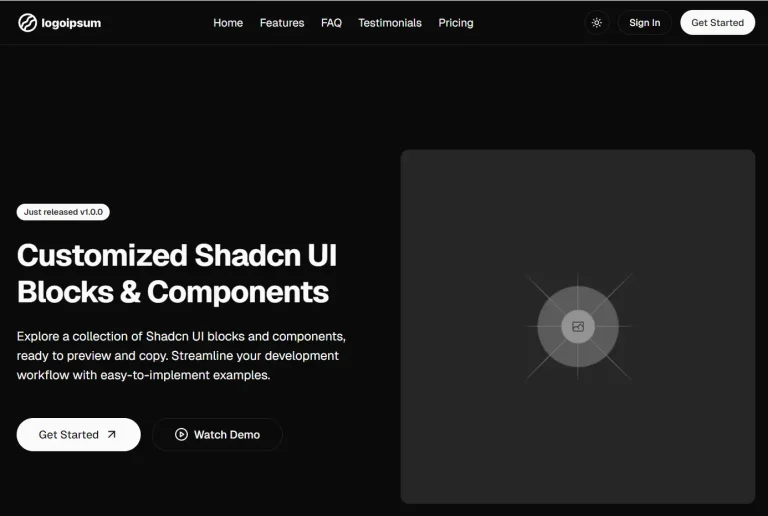
Modern Shadcn Landing Page Template for Next.js
A free, open-source landing page template using Next.js and Shadcn UI. Features 14 pre-built sections to help you build professional websites quickly.
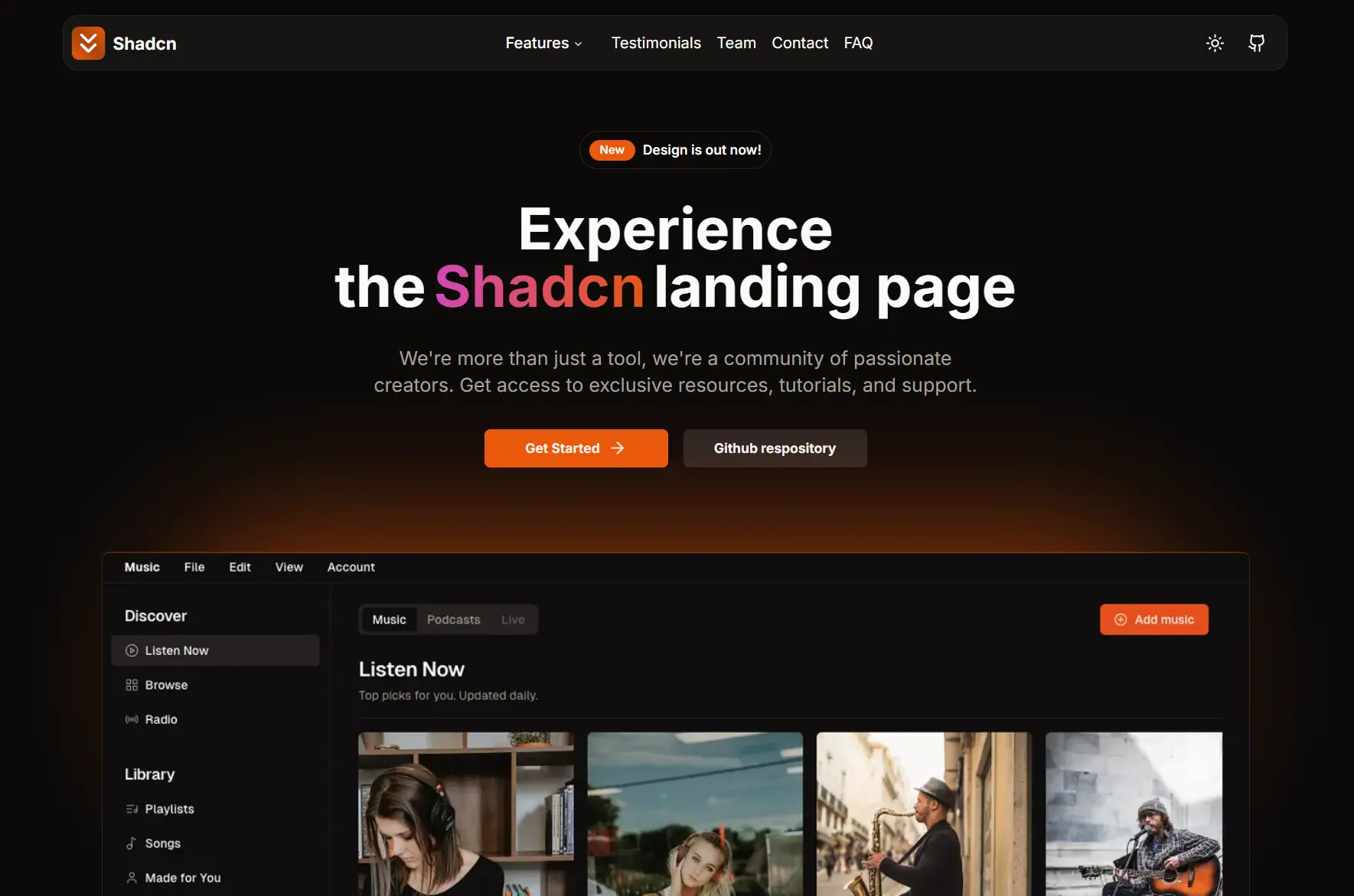
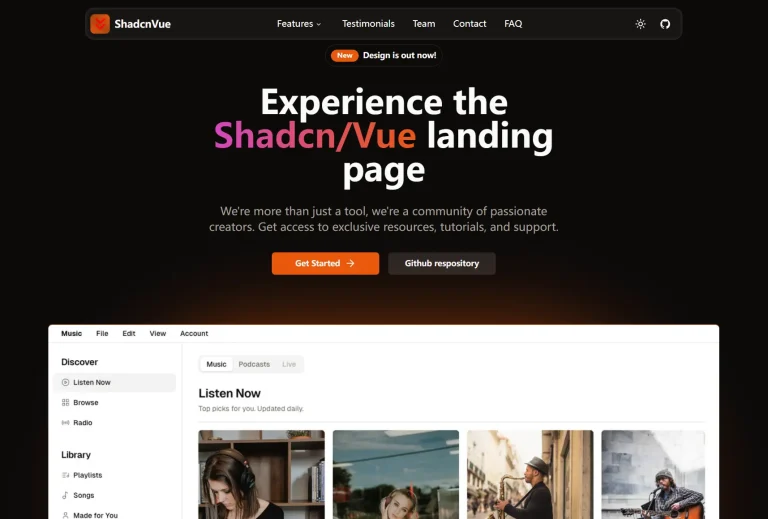
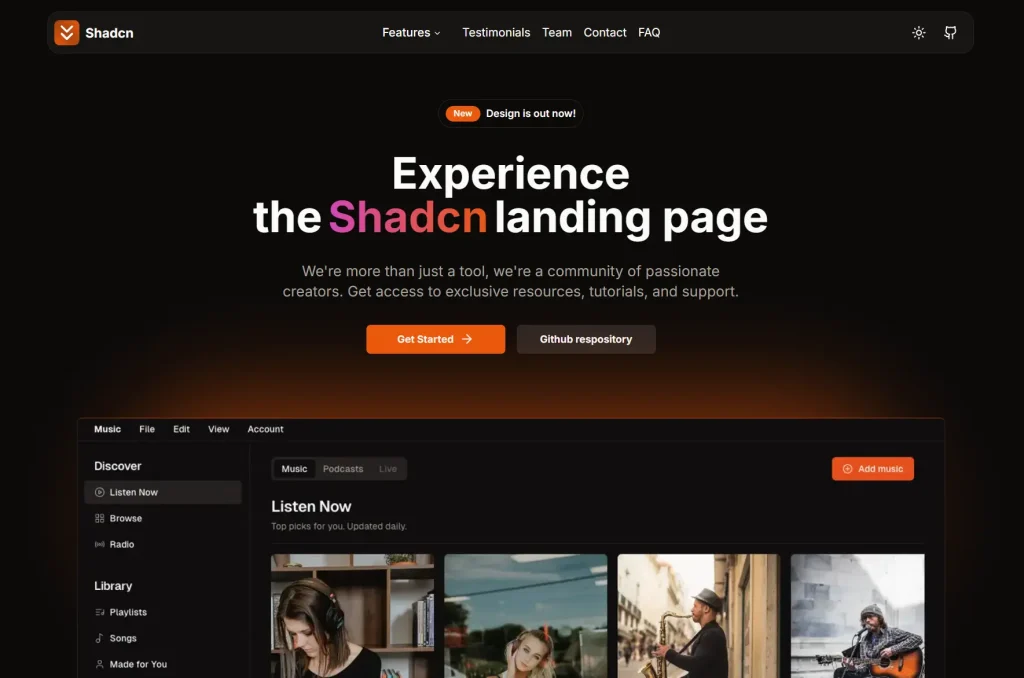
This is a modern, responsive, mobile-friendly landing page template built with Shadcn/UI, Next.js, TypeScript, and Tailwind CSS.
It comes with 14+ pre-built sections including navigation, hero areas, testimonials, pricing tables, and contact forms. Each follows modern design principles and accessibility standards.
Features
🌙 Dark Mode Support – Built-in dark/light theme switching with persistent user preferences
🎨 Tailwind CSS Styling – Utility-first CSS framework for rapid UI development
🔧 Easy Customization – Modular component structure for straightforward modifications
📊 SEO Optimized – Proper meta tags and semantic HTML structure for search engine visibility
🎯 TypeScript Integration – Full type safety and better development experience with IntelliSense
🎪 Shadcn/ui Components – Leverages high-quality, accessible UI components from the Shadcn library
⚡ Next.js Ready – Built on the latest Next.js features including App Router and server components
Preview
Use Cases
- SaaS Product Landing Pages – Software-as-a-service companies needing professional presentation of their products with pricing tiers, feature highlights, and customer testimonials
- Startup Websites – New companies requiring credible web presence with team showcases, investor information, and contact sections
- Portfolio Websites – Agencies or freelancers wanting to display services, client testimonials, and project showcases in a professional layout
- Product Launch Pages – Marketing teams preparing product announcements with feature descriptions, early access signup, and community engagement sections
- Agency Websites – Digital agencies needing service descriptions, team profiles, client testimonials, and lead generation forms
Installation
- Clone the repository from GitHub:
git clone https://github.com/nobruf/shadcn-landing-page.git- Navigate into the project directory:
cd shadcn-landing-page- Install the necessary dependencies:
npm install- Run the project in development mode:
npm run devUsage
After running the development server, you can open your browser to http://localhost:3000 to see the live template.
You can begin modifying the page by editing the files within the project’s source directory. Each section of the landing page, such as the Hero, Features, and Testimonials, is a separate component. This makes it straightforward to customize the text, images, and layout to match your brand and content.
Related Resources
- Shadcn UI: The official documentation provides details on the components used in the template. https://ui.shadcn.com/docs
- Next.js: Learn more about the React framework that powers the template. https://nextjs.org/docs
- Tailwind CSS: The official documentation for the utility-first CSS framework used for styling. https://tailwindcss.com/docs
FAQs
Q: Can I use this template for commercial projects?
A: Yes, this template is open source and can be used for both personal and commercial projects without licensing restrictions.
Q: How do I deploy this template to production?
A: The template is optimized for Vercel deployment. Connect your GitHub repository to Vercel, and it will automatically deploy with each commit to your main branch.
Q: Can I remove sections I don’t need?
A: Absolutely. Each section is a separate component that can be removed from the main page file. Simply delete the component import and JSX element.
Q: Is the template accessible?
A: Yes, all Shadcn/ui components follow accessibility best practices with proper ARIA labels, keyboard navigation support, and screen reader compatibility.
Q: How do I customize the color scheme?
A: Modify the CSS variables in your global CSS file or update the Tailwind configuration to change the default color palette throughout the template.