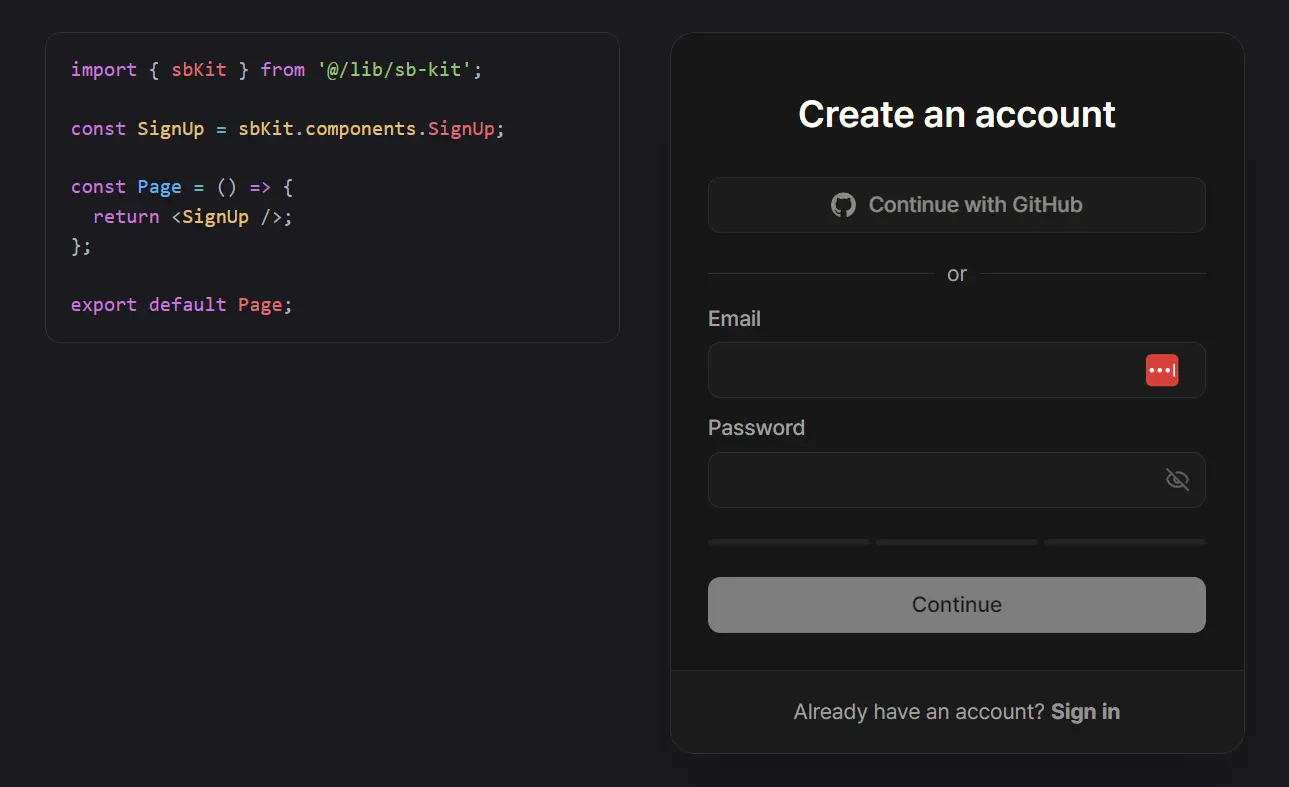
sb-kit is a drop-in authentication layer that connects Next.js applications with Supabase.
It is designed to serve as a convenient authentication solution that includes both UI components and backend logic.
This allows developers to implement secure user authentication without building everything from scratch.
Features
🔧 Ready-to-use authentication components with minimal setup
🔗 Works with your existing Supabase client instance
📝 Type-safe configuration and setup process
⚙️ Centralized configuration in a single file
🔄 Safe dynamic redirects to original paths after login
🛡️ Server-side authentication enabled by default
📧 Email OTP and password-based authentication support
🔐 OAuth social login integration
🚦 Route protection middleware for authenticated and public routes
🎨 Customizable UI components with Tailwind CSS styling
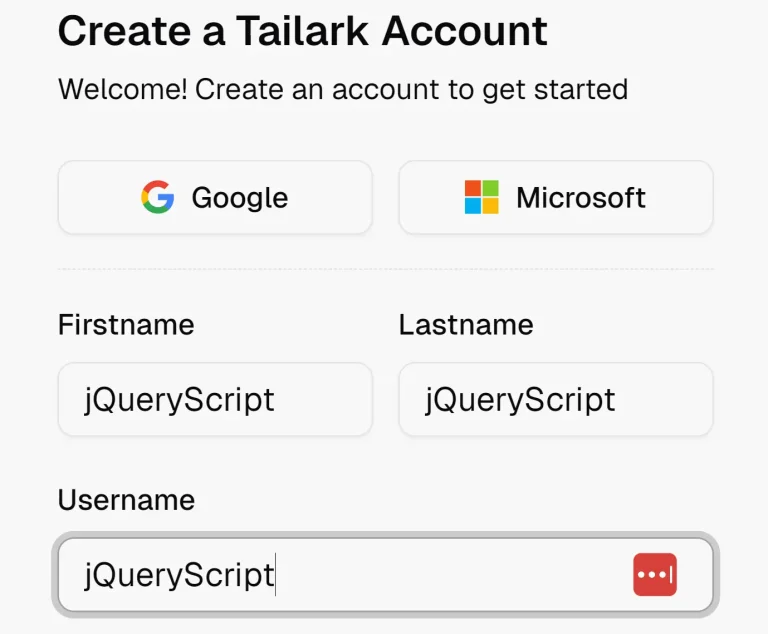
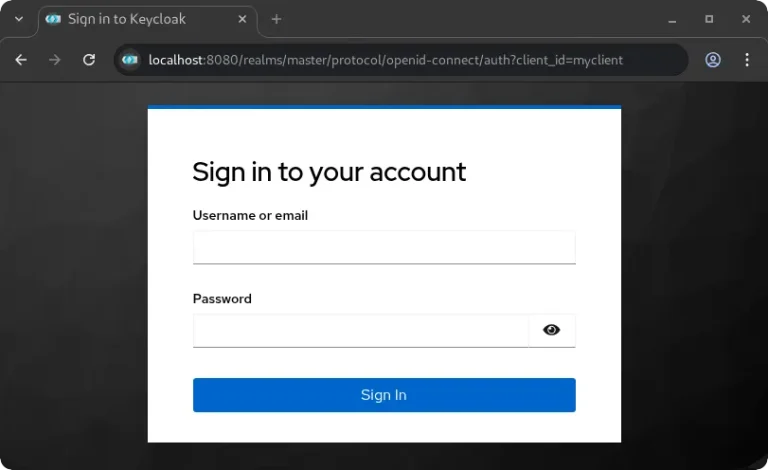
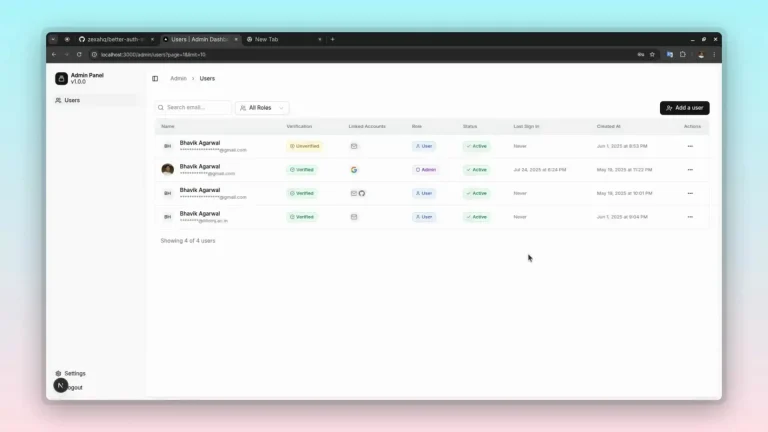
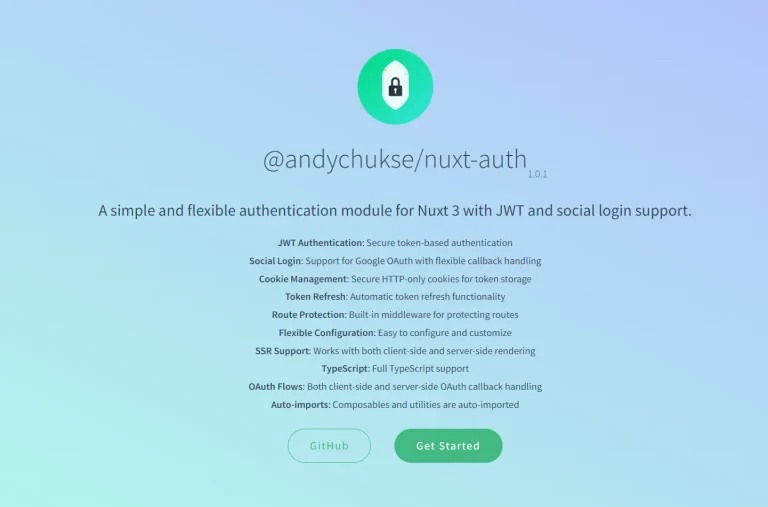
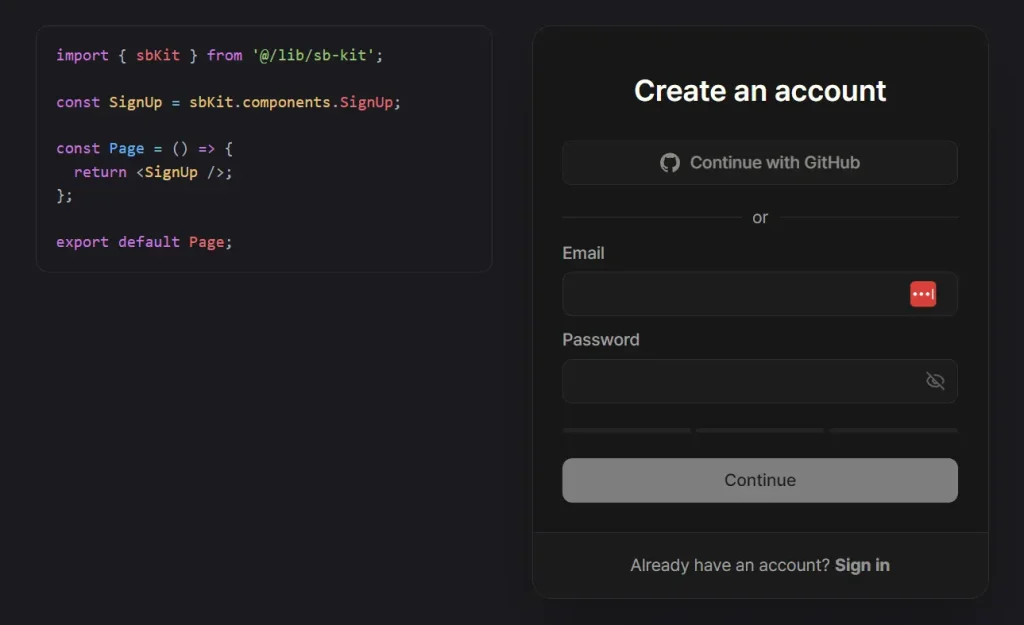
Preview
Use Cases
- MVP Development: Quickly add authentication to new projects without spending time on auth implementation
- Existing Next.js Projects: Drop authentication into current applications that already use Supabase
- Multi-tenant Applications: Implement user authentication for SaaS platforms with role-based access
- Content Management Systems: Add user login functionality for admin panels and content creation tools
- E-commerce Platforms: Provide customer authentication for shopping applications with order history
Installation
1. Create a new Next.js app with sb-kit:
# npm
npx create-next-app@latest myapp --tailwind --use-npm
cd myapp
npx shadcn@latest init
npm install @supabase/supabase-js @supabase/ssr @sb-kit/core @sb-kit/ui

# pnpm
npx create-next-app@latest myapp --tailwind --use-pnpm
cd myapp
pnpm dlx shadcn@latest init
pnpm add @supabase/supabase-js @supabase/ssr @sb-kit/core @sb-kit/ui

# yarn
npx create-next-app@latest myapp --tailwind --use-yarn
cd myapp
yarn dlx shadcn@latest init
yarn add @supabase/supabase-js @supabase/ssr @sb-kit/core @sb-kit/ui

# bun
npx create-next-app@latest myapp --tailwind --use-bun
cd myapp
bunx shadcn@latest init
bun add @supabase/supabase-js @supabase/ssr @sb-kit/core @sb-kit/ui
2. Or add sb-kit to an existing Next.js project:
# npm
npx shadcn@latest init
npm install @supabase/supabase-js @supabase/ssr @sb-kit/core @sb-kit/ui
# pnpm
pnpm dlx shadcn@latest init
pnpm add @supabase/supabase-js @supabase/ssr @sb-kit/core @sb-kit/ui
# yarn
yarn dlx shadcn@latest init
yarn add @supabase/supabase-js @supabase/ssr @sb-kit/core @sb-kit/ui
# bun
bunx shadcn@latest init
bun add @supabase/supabase-js @supabase/ssr @sb-kit/core @sb-kit/ui
3. Configure your global CSS file to include sb-kit styles:
@import 'tailwindcss';
@import 'tw-animate-css';
@import '@sb-kit/ui/styles/default.css';
@source '../../node_modules/@sb-kit';
Related Resources
- Supabase Documentation: Official documentation for Supabase authentication features and configuration options. https://supabase.com/docs/guides/auth
- Next.js Authentication Guide: A Comprehensive guide for implementing authentication in Next.js applications. https://nextjs.org/docs/authentication
- shadcn/ui Components: UI component library that works well with sb-kit’s styling approach. https://ui.shadcn.com/
- Tailwind CSS: CSS framework used for styling sb-kit components. https://tailwindcss.com/docs
FAQs
Q: Does sb-kit create its own Supabase client?
A: No, sb-kit is designed to work with the Supabase client instance provided by your application. This gives you full control over how the client is configured and used.
Q: What authentication flows does sb-kit support?
A: sb-kit supports password-based login with email OTP and social login through OAuth providers configured in your Supabase project.
Q: How does sb-kit protect routes?
A: It includes a routeGuard helper for your middleware. You can define which routes are public and which are private, and the guard will block or allow access based on the user’s authentication status.