The Future of Web Dev
The Future of Web Dev
Next.js & shadcn/ui Dashboard Template – Shadboard
A free Next.js admin dashboard template with Shadcn/UI. Build scalable, user-friendly web apps quickly.
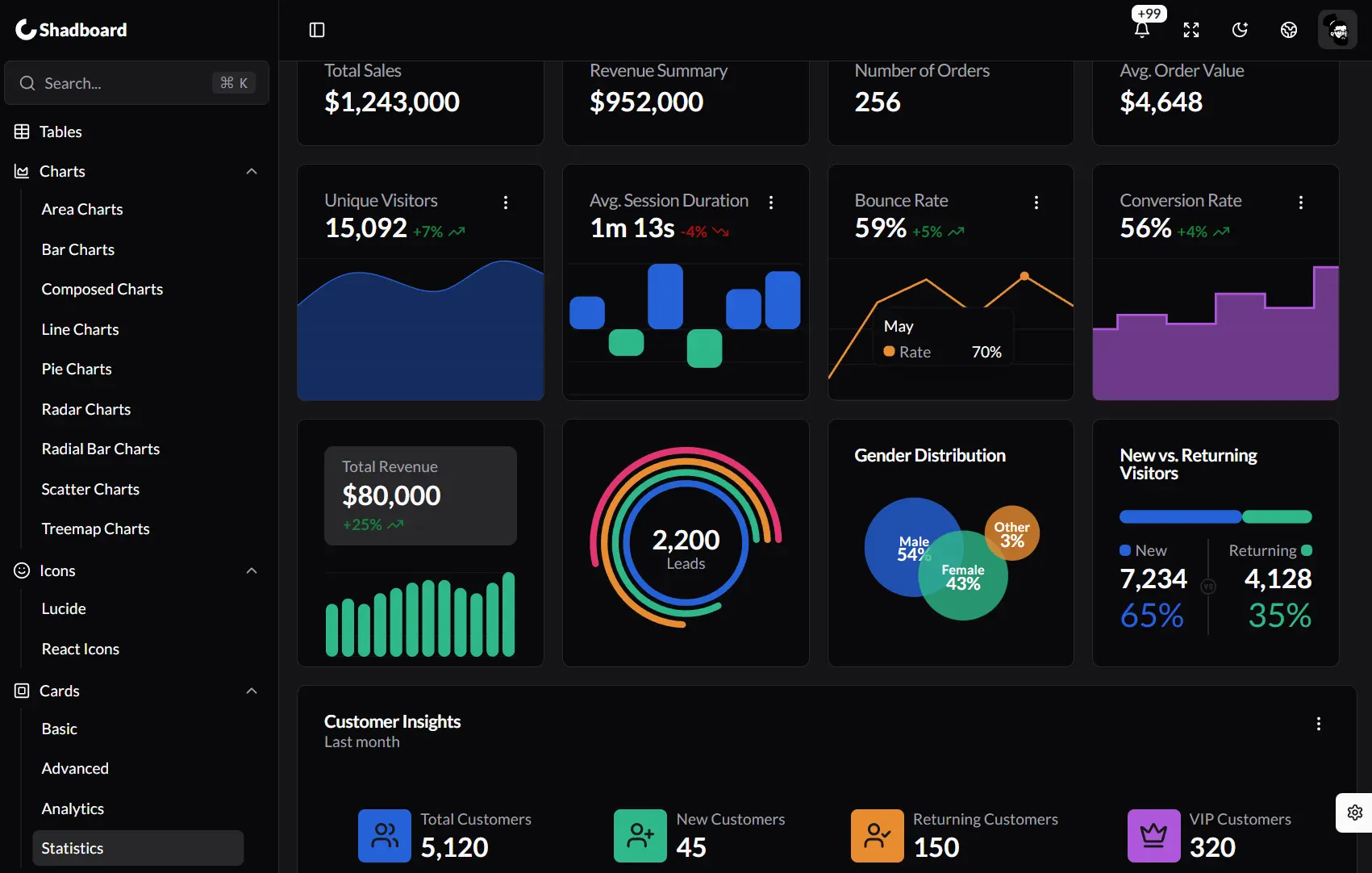
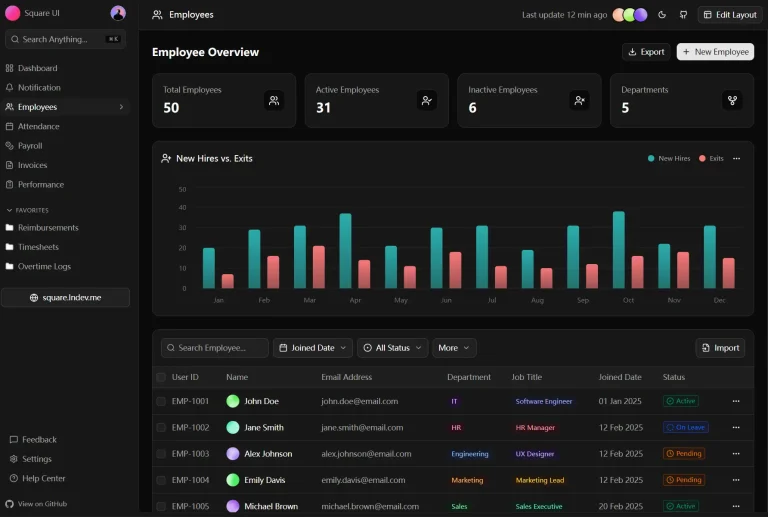
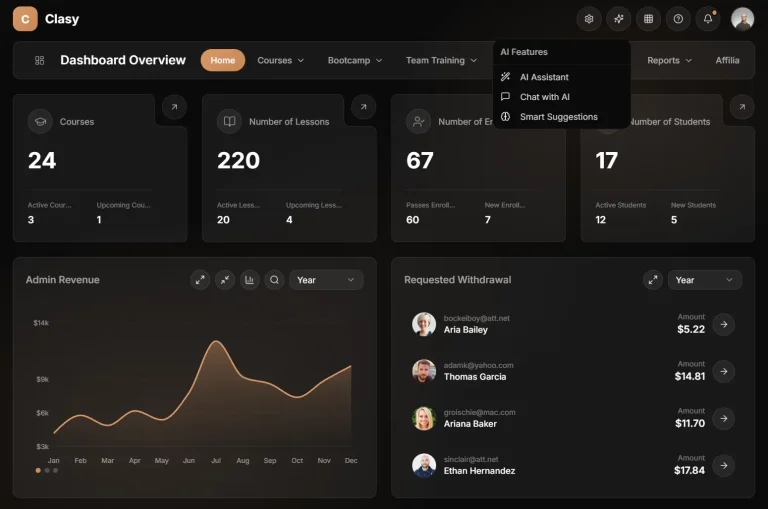
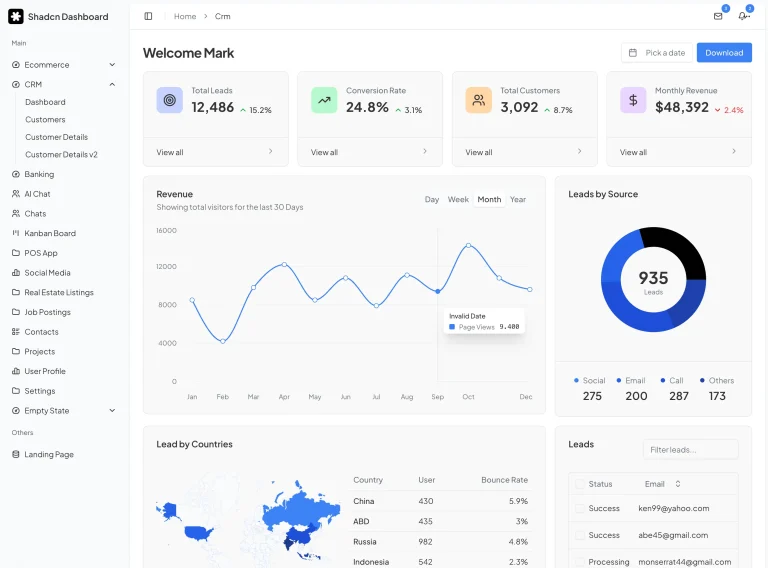
Shadboard is an open-source admin dashboard template that utilizes Next.js and Shadcn/UI components to help you build various back-office applications.
The template includes pre-built apps, pages, and reusable components that accelerate development while maintaining high standards for performance and accessibility.
Features
⚛️ React 19: Incorporates React 19 for enhanced performance and concurrency.
🚀 Next.js 15: Built with Next.js 15, offering server-side rendering and app router support.
🎨 Tailwind CSS: Styled using Tailwind CSS for rapid, responsive UI development.
🧩 Radix UI & Shadcn/UI: Leverages Radix UI for accessible base components, styled with Shadcn/UI.
🌍 Internationalization (I18n): Includes built-in support for multiple languages.
🔐 Authentication: Features integrated user authentication and session management with NextAuth.js.
🖌️ Customizer: Provides a tool to dynamically alter dashboard styles and colors.
📦 Content Rich: Offers pre-built applications, pages, and reusable components.
📊 Data Visualization & Tables: Integrates Recharts for charts and TanStack Table for data grids.
📐 Pre-Made Layouts: Contains ready-to-use layouts for common dashboard sections.
📱 Responsive Design: Adapts to various screen sizes for consistent user experience.
💡 Learning Resource: Serves as an example of advanced web development practices.
📚 Well-Documented: Comes with documentation for setup and customization.
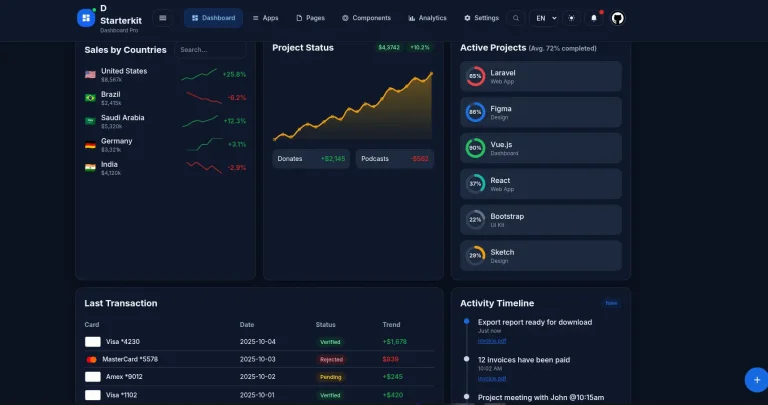
🌓 Light/Dark Mode: Allows users to switch between light and dark themes.
↔️ LTR & RTL Support: Supports both Left-to-Right and Right-to-Left text directions.
🛠️ Starter Kit: A minimal version is available to begin projects quickly.
📝 React Hook Form & Zod: Uses React Hook Form for form management and Zod for schema validation.
♿ Accessible: Designed with accessibility considerations for all users.
Use Cases
- Internal Business Tools: Develop custom dashboards for internal teams to manage operations, track metrics, or visualize data specific to company needs. For example, a sales team could use it to monitor performance, or HR could manage employee information.
- SaaS Application Backends: Construct the administrative interface for Software-as-a-Service products. This allows administrators to manage users, subscriptions, application settings, and monitor platform activity.
- E-commerce Management Panels: Build a control panel for online stores. Store owners can manage products, track orders, view customer data, and analyze sales trends using a Shadboard-based interface.
- Project Management Platforms: Create dashboards for teams to organize tasks, track project progress, and collaborate. Features like Kanban boards, calendars, and task lists can be readily implemented.
- Content Management Systems (CMS): Develop the backend interface for a custom CMS. Users can create, edit, and manage website content, user roles, and site settings through a clear and organized dashboard.
Installation
Prerequisites:
- Node.js (version 18.18 or later). Download from https://nodejs.org/.
- pnpm (Preferred Node Package Manager). Install pnpm globally:
bash npm install -g pnpm
Confirm installation:bash pnpm --version - Supported Operating Systems: macOS, Windows (including WSL), Linux.
- Code Editor: VSCode is recommended, but any preferred editor works.
Download the Project:
- Download the zipped project file.
- Extract the zip file. You will find
typescript-versionandjavascript-versionfolders. - Choose your preferred version (Full Kit or Starter Kit).
- Place the selected version in your workspace directory and open it with your code editor.
Install Dependencies:
- Navigate to your project directory in the terminal.
- Install dependencies using pnpm:
bash pnpm install
Launch Your Project:
- Start the development server:
bash pnpm run dev - The project will be accessible at
http://localhost:3000.
Related Resources
- TailwindCSS – The utility-first CSS framework that powers Shadboard’s styling – https://tailwindcss.com/docs
- shadcn/ui – The component library that Shadboard builds upon – https://ui.shadcn.com
- Next.js – The React framework used by Shadboard – https://nextjs.org/docs
- NextAuth.js – The authentication solution integrated with Shadboard – https://next-auth.js.org
FAQs
Q: Can I use Shadboard for commercial projects?
A: Yes, Shadboard is open-source and free to use in both personal and commercial projects.
Q: Does Shadboard support mobile devices?
A: Yes, Shadboard is fully responsive and adapts to all screen sizes from mobile phones to large desktop monitors.
Q: Can I customize the theme colors?
A: Yes, Shadboard includes a theme customizer that allows you to change colors, border radii, and modes to match your brand identity.
Q: Is there a simpler version for quick starts?
A: Yes, Shadboard provides a Starter Kit with core features for easier customization and a faster setup.