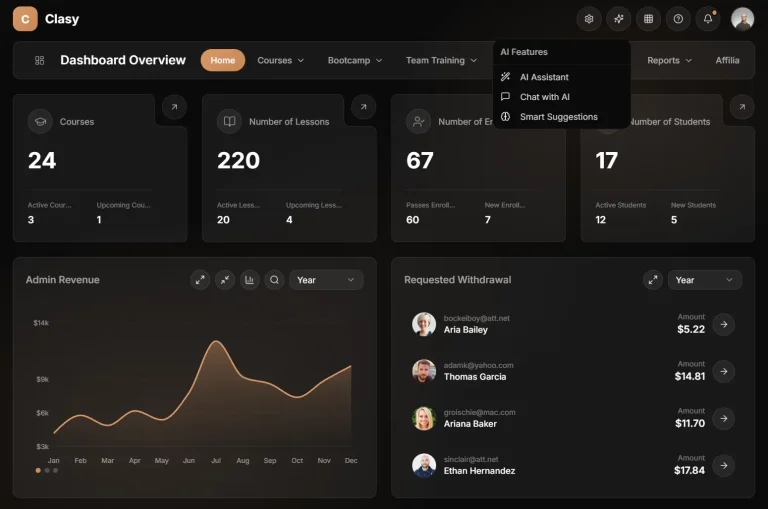
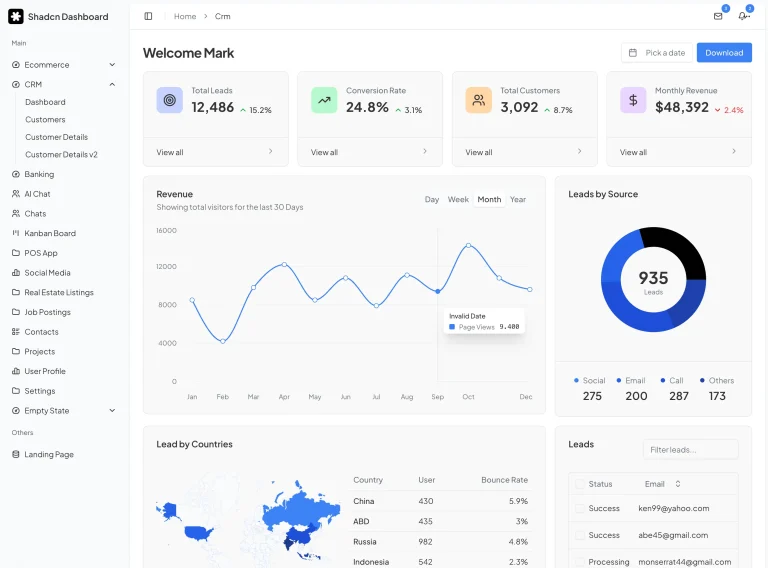
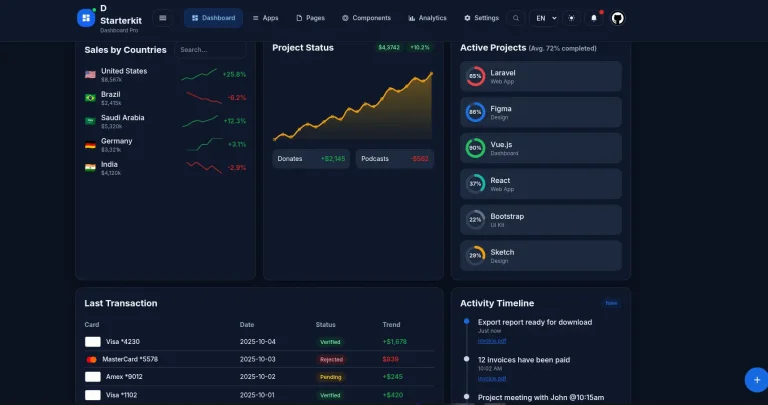
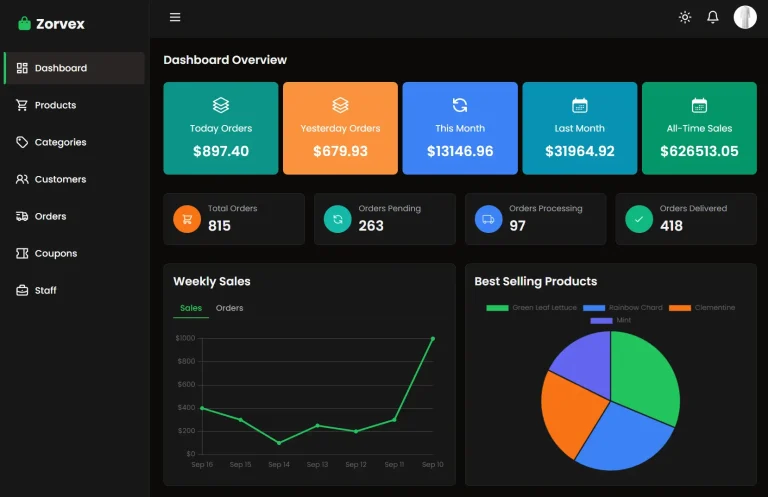
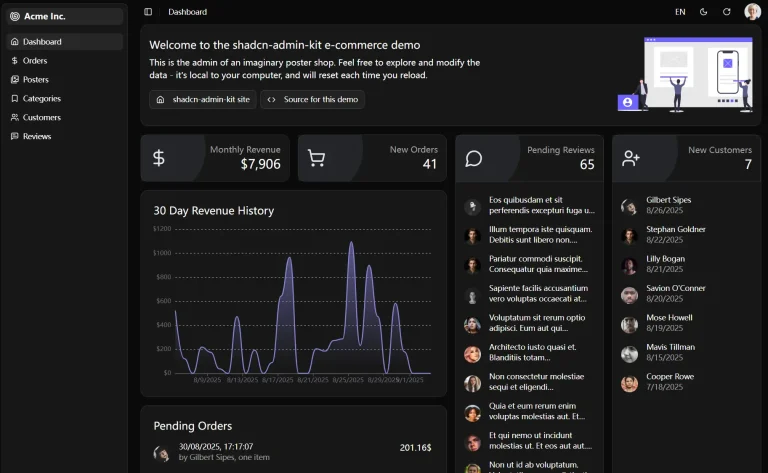
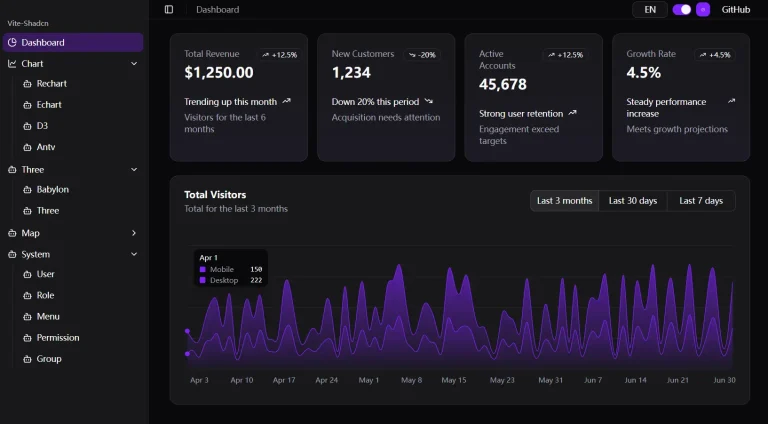
Square UI is an open-source collection of 10+ production-ready dashboard templates built with Next.js and shadcn/ui.
You can use them to create modern lead management systems, HR dashboards, task boards, email clients, and project tracking systems.
The repository includes two parallel implementations for each template: one uses Radix UI primitives, and another uses Base UI components.
Available Templates
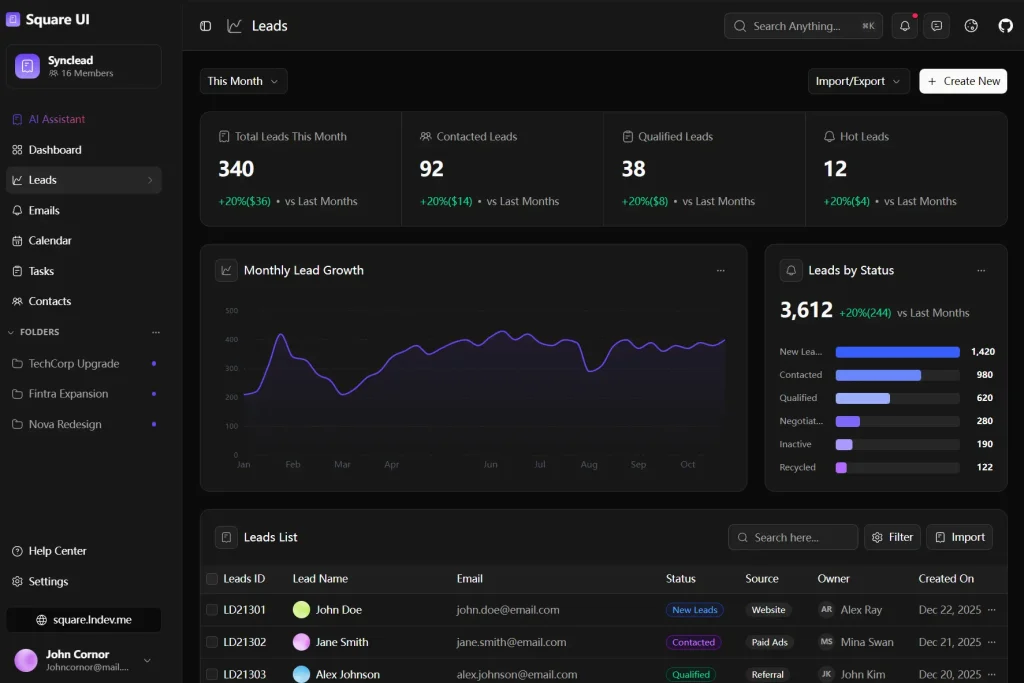
Leads
Dashboard with statistics cards, chart components, and filterable data table for lead management.
Dashboard 1-3
Three variants of dashboard interfaces with different layouts for statistics, charts, and data visualization.

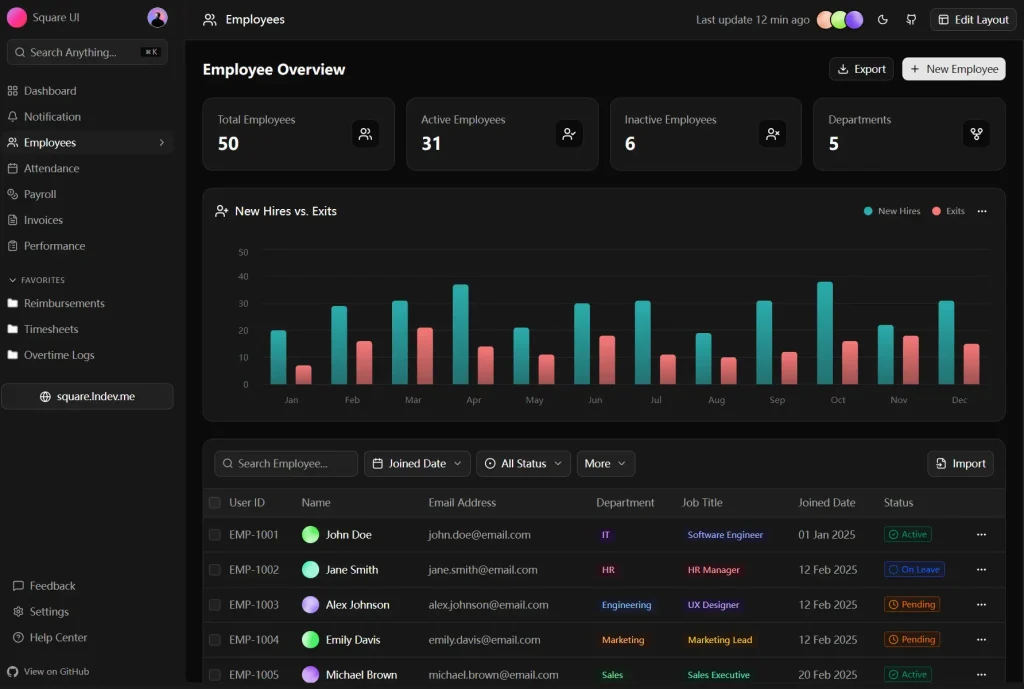
Employees
Management interface with employee statistics, hire and exit charts, and searchable employee table.
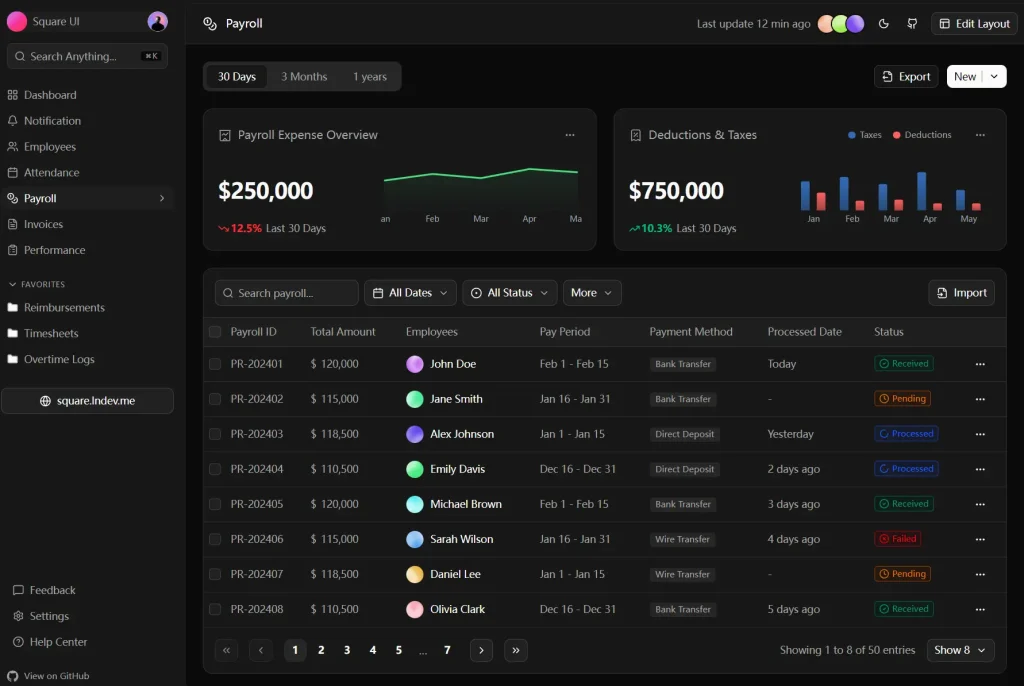
Payrolls
Payroll tracking dashboard with expense charts, date filters, and detailed payroll data table.
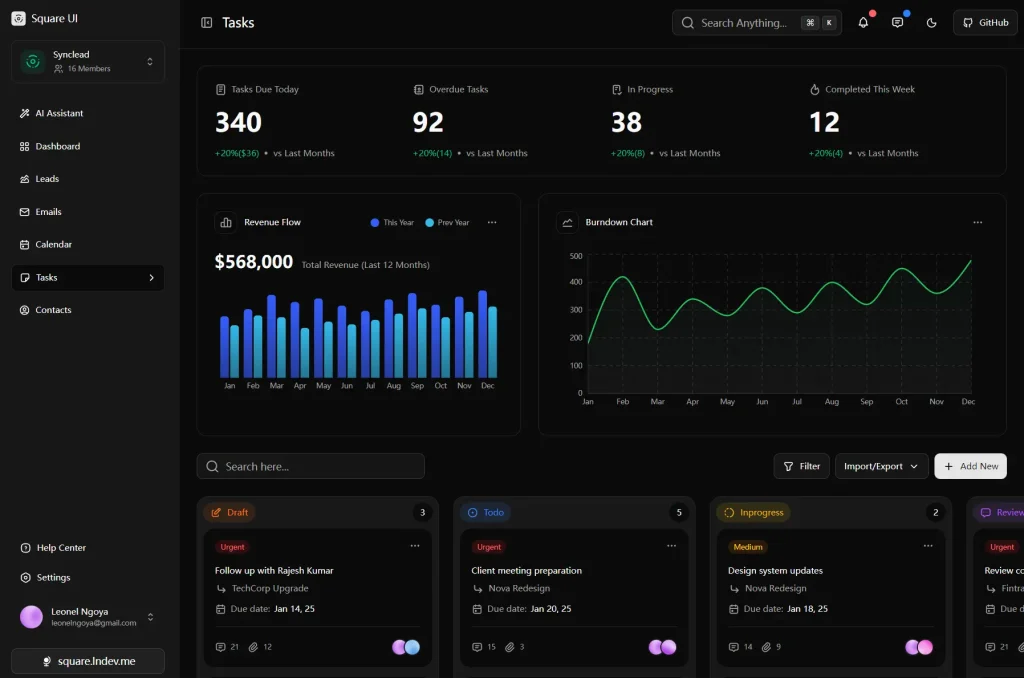
Tasks
Task management system with statistics overview, progress charts, and kanban board implementation.
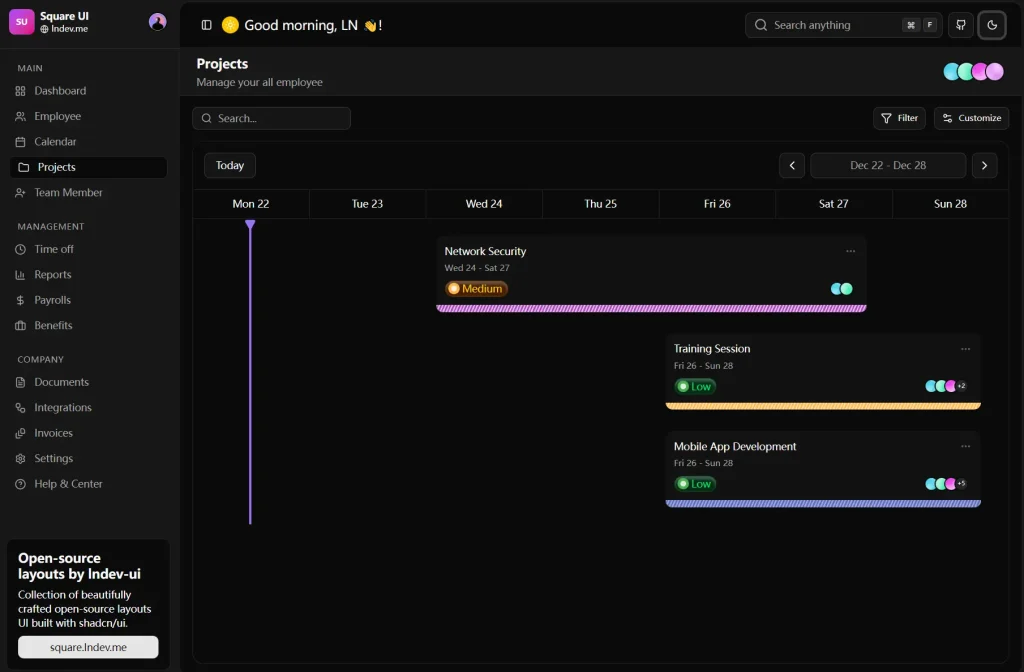
Projects Timeline
Timeline view for project management with milestone tracking and scheduling features.
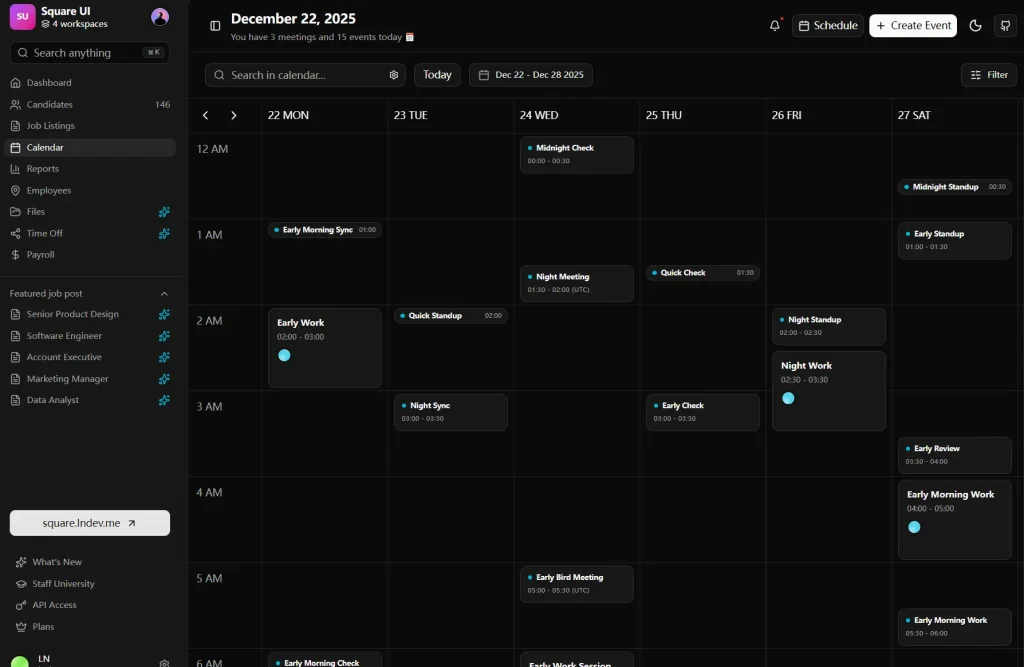
Calendar
Full calendar interface with week view, event creation, and scheduling capabilities.
Chat
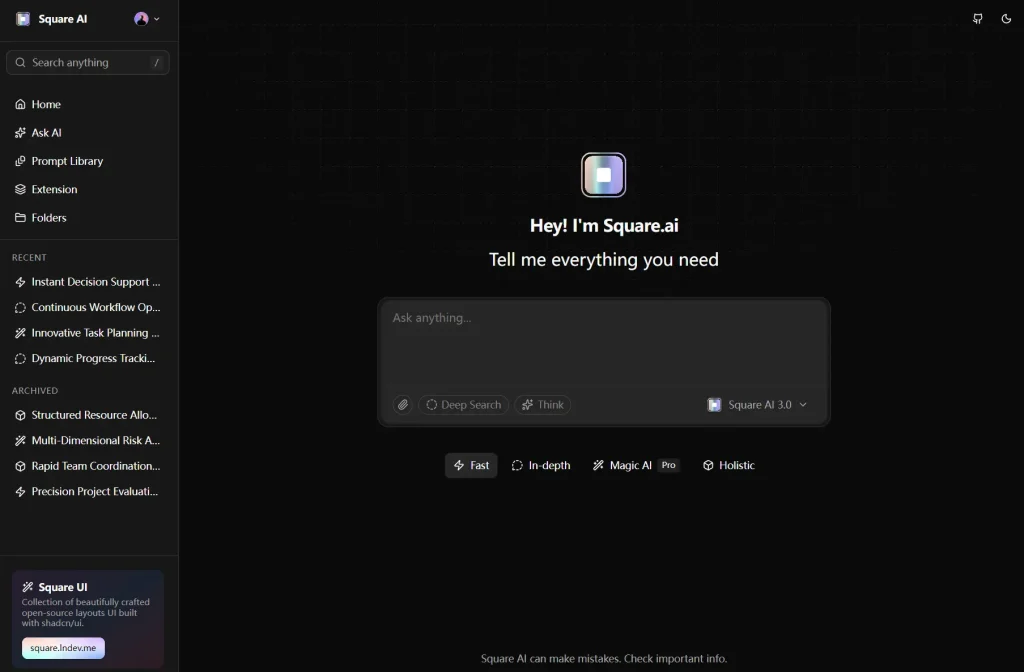
AI chat interface with conversation history sidebar and message threading.
Emails
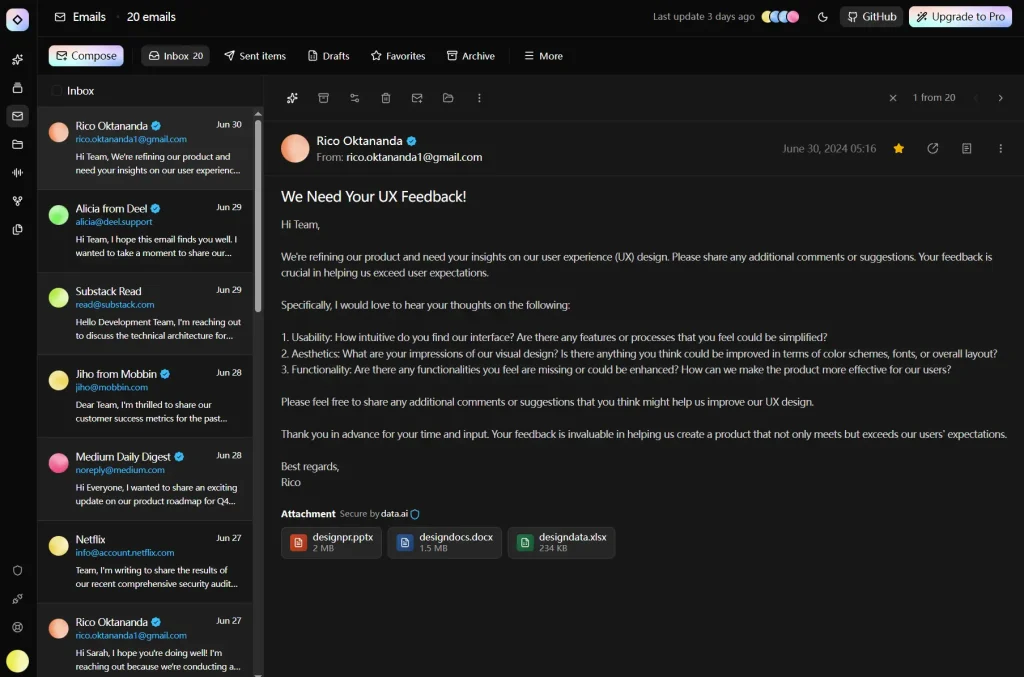
Email client with inbox, folder navigation, and email detail views.
Task Management
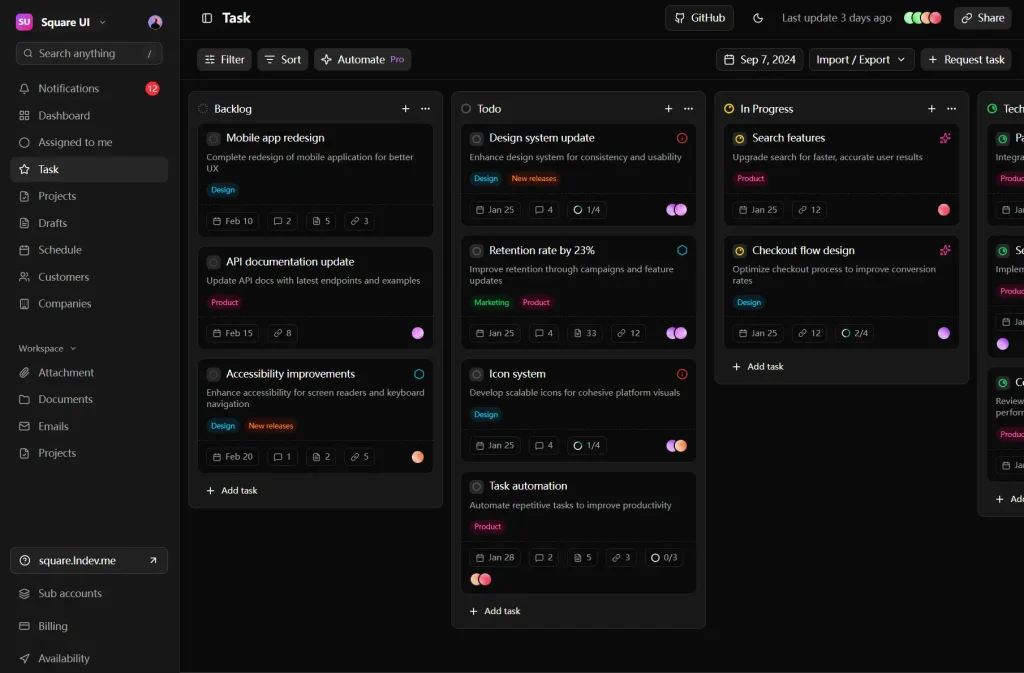
Simple board interface for task organization with drag and drop support.
Circle
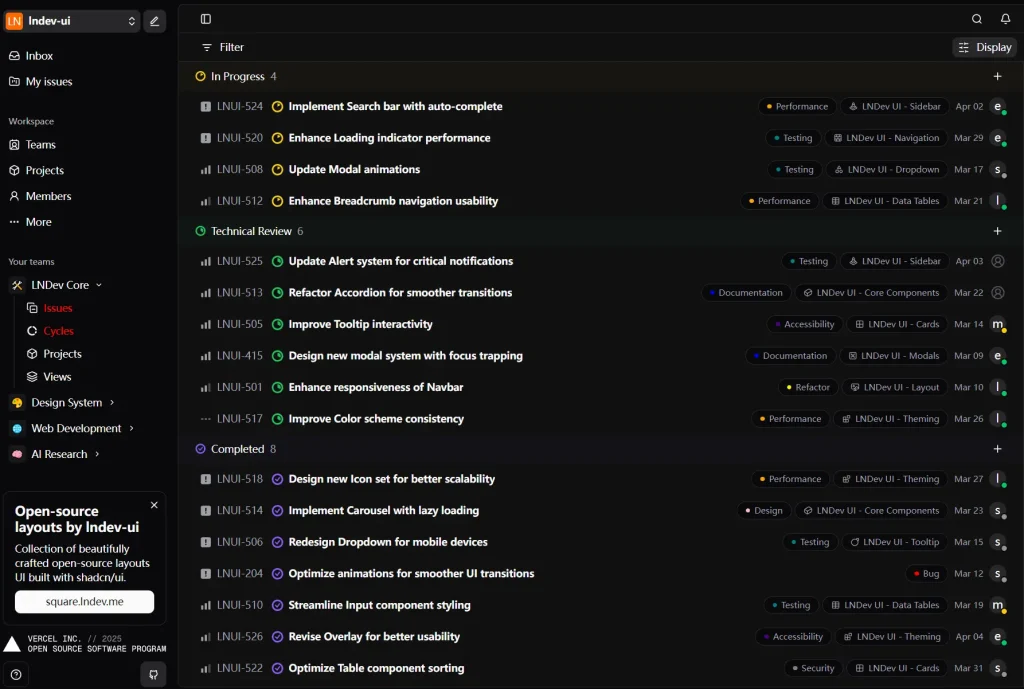
Full project management application inspired by Linear with issue tracking, project views, and team management.
FAQs
Q: Can I use these templates in commercial projects?
A: Yes. The templates are open source. You can use them in personal and commercial projects.
Q: How do I switch between Radix UI and Base UI versions?
A: Navigate to either the templates/ directory for Radix UI implementations or templates-baseui/ for Base UI versions. Each contains the same template with different underlying component libraries.