The Future of Web Dev
The Future of Web Dev
Full-Stack Dev Starter Kit – Next-js-Boilerplate
Full-featured Next.js starter kit with built-in authentication, database support, internationalization, and developer tools. Ready for production use.
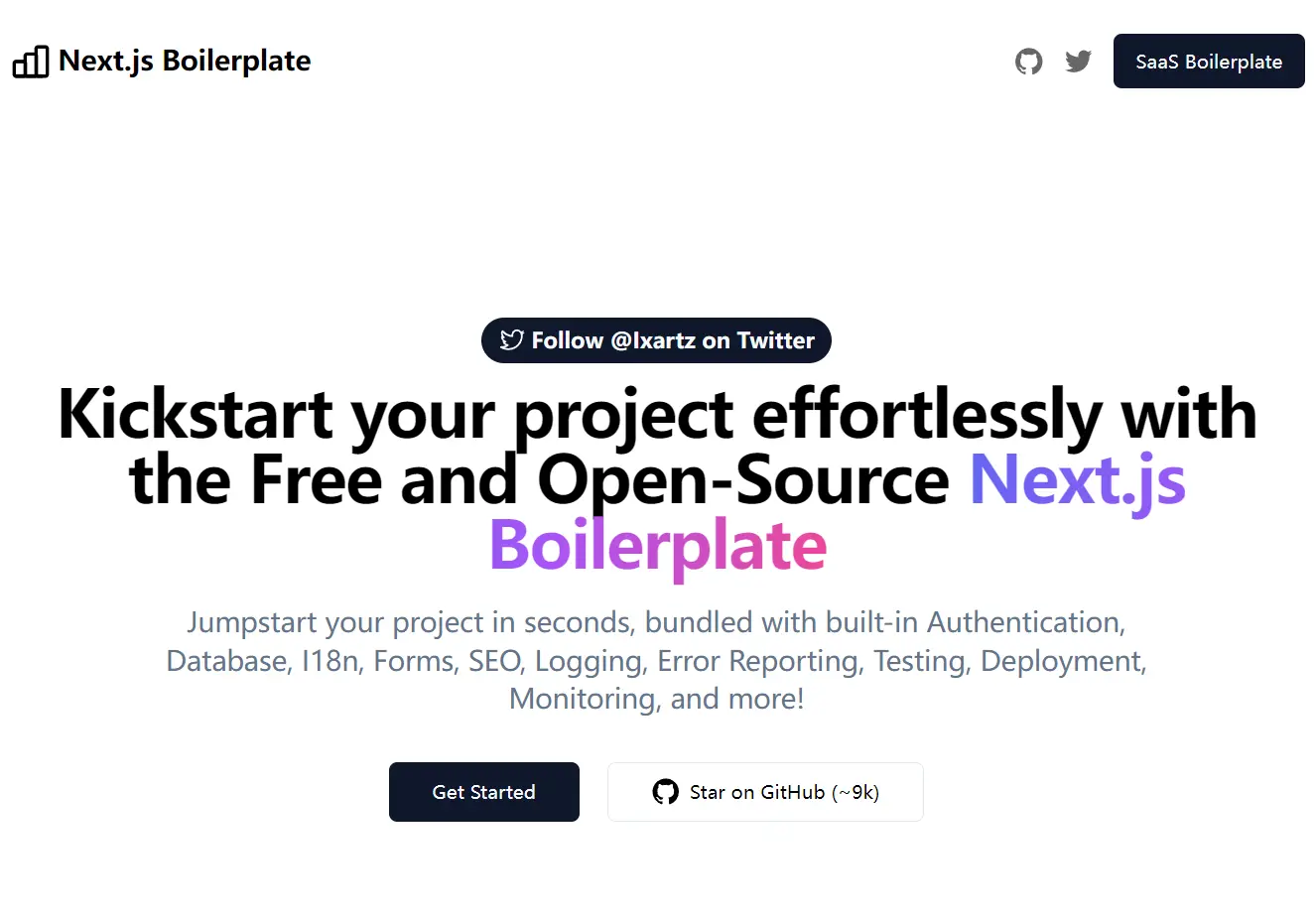
Next.js Boilerplate is a feature-rich starter kit for building modern web applications with Next.js, Tailwind CSS, and TypeScript.
You can use this boilerplate to create various types of web applications, including SaaS platforms, e-commerce sites, blogs, and marketing websites.
Its flexible structure allows you to keep only the components you need and customize the setup to fit your project’s specific requirements.
Features & Effects
⚡ Next.js with App Router support for modern React development.
🔥 TypeScript with strict mode for enhanced type safety.
💎 Tailwind CSS for utility-first styling.
🔒 Authentication system with Clerk including passwordless login and social auth.
📦 Type-safe ORM with DrizzleORM supporting PostgreSQL, SQLite, and MySQL.
💽 Local development database with PGlite for offline work.
☁️ Production database support with Prisma Postgres.
🌐 Multi-language support with next-intl and Crowdin integration.
♻️ Type-safe environment variables with T3 Env.
⌨️ Form handling with React Hook Form and Zod validation.
📏 Code quality tools including ESLint, Prettier, and Lefthook.
🚫 Automated linting with lint-staged for Git staged files.
🚓 Commit message validation with Commitlint and Commitizen.
🔍 Dead code detection with Knip and i18n validation.
🦺 Testing with Vitest and Playwright.
👷 GitHub Actions for automated testing and deployment.
🎉 Storybook integration for component development.
🐰 AI-powered code reviews with CodeRabbit.
🚨 Error monitoring with Sentry and local development spotlight.
☂️ Code coverage reporting with Codecov.
📝 Structured logging with LogTape and Better Stack integration.
🖥️ Monitoring as Code with Checkly.
🔐 Security and bot protection with Arcjet.
📊 Analytics integration with PostHog.
🎁 Automatic changelog generation with Semantic Release.
💡 Absolute imports using @ prefix for clean import statements.
🗂 VSCode configuration with debug settings and recommended extensions.
🤖 SEO optimization with metadata, JSON-LD, and Open Graph tags.
🗺️ Automatic sitemap.xml and robots.txt generation.
👷 Dependency updates with Dependabot.
⌘ Database exploration with Drizzle Studio.
⚙️ Bundle analyzer for performance optimization.
🌈 Minimalist theme included.
💯 Optimized for maximum Lighthouse scores.
Use Cases
- SaaS applications requiring authentication, subscription management, and user dashboards.
- Content-rich websites needing SEO optimization, internationalization, and fast page loads.
- E-commerce platforms requiring product catalogs, user accounts, and secure transactions.
- Startup MVPs that must launch quickly with scalable, production-ready infrastructure.
- Enterprise applications needing role-based access control, multi-tenancy, and comprehensive monitoring.
How to Use It
1. Clone the repository and install dependencies to begin working with the boilerplate.
git clone --depth=1 https://github.com/ixartz/Next-js-Boilerplate.git my-project-name
cd my-project-name
npm install
2. Start the development server to run the project locally with hot reload functionality. The boilerplate includes a pre-configured local database using PGlite.
npm run dev3. Open your browser to http://localhost:3000 to view the running application.
4. Create a Clerk account at Clerk.com and set up a new application in the Clerk Dashboard. Copy the publishable key and secret key from your Clerk application settings.
5. Add the authentication keys to your local environment file. Create a .env.local file in your project root and include the following variables:
NEXT_PUBLIC_CLERK_PUBLISHABLE_KEY=your_clerk_pub_key
CLERK_SECRET_KEY=your_clerk_secret_key
6. The boilerplate uses DrizzleORM for type-safe database operations with support for PostgreSQL, SQLite, and MySQL. Local development uses PGlite for offline database functionality, while production environments can connect to cloud databases.
For production database setup, create a PostgreSQL database with your preferred provider. Prisma Postgres offers a compatible free tier that works well with this boilerplate. Generate database credentials and copy the connection string.
Add the database connection to your environment variables:
DATABASE_URL=your_postgresql_connection_stringModify database schemas by editing the schema file located at ./src/models/Schema.ts. This file defines your database structure using Drizzle ORM syntax.
Generate migrations after schema changes:
npm run db:generateMigrations apply automatically during Next.js initialization through instrumentation.ts. Restart your development server to apply database changes. Alternatively, apply migrations manually while the database is running:
npm run db:migrateUse Drizzle Studio to explore your database structure and data:
npm run db:studio7. Configure internationalization by creating a Crowdin account and setting up a new project. Obtain your project ID from the newly created Crowdin project and generate a Personal Access Token from your account settings.
Add the following environment variables to your GitHub Actions workflow:
CROWDIN_PROJECT_ID=your_project_id
CROWDIN_PERSONAL_TOKEN=your_personal_token
The internationalization system synchronizes localization files with Crowdin automatically when you push commits to the main branch.
8. Build the application for production:
npm run build
npm run start
Related Resources
- Next.js Documentation – Official Next.js documentation covering App Router, server components, and deployment options.
- Tailwind CSS Documentation – Official guide to utility-first CSS framework with responsive design patterns.
- DrizzleORM Documentation – Type-safe ORM documentation with examples for PostgreSQL, MySQL, and SQLite implementations.
- Clerk Authentication Documentation – Popular authentication solution with guides for user management, security features, and integration patterns.
FAQs
Q: Can I use this boilerplate with different databases besides PostgreSQL?
A: Yes, the boilerplate supports PostgreSQL, SQLite, and MySQL through DrizzleORM. You can switch database providers by updating the connection configuration and schema definitions according to your chosen database.
Q: How do I customize the authentication providers available in Clerk?
A: Configure authentication providers in your Clerk Dashboard under the “Authentication” section. You can enable or disable social providers, configure passwordless options, and set up enterprise SSO without changing the boilerplate code.
Q: Is the boilerplate suitable for large-scale applications?
A: Yes, the boilerplate includes production-ready features such as error monitoring with Sentry, performance tracking, automated testing, security protection with Arcjet, and scalable database configurations designed for enterprise applications.
Q: Can I remove features I don’t need from the boilerplate?
A: Absolutely. The boilerplate is designed with modularity in mind. You can remove unnecessary dependencies, disable features, and customize the configuration to match your specific project requirements.