The Future of Web Dev
The Future of Web Dev
Build Modern Admin Dashboards with Shadcn Admin Kit Components
Complete React admin component library built on shadcn/ui. Create professional admin panels, dashboards, and B2B apps with pre-built CRUD components.

Shadcn Admin Kit is a UI component kit for building your dashboard & admin panel with shadcn/ui, Radix UI, Tailwind CSS, React Router, and TanStack Query.
It provides over 50 product-ready administrative interface components from basic CRUD operations to advanced features such as bulk actions, data filtering, and user authentication.
Features
📊 Complete CRUD Operations with working List, Show, Edit, and Create pages for full data management workflows.
🗂️ Advanced Data Tables featuring sorting, filtering, export capabilities, bulk actions, column selection, and pagination controls.
📝 Form Components with automatic data binding, validation, and dynamic field support for complex data entry scenarios.
🔗 Reference Management for handling one-to-many and many-to-one relationships between data entities.
🎨 Customizable Sidebar Menu with responsive navigation and user-friendly interface organization.
🔐 Authentication System with login pages, access control, and compatibility with any authentication backend.
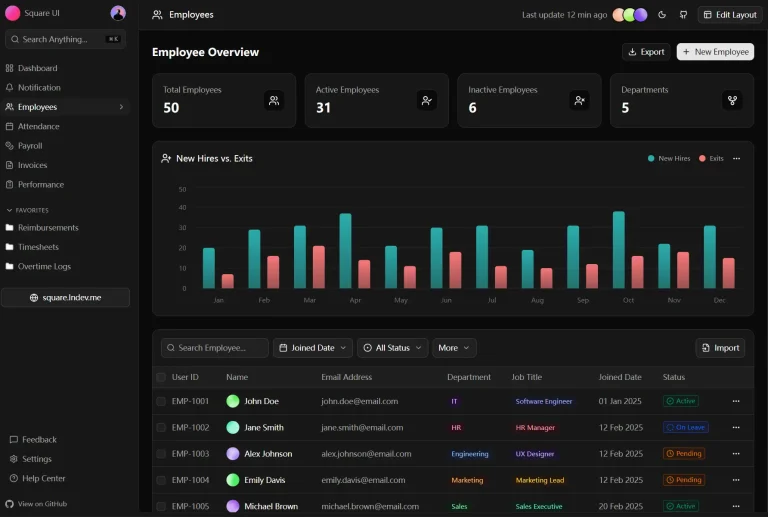
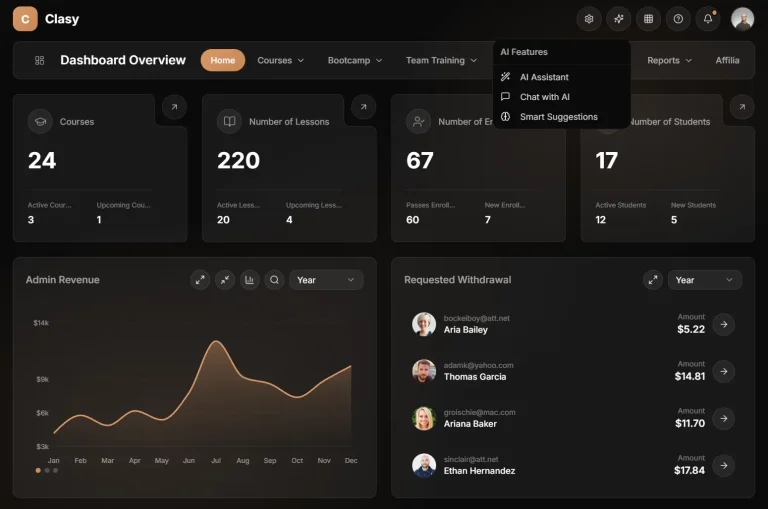
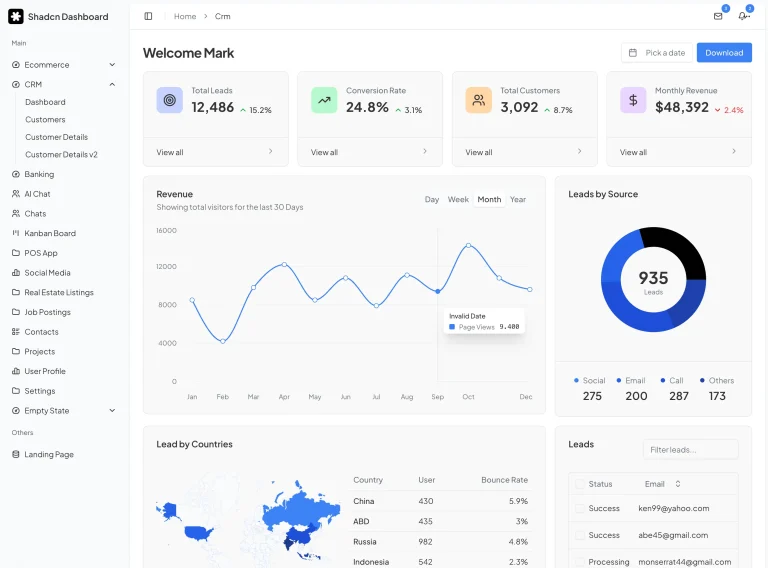
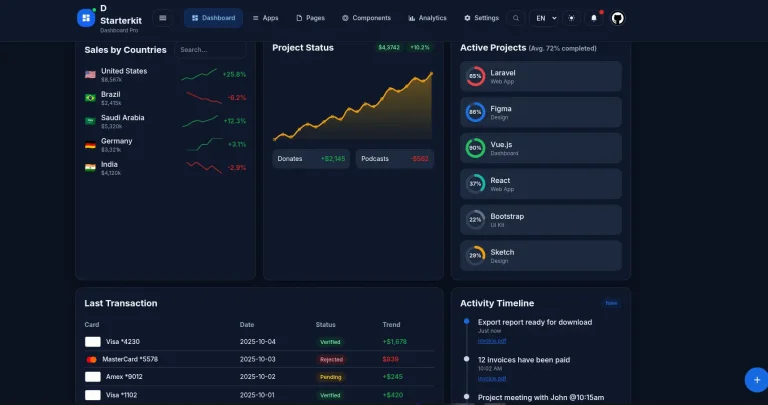
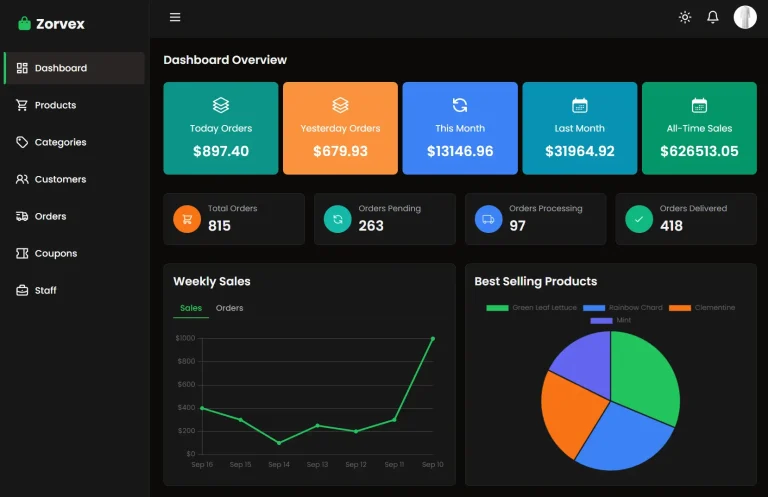
📈 Dashboard Components for creating data visualization and summary pages with key metrics display.
🤖 Auto-Generated Interfaces using Guessers that scaffold code based on API response structures.
🌍 Internationalization Support with built-in i18n capabilities for multi-language applications.
🌙 Theme Management including light/dark mode toggle and flexible theming options.
📱 Responsive Design that adapts to different screen sizes and device types.
♿ Accessibility Features following WCAG guidelines for inclusive user experiences.
🔌 Backend Agnostic compatibility with REST, GraphQL, and custom API implementations.
⚛️ Framework Flexibility supporting Vite.js, Remix, Next.js, and other React frameworks.
Use Cases
- Enterprise Admin Panels for managing complex business data, user accounts, and system configurations across large organizations.
- Content Management Systems where editors need intuitive interfaces to create, edit, and organize digital content with proper workflow controls.
- E-commerce Backends for inventory management, order processing, customer data handling, and sales analytics dashboards.
- SaaS Application Dashboards providing users with account management, usage analytics, billing information, and feature configuration options.
- Internal Business Tools for HR systems, project management interfaces, reporting dashboards, and operational workflow management.
Installation
You can install Shadcn Admin Kit with any React framework. The following steps detail the installation process for a Next.js project.
1. Create a new Next.js project.
npx create-next-app@latest2. You will see a series of prompts. Answer them according to these specifications:
- Would you like to use TypeScript? Yes
- Would you like to use Tailwind CSS? Yes
- Would you like your code inside a
src/directory? No - Would you like to customize the import alias? Yes
- What import alias would you like configured? @/*
3. Modify your tsconfig.json file. Set the verbatimModuleSyntax option to false to prevent issues with recent TypeScript versions.
{
  "compilerOptions": {
    // ...
    "verbatimModuleSyntax": false
  }
}
4. Pull the Shadcn Admin Kit components into your project. This will add the necessary components to the components/admin directory and utilities to the hooks and lib directories.
npx shadcn@latest add https://marmelab.com/shadcn-admin-kit/r/shadcn-admin-kit-base.json5. Create a new component file at app/admin/AdminApp.tsx to house the admin application.
"use client";
import { Admin } from "@/components/admin";
const AdminApp = () => (
  <Admin>
  </Admin>
);
export default AdminApp;
6. To make the admin app accessible, create a page file at app/admin/page.tsx. You need to import the admin component dynamically and disable server-side rendering (SSR) because it is a single-page application.
"use client";
import dynamic from "next/dynamic";
const AdminApp = dynamic(() => import("./AdminApp"), {
  ssr: false,
});
export default function Page() {
  return <AdminApp />;
}
7. Start the development server to view your new admin app at http://localhost:3000/admin.
npm run devRelated Resources
- Shadcn/ui Components – Official documentation for the underlying component library with detailed usage examples.
- Tailwind CSS Documentation – Complete reference for styling and customization options used throughout the component library.
- TanStack Query Guide – Essential documentation for data fetching and state management patterns used in admin applications.
FAQs
Q: Can I use Shadcn Admin Kit with my existing React application?
A: Yes, Shadcn Admin Kit integrates into existing React projects. Install the components using the shadcn CLI and configure them within your current application structure. The library works alongside existing code without conflicts.
Q: Does Shadcn Admin Kit work with different backend APIs?
A: The library is backend-agnostic and connects to any API through data providers. Create custom data providers for REST, GraphQL, or proprietary APIs. The flexible architecture supports various authentication methods and data formats.
Q: How do I customize the appearance of admin components?
A: Customize components through Tailwind CSS classes, theme configuration, and direct component modification. The library provides theme providers for global styling changes, while individual components accept className props for specific customization.
Q: Is Shadcn Admin Kit suitable for production applications?
A: Yes, the library follows industry best practices for performance, accessibility, and security. Built on stable foundations like React, TypeScript, and established component libraries, it supports enterprise-level applications with proper testing and maintenance.
Q: What authentication providers are compatible with Shadcn Admin Kit?
A: The authentication system works with any provider through custom auth provider implementation. Compatible options include Auth0, Firebase Auth, Supabase, custom JWT solutions, and traditional session-based authentication systems.