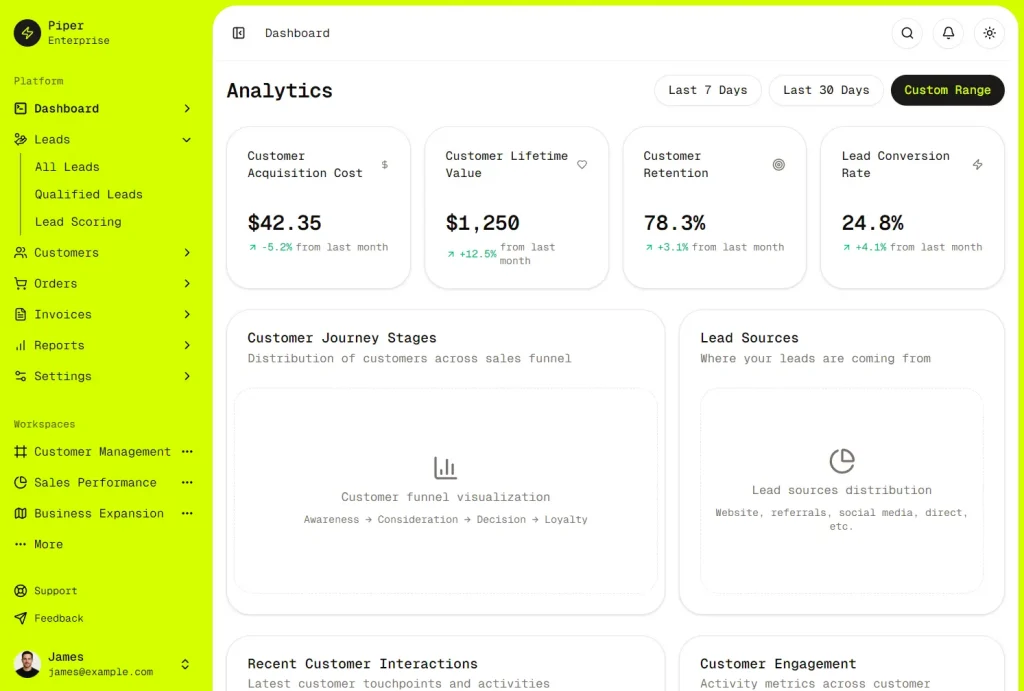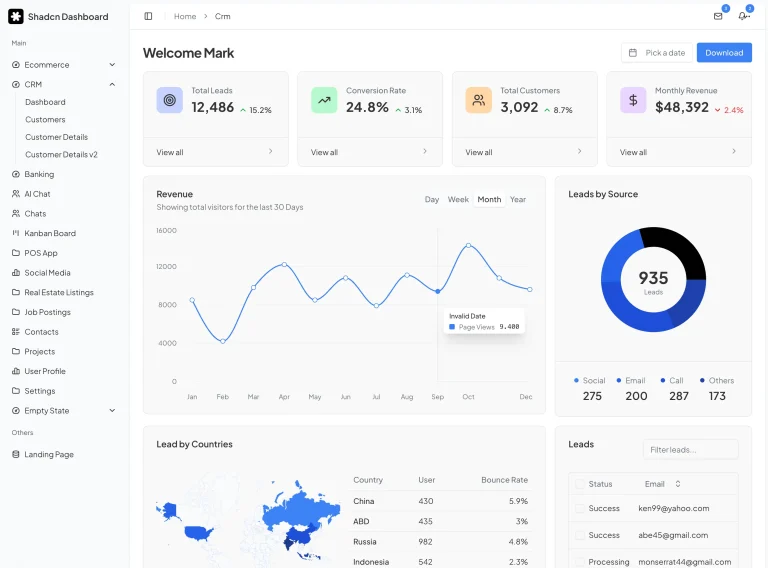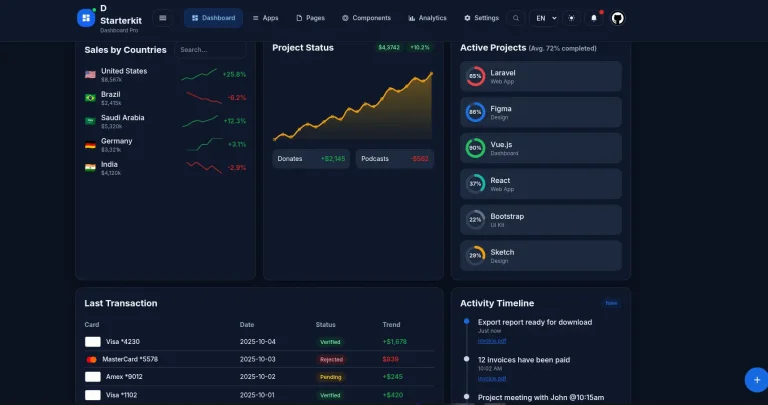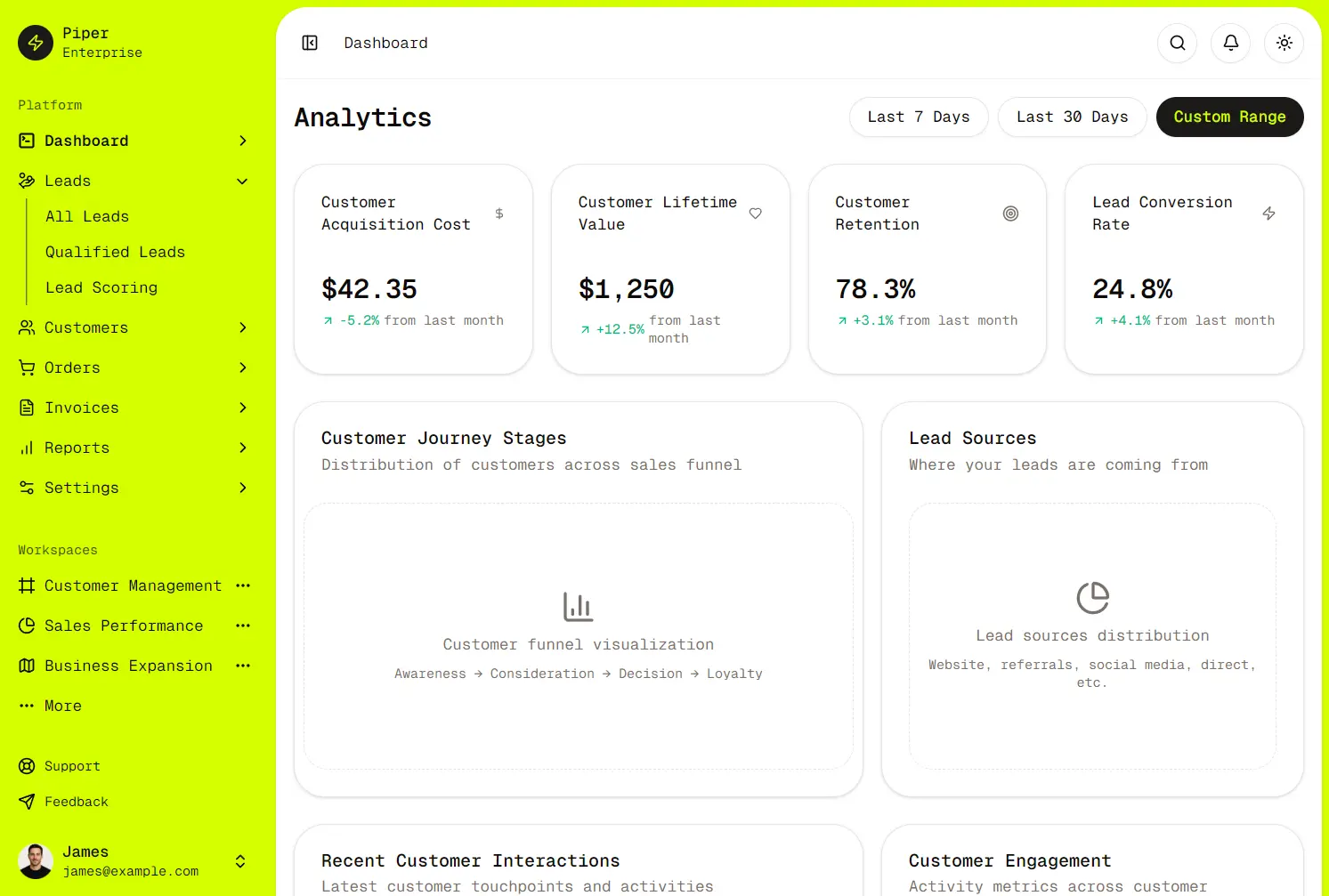
Shadcn CRM Dashboard UI is a clean, responsive customer relationship management interface built with Next.js and shadcn/ui components.
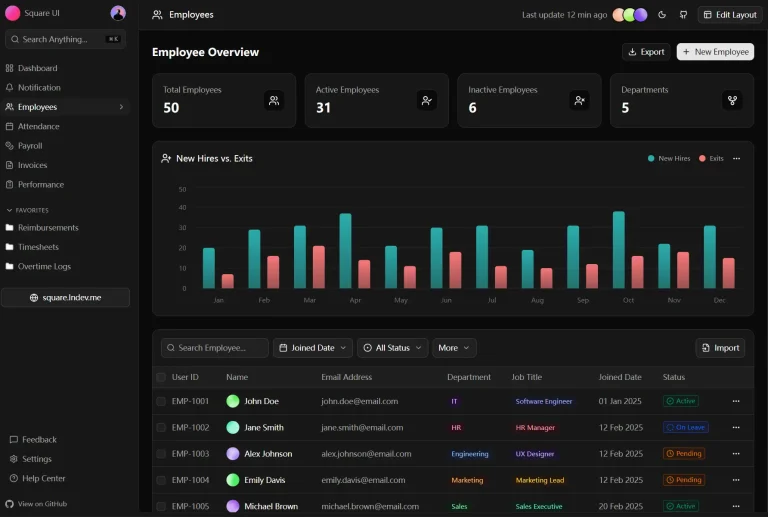
It provides a pre-built dashboard layout complete with components for displaying analytics, managing customers, handling invoices, tracking leads, and viewing orders.
Features
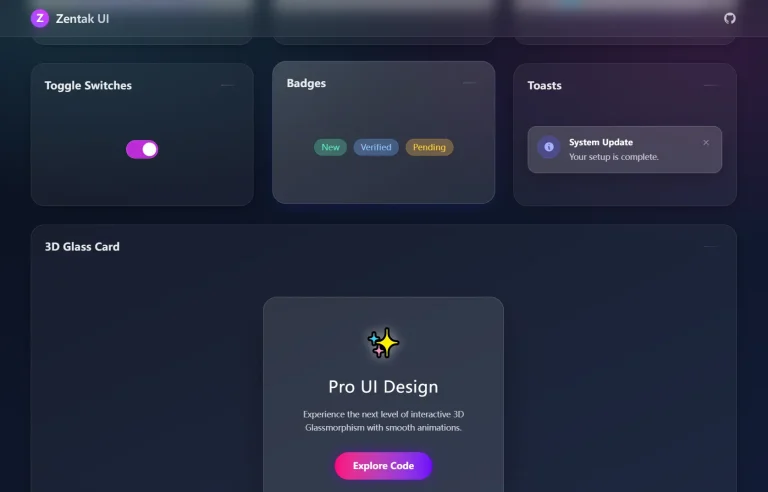
✨ Modern UI: Utilizes Shadcn UI components and Tailwind CSS for a contemporary look and feel.
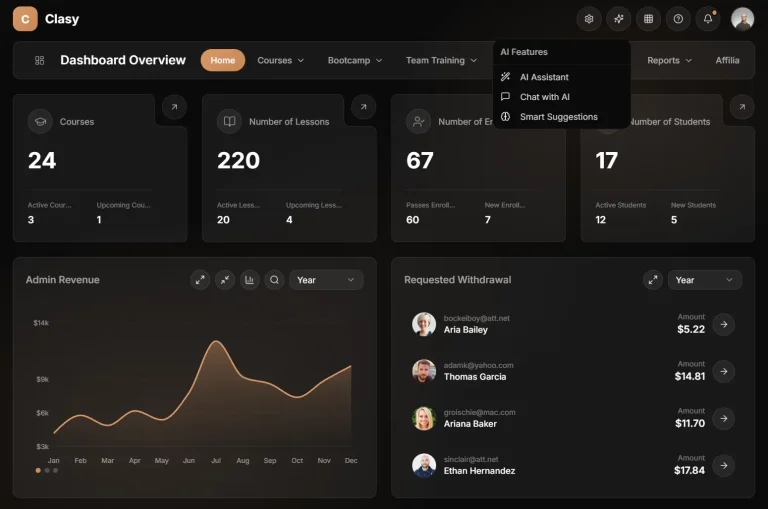
📊 Dashboard Analytics: Includes visual components for presenting key metrics and customer data effectively.
📑 Prebuilt Modules: Customers, invoices, orders, and leads management interfaces.
📱 Responsive Design: Adapts to various screen sizes, working well on desktops, tablets, and mobile devices.
Responsive: Works reasonably well on different screen sizes out of the box.
🌙 Dark Mode Support: Features a built-in toggle for switching between light and dark themes.
Use Cases
- Data Visualization Interface: Adapt the dashboard components to display analytics for different types of data beyond traditional CRM metrics.
- Internal Business Tools: Build a custom CRM for your company’s sales or support teams without starting the UI from scratch.
- SaaS Application UI: Use it as the front-end foundation for a Software-as-a-Service product that requires user dashboards.
- Client Management Portal: Create a portal for clients to view their account status, invoices, or project progress.
Installation
1. Clone the repository from Github.
2. Install dependencies:
npm install
# or
yarn install
# or
pnpm install
# or
bun install
3. Start the development server:
npm run dev
# or
yarn dev
# or
pnpm dev
# or
bun dev
4. Open your browser and navigate to http://localhost:3000.
Related Resources
- Next.js Documentation: https://nextjs.org/docs – Official documentation covering Next.js features and API.
- Shadcn UI: https://ui.shadcn.com/ – Documentation and component examples for Shadcn UI.
- Tailwind CSS: https://tailwindcss.com/docs – Comprehensive guide to using Tailwind CSS utility classes.
FAQs
Q: Is this a complete CRM application?
A: No, this is a front-end UI template. It provides the user interface components and structure but does not include backend logic, databases, or API integrations needed for a fully functional CRM.
Q: Can I customize the dashboard modules for my specific business needs?
A: Yes, the modular structure of the project makes it straightforward to add, remove, or modify dashboard sections to match your specific requirements.
Q: How do I deploy this dashboard to production?
A: The easiest deployment option is through Vercel, which is optimized for Next.js applications.
Q: How to add new data modules?
A: Create React components in /src/features and link to App Router paths.
Preview