The Future of Web Dev
The Future of Web Dev
Shadcn/ui Dashboard Template with 50+ Components & 20+ Pages
Pre-built admin dashboard template with 50+ shadcn/ui components. Includes e-commerce, CRM, and banking page layouts for Next.js applications.
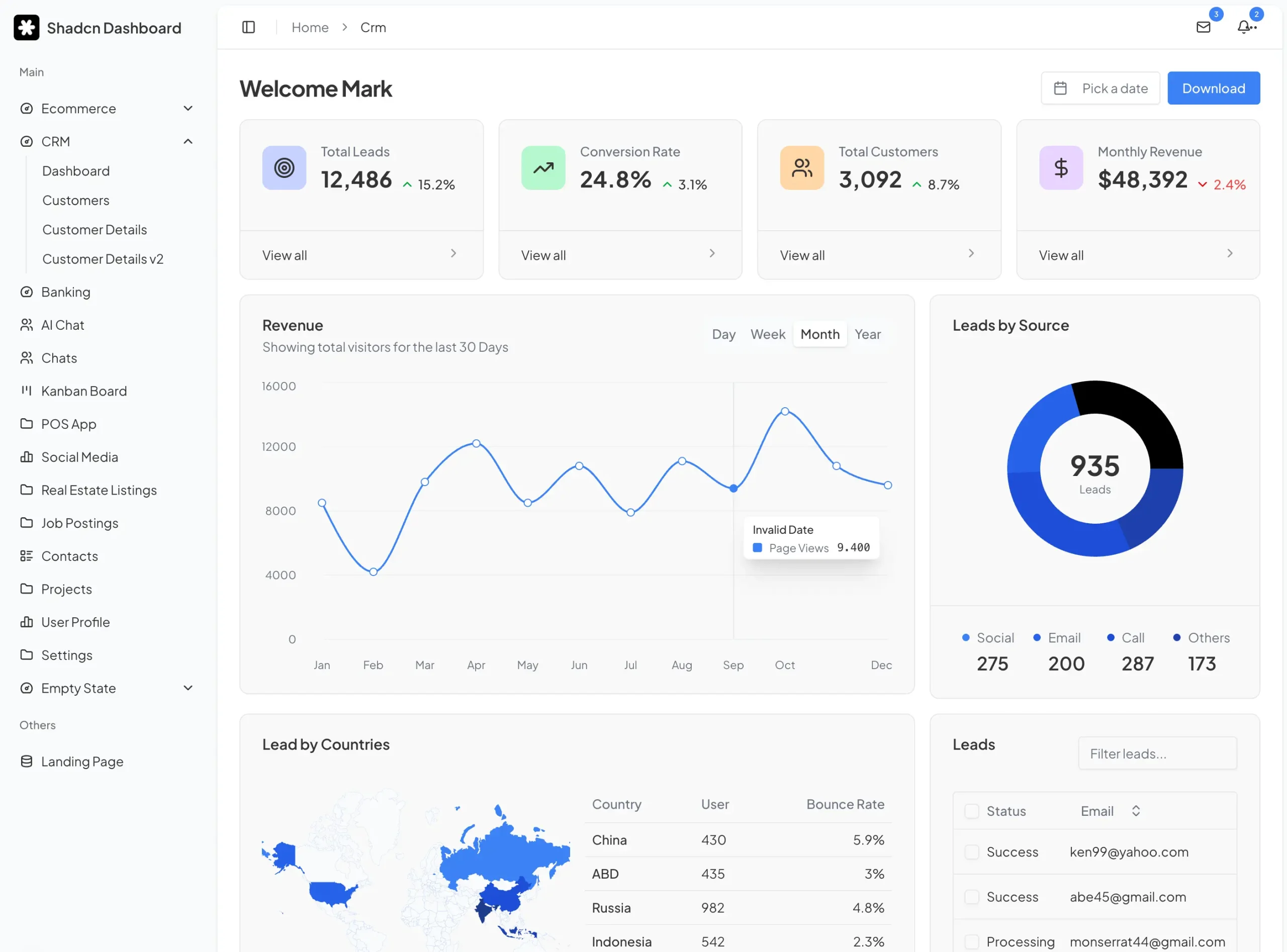
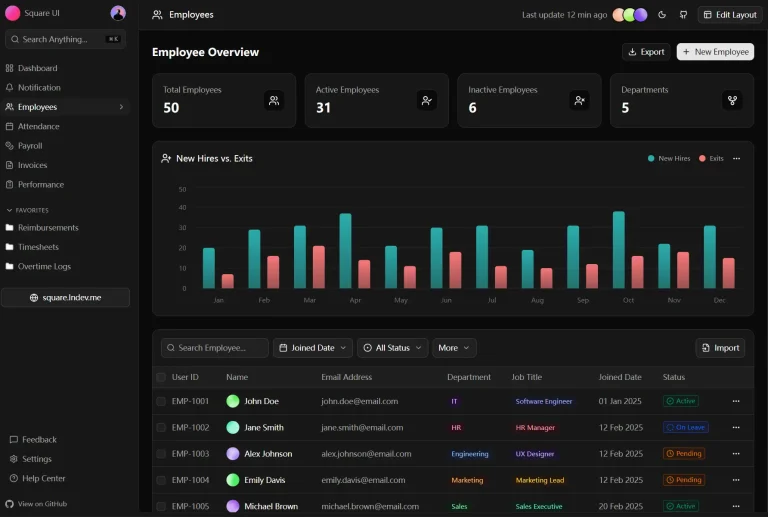
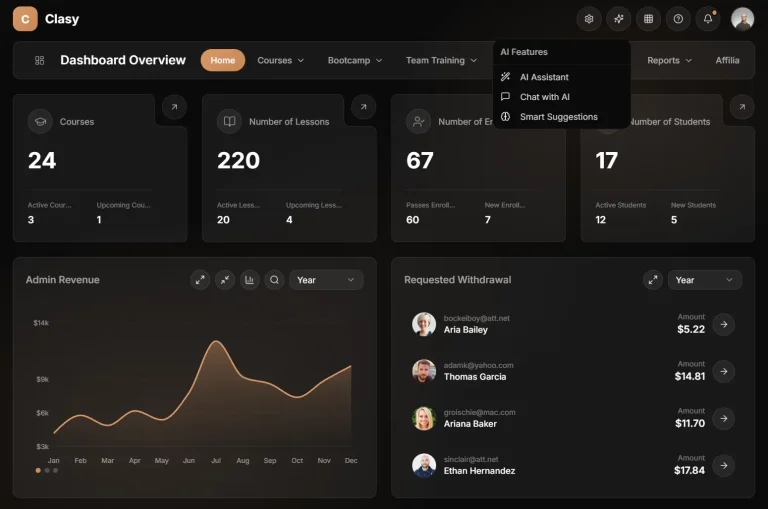
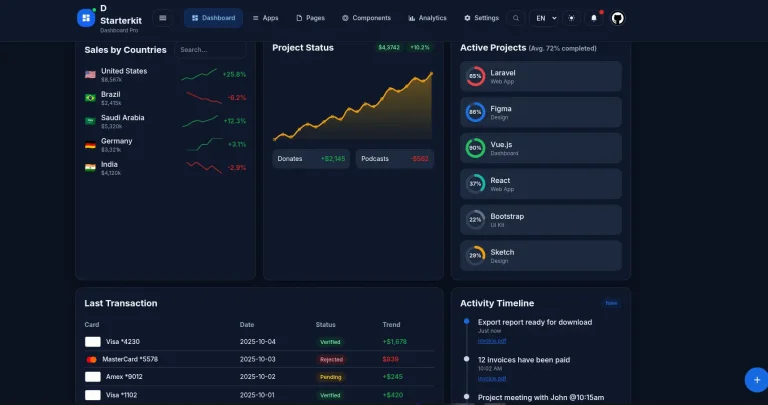
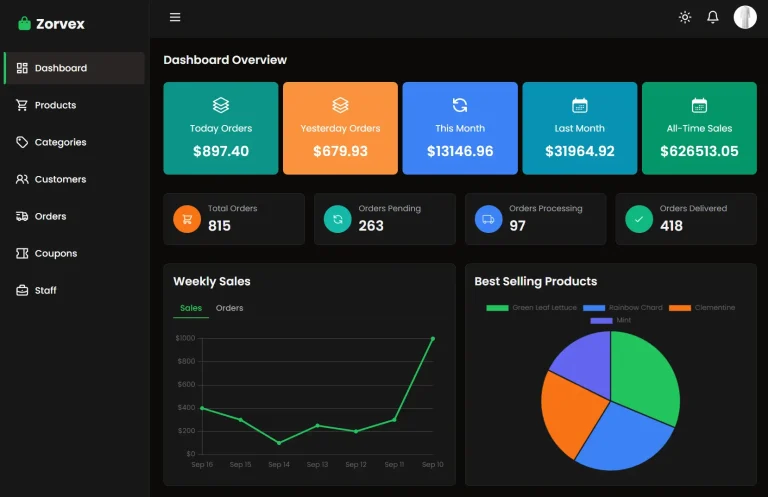
The Multipurpose Shadcn UI Admin Dashboard Template is a production-ready admin panel solution that provides over 50 components and 20 page templates built with React/Next.js, Tailwind, and shadcn/ui components.
The template kit includes ready-to-use pages for dashboards, checkout flows, customer management, banking interfaces, AI chat, kanban boards, POS systems, and social media applications. Each component follows modern design patterns and accessibility standards.
Features
⚡ Performance Optimization: React components are optimized for fast rendering and minimal bundle sizes.
📱 Responsive Design: Mobile-first layouts adapt to different screen sizes automatically, maintaining usability across desktop, tablet, and mobile devices.
🔧 TypeScript Support: Full type definitions for all components and utilities help catch errors during development and improve code maintainability.
🎯 Page Templates: Twenty pre-designed page layouts for e-commerce, CRM, banking, project management, and social media applications.
🔒 Production Ready: Code follows security best practices and includes proper error handling, making it suitable for deployment to production environments.
⚙️ Customization Options: Tailwind CSS utility classes allow you to modify colors, spacing, and typography without rewriting component logic.
Use Cases
- E-commerce Management: You can build a dashboard to manage products, orders, and customer data for an online store.
- Customer Relationship Management (CRM): It is suitable for creating a system to track customer interactions, sales pipelines, and support tickets.
- Financial Technology Applications: You can develop a secure admin panel for a banking or financial application to manage user accounts and transactions.
- Social Media Analytics: The template can be used to build a backend interface for monitoring user engagement, content performance, and platform analytics.
How to Use It
1. Download and navigate to the project folder. Run one of the following commands to install all required packages:
npm installOr if you use Yarn:
yarn installFor pnpm users:
pnpm installFor Bun users:
bun install2. Start the development server to preview the template.
npm run devOr with Yarn:
yarn devFor pnpm:
pnpm devFor Bun:
bun dev4. The development server will start on port 3000 by default. Open your browser and navigate to http://localhost:3000 to see the template running. You’ll see the main dashboard interface with navigation to all available pages.
5. The template organizes components in a modular structure. You can find individual components in the components directory and page templates in the pages or app directory, depending on whether you’re using the Pages Router or App Router in Next.js.
7. To customize components, locate the specific file you want to modify. The template uses Tailwind CSS classes for styling, so you can change colors, spacing, and layout by editing the className attributes. TypeScript definitions help you understand which props each component accepts.
8. When you’re ready to deploy, build the production version by running the build command:
npm run buildThis creates an optimized build in the .next directory that you can deploy to any hosting platform that supports Next.js applications.
Related Resources
- Shadcn/ui: The component library that powers the template. The official documentation is the best place to learn about the available components and their usage.
- Next.js: The React framework used for the template. The Next.js documentation provides comprehensive guides and API references.
- Tailwind CSS: The utility-first CSS framework for styling. Its documentation offers detailed information on all utility classes and customization options.
FAQs
Q: What technologies is this template built with?
A: The template is built with React, Next.js, TypeScript, and Tailwind CSS. It uses Shadcn/ui for its component library.
Q: Can I customize the components and design?
A: Yes. Since the template uses Shadcn/ui and Tailwind CSS, you have full control over the components and styling to match your brand’s design system.
Q: Is the template mobile-friendly?
A: Yes, the template is fully responsive and uses a mobile-first design approach to work on all screen sizes.