The Future of Web Dev
The Future of Web Dev
Modern shadcn/ui Pricing Component with Smooth Transitions
Build responsive pricing components with shadcn/ui. Features payment toggles, tier highlights, and smooth animations for Next.js apps.
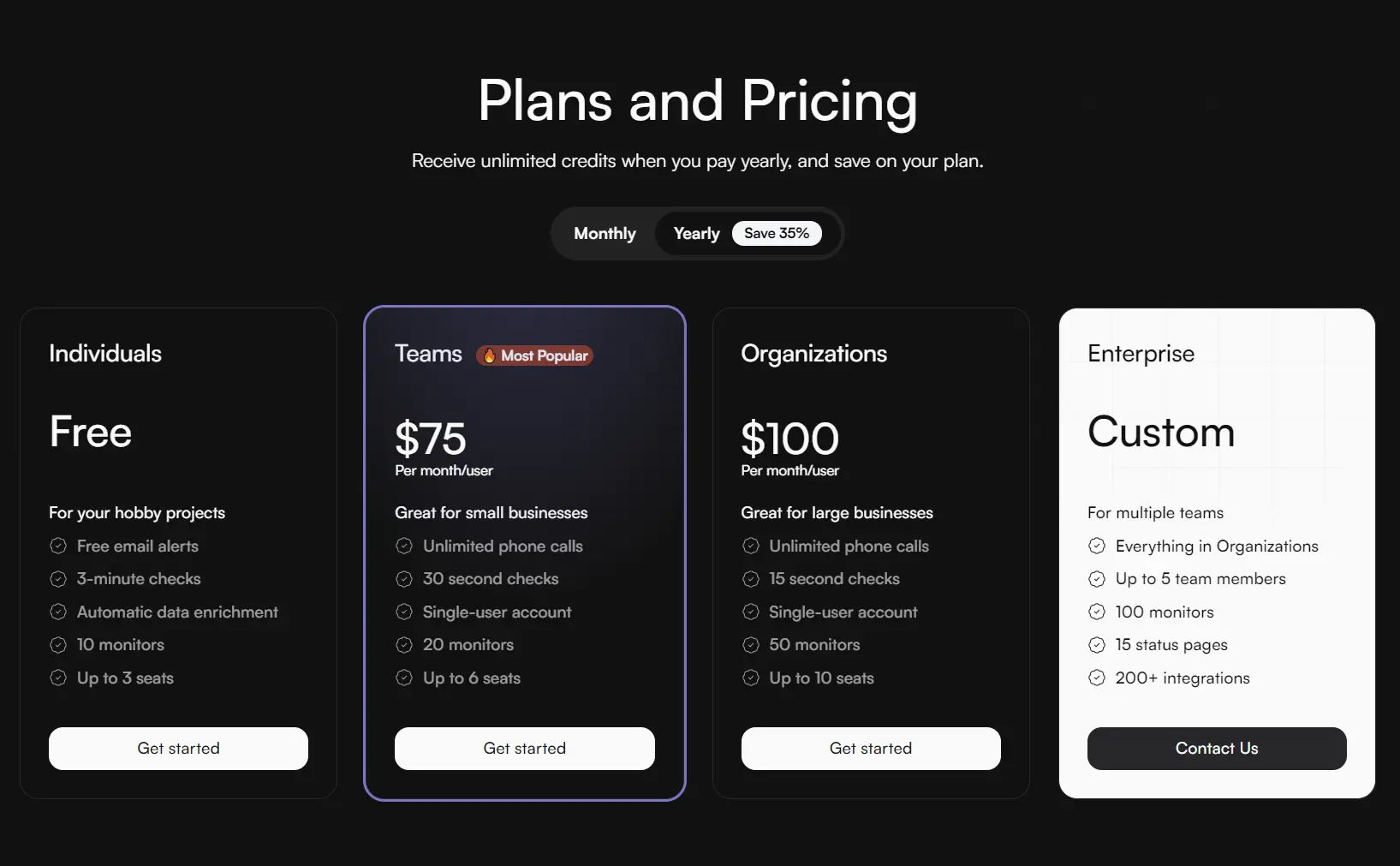
The shadcn-pricing-page is a responsive and customizable pricing component built with Shadcn/UI, React, and NumberFlow.
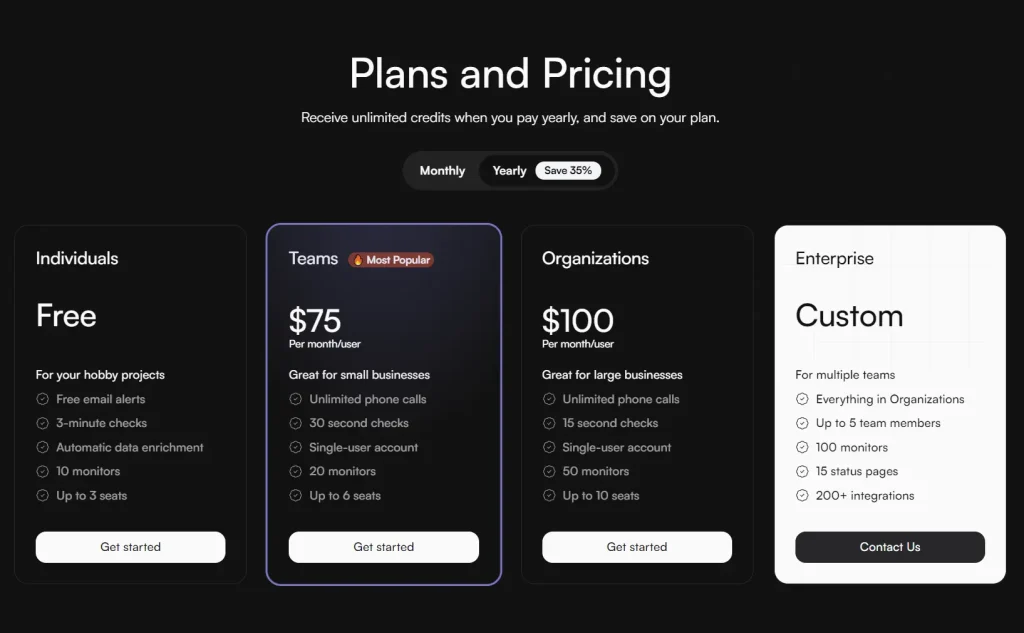
It includes toggles for switching between payment frequencies, such as monthly and yearly, and allows for specific tiers to be highlighted.
This component is useful for SaaS projects, subscription-based platforms, and any website that needs to present service packages.
Features
📱 Responsive design for all devices
🔄 Payment frequency toggles (Monthly/Yearly)
🎨 Tiered pricing cards with customizable highlights
✨ Smooth price transition animations
⚡ Easy Next.js integration
🚀 Production-ready component
💻 TypeScript support
🔧 Customizable tier configurations
Preview
Use Cases
- SaaS Pricing Pages: Create professional pricing pages for software-as-a-service applications with multiple subscription tiers and billing frequencies
- E-commerce Subscription Services: Build pricing displays for subscription boxes, digital services, or recurring product deliveries
- API Service Pricing: Display different API pricing tiers with usage limits and feature comparisons for developer-focused services
- Educational Platform Pricing: Show course packages, membership tiers, or learning platform subscriptions with clear feature differentiation
- Digital Product Pricing: Present pricing options for digital tools, applications, or online services with highlighted recommended plans
Installation
1. To get started, make sure you have shadcn/ui set up in your React/Next.js project.
npx shadcn-ui@latest init2. Install the required dependencies:
npm install @shadcn/ui
npm install number-flow
3. After placing the component file in your project, you can integrate it into any page. Import the component and render it within your page’s return statement.
// app/pricing-page/page.tsx
import { Pricing } from "@/components/Pricing";
export default function PricingPage() {
  return <Pricing />;
}
Related Resources
- shadcn/ui – A collection of reusable components built using Radix UI and Tailwind CSS
- NumberFlow – Smooth number transitions and animations for React applications
- Tailwind CSS – Utility-first CSS framework for rapid UI development
FAQs
Q: Can I customize the pricing tiers and features?
A: Yes, you can modify the plans array to include your own pricing tiers, features, and pricing structures. The component accepts any number of tiers.
Q: Does the component work with different currencies?
A: Yes, the NumberFlow component supports various currency formats through its format configuration options.
Q: Can I add custom styling to the highlighted tier?
A: Yes, you can customize the highlighted tier styling by modifying the CSS classes or using Tailwind CSS utilities.
