The Future of Web Dev
The Future of Web Dev
Interactive Cursor Animations For React/Next.js – Cursify
Add dynamic cursor animations to React & Next.js apps with Cursify. Interactive effects, templates, and optimized performance.
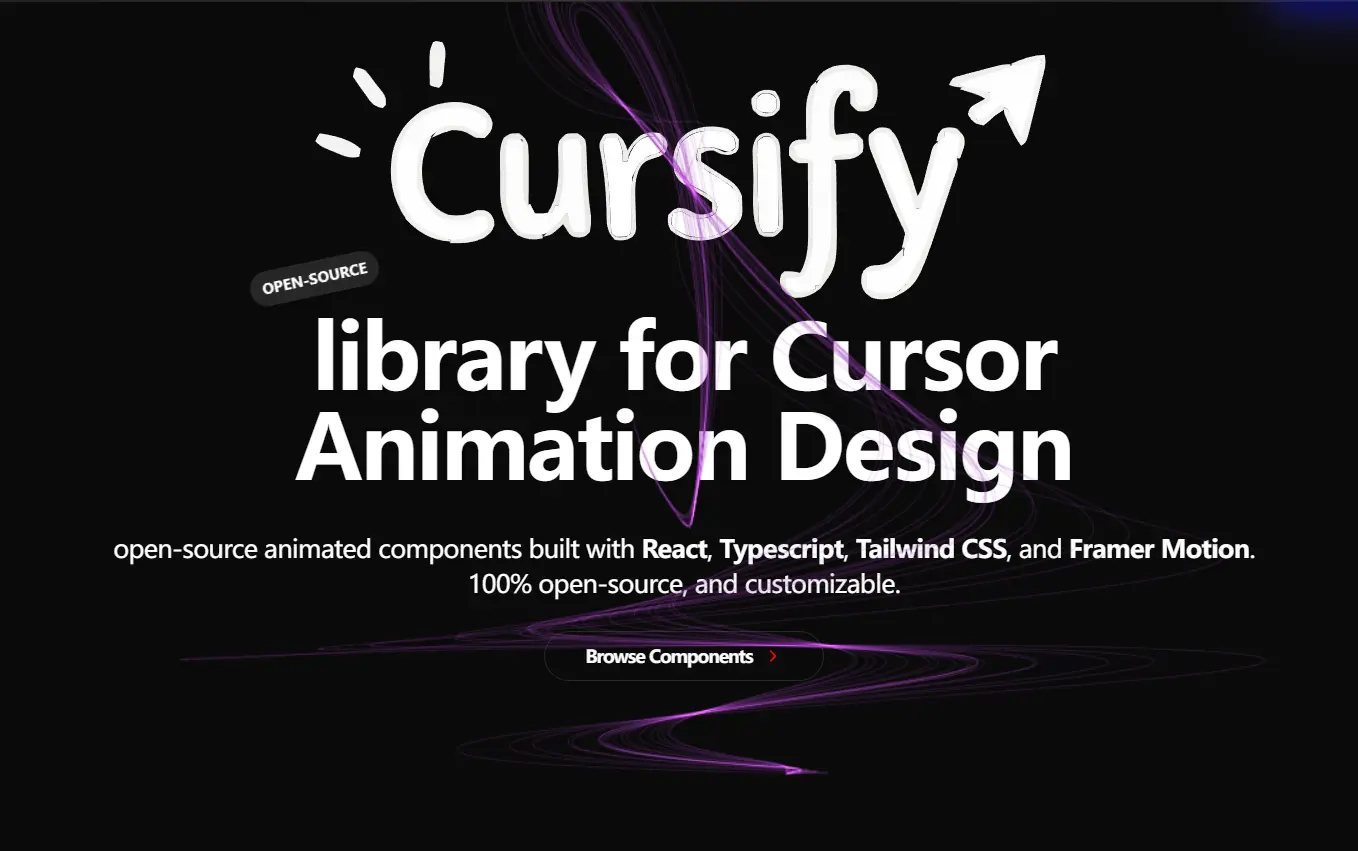
Cursify is a lightweight cursor animation library for React and Next.js applications.
It transforms standard cursor movements into engaging, dynamic experiences that capture user attention and enhance web interactions.
Features
🖱️ 18+ Cursor Animations: Smooth and responsive cursor effects that react to user interactions, adding a layer of feedback and delight.
🛠️ Reusable Code Blocks: Build more with less code using modular and maintainable components. This promotes efficient development and easier updates.
⚡ Plug-and-Play Components: Speed up development with ready-to-use elements. You can easily drop these components into your project without much configuration.
🚀 Performance Optimized: Smooth animations without compromising performance.
Use Cases
- Landing Pages: You can make a strong first impression on visitors by adding interactive cursor effects to a landing page. A custom cursor can guide users to key elements or provide visual feedback on hover. For example, You can use the “Blob” or “Gradient” cursor for a modern, visually appealing hero section.
- Marketing Interfaces: You can increase engagement with interactive elements in marketing campaigns or product demos. For example, You can use a “Click” cursor to emphasize call-to-action buttons, or a “Trail” cursor to create a sense of motion and flow as users navigate.
- E-commerce Product Showcases: You can improve the product browsing experience with unique cursor interactions. A “Spotlight” cursor, for example, can highlight product details on hover. You can also use a “Magnetic” cursor to create interactive image carousels.
- Portfolio Websites: You can add a personal touch to a portfolio site with a custom cursor animation. A “Character” cursor could showcase a developer’s personality or branding. A “ThreeD” cursor adds depth and interactivity as visitors explore a designer’s work.
Installation
1. Create a Next.js Project
npx create-next-app@latest my-app --typescript --tailwind --eslint2. Navigate to Project Directory
cd my-app3. Install Required Dependencies
npm install clsx tailwind-merge tailwind-variants4. Create Utility File for Class Management
// utils/cn.ts
import { type ClassValue, clsx } from "clsx";
import { twMerge } from "tailwind-merge";
export function cn(...inputs: ClassValue[]) {
  return twMerge(clsx(inputs));
}
5. Start Development Server
npm run devCursor Animations Included
- Blob Cursor
- Bubble Cursor
- Canvas Cursor
- Character Cursor
- Click Cursor
- FairyDust Cursor
- Follow Cursor
- Glitch Cursor
- Gradient Cursor
- Magnetic Cursor
- Neon Cursor
- Rainbow Cursor
- Snowflake Cursor
- Spotlight Cursor
- Springy Cursor
- TextFlag Cursor
- ThreeD Cursor
- Trail Cursor
- And more…
FAQs
Q: What are the prerequisites for installing Cursify?
A: You need to have Node.js and npm (or yarn) installed on your system. You also need a basic understanding of React and Next.js. Familiarity with Tailwind CSS is also helpful.
Q: Can I use Cursify with other UI libraries besides Tailwind CSS?
A: Yes, Cursify can be used with other UI libraries. The core functionality is independent of any specific styling library. However, the provided templates and examples use Tailwind CSS. I may need to adapt some of the styling if I use a different library.
Q: How can I customize the cursor animations?
A:Cursify provides options for customizing the appearance and behavior of each cursor effect. You can usually modify properties like color, size, speed, and easing.
Q: Is Cursify suitable for production applications?
A: Yes, Cursify is designed to be performant and production-ready.
Preview