The Future of Web Dev
The Future of Web Dev
NextStep: Build Interactive Product Tours In Next.js Apps
A lightweight onboarding library for Next.js. Create engaging product tours and boost user adoption in your web apps today!

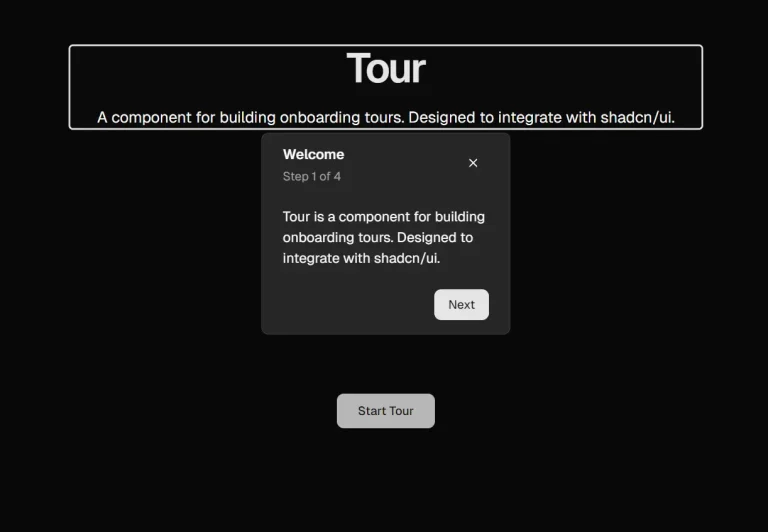
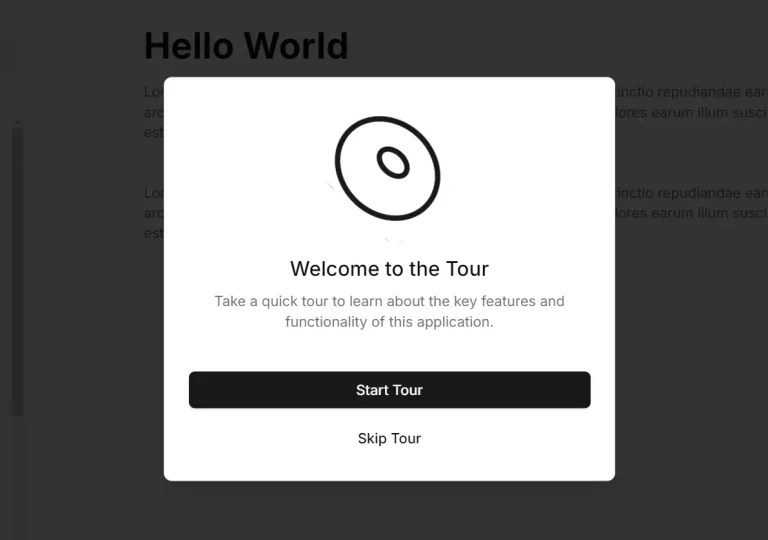
NextStep is a lightweight library that creates smooth and engaging onboarding experiences in your Next.js applications.
Inspired by Onborda, it uses the animation capabilities of Framer Motion and the styling flexibility of Tailwind CSS to deliver interactive product tours and user guidance.
Key Features
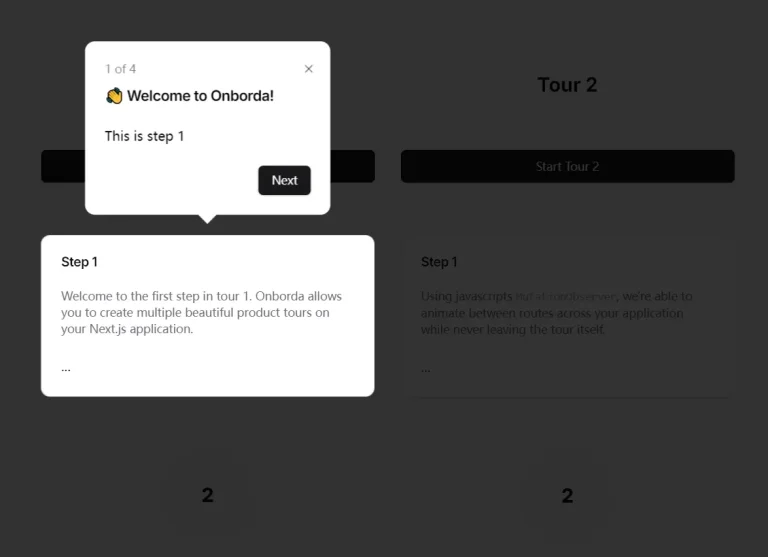
🎯 Targeted Element Highlighting: Guide users’ attention to specific elements within your application using customizable pointers.
🎨 Customizable Tooltips: Design unique tooltip cards to match your application’s branding and provide detailed instructions.
⌨️ Keyboard Navigation: Offer users the option to navigate tours using keyboard shortcuts for increased accessibility.
📞 Event Callbacks: Utilize callbacks to trigger actions or track user progress at different stages of the tour.
🔄 Multiple Tour Support: Create and manage numerous distinct product tours within a single application.
🚶 Step-by-Step Navigation: Easily control the flow of your tours, allowing users to progress through steps at their own pace.
➡️ Route-Based Navigation: Integrate onboarding steps with Next.js’s routing system to seamlessly transition between pages.
⚙️ Flexible Configuration: Customize various aspects of the onboarding experience, including shadow effects and transition animations.
Use Cases
- New Feature Introductions: Guide users through the functionalities of newly released features within your application.
- User Interface Walkthroughs: Provide a comprehensive tour of your application’s interface, explaining the purpose of different elements and sections.
- Contextual Help and Tips: Offer targeted guidance and assistance to users as they interact with specific parts of your application.
- Interactive Tutorials: Create engaging tutorials that walk users through complex processes or workflows step-by-step.
- User Account Setup: Simplify the user registration and account setup process with a guided tour highlighting essential information and actions.
Installation Guide
To install NextStep, follow these steps:
- Open your terminal
- Navigate to your Next.js project directory
- Run one of the following commands based on your package manager:
npm install nextstepjs
# or
pnpm add nextstepjs
# or
yarn add nextstepjs
# or
bun add nextstepjs
Usage Guide
To implement NextStep in your Next.js application:
- Wrap your application in NextStepProvider:
import { NextStepProvider, NextStep } from 'nextstepjs';
function MyApp({ Component, pageProps }) {
  return (
    <NextStepProvider>
      <NextStep steps={steps}>
        <Component {...pageProps} />
      </NextStep>
    </NextStepProvider>
  );
}- Define your steps:
const steps = [
  {
    tour: "mainTour",
    steps: [
      {
        icon: "👋",
        title: "Welcome",
        content: "Let's start your journey!",
        selector: "#welcome-section",
        side: "top"
      },
      // Add more steps as needed
    ]
  }
];- Use the useNextStep hook to control the tour:
import { useNextStep } from 'nextstepjs';
function StartButton() {
  const { startNextStep } = useNextStep();
  return <button onClick={() => startNextStep("mainTour")}>Start Tour</button>;
}
FAQs
Q: Can I use NextStep.js with other CSS frameworks besides Tailwind CSS?
A: Yes, you can customize the styling of NextStep.js components using any CSS framework or approach you prefer. You might need to override the default Tailwind CSS styles or create a custom card component.
Q: How do I trigger a specific onboarding tour programmatically?
A: You can use the useNextStep hook to access functions like startNextStep(tourName) to initiate a specific tour by its name.
Q: Can I customize the appearance of the tour cards?
A: Yes, NextStep allows you to create and use custom card components for full design control.