The Future of Web Dev
The Future of Web Dev
Onborda: Sleek Onboarding for Next.js Apps
A lightweight onboarding solution for Next.js web apps, using Framer Motion for animations and TailwindCSS for styling.
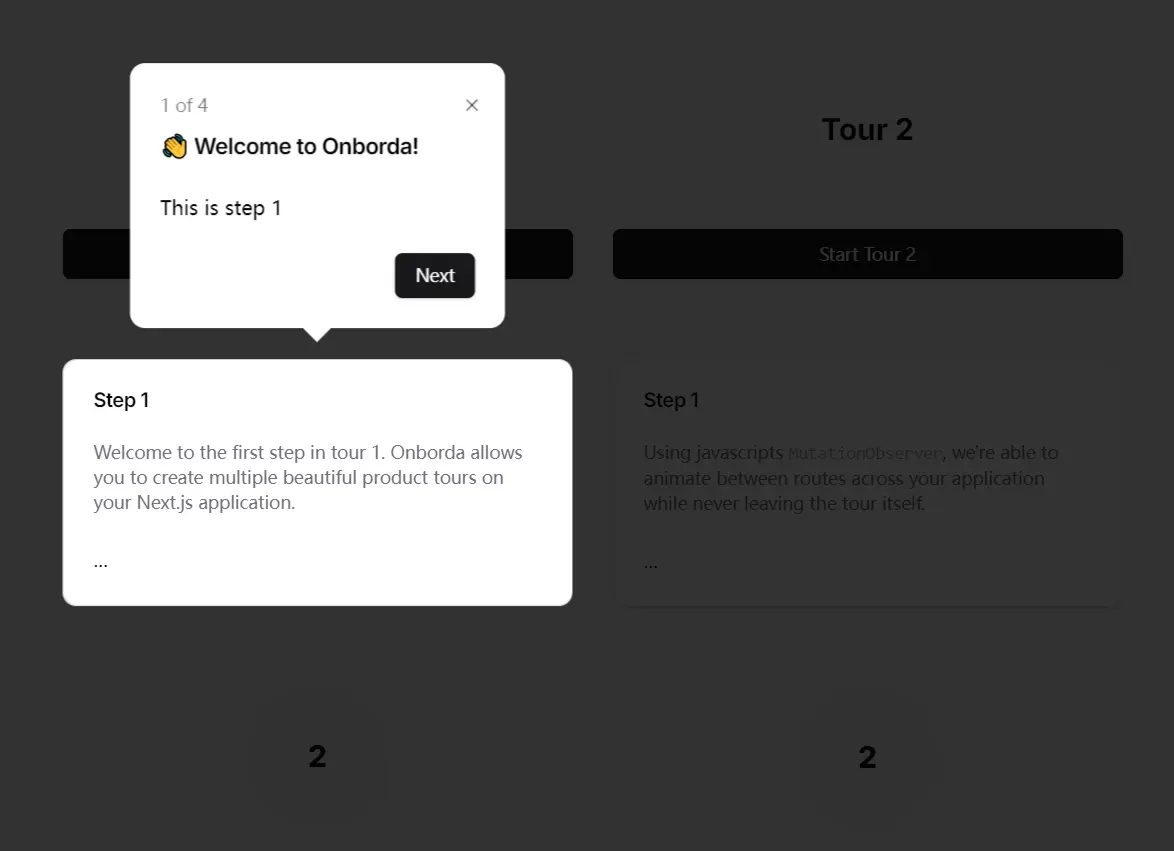
Onborda is a lightweight JavaScript library that creates smooth and engaging onboarding, product tour, or wizard flow experiences for Next.js powered modern web applications.
The library uses Framer Motion for smooth animations and Tailwind CSS for styling. It can create onboarding tours with fully customizable pointers (tooltips) while being compatible with UI frameworks like shadcn/ui.
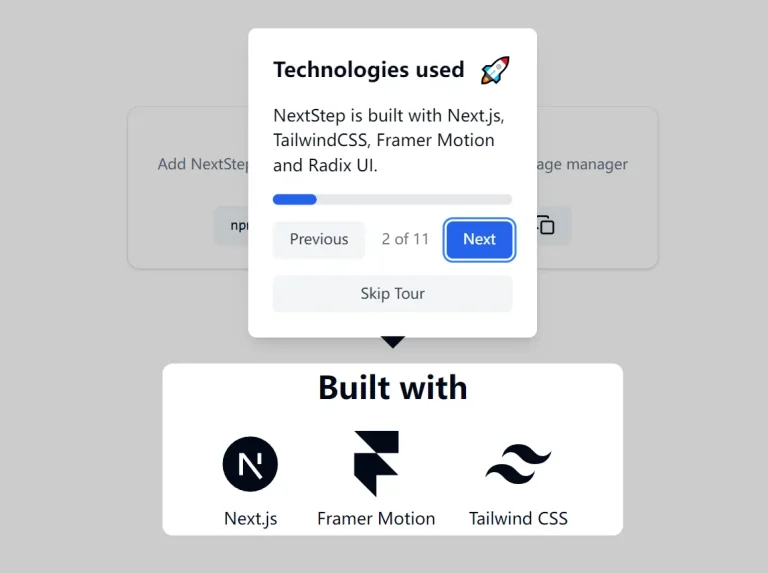
or another step-by-step onboarding pattern, review this guided tour component with motion effects.
Features
✨ Intuitive API: Easily create onboarding flows with a simple and declarative syntax.
🎨 Tailwind Integration: Style tooltips effortlessly with familiar Tailwind classes.
⚙️ Customizable Tooltips: Full control over tooltip appearance and content.
➡️ Multiple Tours: Define separate onboarding flows for different features or user groups.
💨 Lightweight: Minimal impact on your application’s performance.
🎬 Framer Motion Animations: Smooth and engaging transitions between steps.
🎯 Precise Targeting: Pinpoint specific elements using their ID attributes.
🧭 Routing Integration: Trigger navigation to different routes within your application during the onboarding process.
Use Cases
- New User Guidance: Guide first-time users through key features and functionalities, helping them quickly understand the value proposition of your application. For example, a project management app could use Onborda to highlight how to create tasks, manage projects, and collaborate with team members.
- Feature Introductions: Introduce new features or updates to existing users with targeted onboarding flows. Imagine showcasing a newly added reporting dashboard with a dedicated Onborda tour.
- Contextual Help: Provide in-app guidance for specific tasks or workflows. For instance, a complex form could have an Onborda tour explaining each field and its purpose.
- Interactive Tutorials: Create interactive tutorials to teach users how to use advanced features or complete specific actions. A design tool could use Onborda to guide users through a step-by-step design process.
- Product Tours: Showcase the full capabilities of your application with comprehensive onboarding flows that highlight its key features and benefits.
Installation Guide
Install Onborda using your preferred package manager:
npm i onborda
# or
pnpm add onborda
# or
yarn add onborda
Add the necessary import to your layout.tsx or app.tsx file:
import { OnbordaProvider, Onborda } from 'onborda';Usage Guide
Wrap your application content with the OnbordaProvider and Onborda components:
// layout.tsx
<OnbordaProvider>
  <Onborda steps={steps}>
    {children}
  </Onborda>
</OnbordaProvider>
Define your onboarding steps within a steps array:
const steps = [
  {
    tour: "firsttour",
    steps: [
      {
        icon: "👋",
        title: "Welcome!",
        content: "Let's get started with Onborda.",
        selector: "#welcome-message",
        side: "bottom"
      },
      // ... more steps
    ]
  }
];
Ensure the elements you are targeting have corresponding IDs:
// Component.tsx
<div id="welcome-message">Welcome to our app!</div>
FAQs:
Q: Can I customize the appearance of Onborda tooltips?
A: Yes, you can create a custom card component and pass it to the Onborda component using the cardComponent prop.
Q: Does Onborda support multiple onboarding flows?
A: Yes, you can define multiple tours within the steps object, allowing for different onboarding experiences.
Q: Can I control the positioning of tooltips?
A: Absolutely. Use the side prop in each step object to specify the tooltip position relative to the target element.
Q: Is Onborda compatible with server-side rendering?
A: Yes, Onborda is designed to work with modern React frameworks that support server-side rendering, such as Next.js.
Q: How can I trigger the onboarding flow programmatically?
A: Use the showOnborda prop on the Onborda component to control when the onboarding overlay appears.