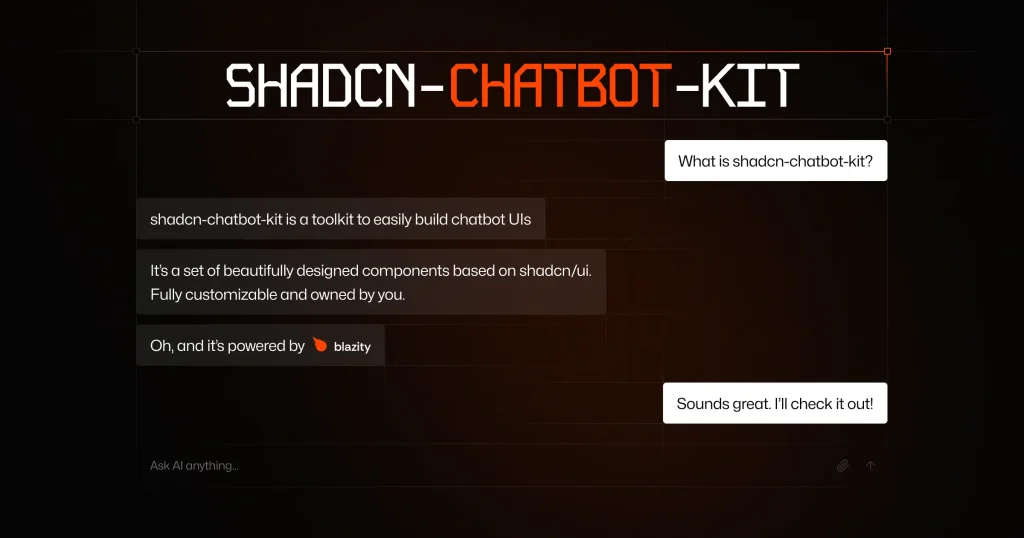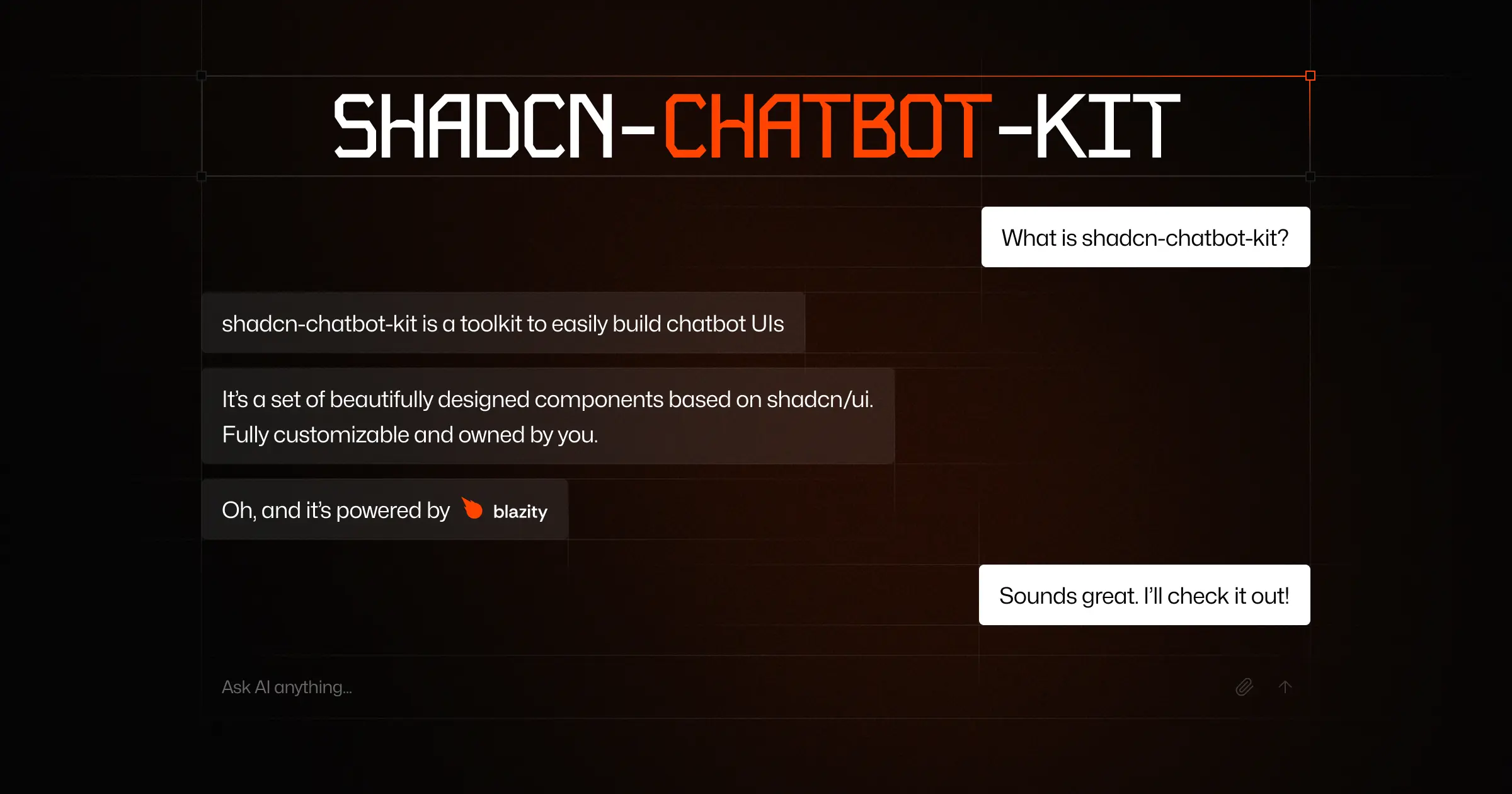
shadcn-chatbot-kit is a collection of UI components that helps developers build modern AI-powered chatbot interfaces.
You can use these components to construct chatbot UIs quickly, maintaining control over the final look and feel through shadcn/ui‘s theming system.
Features
💬 Rich Chat Interface: Includes smooth interactions and animations.
🧠 Thinking Process Visualization: Shows LLM reasoning steps visually.
🛠️ Tool Integration: Displays visual states for tool execution and supports canceling operations. Includes smart interrupt prompts.
🎯 Developer Experience: Integrates with the shadcn CLI for component management. Features a composable API.
📦 Copy & Paste Components: Install only needed components; you own the code.
🚀 Modern Code: Utilizes current web standards and practices.
📎 Advanced Attachments: Features smart file previews and automatic conversion of long text. Supports Markdown with syntax highlighting.
🎨 Fully Themeable: Uses shadcn/ui‘s theme system for complete appearance customization.
🌓 Dark/Light Mode: Offers built-in support for theme switching.
🎤 Voice Input: Adds speech-to-text capabilities.
🔧 Highly Customizable: Modify components extensively to fit project requirements.
📱 Responsive Design: Adapts cleanly to various screen sizes.
Use Cases
- Customer Support Bots: Implement AI chatbots on websites or apps to handle customer queries, providing instant responses and support with a polished UI.
- Internal Knowledge Base Access: Create chatbots for employees to quickly find information within company documentation or databases.
- Interactive Tutorials/Onboarding: Build guided experiences where a chatbot walks users through software features or onboarding steps.
- AI Assistant Integration: Add a chat interface to applications that leverage large language models for tasks like content generation, summarization, or code explanation.
- Educational Tools: Develop interactive learning platforms where students can converse with an AI tutor or assistant.
Installation
- First, ensure
shadcn/uiis installed and configured in your project. Follow the official shadcn/ui installation guide. - Confirm you are using the modern
shadcnCLI (version 0.8.0 or later), not the legacyshadcn-uiversion. - Install specific
shadcn-chatbot-kitcomponents using theshadcnCLI. For example, to add the main chat component:bash npx shadcn-ui@latest add chat
Refer to the official documentation for the full list of components and specific installation commands.
Usage
Below is a basic example demonstrating how to use the Chat component with the Vercel AI SDK’s useChat hook. You must set up the Vercel AI SDK first by following their Getting Started guide.
"use client"
import { useChat } from "ai/react"
import { Chat } from "@/components/ui/chat" // Adjust path based on your setup
export function ChatExample() {
  // Hook manages chat state and interactions
  const { messages, input, handleInputChange, handleSubmit, isLoading, stop } =
    useChat()
  // Pass state and handlers to the Chat component
  return (
    <Chat
      messages={messages}
      input={input}
      handleInputChange={handleInputChange}
      handleSubmit={handleSubmit}
      isGenerating={isLoading}
      stop={stop} // Function to stop AI generation
    />
  )
}
This example renders the core chat interface. The useChat hook handles message state, input changes, form submissions, loading status, and stopping generation. These props connect the AI logic to the UI component.
FAQs
Q: Is this an official part of shadcn/ui?
A: No, shadcn-chatbot-kit is a third-party project developed by Blazity. It follows shadcn/ui‘s principles and is designed for full compatibility but is not maintained by the shadcn/ui creator.
Q: How does the AI integration function?
A: The kit works directly with the Vercel AI SDK via the useChat hook. You can also integrate other AI providers by creating your own implementation, as the components are provider-agnostic.
Q: What main features are ready to use?
A: Key features include an auto-scrolling message area, auto-resizing input with file uploads, prompt suggestions, message actions (like copy), loading states, Markdown rendering, file previews, and dark mode support.
Q: Does it work with frameworks other than Next.js?
A: Yes, the components are built with React and should work with any framework supporting React 18+, such as Remix, Astro, or Gatsby, provided shadcn/ui is correctly configured in that environment.
Preview