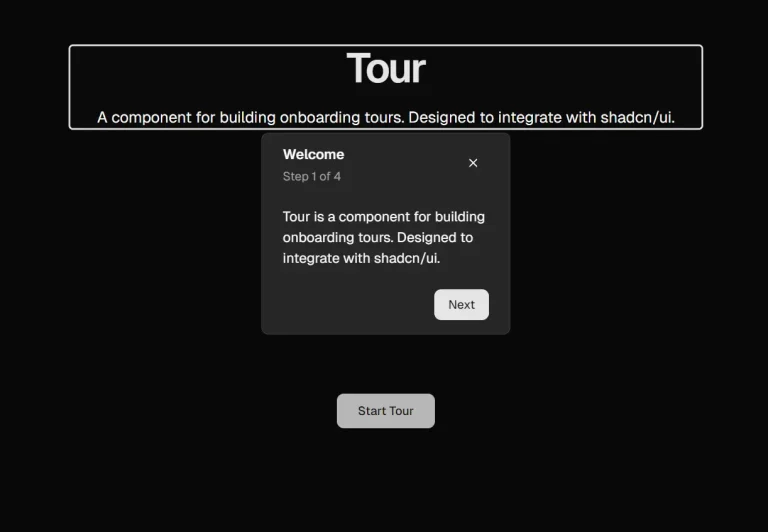
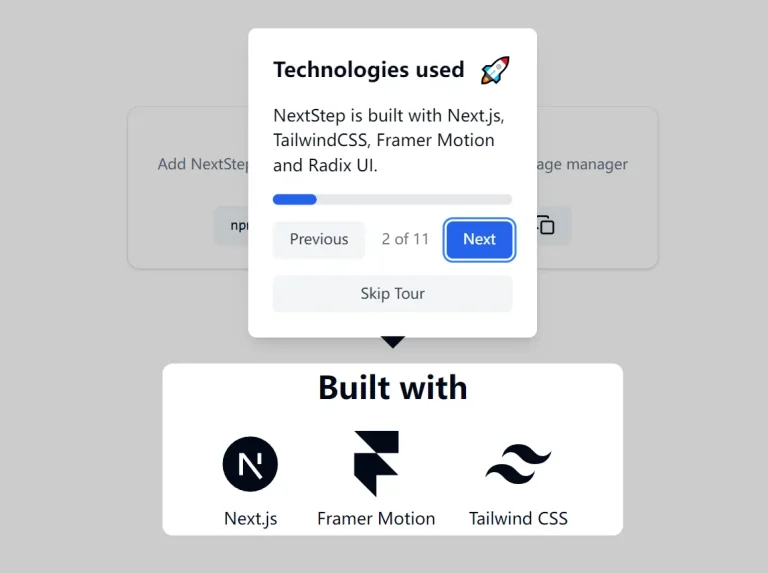
The Future of Web Dev
The Future of Web Dev
Build Guided UI Tours Using shadcn/tour and Motion Animation
Guide users effectively with shadcn/tour component. Add animated product tours to your shadcn/ui application for better onboarding.
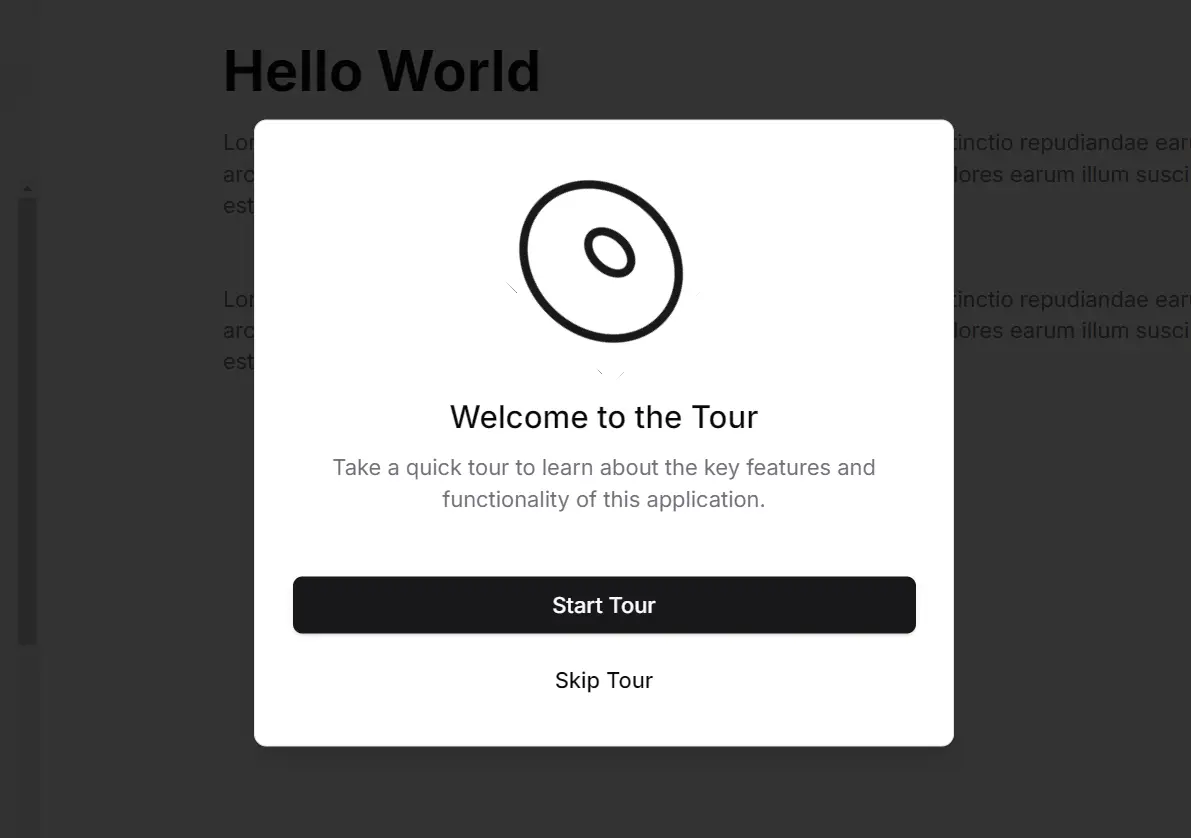
shadcn/tour is a UI component that provides a simple way to create interactive product tours using motion animations and the shadcn/ui component library. It can help users understand your application’s features through guided walkthroughs that highlight specific UI elements.
The component integrates motion animations to draw attention to important features while maintaining a clean, accessible interface. It uses a step-by-step approach to guide users through your application’s functionality, reducing the learning curve for new users.
Features
🧳 Context Provider: The TourProvider makes tour functionality accessible throughout your application.
🎣 Tour Management Hook: The useTour hook provides essential functions and states to control the tour’s flow.
🖱️ Interactive Steps: Optionally trigger actions when users interact within a highlighted area.
🎨 shadcn/ui Styling: Maintain design consistency with your existing shadcn/ui components.
💬 Alert Dialog: The TourAlertDialog component prompts users to begin or skip the product tour.
⚙️ Step Configuration: Define tour steps with content, target selectors, and positioning.
✅ Completion Tracking: Easily manage and track whether a user has completed the tour.
✨ Motion Integration: Enhance the user experience with smooth transitions and visual cues.
Use Cases
- New User Onboarding: Introduce first-time users to the core features of your application. Highlight key interface elements and guide them through initial setup processes.
- Feature Announcement: When rolling out a new feature, use a tour to showcase its functionality and how users can benefit from it. Guide users through the steps to use the new addition effectively.
- Complex Workflow Guidance: For applications with intricate workflows, create tours to guide users through multi-step processes. Break down complex tasks into manageable, highlighted steps.
- Contextual Help: Provide in-app guidance triggered by specific user actions or when a user navigates to a particular section for the first time.
- Interactive Tutorials: Build interactive tutorials that allow users to learn by doing. Highlight elements and prompt users to interact with them to progress through the learning material.
Getting Started
1. Install shadcn/tour Components. Run the following command to add the necessary components to your project. This will create a TourProvider, TourAlertDialog, and useTour hook, along with constants for step IDs.
pnpx shadcn add https://tour.niazmorshed.dev/tour.json
2. Wrap Your Application. Integrate TourProvider into your root layout or any top-level component:
import { TourProvider } from "@/components/tour";
export default function RootLayout({ children }: { children: React.ReactNode }) {
  return {children};
}
3. Define and Configure Steps. Use the setSteps function from useTour to define the tour steps, including their content, positions, and actions:
const steps = [
 { content: <div>Welcome</div>, selectorId: TOUR_STEP_IDS.WELCOME, position: "right" },
 // Add more steps here
];
4. Add Step Selectors. Assign the corresponding step IDs to the elements you want to highlight:
<div id={TOUR_STEP_IDS.WELCOME}>Welcome Section</div> Related Resources
- shadcn/ui – The core UI component library that shadcn/tour is built upon.
- Framer Motion – Animation library that powers the motion effects.
FAQs
Q: Do I need to have shadcn/ui installed to use shadcn/tour?
A: Yes, shadcn/tour is specifically designed to integrate with and utilize the styling capabilities of shadcn/ui.
Q: Can I customize the appearance of tour tooltips?
A: Yes, you can customize tooltips using the className prop on TourProvider and styling individual step content.
Q: Does the tour work with dynamic content?
A: Yes, the tour automatically adjusts to dynamic content by recalculating positions when elements change.
Q: Can I control the tour programmatically?
A: Yes, the useTour hook provides functions like startTour, nextStep, and endTour for programmatic control.
Preview