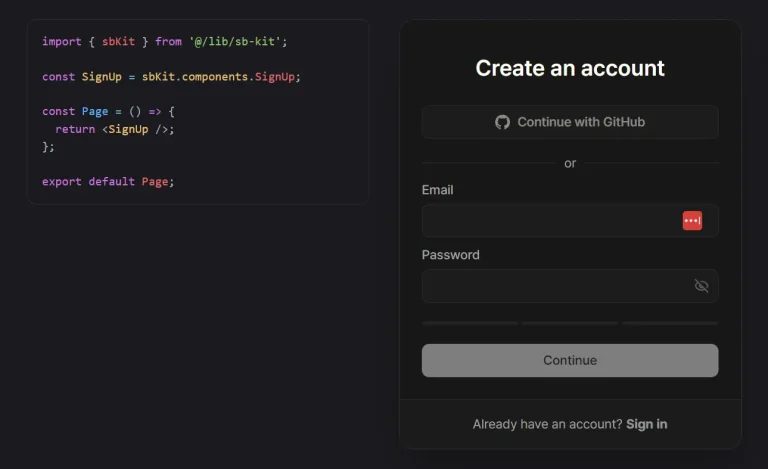
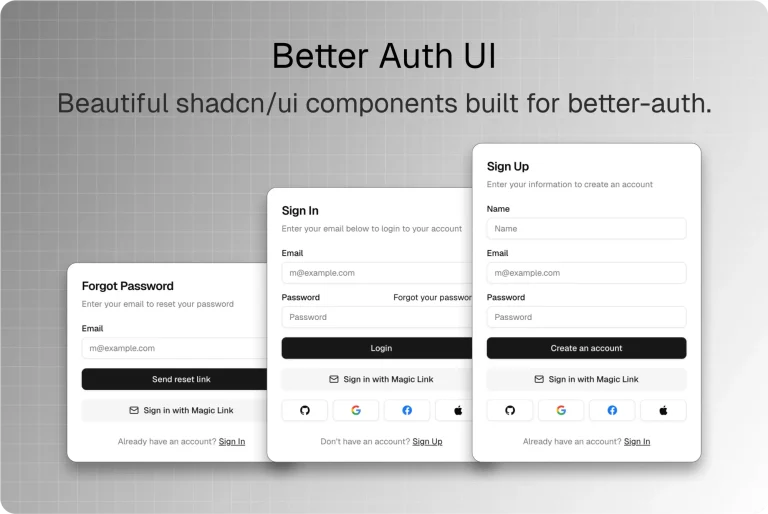
The Future of Web Dev
The Future of Web Dev
Next.js Better Auth Starter with Organizations and Role Management
Production-ready Next.js authentication starter with Better Auth, Drizzle ORM, email verification, Google OAuth, and organization management features.
Better Auth Starter is a production-ready authentication boilerplate that combines Next.js with modern web development tools to create secure, scalable applications.
The core of the starter is Better Auth, a TypeScript-first authentication framework. This handles user sign-up, login, and other security features.
The starter also includes Shadcn for UI components, Drizzle as an ORM for database interactions, and Neon for serverless Postgres database hosting.
This combination allows you to quickly build applications with secure authentication, a modern user interface, and a scalable database backend.
Features
🔐 Better Auth integration with Drizzle ORM setup for type-safe database operations.
📧 Email/password authentication with secure password hashing and validation.
🔍 Google OAuth login integration for social authentication.
✅ Email verification system to confirm user account validity.
🔑 Password reset and forgot password functionality with secure token handling.
🏢 Organization management with multi-tenant support.
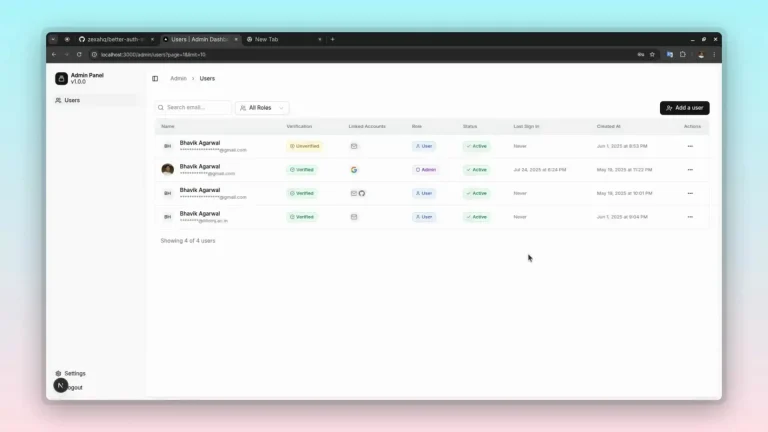
👥 Team member management with role-based access control.
🎫 Organization invitation system with email-based invites.
🎨 Pre-styled UI components using Shadcn for consistent design.
🗄️ Neon database integration for serverless PostgreSQL hosting.
Use Cases
- SaaS Applications: Quickly start a new software-as-a-service product with pre-built user and organization management.
- Internal Tools: Develop internal dashboards and applications that require secure employee login and role-based access.
- Multi-tenant Platforms: Build applications that support multiple tenants with isolated data and user management.
- Project Management Tools: Create collaborative tools where users can be invited to projects with specific roles and permissions.
How to Use It
1. Clone or download the Better Auth Starter repository from GitHub.
2. Install all required dependencies using the package manager.
pnpm install3. Create your environment configuration by copying the example environment file to a new .env file in your project root. This file contains all the necessary environment variables for authentication, database connection, and third-party service integration.
cp env.example .env4. Configure your environment variables in the .env file with your actual service credentials. Set up the Better Auth secret key, which should be a randomly generated string used for signing tokens and sessions.
BETTER_AUTH_SECRET="your-32-character-random-string"
BETTER_AUTH_URL="http://localhost:3000"
5.. Configure your database connection using a Neon PostgreSQL database URL. Create a new database instance on Neon and copy the connection string to your environment file.
DATABASE_URL="postgresql://username:password@hostname/database"6. Set up Google OAuth credentials by creating a new project in the Google Cloud Console and configuring the OAuth 2.0 client. Add your client ID and secret to the environment configuration.
GOOGLE_CLIENT_ID="your-google-oauth-client-id"
GOOGLE_CLIENT_SECRET="your-google-oauth-client-secret"
7. Run the database migrations to create the necessary tables for user authentication, organizations, and permissions. The Drizzle ORM will handle schema creation and updates automatically.
pnpm db:push8. Start the development server to begin working with your authenticated application. The server will run on localhost port 3000 by default.
pnpm dev9. Access your application at http://localhost:3000 to see the authentication system in action.
10. Customize the authentication configuration by modifying the Better Auth setup in your application files. You can add additional OAuth providers, configure session duration, or implement custom authentication logic based on your requirements.
Related Resources
- Better Auth Documentation – Complete guide to implementing Better Auth in your applications with configuration options and API reference
- Drizzle ORM Documentation – Type-safe database toolkit documentation covering schema definition, queries, and migrations
- Shadcn UI Components – Modern React component library with customizable designs and accessibility features
- Neon Database Platform – Serverless PostgreSQL platform documentation including connection setup and scaling options
FAQs
Q: Can I use a different database provider instead of Neon?
A: Yes, you can modify the DATABASE_URL to connect to any PostgreSQL-compatible database including local instances, AWS RDS, or other cloud providers. Drizzle ORM supports multiple database providers.
Q: How do I add additional OAuth providers beyond Google?
A: Better Auth supports multiple OAuth providers. You can add providers like GitHub, Discord, or Microsoft by installing the corresponding provider packages and updating your authentication configuration with the new client credentials.
Q: Is the organization feature suitable for multi-tenant applications?
A: Yes, the organization system provides data isolation and role-based permissions that work well for multi-tenant SaaS applications. Each organization operates independently with its own members and permissions.
Q: Can I customize the email templates for verification and password reset?
A: Yes, Better Auth allows you to customize email templates by providing your own HTML templates and email sending configuration. You can integrate with services like SendGrid or AWS SES for production email delivery.
Q: How do I deploy this starter to production?
A: Update your environment variables for production services, configure your database for production use, set up proper domain configuration for Better Auth, and deploy using platforms like Vercel, Netlify, or your preferred hosting provider.