The Future of Web Dev
The Future of Web Dev
Add iziToast Notifications to Nuxt with Full SSR Support – Nuxt Toast
Implement toast notifications in your Nuxt 3 app with auto-imported composables and SSR support.
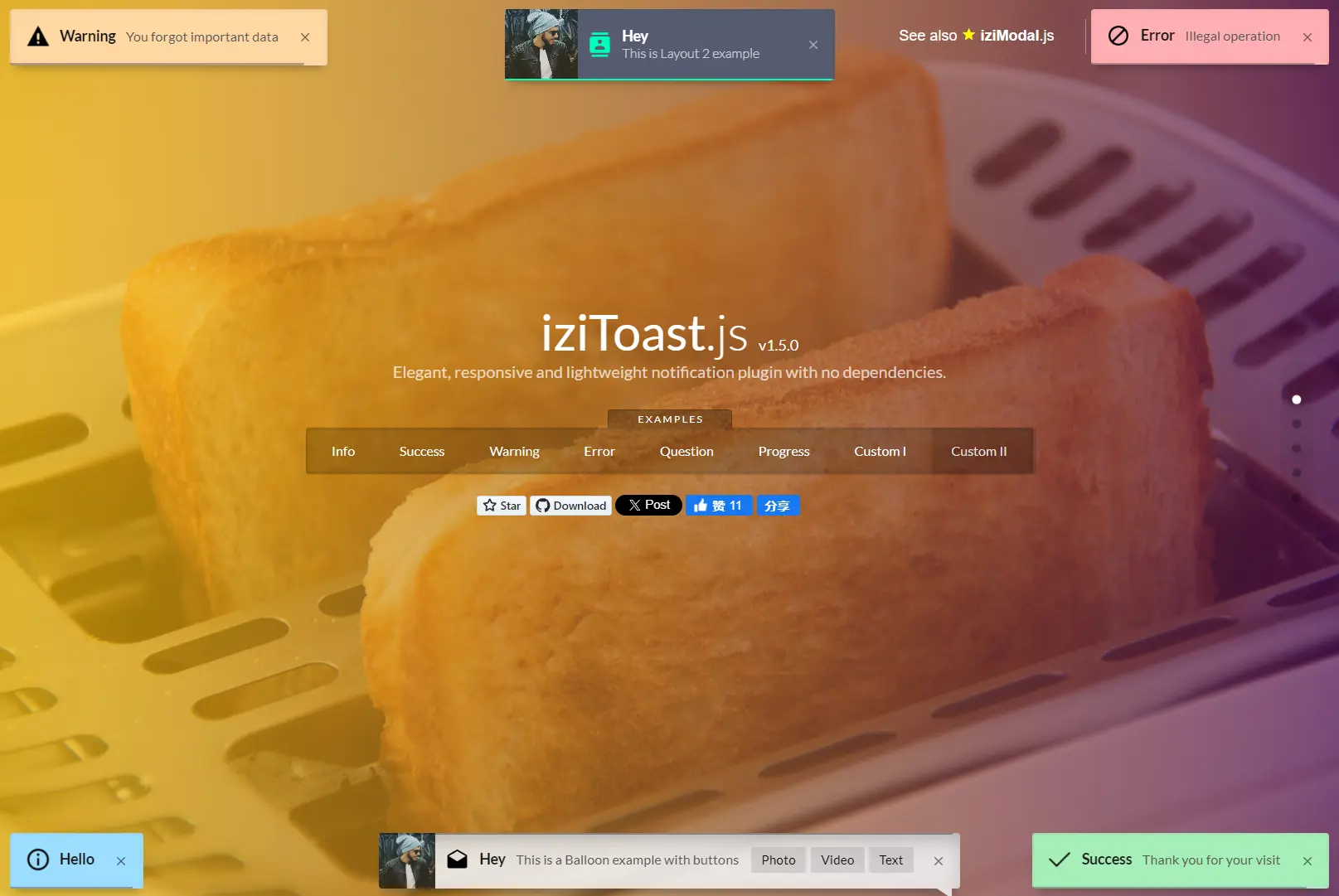
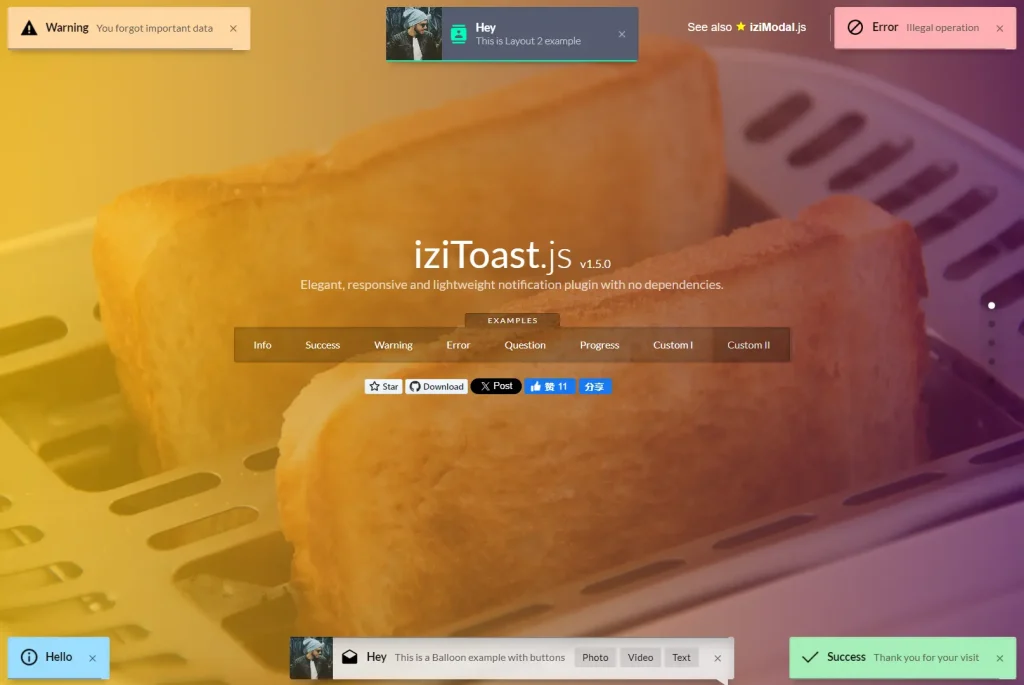
Nuxt Toast is a Nuxt module that integrates iziToast-powered notifications into Nuxt 3 applications.
It provides a simple way to implement toast notifications, which are small, non-intrusive message elements that appear temporarily on the screen to provide feedback to users.
Nuxt Toast handles the configuration and implementation details, allowing developers to focus on creating notification content rather than dealing with setup complexities.
Features
🎨 Customizable Styles & Icons: Tailor notifications to fit your app’s design by customizing the appearance and icons.
⚡ Auto-imported Composable: Access the useToast() composable by default for quick implementation.
🔔 Easy Integration: Display toast notifications in your Nuxt 3 app with minimal setup.
🔧 Fully Configurable: Adjust settings such as position, timeout, and layout directly from nuxt.config.ts.
Use Cases
- Form Submission Feedback: After a user submits a form, you can instantly confirm successful submission. If an error occurs, you can deliver immediate, clear feedback.
- User Authentication Updates: When a user logs in or registers, use notifications to communicate status.
- Real-time Application Updates: For applications that update in real time, such as chat apps or live dashboards, use toast notifications to notify users of new messages, data updates, or system alerts.
- E-commerce Transactions: Provide instant updates on order status for immediate user feedback.
Installation
Quick Setup
The simplest way to install Nuxt Toast is through the Nuxt module system:
npx nuxi module add nuxt-toastThis command adds the module to your project and updates your configuration files automatically.
Manual Installation
If you prefer manual installation, you can add the package using your preferred package manager:
# Using npm
npm install nuxt-toast
# Using yarn
yarn add nuxt-toast
# Using pnpm
pnpm add nuxt-toast
# Using bun
bun add nuxt-toast
After installing the package, update your Nuxt configuration file to include the module:
// nuxt.config.ts
export default defineNuxtConfig({
  modules: [
    'nuxt-toast'
  ]
})
Usage
Basic Usage
The module exposes a useToast() composable that provides methods for displaying different types of notifications:
<script setup>
const toast = useToast()
// Display success notification
function handleSuccess() {
  toast.success({
    title: 'Success!',
    message: 'Your action was completed successfully.'
  })
}
// Display error notification
function handleError() {
  toast.error({
    title: 'Error!',
    message: 'Something went wrong.'
  })
}
// Display information notification
function showInfo() {
  toast.info({
    title: 'Info',
    message: 'Here is some information.'
  })
}
// Display warning notification
function showWarning() {
  toast.warning({
    title: 'Warning!',
    message: 'Be careful with this action.'
  })
}
// Display question notification
function askQuestion() {
  toast.question({
    title: 'Confirmation',
    message: 'Are you sure you want to continue?'
  })
}
</script>
Customizing Appearance
You can customize individual toast notifications by passing additional options:
<script setup>
const toast = useToast()
toast.show({
  title: 'Custom Notification',
  message: 'This is a custom notification with specific settings',
  timeout: 5000,         // Duration in milliseconds
  position: 'topCenter', // Position on screen
  layout: 2,             // Layout variation
  backgroundColor: '#3498db',
  titleColor: '#ffffff',
  messageColor: '#e6e6e6',
  icon: 'icon-person',
  progressBar: true,
  close: true,           // Include close button
})
</script>
Managing Toast Notifications
You can programmatically hide specific toast notifications when needed:
<script setup>
const toast = useToast()
// Display a persistent notification
const showPersistentMessage = () => {
  toast.error({
    title: 'Connection Lost',
    message: 'The application is currently offline.',
    timeout: false, // No automatic timeout
  })
}
// Hide a specific notification
const hideNotification = () => {
  toast.hideToast('Connection Lost', 'The application is currently offline.', 'error')
}
</script>
Global Configuration
You can set default options for all toast notifications in your application by configuring the module in your Nuxt config file:
// nuxt.config.ts
export default defineNuxtConfig({
  modules: ['nuxt-toast'],
  toast: {
    // Default options for all toasts
    position: 'bottomLeft',
    timeout: 3000,
    closeOnClick: true,
    // Change the composable name
    composableName: 'useNotification'
  }
})
After changing the composable name, update your component imports accordingly:
<script setup>
const notification = useNotification()
notification.success({ message: 'Configuration applied successfully' })
</script>
Related Resources
- Nuxt 3 Documentation: Visit the official Nuxt 3 documentation. Learn more about modules and server-side rendering.
- iziToast: Explore the original iziToast library documentation for advanced configurations.
FAQs
Q: Can I use custom icons with Nuxt Toast notifications?
A: Yes, you can specify custom icons when displaying toast notifications by setting the icon property in the options object. The module supports both icon class names and image URLs.
Q: How do I display HTML content in toast notifications?
A: You can include HTML content in toast notifications by setting the message property to your HTML content and enabling the allowHtml option when displaying the toast.
Q: Is it possible to chain multiple toast notifications?
A: Yes, you can display multiple toast notifications sequentially by calling the toast methods in succession. Each notification will be displayed based on its position and stacking behavior.
Q: Can I customize the animation effects for toast notifications?
A: Yes, you can customize animation effects by setting the animateInside, transitionIn, and transitionOut properties when configuring your toast notifications.
Q: Can I use this alongside other notification libraries?
A: Yes. Rename the composable to avoid naming conflicts with other libraries.
Q: Are there performance impacts with frequent toast calls?
A: No. The module optimizes DOM updates and uses iziToast’s lightweight rendering.
Preview