The Future of Web Dev
The Future of Web Dev
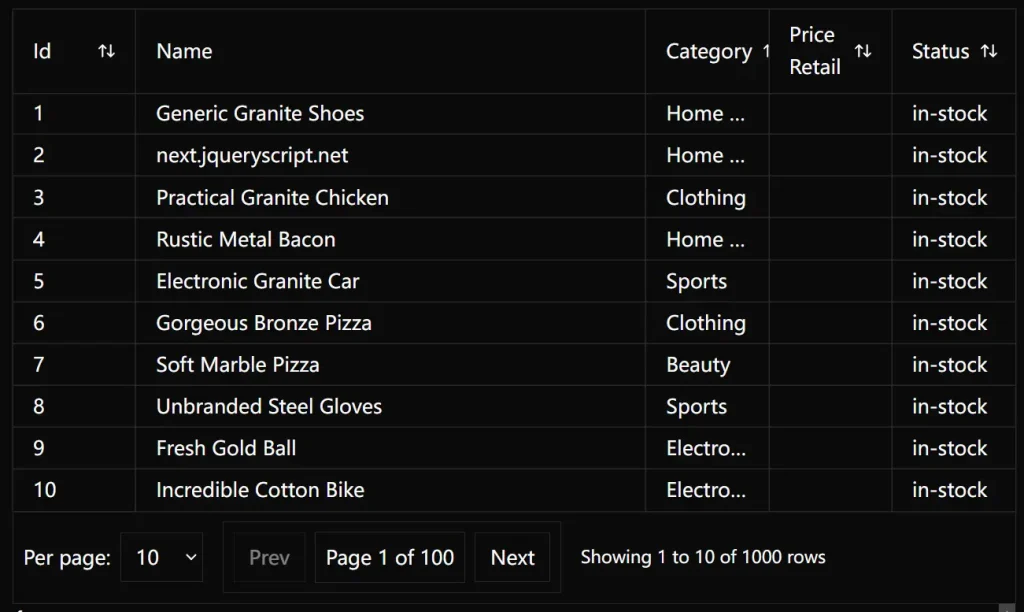
High-Performance Data Tables for Svelte – Tzezar’s Datagrid
A powerful, flexible data grid component for Svelte with TypeScript support, custom rendering, and handling for large datasets.
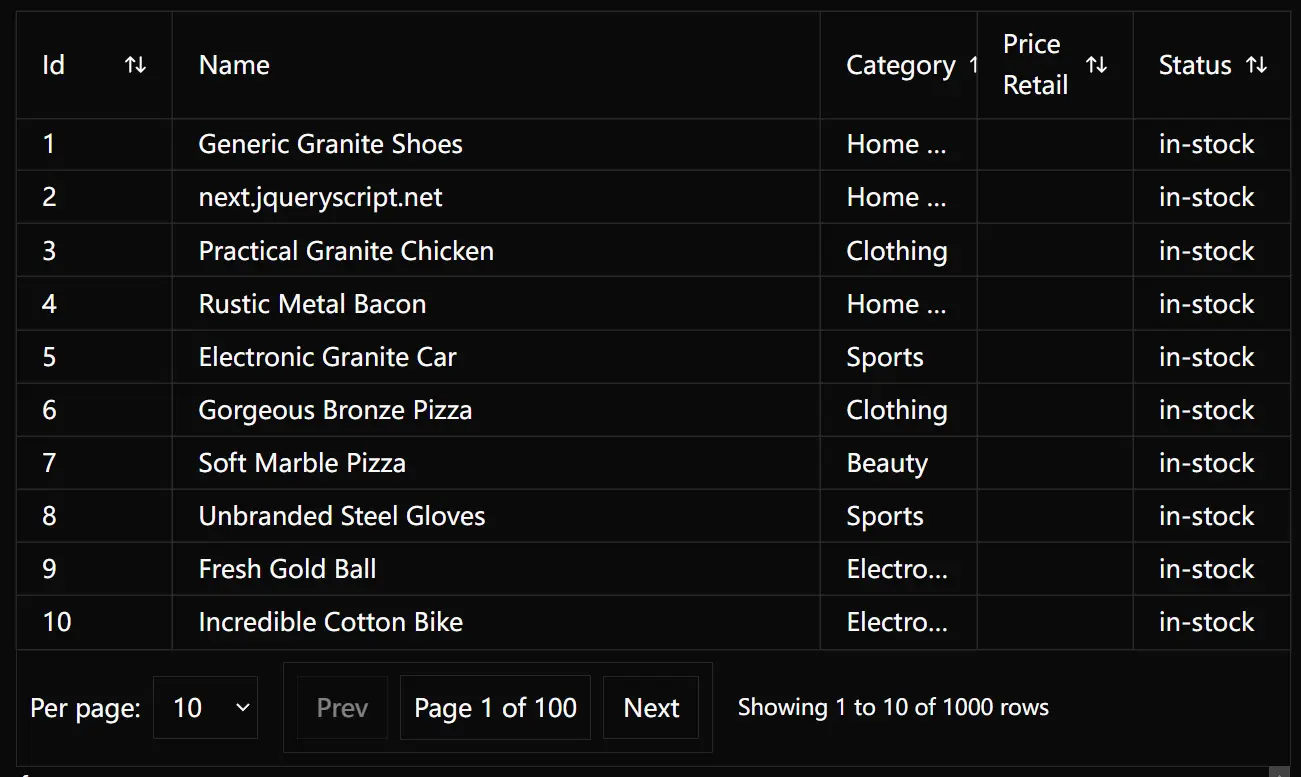
Tzezar’s Datagrid is a headless, highly flexible, and developer-friendly data grid component built with ShadCN-Svelte.
You can use this component for anything from simple tables to complex data management interfaces. It’s perfect for applications dealing with inventory, analytics, reporting, or any scenario where you need to present large datasets in a structured way.
Features
🚀 Complete Control – Take full ownership of your code with no hidden behaviors or limitations
⚡ Blazing-Fast Performance – Handle hundreds of thousands of rows with optimized rendering and optional virtualization
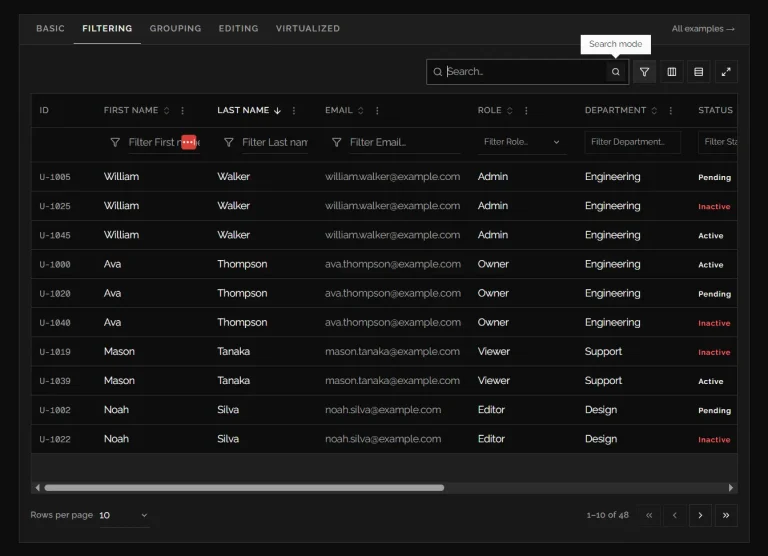
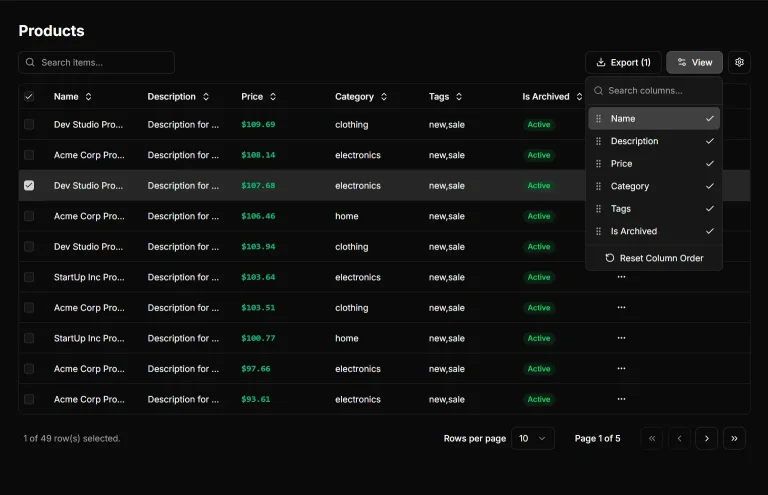
📊 Comprehensive Column Management – Implement grouping, pinning, resizing, reordering, and visibility toggling
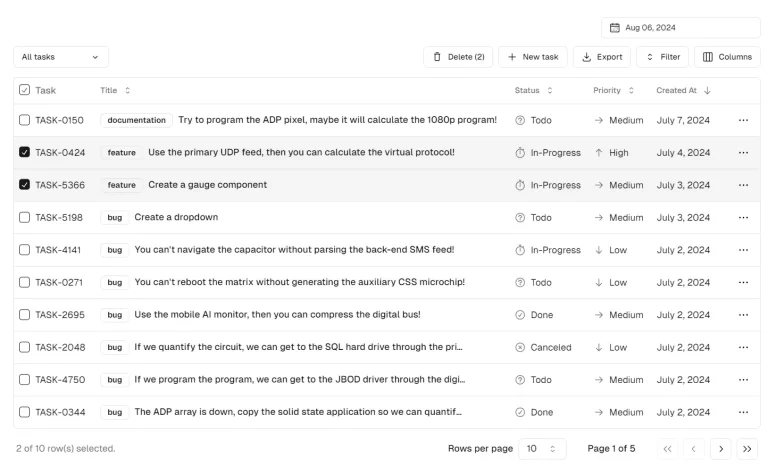
🔄 Row Operations – Easily implement expanding rows, pagination, multi-row selection, and row pinning
🔌 Optional Plugins – Extend functionality with animations, export options, state persistence, and more
🔋 Dual Architecture – Choose between a headless core for maximum flexibility or a pre-built enhanced wrapper for rapid development
🧩 TypeScript Support – Get excellent type safety, autocompletion, and early error detection
🔍 Advanced Filtering System – Use faceted filtering with multiple filter types and custom filter functions
📱 Responsive Design – Create tables that work seamlessly across all device sizes
Installation
Before you begin, make sure you have a working Svelte project set up.
The simplest way to install is by using the CLI tool:
npx tzezars-datagrid@latest initDuring installation, you will be prompted to configure a few options, such as your target project and installation directory. You can choose to install dependencies automatically.
If automatic dependency installation fails, you can install them manually. Report any issues on the project’s GitHub repository.
For manual installation, copy the component code from the GitHub repository. Then, install the required dependencies:
npm i fuse.js
npm i papaparse xlsx fast-xml-parser
These packages are for global search and features to export data.
Optionally, you can enhance features by:
npm i fast-sort
npm i svelte-virtuallists
Usage
This quick overview will guide you through setting up your data, defining columns, creating a datagrid instance, and rendering the datagrid.
First, set up your data. Here’s a basic example:
const data = [
   {
      id: 1,
      name: 'Product',
      price: {
         retail: 20,
         currency: 'PLN'
      }
   }
];
type InventoryItem = {
   id: number;
   name: string;
   price: {
      retail: number;
      currency: string;
   };
};
Next, define your columns:
import {
   accessorColumn,
   columnGroup,
   computedColumn,
   displayColumn,
   type ColumnDef
} from '$lib/datagrid/index.js';
export const columns = [
   accessorColumn({
      accessorKey: 'id'
   }),
   columnGroup({
      header: 'Product',
      columns: [
         accessorColumn({
            accessorKey: 'name'
         }),
         computedColumn({
            header: 'Price',
            getValueFn: (row) => `${row.price.retail} ${row.price.currency}`
         })
      ]
   }),
   displayColumn({
      columnId: 'expansion',
      header: '',
      cell: () => '<div>+</div>'
   })
] satisfies ColumnDef<InventoryItem>[];
accessorColumn displays direct data, computedColumn transforms data, displayColumn shows custom content, and columnGroup organizes columns. Adding satisfies ColumnDef<InventoryItem>[] provides TypeScript IntelliSense.
Create your datagrid instance:
import { DatagridCore } from '$lib/datagrid/index.js';
const datagrid = new DatagridCore({
   columns,
   data
});
You can customize the datagrid further by setting an initial state or extending built-in features.
Finally, render your datagrid. Since this is a headless library, you control the rendering. Here’s a simple implementation using <div> elements:
<div class="datagrid-wrapper">
   <div class="datagrid">
      <!-- Header -->
      <div class="datagrid-header">
         <div class="datagrid-row">
            {#each datagrid.columns.getLeafColumns() as column}
               <div class="datagrid-cell header-cell">
                  {column.header}
               </div>
            {/each}
         </div>
      </div>
      <!-- Body -->
      <div class="datagrid-body">
         {#each datagrid.rows.getVisibleBasicRows() as row}
            <div class="datagrid-row">
               {#each datagrid.columns.getLeafColumns() as column}
                  <div class="datagrid-cell">
                     {getCellContent(column, row.original)}
                  </div>
               {/each}
            </div>
         {/each}
      </div>
   </div>
</div>
For complex cell content, use Svelte 5 snippets or the prebuilt <RenderCell /> component. The <div>-based structure offers better styling flexibility, improved performance with virtual scrolling, and more control compared to traditional HTML tables.
Related Resources
- Shadcn-Svelte: UI component library. Tzezar’s Datagrid integrates with Shadcn-Svelte. (https://www.shadcn-svelte.com/)
- Svelte 5 Official Documentation: The core principles of Svelte 5. (https://svelte-5-preview.vercel.app/)
- Svelte-VirtualLists: A library for virtual scrolling in Svelte. This is recommended for efficiently handling large datasets within your datagrid. (https://github.com/orefalo/svelte-virtuallists)
FAQs
Q: What is a “headless” component?
A: A headless component provides functionality and logic without dictating the user interface. This gives you maximum control over the appearance and behavior of your datagrid.
Q: Can I use this datagrid with plain JavaScript instead of TypeScript?
A: Yes, JavaScript is supported. However, TypeScript is strongly recommended for type safety and a better development experience.
Q: How do I handle very large datasets?
A: While the core datagrid is optimized for performance, virtualization is crucial for massive datasets. The recommended svelte-virtuallists library provides smooth scrolling and efficient rendering.
Q: Does it provide built-in data fetching?
A: No. Fetching data remains independent of the core functionalities of the datagrid.
Preview