The Future of Web Dev
The Future of Web Dev
AI Chatbot UI Blocks for shadcn/ui & Next.js Projects – Manifest UI
Add production-ready AI chat UI blocks to your Next.js app with Manifest UI. Features chat threads, image messages, quick replies, and 30+ shadcn/ui components.
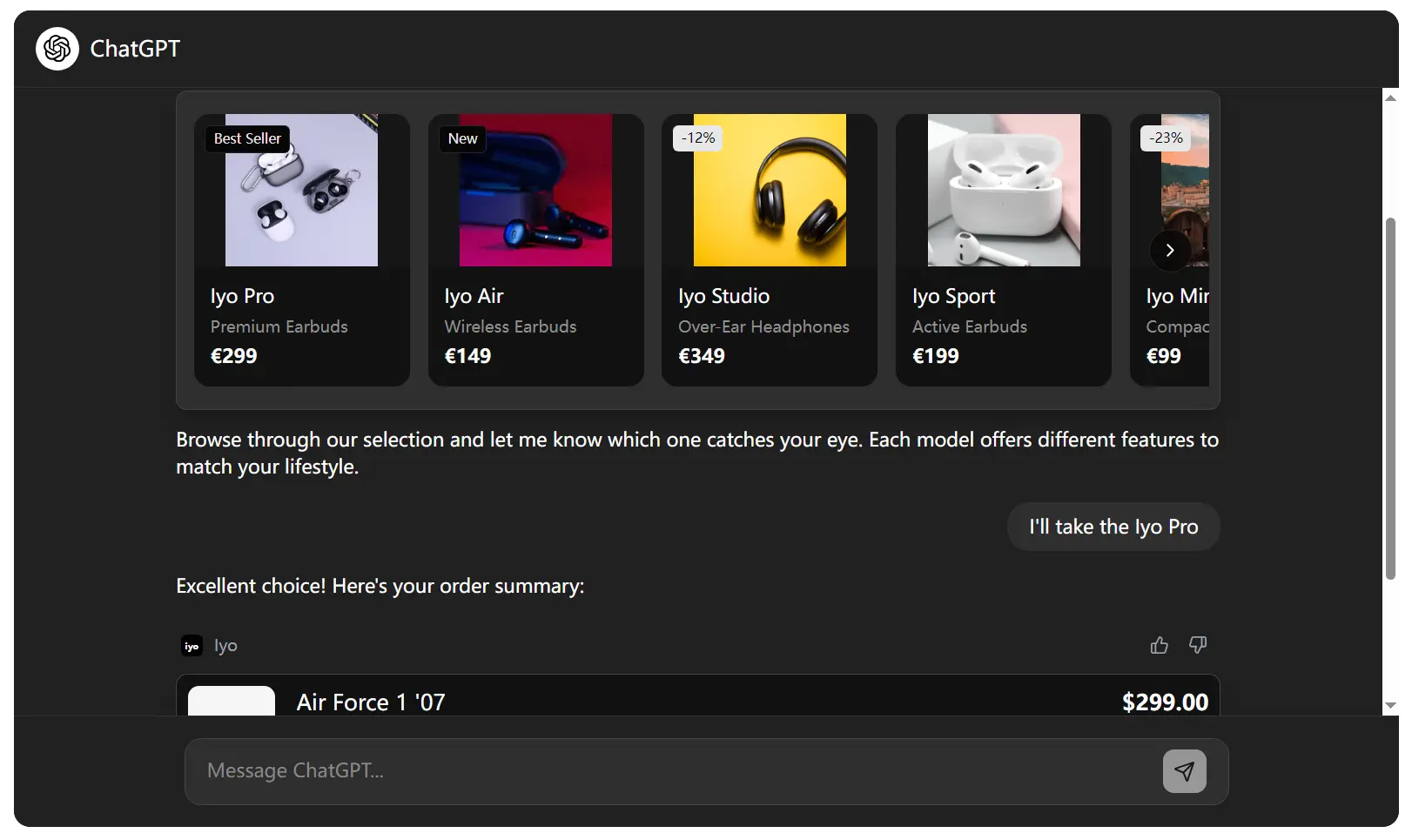
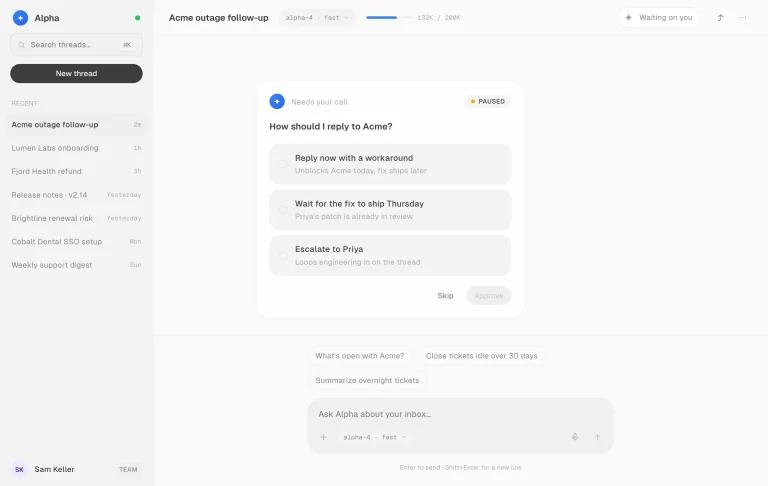
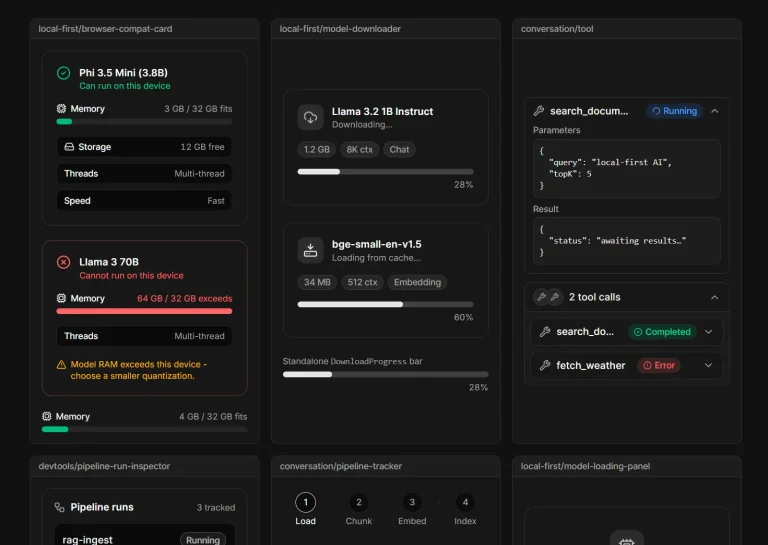
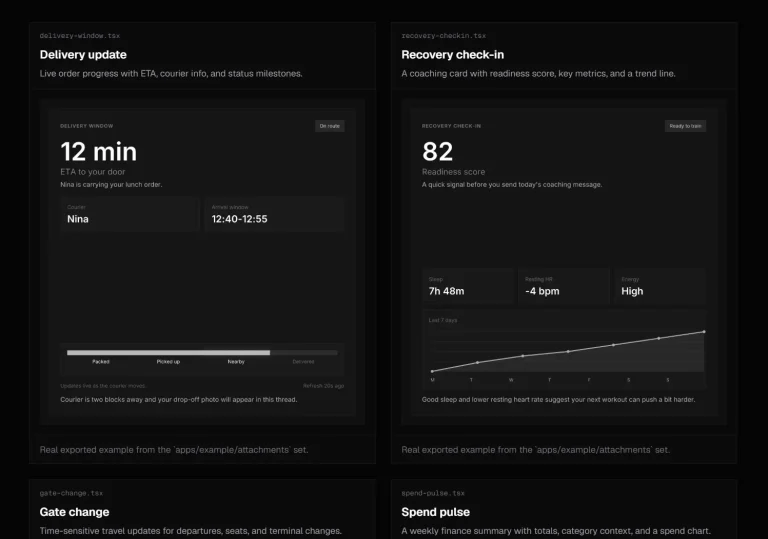
Manifest UI is a shadcn/ui component library that provides a set of production-ready UI blocks for building ChatGPT-style agentic web applications.
You can copy each block into your project the same way you copy any shadcn/ui component with shadcn CLI.
Features
- Chat-focused block set including conversations, message bubbles, quick-reply chips, and option lists, etc.
- Tailwind CSS v4 theme integration through CSS custom properties.
- Full dark-mode support.
- TypeScript interfaces for every block.
- Installed one block at a time with the same
npx shadcn@latest addcommand.
Use Cases
- Add a ChatGPT‑style chat panel to a Next.js AI application.
- Build a customer‑support messaging widget with read receipts and image attachments.
- Create an agentic workflow UI where each step renders a different block (confirmation, payment, progress steps).
- Prototype a social feed with rendered Instagram, LinkedIn, X, or YouTube post cards.
UI Blocks Included
- Blogging: Post Card, Post Detail, Post List.
- Events: Event Card, Event Confirmation, Event Detail, Event List, Ticket Tier Select.
- Forms: Contact Form, Date and Time Picker, Issue Report Form.
- Lists and Tables: Product List, Table.
- Map: Map Carousel.
- Messaging: Chat Conversation, Message Bubble.
- Miscellaneous: Hero, Stat Card.
- Payment: Amount Input, Order Confirm, Payment Confirmed.
- Selection: Option List, Quick Reply, Tag Select.
- Social: Instagram Post, LinkedIn Post, X Post, YouTube Post.
- Status and Progress: Progress Steps, Status Badge.
Basic Usage
1. Start with an existing React or Next.js project that already uses shadcn/ui. If your project has no shadcn setup yet, initialize it first.
# Initialize shadcn/ui in the current project
npx shadcn@latest init
2. Manifest UI uses Tailwind CSS v4 theme variables. Check your main CSS file when a copied block renders with missing colors, borders, or radius values.
/* Import Tailwind CSS v4 */
@import "tailwindcss";
/* Map shadcn CSS variables to Tailwind theme tokens */
@theme inline {
  --color-background: var(--background);
  --color-foreground: var(--foreground);
  --color-card: var(--card);
  --color-card-foreground: var(--card-foreground);
  --color-primary: var(--primary);
  --color-primary-foreground: var(--primary-foreground);
  --color-muted: var(--muted);
  --color-muted-foreground: var(--muted-foreground);
  --color-border: var(--border);
  --color-ring: var(--ring);
  --radius-sm: calc(var(--radius) - 4px);
  --radius-md: calc(var(--radius) - 2px);
  --radius-lg: var(--radius);
  --radius-xl: calc(var(--radius) + 4px);
}
3. Install a UI block (Chat Conversation in this example) with the shadcn CLI.
# Add the Chat Conversation block to your local components
npx shadcn@latest add @manifest/chat-conversation
4. Render a short conversation with one incoming message and one outgoing message.
import { ChatConversation } from "@/components/ui/chat-conversation"
export default function AgentPreview() {
  return (
    <ChatConversation
      data={{
        // The component reads this array and renders one bubble per item
        messages: [
          {
            id: "intro-1",
            type: "text",
            content: "The deployment summary is ready for review.",
            author: "Agent",
            avatarFallback: "A",
            time: "9:12 AM",
            isOwn: false
          },
          {
            id: "intro-2",
            type: "text",
            content: "Send the checklist before I approve it.",
            author: "You",
            avatarFallback: "Y",
            time: "9:13 AM",
            isOwn: true,
            status: "read"
          }
        ]
      }}
    />
  )
}
Alternatives
- Build Custom AI Chatbots with shadcn-chatbot-kit Components
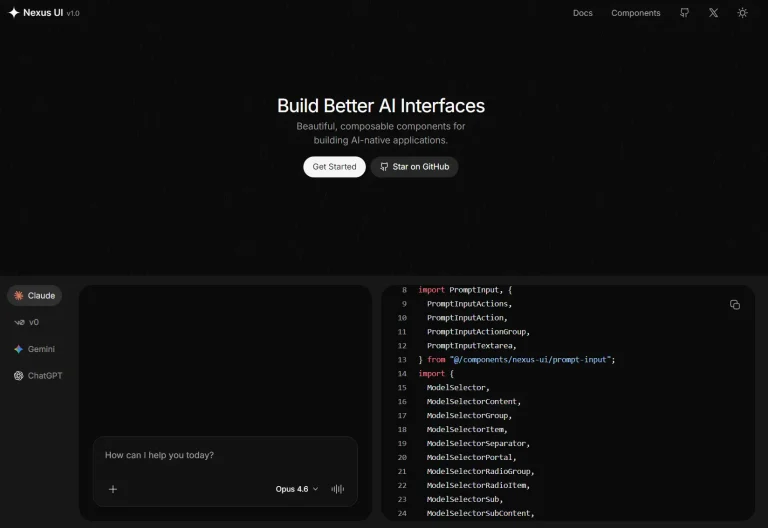
- Copy Paste React Components for AI Chat UI: Nexus UI
- Build Modern AI Chatbots with Simple AI UI Components
- High Quality UI Components for AI Applications and SaaS: prompt-kit
- Modern Accessible shadcn/ui Blocks for Next.js and React
FAQs
Q: Can I use Manifest UI through a CDN script tag?
A: No. Manifest UI uses the shadcn CLI workflow because it copies React component source into your project.
Q: Do I need to install the full shadcn/ui library before using Manifest UI?
A: You need shadcn/ui initialized in your project (npx shadcn@latest init), but you don’t need to install every shadcn/ui component. The @manifest CLI command installs only the block you request and its direct shadcn/ui dependencies.
Q: Why do the components render with plain colors or missing borders?
A: Check your Tailwind CSS v4 theme variables in globals.css or index.css. The blocks expect shadcn CSS variables such as --background, --foreground, --card, --border, and --radius.
Q: How do I connect ChatConversation to a real AI backend?
A: Keep the backend logic in a parent component or API layer. Convert each user or assistant response into a message object and pass the updated array through data.messages.