The Future of Web Dev
The Future of Web Dev
Minimal TanStack Start Template with Better Auth – React TanStarter
Build modern React applications faster with React TanStarter - includes TanStack Start, Router, Query, database setup, and user authentication.
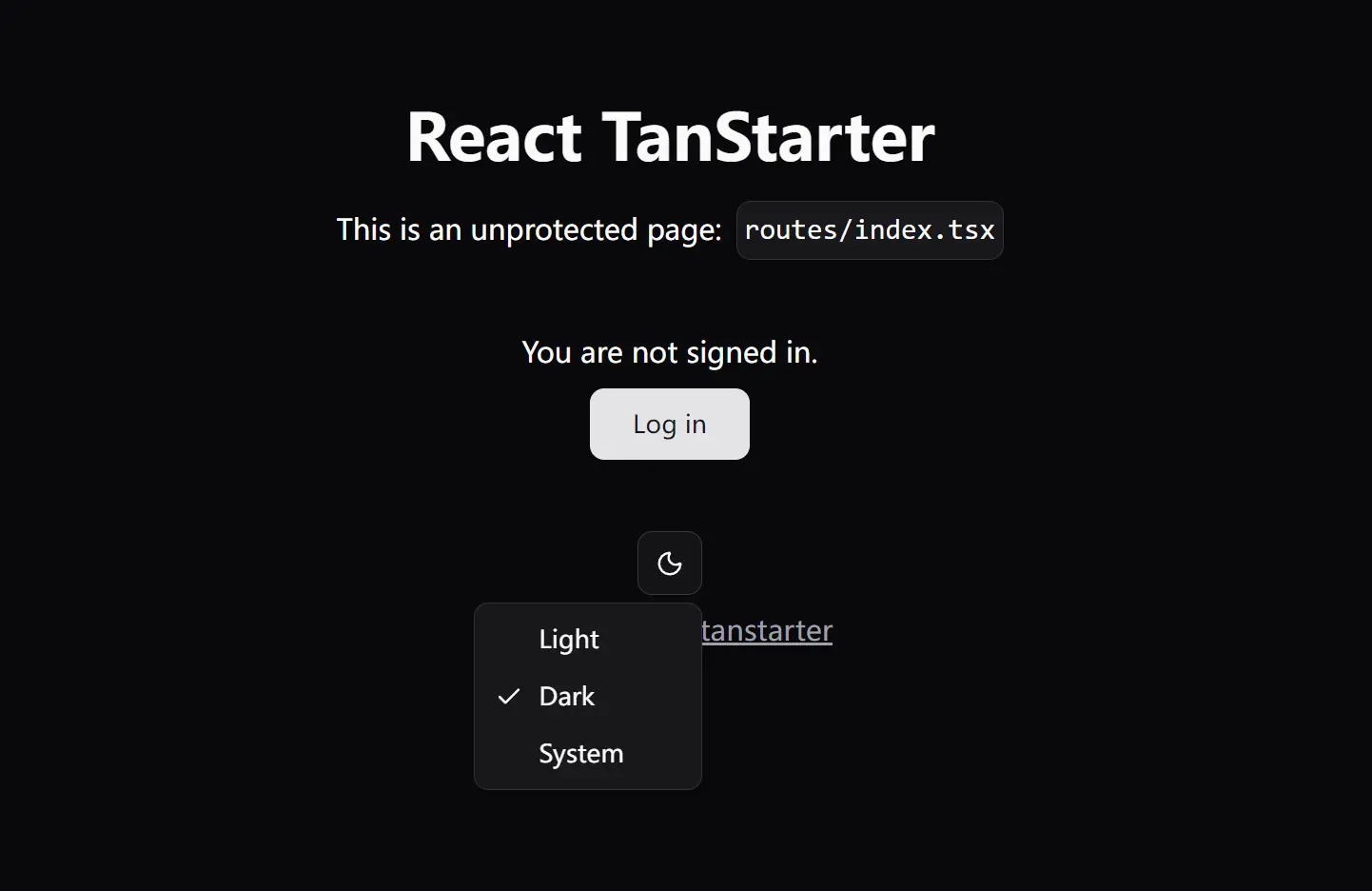
React TanStarter is a minimal, production-ready starter template that combines the latest React technologies with the TanStack ecosystem.
For styling, it utilizes Tailwind CSS v4 alongside shadcn/ui for a collection of reusable UI components.
The backend is powered by Drizzle ORM for typesafe database interactions with PostgreSQL, and authentication is handled through Better Auth.
Features
⚛️ React with React Compiler for automatic optimization and improved performance.
🚀 TanStack Start for full-stack React applications with built-in SSR capabilities.
🧭 TanStack Router for type-safe routing with advanced features like search params and loaders.
🔄 TanStack Query for server state management and data fetching with caching.
🎨 Tailwind CSS with shadcn/ui components for modern UI development.
🗄️ Drizzle ORM with PostgreSQL integration for type-safe database operations.
🔐 Better Auth implementation for secure user authentication and session management.
📦 Development scripts for database migrations, UI component management, and code quality checks.
🔧 TypeScript configuration with strict type checking and modern ES features.
✨ Pre-configured middleware for authentication guards and theme switching.
Use Cases
- Building modern SaaS applications that require user authentication, database operations, and responsive UI components.
- Creating content management systems with server-side rendering for better SEO performance and user experience.
- Developing e-commerce platforms that need secure payment processing, inventory management, and customer account features.
- Prototyping full-stack applications quickly without spending time on initial project configuration and tooling setup.
How to Use It
1. To get started with React TanStarter, you can use it as a template on GitHub or clone the repository directly. The project uses pnpm as the default package manager, but you can adjust the scripts in package.json to suit your preference.
npx gitpick dotnize/react-tanstarter my-app
cd my-app
2. Install the necessary packages.
pnpm install3. Create a .env file by copying the .env.example file. Fill in your database credentials and any other required environment variables.
VITE_BASE_URL=http://localhost:3000

DATABASE_URL="postgresql://user:password@localhost:5432/tanstarter"
# You can also use Docker Compose to set up a local PostgreSQL database:
# docker-compose up -d

# pnpm run auth:secret
BETTER_AUTH_SECRET=

# OAuth2 providers, optional, update as needed
GITHUB_CLIENT_ID=
GITHUB_CLIENT_SECRET=
GOOGLE_CLIENT_ID=
GOOGLE_CLIENT_SECRET=

# NOTE:
# In your OAuth2 apps, set callback/redirect URIs to`http://localhost:3000/api/auth/callback/<provider>`
# e.g. http://localhost:3000/api/auth/callback/github
4. Apply the Drizzle ORM schema to your PostgreSQL database. This command pushes the schema changes to your database.
pnpm db push5. Start the local development server. You can then visit the app at http://localhost:3000.
pnpm devRelated Resources
- TanStack Start Documentation – Complete guide to building full-stack React applications with TanStack Start.
- TanStack Router Documentation – Type-safe routing solutions for React applications.
- Better Auth Documentation – Modern authentication library for web applications.
- Drizzle ORM Documentation – TypeScript ORM for SQL databases with excellent developer experience.
FAQs
Q: Can I use a database other than PostgreSQL with this template?
A: Yes, Drizzle ORM supports multiple databases, including MySQL, SQLite, and others. You will need to modify the database configuration and install the appropriate database driver for your chosen database system.
Q: How do I add new authentication providers like Google or GitHub?
A: Better Auth supports multiple authentication providers. You can add social providers by modifying the auth configuration in src/lib/auth/index.ts and adding the necessary environment variables for each provider’s API credentials.
Q: What is the difference between React TanStarter and the official TanStack CLI?
A: React TanStarter is a complete template with additional tools like authentication, database integration, and UI components pre-configured. The official TanStack CLI creates minimal applications with just the core TanStack tools, requiring manual setup of additional features.
Q: How do I add new UI components?
A: The template includes the shadcn/ui CLI. You can add new components by running the command pnpm ui add <component-name>, for example pnpm ui add button.