The Future of Web Dev
The Future of Web Dev
Simple LQIP for Better Image Loading – Astro LQIP
Generate low quality image placeholders in Astro with native Picture component support. Includes Base64, CSS, SVG, and color techniques.
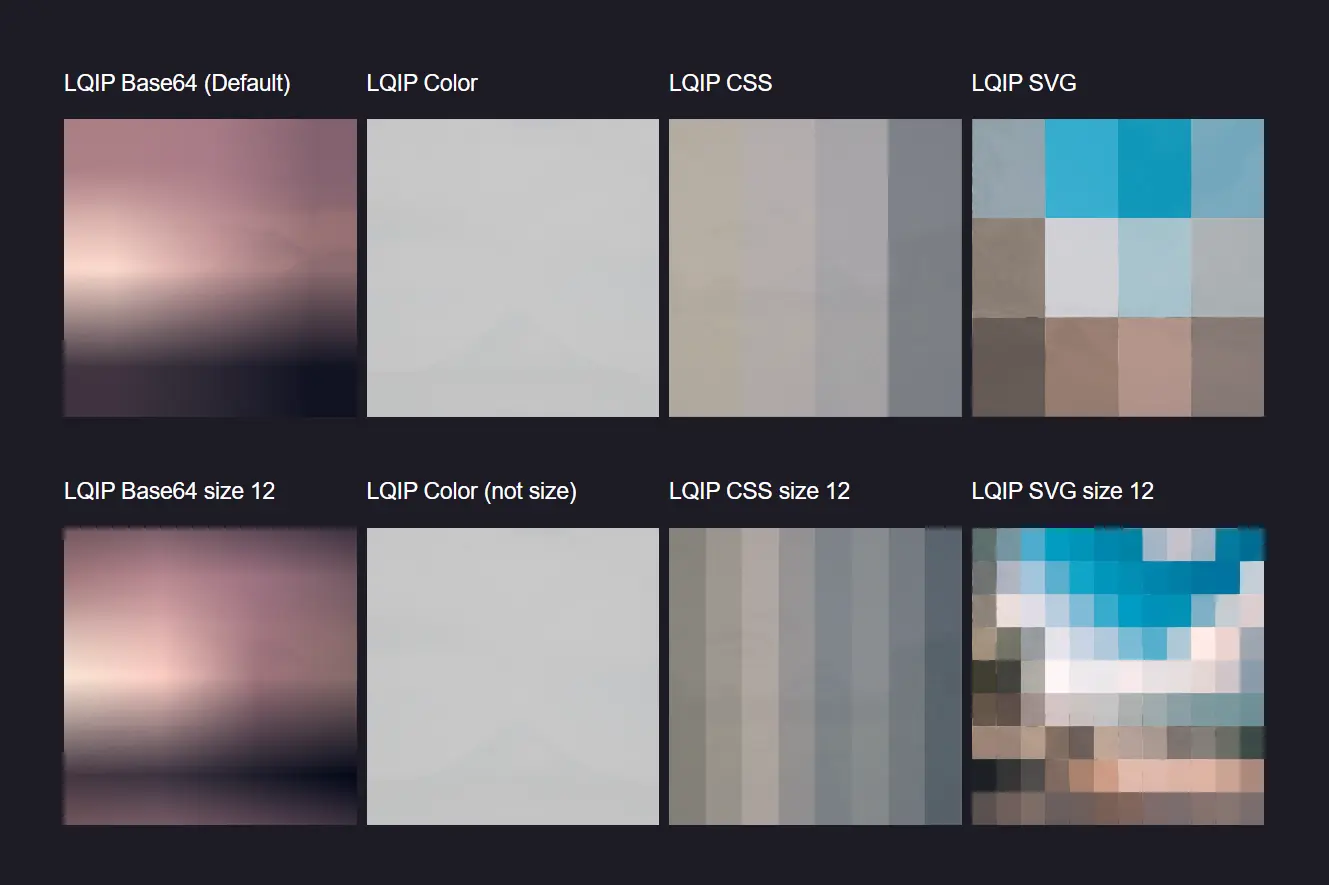
astro-lqip is an extended native Astro component for creating low-quality image placeholders, also known as LQIP.
It improves the user experience by displaying a smaller, blurred version of an image while the full-resolution original loads. This technique reduces perceived loading times and prevents layout shifts.
This component replaces the standard Astro <Picture /> component. It supports all the native props and adds new ones for managing the placeholder generation.
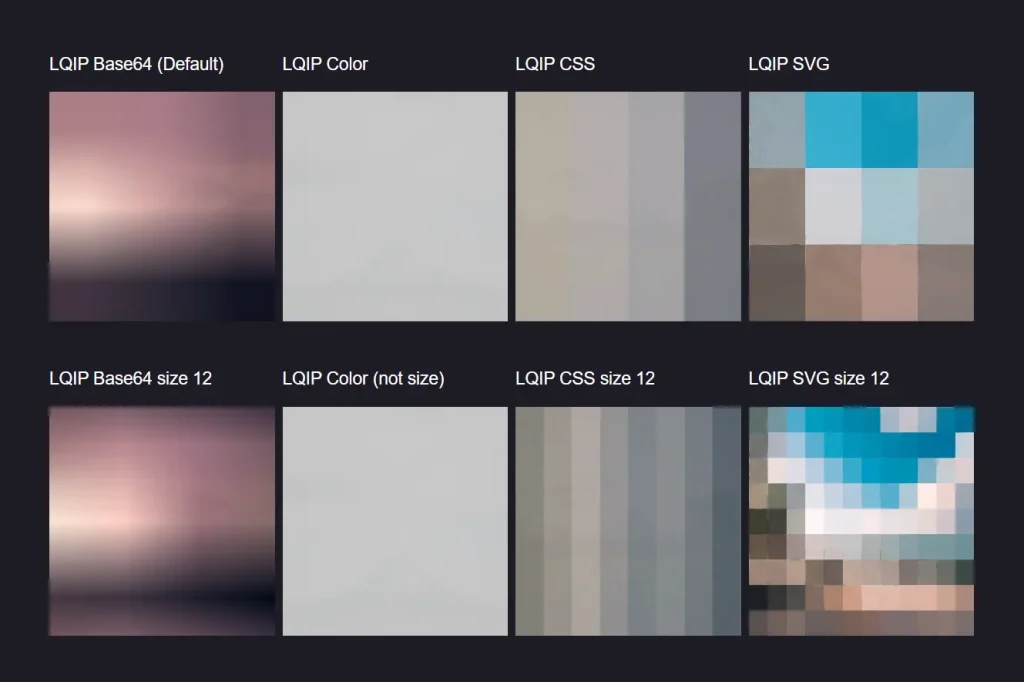
You can use it to generate different types of placeholders, including Base64, solid color, CSS, and SVG.
Features
📦 Multiple LQIP techniques including Base64, CSS, SVG, and solid color placeholders
⚡ Configurable placeholder size from 4 to 64 pixels for performance optimization
🎨 Base64 encoding creates tiny blurred versions of original images
🌈 Solid color extraction generates single-color placeholders from dominant image colors
🎭 CSS-based placeholders using gradient techniques for smooth transitions
📐 SVG generation creates vector-based low-quality representations
🔧 Full prop compatibility with all existing Astro Picture component features
📱 Responsive image support maintains all native responsive capabilities
Preview
Use Cases
- Blogs and News Sites On content-heavy websites, using astro-lqip for article thumbnails and inline images can significantly improve the reading experience by providing immediate visual context.
- E-commerce Product Galleries For online stores, displaying low-quality placeholders for product images keeps the layout stable and gives customers a quick preview as they browse.
- Portfolio Websites Designers and photographers can use astro-lqip to show blurred previews of their work, maintaining a visually appealing layout while high-resolution images load in the background.
How To Use It
1. Install the package using your preferred package manager:
NPM:
npm install astro-lqipPNPM:
pnpm add astro-lqipYarn:
yarn add astro-lqip2. Replace your existing Astro Picture component import with the Astro LQIP version:
---
// Replace this import
// import { Picture } from 'astro:assets';
// With this import
import { Picture } from 'astro-lqip/components';
import image from './path/to/image.png';
---
<Picture src={image} alt="Cover Image" width={220} height={220} />
The component accepts all standard Astro Picture properties plus two additional LQIP-specific props:
3. Available props:
lqip: Choose from “base64” (default), “color”, “css”, or “svg”lqipSize: Set placeholder resolution from 4 to 64 pixels (default is 4)
---
import { Picture } from 'astro-lqip/components';
import image from './path/to/image.png';
---
<Picture
  src={image}
  alt="Cover Image"
  width={220}
  height={220}
  lqip="css"
  lqipSize={7}
/>
4. Different LQIP Techniques:
<!-- Base64 blurred placeholder -->
<Picture src={image} alt="Image" width={300} height={200} lqip="base64" />
<!-- Solid color placeholder -->
<Picture src={image} alt="Image" width={300} height={200} lqip="color" />
<!-- CSS gradient placeholder -->
<Picture src={image} alt="Image" width={300} height={200} lqip="css" />
<!-- SVG-based placeholder -->
<Picture src={image} alt="Image" width={300} height={200} lqip="svg" />
FAQs
Q: Does Astro LQIP work with remote images?
A: Remote image support is currently being tested. The component works best with local images imported through Astro’s asset system.
Q: What’s the performance impact of larger lqipSize values?
A: Larger lqipSize values create more detailed placeholders but increase file size and processing time. Values above 16 pixels may significantly impact performance.
Q: Can I use Astro LQIP with the Image component instead of Picture?
A: Image component support is planned for future releases. Currently, only the Picture component is supported.
Q: Which LQIP technique should I choose for my project?
A: Base64 provides the most realistic previews, CSS offers smooth gradients, SVG creates scalable placeholders, and color gives the smallest file size.
