The Future of Web Dev
The Future of Web Dev
Deploy self-hosted Next.js Apps Fast with Quicky CLI
A CLI tool that simplifies Next.js deployment. Automate hosting, manage domains, and streamline your workflow.
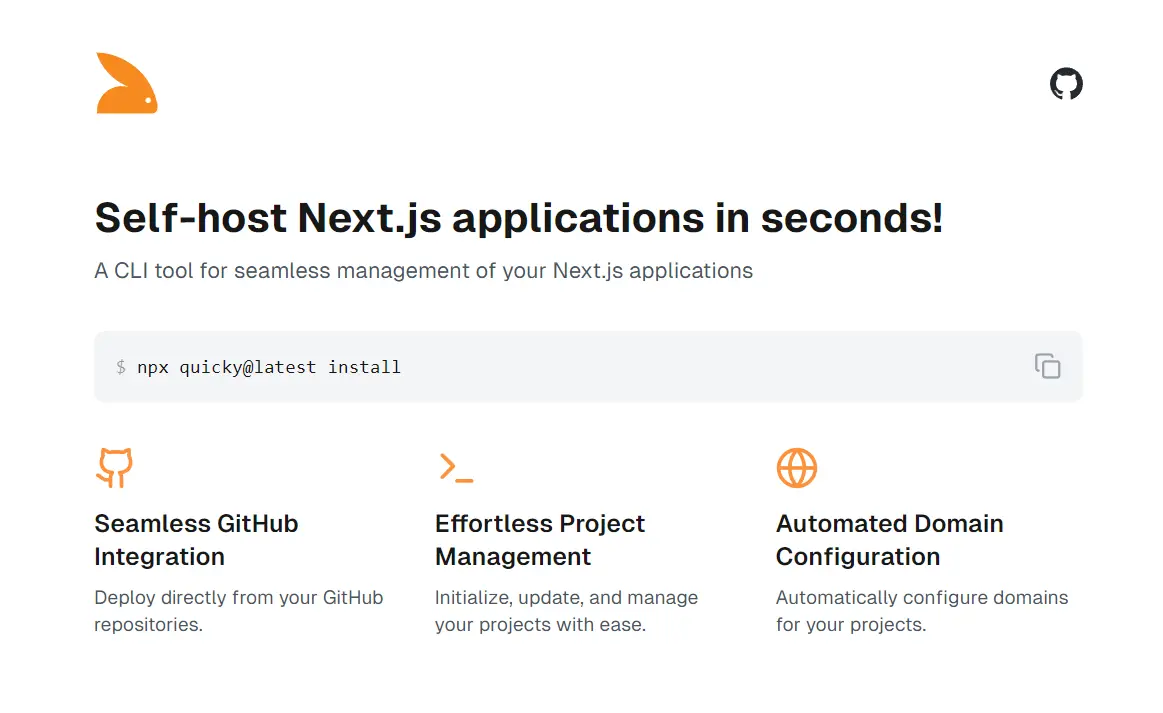
Quicky is a command-line interface (CLI) tool that simplifies the deployment and management of self-hosted Next.js applications.
It provides a simple workflow for initializing, deploying, updating, and managing projects, including automated domain and SSL certificate setup.
This tool enables developers to focus on building their applications rather than wrestling with server configurations.
Features
🐙 GitHub Integration: Deploy directly from GitHub repositories (public and private).
Easy Updates: Update deployed projects with a single command.
Automated Domains & SSL: Simplifies domain and SSL certificate configuration using Nginx.
⚙️ Process Management: Utilizes PM2 for robust application monitoring and control.
Project Removal: Effortlessly delete projects from the server.
Clear Configuration Overview: List and inspect details of deployed projects and associated domains.
Use Cases
- Rapid Prototyping: Quickly deploy prototypes directly from a GitHub repository for testing and feedback. For example, a design agency can use Quicky to showcase interactive prototypes to clients without complex deployment procedures.
- Continuous Integration/Continuous Deployment (CI/CD): Integrate Quicky into a CI/CD pipeline to automate deployments after successful code pushes to GitHub. This enables rapid iteration and delivery of new features. For instance, an e-commerce company could use Quicky to automatically deploy updates to their online store after each successful code integration.
- Managing Multiple Projects: Easily manage multiple Next.js applications on a single server, each with its own domain and SSL configuration. This is beneficial for freelancers or agencies managing various client projects.
- Simplified Server Management: Quicky abstracts away much of the complexity of server configuration, making it accessible to developers who may not be server experts.
Installation Guide
1. Server Setup: Acquire a Linux Ubuntu server (e.g., DigitalOcean, Hetzner).
2. Install Node.js and npm: Connect to the server via SSH and execute:
sudo apt update
sudo apt install -y nodejs npm- Install Quicky: Install globally using:
npx quicky@latest install
# or
sudo npm install -g quicky
Usage Guide
1. Initialize Quicky:
quicky initThis prompts for your GitHub credentials (username and personal access token) and initial project configurations. Generate a personal access token on GitHub with repository access.
2. Deploy a Project:
quicky deployProvide your GitHub username (or organization), repository name, desired port number, and any necessary environment variables.
3. Manage Projects:
quicky manageThis allows you to start, stop, restart, update, or delete deployed projects.
Related Resources
- PM2: A process manager for Node.js applications that Quicky leverages. https://pm2.keymetrics.io/
- Nginx: A high-performance web server and reverse proxy that Quicky uses for domain and SSL management. http://nginx.org/
- Next.js Documentation: The official documentation for Next.js provides in-depth information about building and deploying applications. https://nextjs.org/docs
FAQs
What types of GitHub repositories are supported?
Quicky supports both public and private GitHub repositories.
Can I use Quicky with other JavaScript frameworks?
Currently, Quicky is designed specifically for Next.js applications.
What if I need to change my GitHub credentials?
Run quicky init again to update your stored GitHub credentials.
How do I update Quicky to the latest version?
Use the command quicky upgrade.