The Future of Web Dev
The Future of Web Dev
EasyUI: 110+ Animated React Components for shadcn/ui
Choose from 118 React UI components for navigation, forms, dashboards, and AI response screens, with live previews and individual CLI installs.
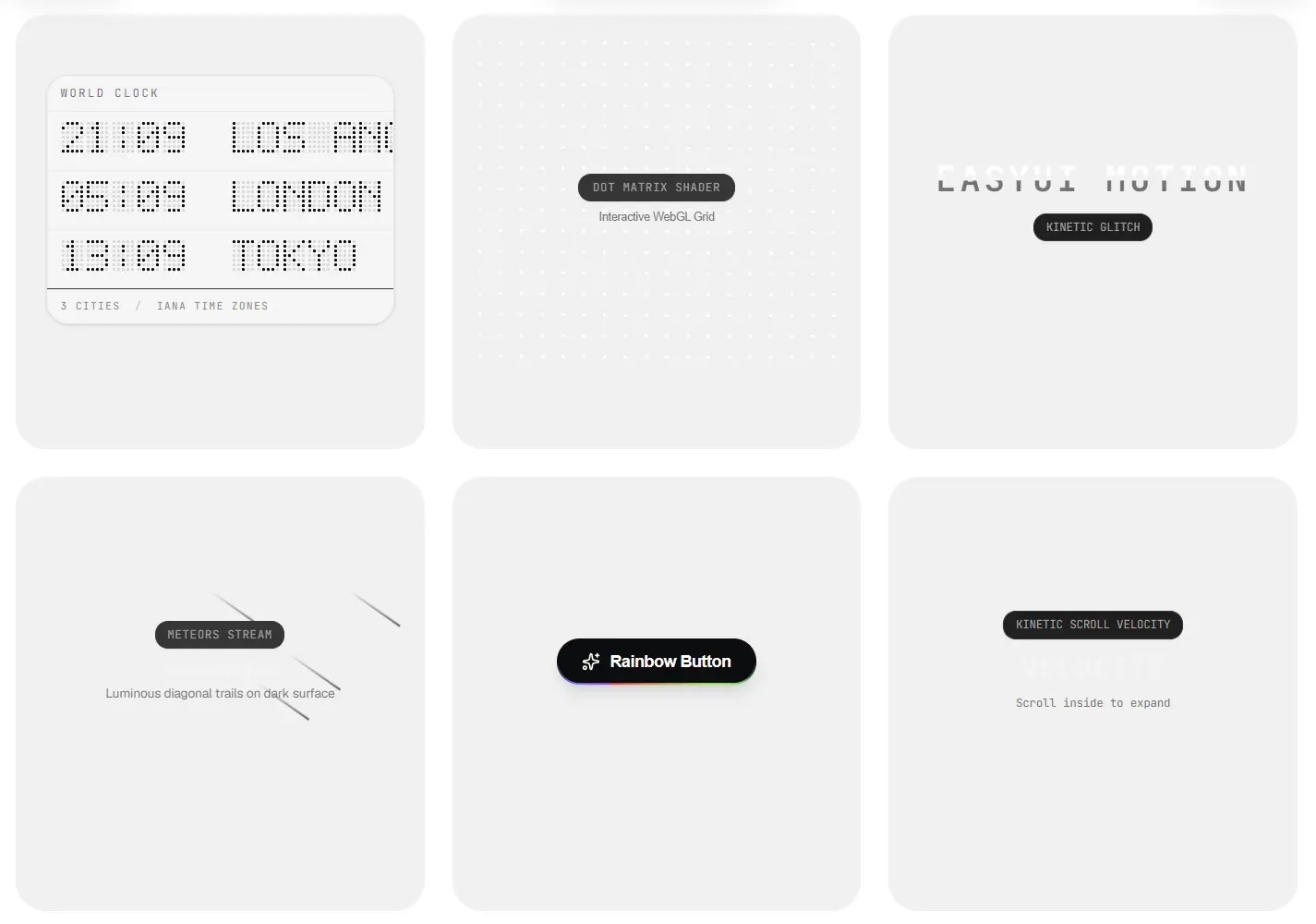
EasyUI is a React component collection that adds spring-animated controls and interactive widgets to Tailwind CSS projects.
Choose from 110+ UI components, including magnetic buttons, morphing dialogs, data tables, and AI response views, then install the ones you need as editable TypeScript files through the shadcn registry.
Features
- Pointer tracking, spring animations, drag gestures, and morphing transitions.
- React UI for forms, navigation, dashboards, AI responses, and checkout screens.
- Component-specific npm dependencies and helper files declared in each registry item.
- Controlled state and callbacks for tabs, toggles, and confirmation actions.
- TypeScript props and local Tailwind class customization.
- Interactive previews and individual component installation commands.
Use Cases
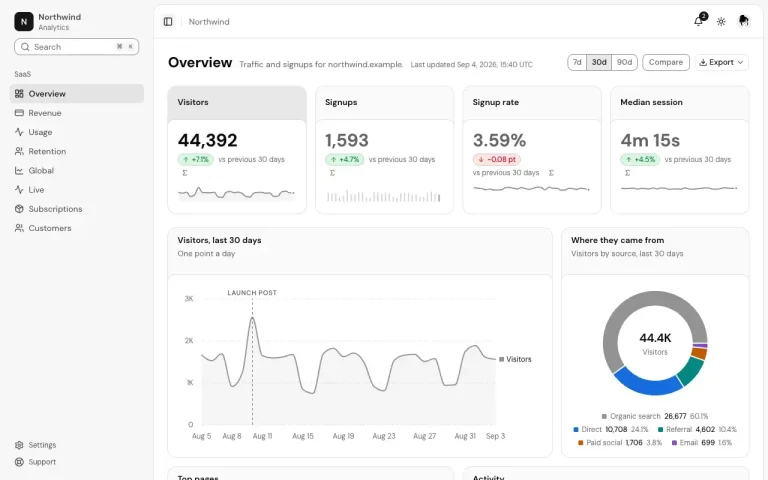
- SaaS dashboards: Animate KPI changes and display searchable, sortable data tables with row selection.
- AI chat screens: Render assistant responses, execution status, code snippets, and agent activity timelines.
- Account settings: Show animated tabs, form feedback, login controls, and OTP entry fields.
- Product and checkout pages: Add pointer-reactive calls to action, pricing panels, and drag-to-confirm controls.
How To Use It
1. Initialize shadcn/ui
Initialize shadcn/ui in a React or Next.js project with Tailwind CSS.
npx shadcn@latest init2. Install the components
Install Magnetic Button and Spotlight Card for the first example. The two registry entries write components/ui/magnetic-button.tsx and components/ui/spotlight-card.tsx, along with their declared helper files and framer-motion dependency. File destinations follow the aliases in your components.json.
npx shadcn@latest add Surajmaurya1/easyui/magnetic-button
npx shadcn@latest add Surajmaurya1/easyui/spotlight-card
If an existing project already has a customized lib/utils.ts, preview the proposed file changes before installing:
npx shadcn@latest add Surajmaurya1/easyui/magnetic-button --dry-run3. Basic Usage: Magnetic Button and Spotlight Card
Create app/page.tsx in a Next.js App Router project. Both installed components declare "use client" in their source files, and the page only passes serializable props and JSX children.
import { MagneticButton } from "@/components/ui/magnetic-button";
import { SpotlightCard } from "@/components/ui/spotlight-card";
export default function HomePage() {
  return (
    <main className="min-h-screen bg-neutral-950 p-8 text-white">
      <SpotlightCard
        className="max-w-md"
        spotlightColor="rgba(99, 102, 241, 0.18)"
        spotlightSize={280}
      >
        <h2 className="text-xl font-semibold">Team analytics</h2>
        <p className="mb-6 mt-2 text-sm text-neutral-400">
          Review traffic, revenue, and customer activity.
        </p>
        <MagneticButton strength={0.25} variant="primary" size="md">
          Open dashboard
        </MagneticButton>
      </SpotlightCard>
    </main>
  );
}
4. Example: Animate a Changing Dashboard Metric
Install Animated Number Morph:
npx shadcn@latest add Surajmaurya1/easyui/animated-numberCreate components/revenue-counter.tsx. This example simulates a revenue update in local state. Use a Client Component because the button changes the counter value.
"use client";
import { useState } from "react";
import { AnimatedNumber } from "@/components/ui/animated-number";
export function RevenueCounter() {
  const [revenue, setRevenue] = useState(18340);
  return (
    <section className="rounded-xl bg-neutral-950 p-6 text-white">
      <p className="text-sm text-neutral-400">Monthly revenue (demo)</p>
      <div className="mt-2 text-3xl font-semibold">
        <AnimatedNumber value={revenue} prefix="$" useGrouping />
      </div>
      <button
        type="button"
        onClick={() => setRevenue((amount) => amount + 250)}
        className="mt-5 rounded-lg bg-white px-4 py-2 text-sm text-black"
      >
        Simulate a $250 payment
      </button>
    </section>
  );
}
Available UI Components
| Category | Components |
|---|---|
| Navigation and search | Animated Tabs, Branching Submenu, Breadcrumb, Command Menu, Expandable Search, Floating Action Dock, Glass Navbar, Gooey Menu, Hamburger Menu, iOS-style Search Bar, OriginDropdown, Pill Navigation, Scroll Progress Navigation, Sidebar, SlidePagination, Small Floating Dock, Spotlight Search |
| Buttons and actions | Batch Gesture Tray, Book Call Button, Button, Drag to Confirm, Liquid Ripple Button, Magnetic Button, Morphing Button, Neon Edge Button, Particle Delete, PressButton, Rainbow Button, Rocket Party Popper, Split Button, Typewriter Button |
| Forms and selection | Animated File Upload, Calendar, Combobox, Date Picker, DrawCheckbox, Form, Liquid Toggle, LockInput, OTP Input, Selection Basket, SpringSelect, Stepper, StretchSwitch |
| Authentication and commerce | Login, Sign Up, Pricing, Payment Receipt Printer, Payment Status, Wallet Card, Smart Comparison, Recovery Ledger |
| AI, data and developer UI | Activity Feed, Advanced Data Table, AI Agent Activity, AI Response, Chat, Code Snippet Deck, Dependency Trace, Expandable Data Row, Focus Mode, Interactive Timeline, Metric HUD, Thinking Orb |
| Cards and page layouts | Avatar Stack, Density Lens, Dynamic Island, macOS Folder Cards, Not Found, Peek Card, Profile Card, Reveal Card, Spotlight Card, Stack Unfold Panel, Stacked Cards, Sticky Pages, Story Cards |
| Overlays, alerts and feedback | Alert, Badge, DirectionalTooltip, FAQ, Intro Loader, Loader, Morphing Dialog, Notification Bell, Notification Stack, Pull to Refresh, SettleModal, Sheet, Skeleton, Smooth Accordion, Undo Toast, UnfoldAccordion, VelocityToast |
| Motion, text and graphic effects | Airport Matrix Clock, Animated Number Morph, Car Smoke Page Transition, Circular Orbit, Cursor Follower, Depth Corridor, Dot Field, Dot Shader, Evil Eye, Glitch Text, Glyph Matrix, Gravity Particle Burst, Meteors, Morphing Blob, Morphing Icon, Morphing Shape Loader, Nimbu Mirchi, Orbital Loading Ring, Scroll Velocity Text, Shooting Stars, Sparkles Core, Speed Warp, Text Scramble Decoder, Torque Dial |
Alternatives and Related Resources