The Future of Web Dev
The Future of Web Dev
Build Modern Documentation Sites and Blogs with Next.js and MDX
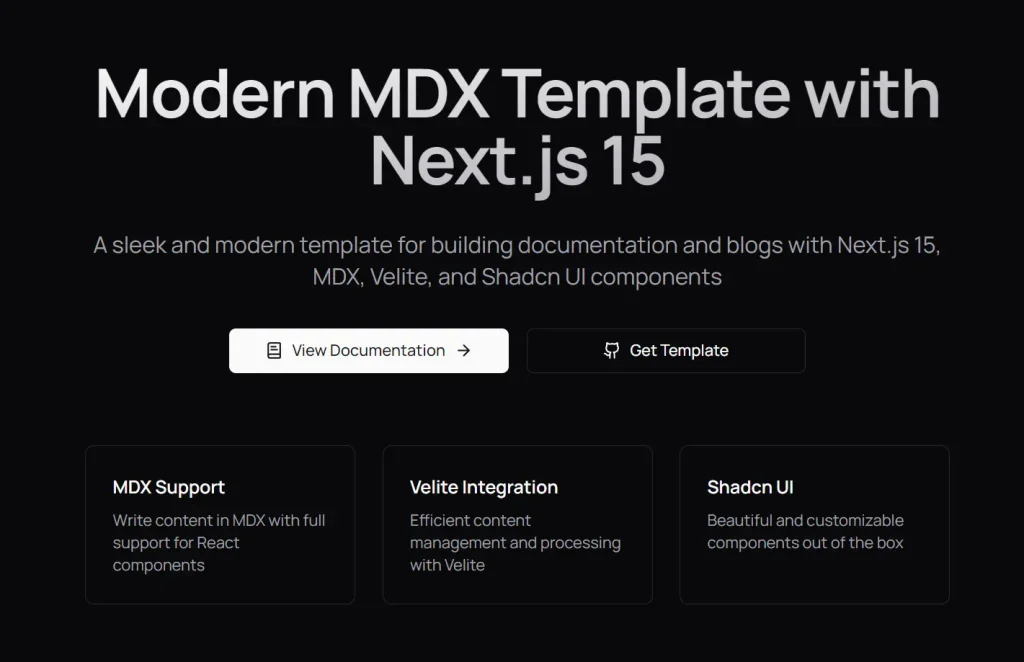
Build a modern documentation or blog site with Next.js 15, MDX, and Shadcn UI. Get started quickly with this flexible template.
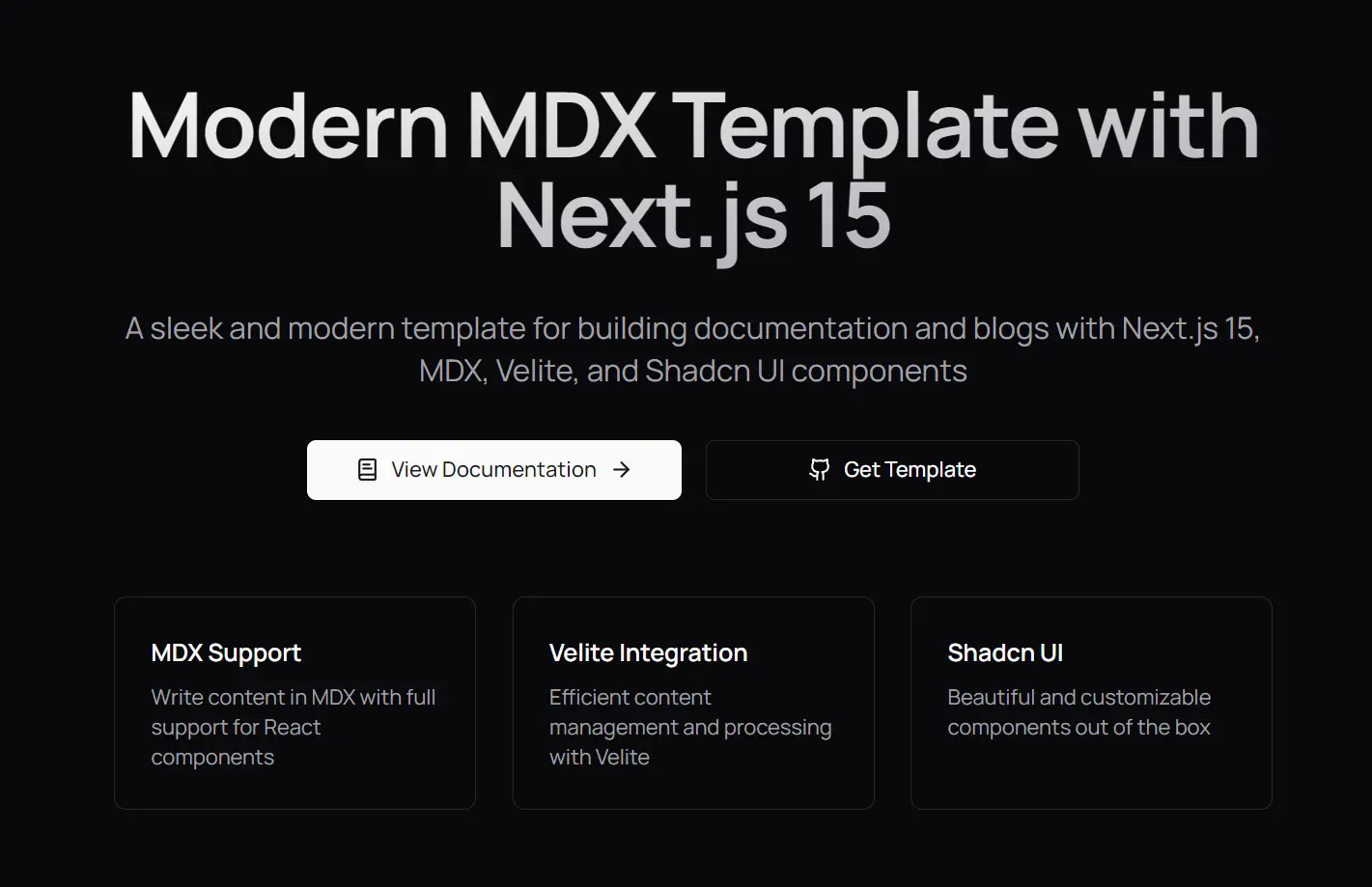
mext15 is a Next.js-powered framework that integrates MDX support, Velite content management, and Shadcn UI components to create high-performance documentation sites and technical blogs.
Built with TypeScript and Tailwind CSS, this framework prioritizes type safety and maintainable styling. It includes pre-configured components specifically designed for technical documentation needs, from code blocks to interactive elements.
Features
🚀 Next.js: Leverages the latest React framework for optimized performance.
🗂️ Content Management with Velite: Facilitates organized and efficient content processing.
✅ TypeScript Integration: Offers type safety for improved code maintainability.
💅 Tailwind CSS: Utilizes a utility-first CSS framework for streamlined styling.
✍️ MDX Support: Enables writing content in Markdown with the flexibility of React components.
🎨 Modern UI with Shadcn UI: Provides customizable and visually appealing pre-built components.
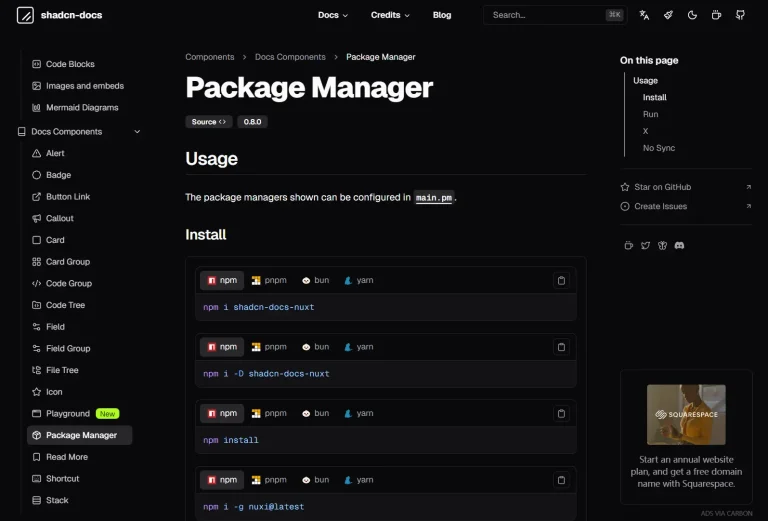
📚 Documentation Ready: Pre-configured to support the specific needs of technical documentation and blog platforms.
Use Cases
- Open Source Project Documentation: Use this template to create comprehensive documentation for your open-source libraries or tools. Showcase installation guides, API references, and usage examples in a user-friendly format. This helps other developers understand and adopt your project.
- SaaS Product Knowledge Base: Develop a detailed knowledge base for your Software as a Service (SaaS) product. Organize articles, tutorials, and troubleshooting guides to assist users in understanding features and resolving issues.
- Technical Blog Platform: Establish a personal or company blog focused on web development topics. Share insights, tutorials, and project updates using the built-in blog features and MDX support for code snippets and interactive examples.
- Internal Company Documentation: Build internal documentation for development teams. Document coding standards, project workflows, and architectural decisions in a centralized and easily accessible location.
- Component Library Showcase: Present a library of reusable UI components with detailed usage instructions and examples. Developers can explore the available components and understand how to integrate them into their projects.
Installation
1. Clone the repository:
git clone https://github.com/rudrodip/mext15.git my-docs
cd my-docs
2. Install dependencies:
bun install3. Start the development server:
bun run devOnce this is done, your Next.js application will be up and running, ready for you to start building your documentation or blog site.
Usage
1. Add documentation and blog content by creating MDX files within the content/docs/ directory.
2. Customize site settings, such as metadata and social links, by modifying the src/config/site.config.ts file.
3. Utilize the pre-built components located in the src/components/ directory for consistent UI elements.
4. Structure your application logic and pages within the src/app/ directory, taking advantage of Next.js’s app router.
Components Included
- Blockquote
- Accordion
- Tabs
- File Explorer
- Card Components
- Alert Components
- Callout Components
- Steps Component
- Code Components
- Utility Components
- Zoomable Images
Related Resources
- Next.js: The official React framework for production, offering features like routing, rendering, and more. https://nextjs.org/docs
- MDX: A format that lets you write JSX in your Markdown documents. https://mdxjs.com/docs/
- Shadcn UI: A collection of accessible and customizable UI components built using Radix UI primitives and styled with Tailwind CSS. https://ui.shadcn.com/docs
FAQs:
Q: Can I use npm instead of bun for installation?
A: Yes, you can use npm or yarn. Simply replace bun install with npm install or yarn install.
Q: Does the template support dark mode?
A: Yes, the template includes built-in dark mode support through Tailwind CSS and theme configuration.
Q: Can I customize the pre-built components?
A: Yes, all Shadcn UI components can be customized through Tailwind CSS classes and component properties.
Q: Can I use this template for projects other than documentation or blogs?
A: While optimized for documentation and blogs, the underlying Next.js structure allows for further customization to suit other web development needs.
Q: How do I add new pages to my documentation site?
A: Create new .mdx files within the content/docs/ directory. The template automatically handles routing based on the file structure.
Preview